How to Turn Off Notifications on Android
Open your Android's Settings .. Tap Notifications or Notification Center.. Tap the type of notification you want to turn off.
Steps
1
Open your Android's Settings .
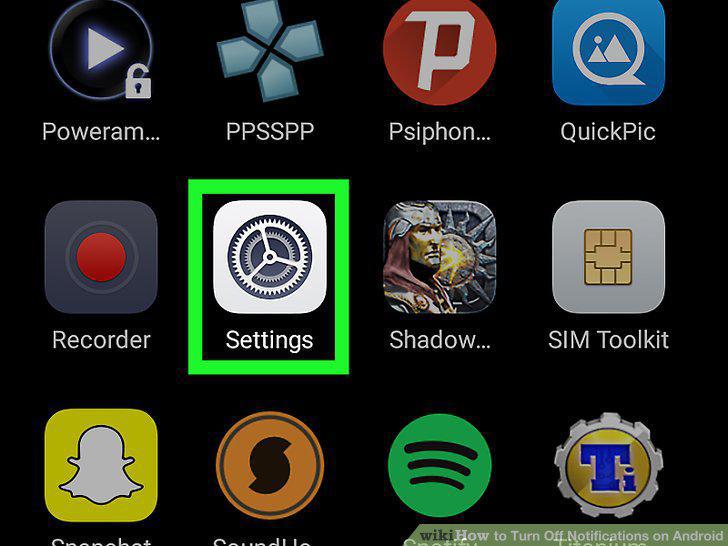
Open your Android's Settings .
2
Tap Notifications or Notification Center.
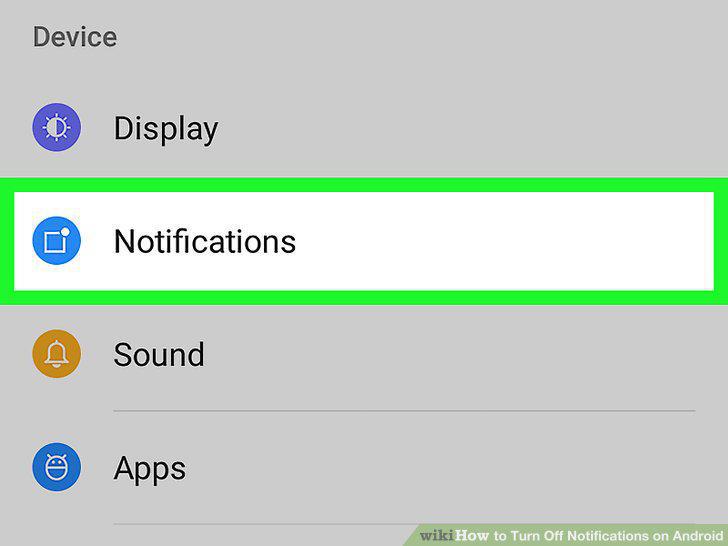
Tap Notifications or Notification Center.
3
Tap the type of notification you want to turn off.
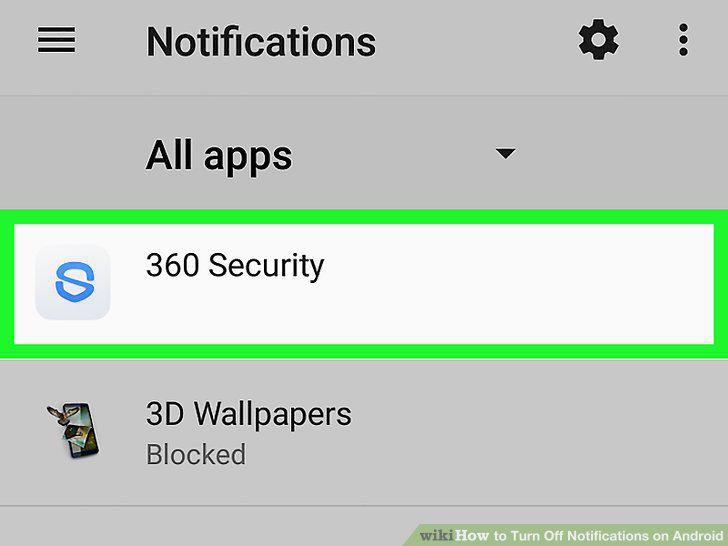
Tap the type of notification you want to turn off.
4
Turn off the app or feature's notifications.
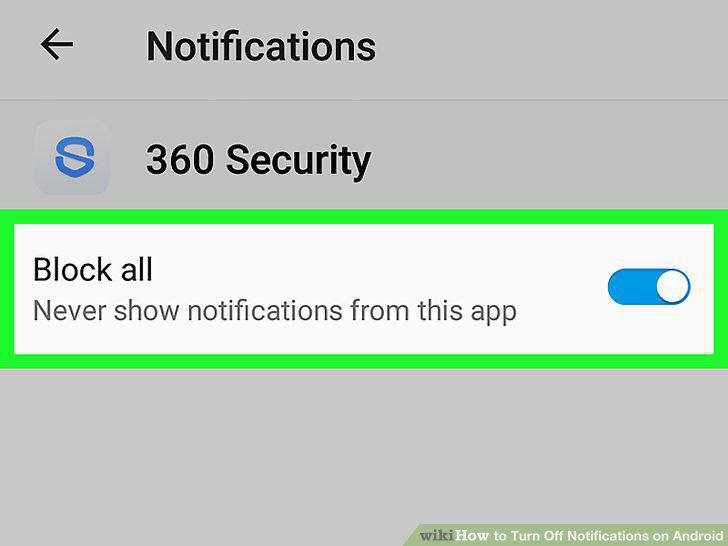
Turn off the app or feature's notifications.
5
Repeat for other apps and features.
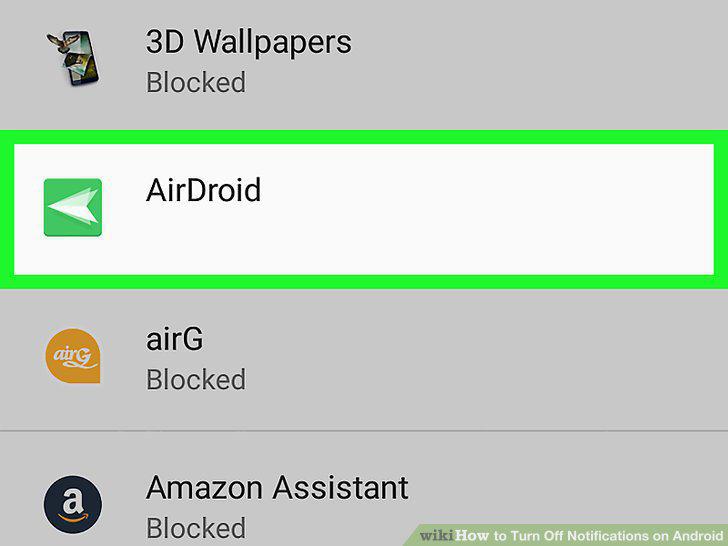
Repeat for other apps and features.
6
Open the app for which you want to disable notifications.
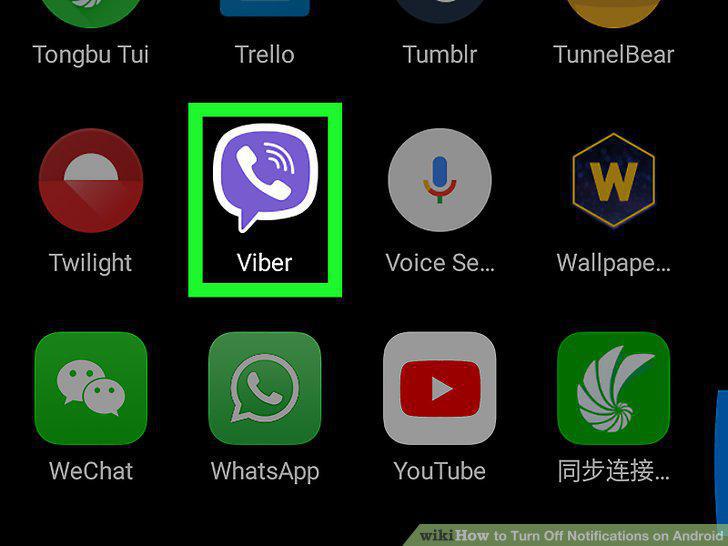
Open the app for which you want to disable notifications.
7
Open the app's menu.

Open the app's menu.
8
Locate the settings.
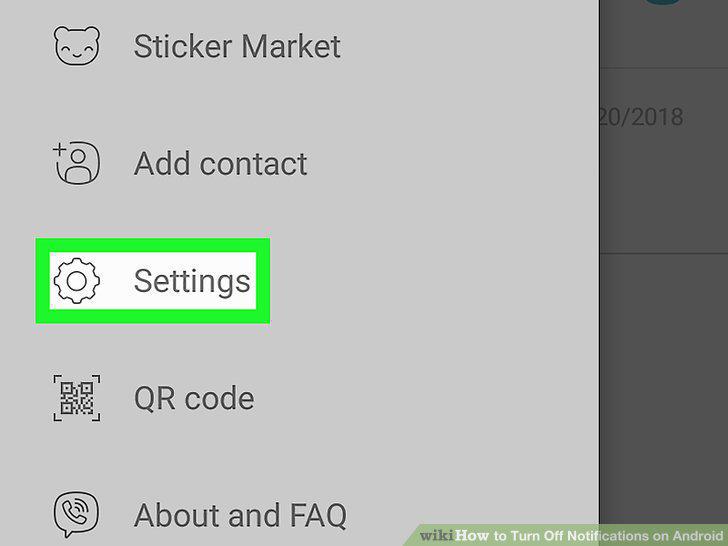
Locate the settings.
9
Turn notifications off.

Turn notifications off.
Comments (0)
No comments yet. Be the first to share your thoughts!