How to Post an Article on LinkedIn on iPhone or iPad
Open the LinkedIn app on your iPhone or iPad.. Tap the Home icon.. Tap Share an article, photo, video or idea at the top.
Steps
1
Open the LinkedIn app on your iPhone or iPad.
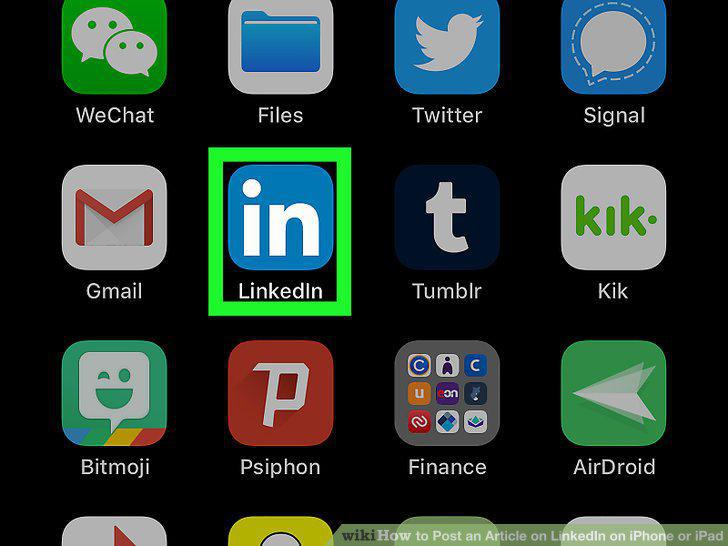
Open the LinkedIn app on your iPhone or iPad.
2
Tap the Home icon.
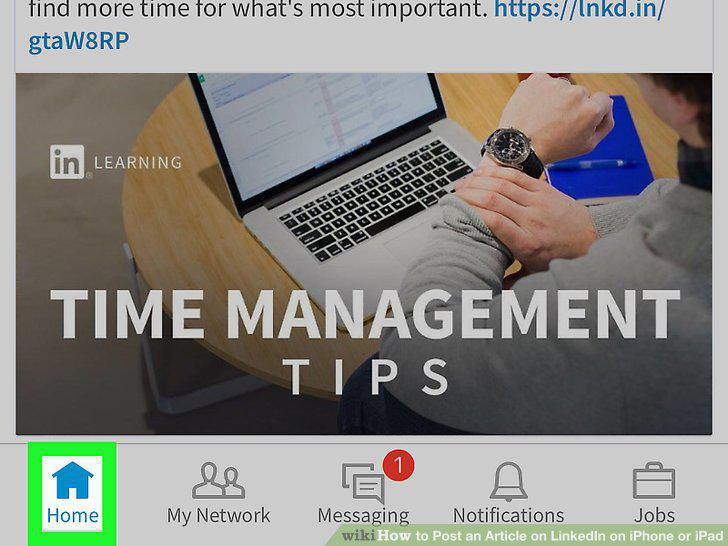
Tap the Home icon.
3
Tap Share an article, photo, video or idea at the top.
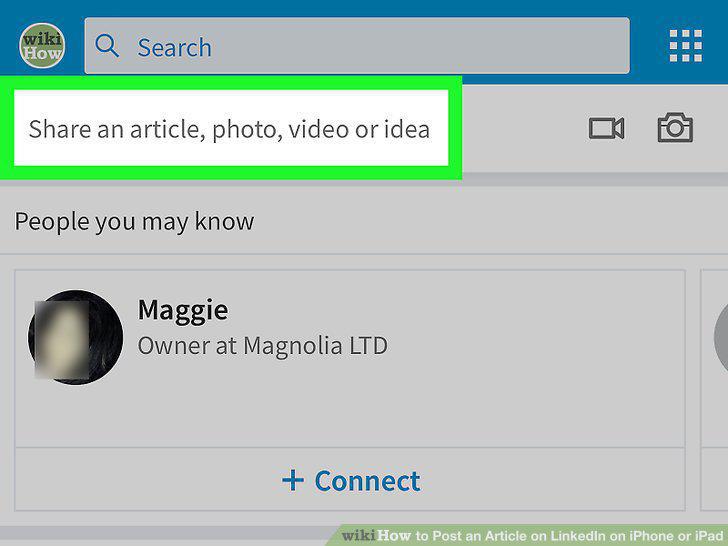
Tap Share an article, photo, video or idea at the top.
4
Paste your article's URL link into the text field.
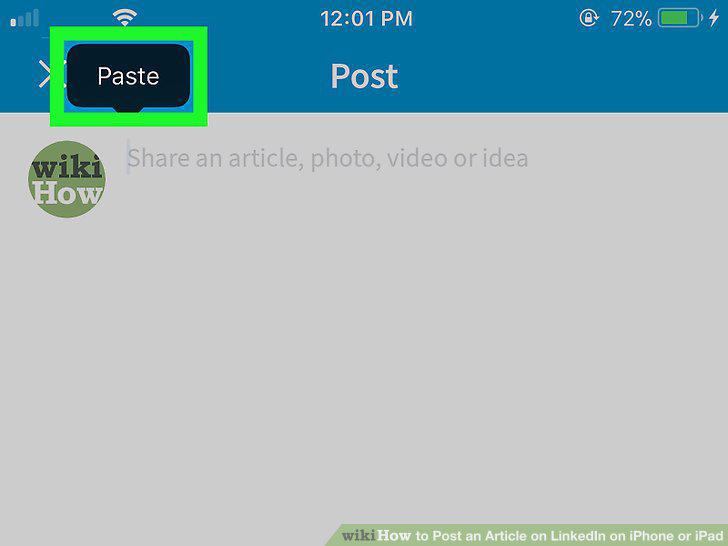
Paste your article's URL link into the text field.
5
Enter an additional message into the text field.
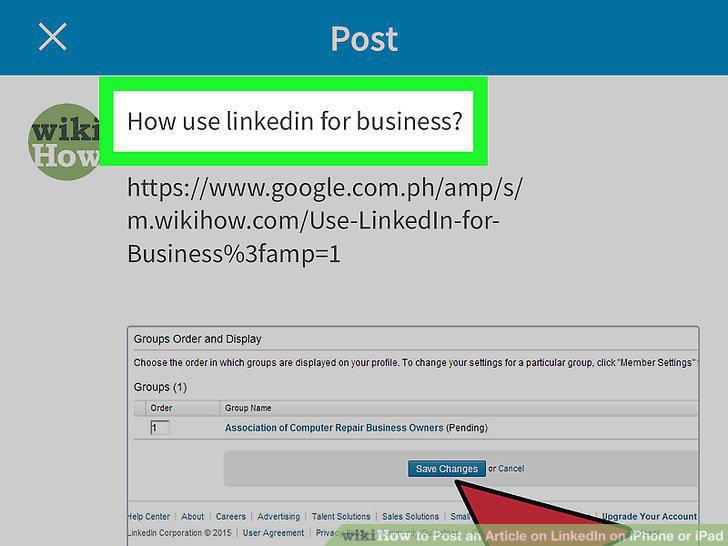
Enter an additional message into the text field.
6
Tap the blue Post button.
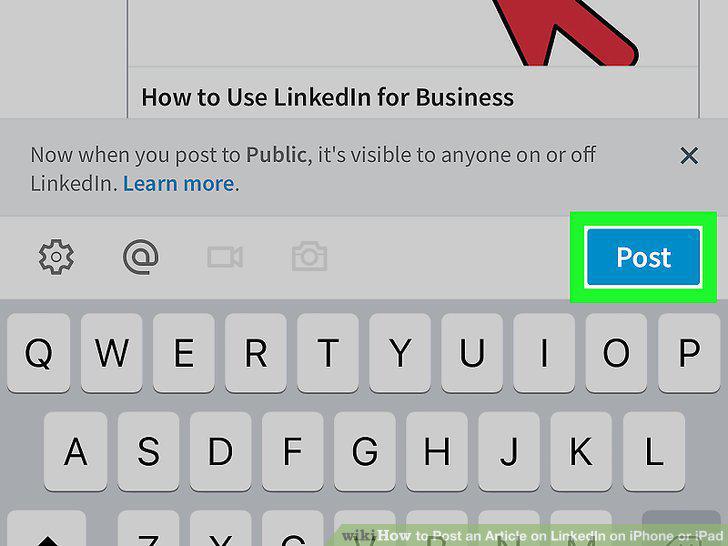
Tap the blue Post button.
Comments (0)
No comments yet. Be the first to share your thoughts!