How to Do the Middle Finger on Facebook
Open the Facebook comment or message you want to add a middle finger to.. Switch to the emoji keyboard.. Find the hand signals.
Steps
1
Open the Facebook comment or message you want to add a middle finger to.
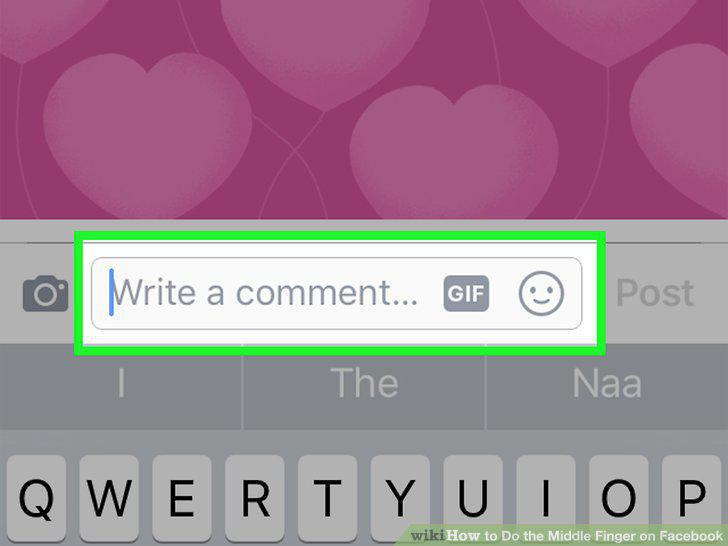
Open the Facebook comment or message you want to add a middle finger to.
2
Switch to the emoji keyboard.
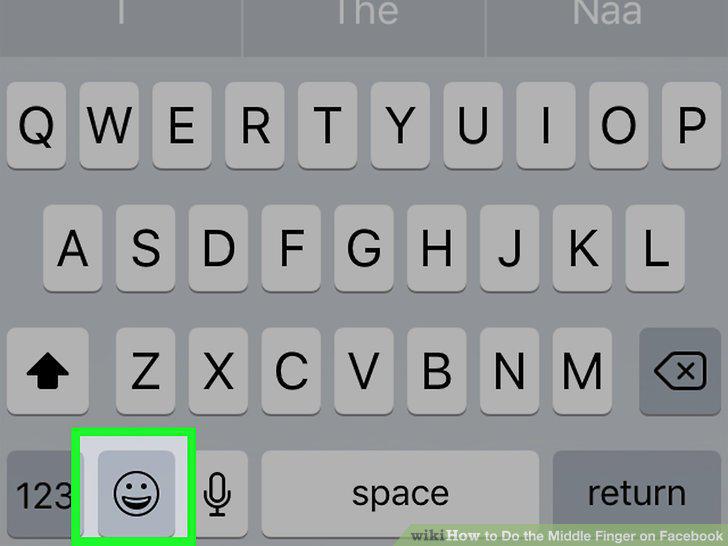
Switch to the emoji keyboard.
3
Find the hand signals.
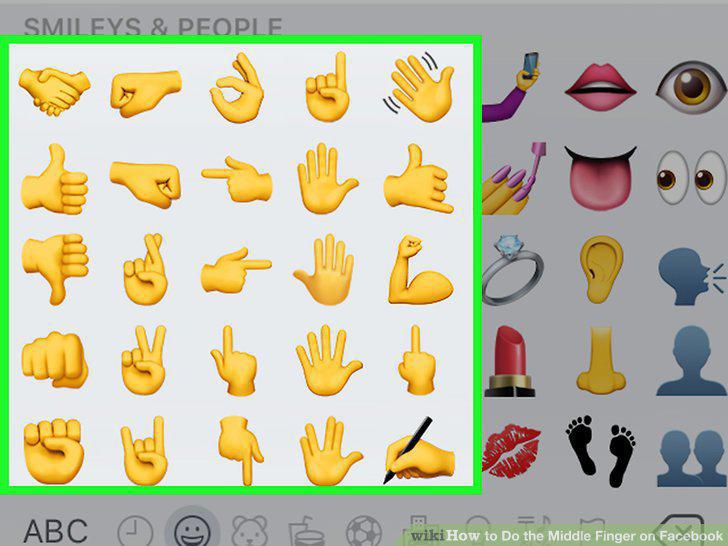
Find the hand signals.
4
Tap the middle finger hand gesture emoji.
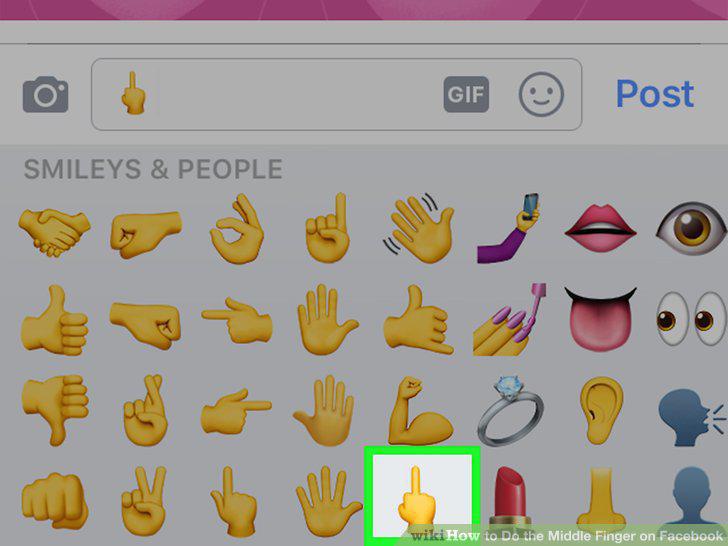
Tap the middle finger hand gesture emoji.
5
Copy the middle finger character from this page.
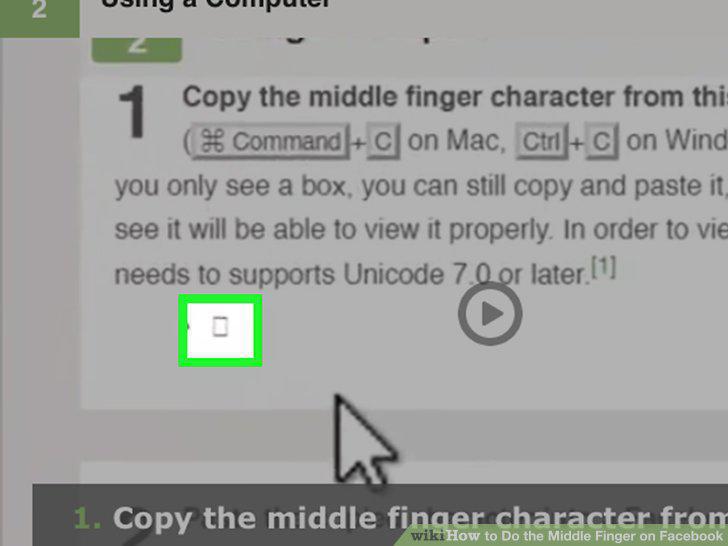
Copy the middle finger character from this page.
6
Paste the copied character into a Facebook message or comment.
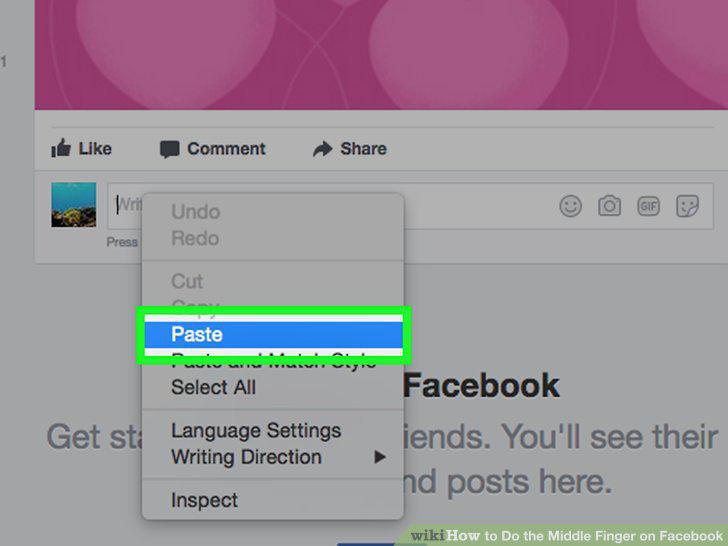
Paste the copied character into a Facebook message or comment.
7
Send your comment or message.
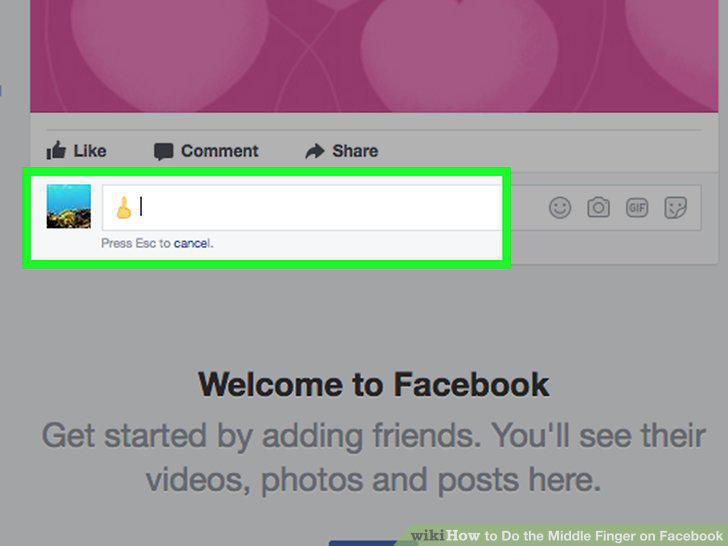
Send your comment or message.
Comments (0)
No comments yet. Be the first to share your thoughts!