How to Create a Flawless Filing System on Your Computer
Understand your filing system's terminology.. Determine which files you have to organize.. Choose a location for your filing system.
Steps
Understand your filing system's terminology.
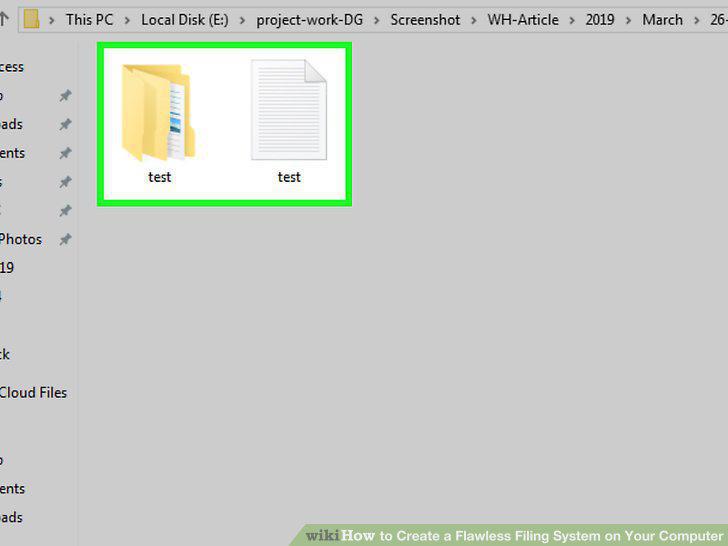
Understand your filing system's terminology.
Determine which files you have to organize.
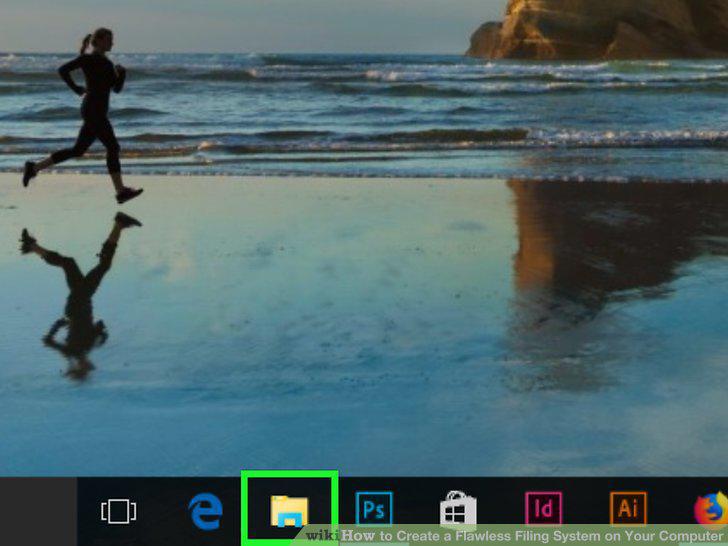
Determine which files you have to organize.
Choose a location for your filing system.
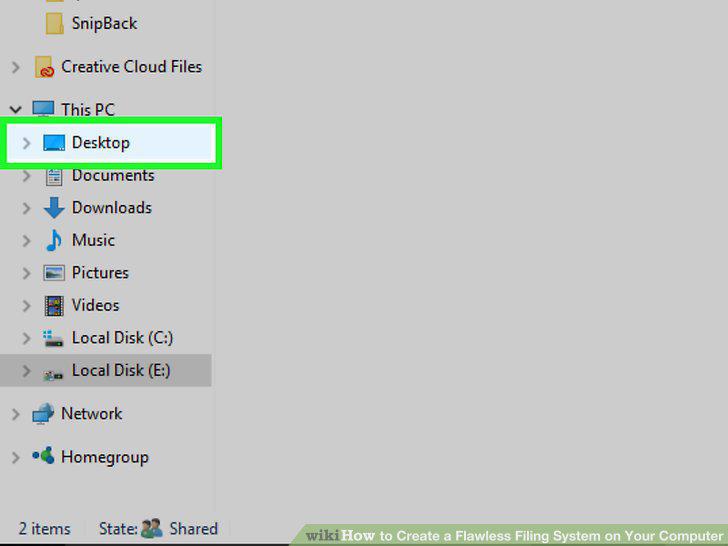
Choose a location for your filing system.
Don't use your filing system for programs.
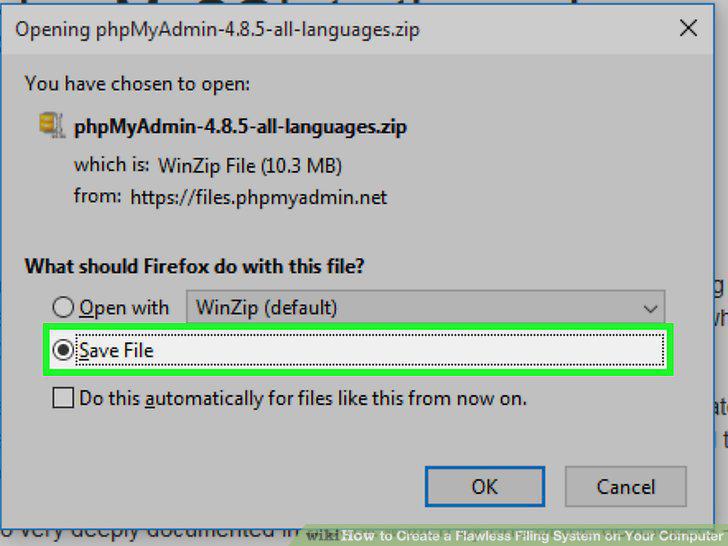
Don't use your filing system for programs.
Understand how to create folders on your computer.
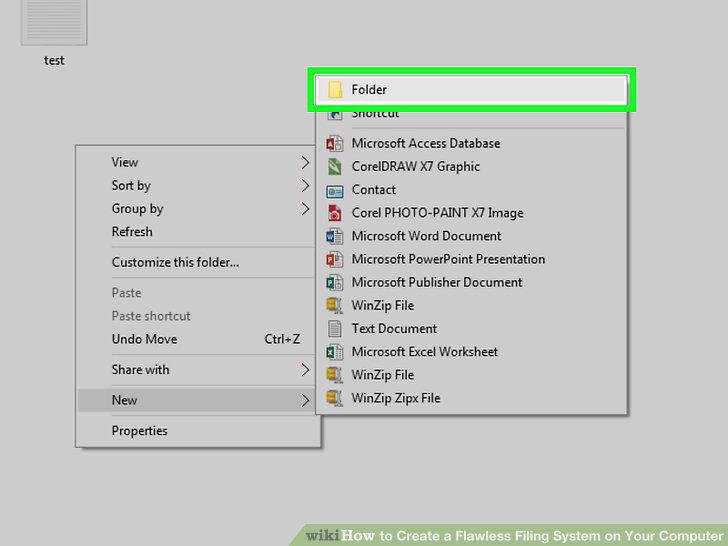
Understand how to create folders on your computer.
Remember to use intuitive labels for your folders.
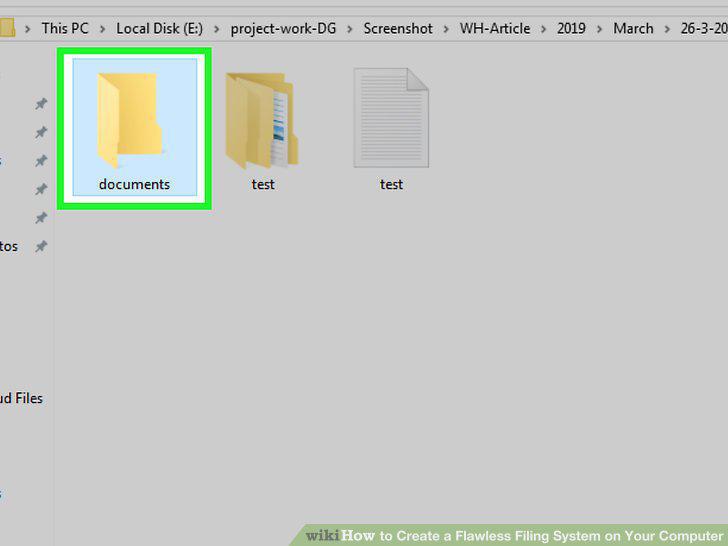
Remember to use intuitive labels for your folders.
Go to the folder in which you want to create your filing system.
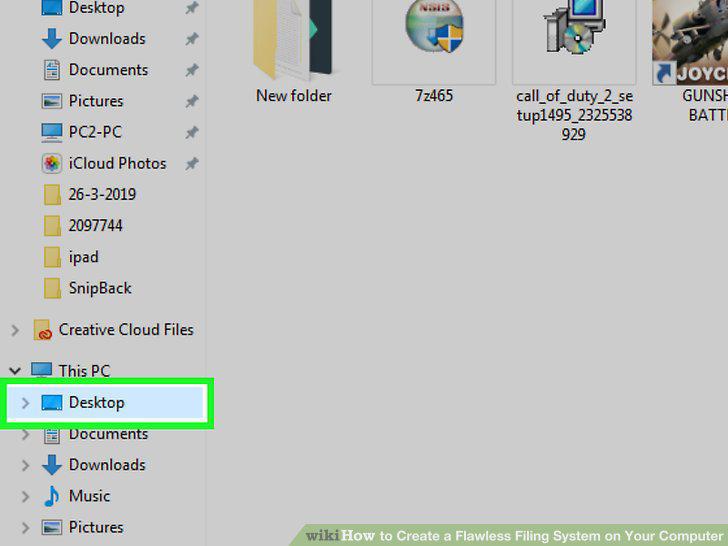
Go to the folder in which you want to create your filing system.
Create a base folder.
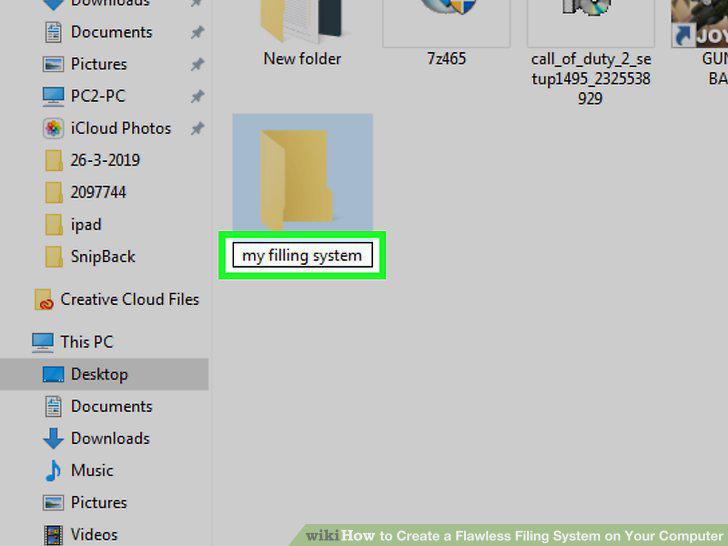
Create a base folder.
Open the base folder.
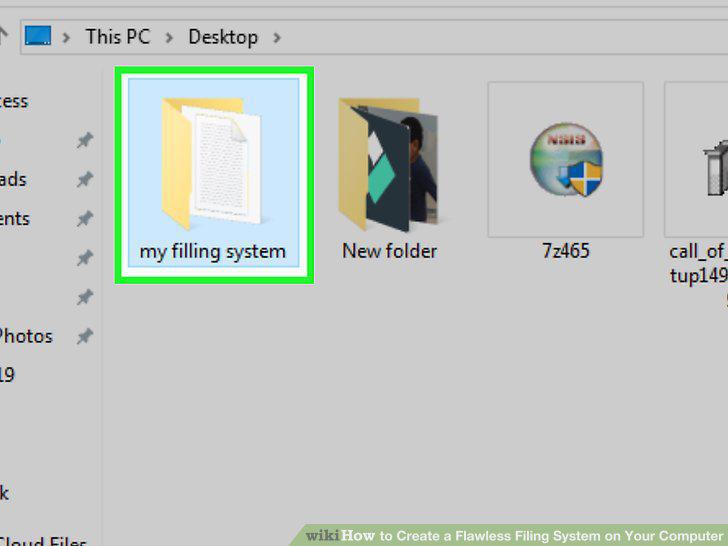
Open the base folder.
Create a "Temporary" folder.
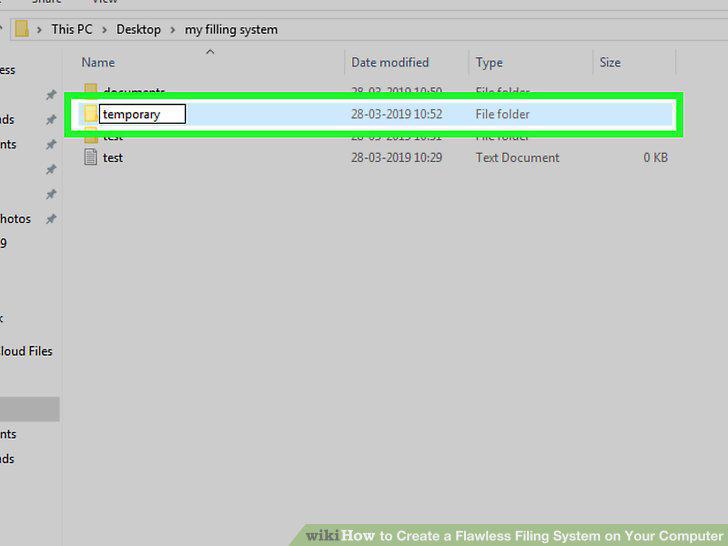
Create a "Temporary" folder.
Create a folder for each category of document you want to organize.
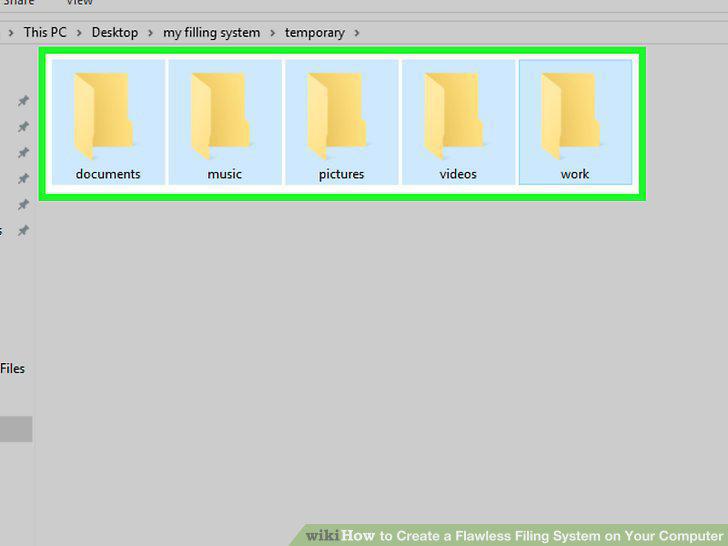
Create a folder for each category of document you want to organize.
Create subfolders for your category folders.
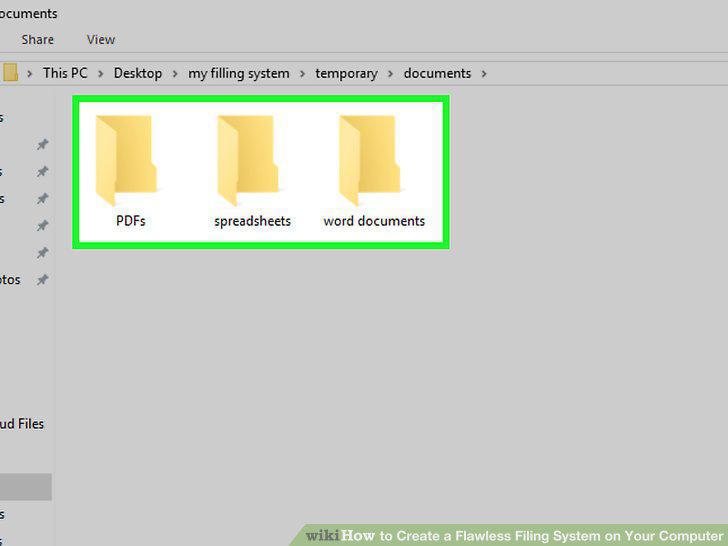
Create subfolders for your category folders.
Move files into your filing system.
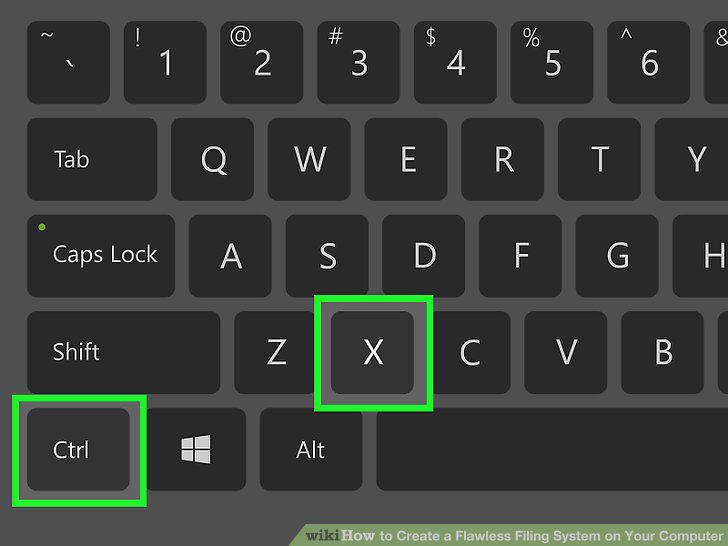
Move files into your filing system.
Create hidden folders
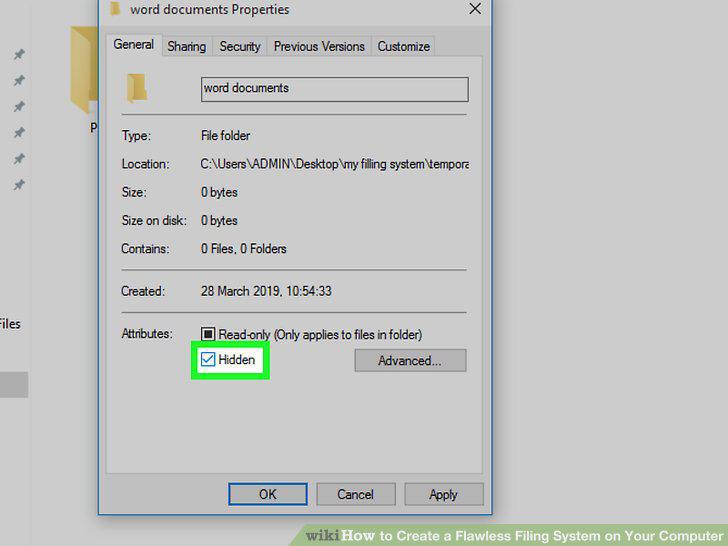
Create hidden folders
Back up your filing system regularly.
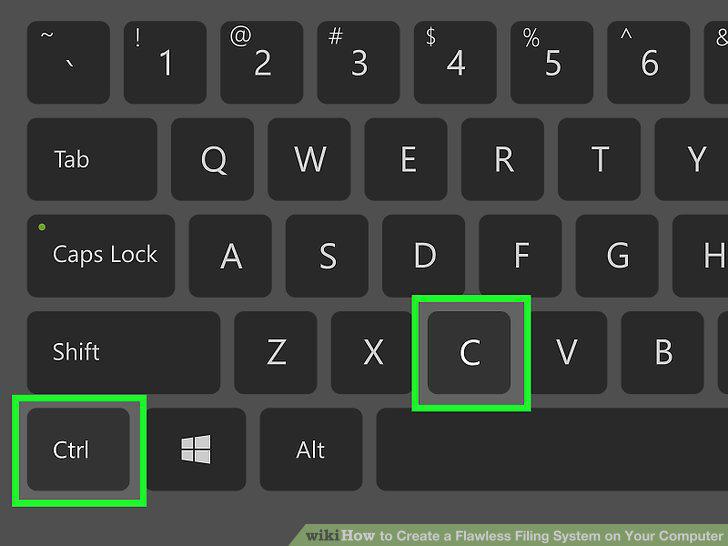
Back up your filing system regularly.
Establish rules for yourself.
Establish rules for yourself.
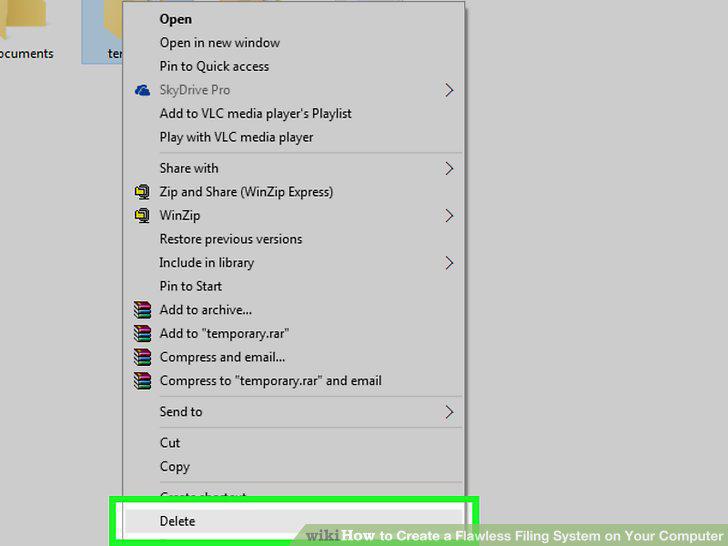
Delete your filing system's unnecessary files.
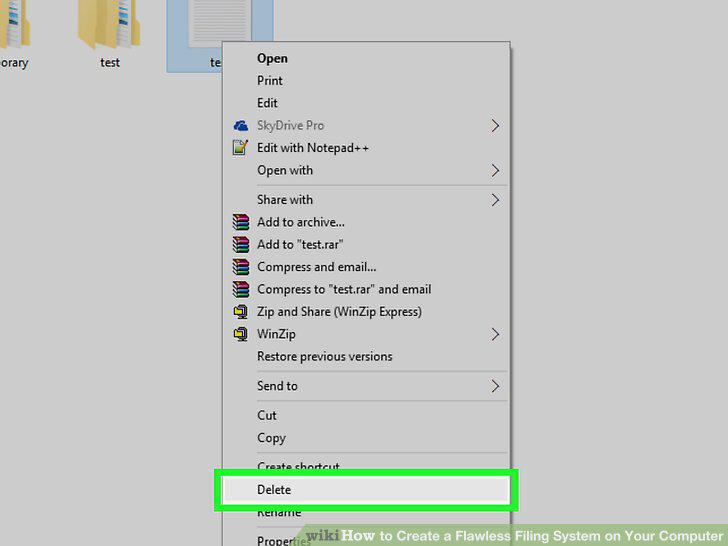
Delete your filing system's unnecessary files.
Remember to save new files directly to your filing system.
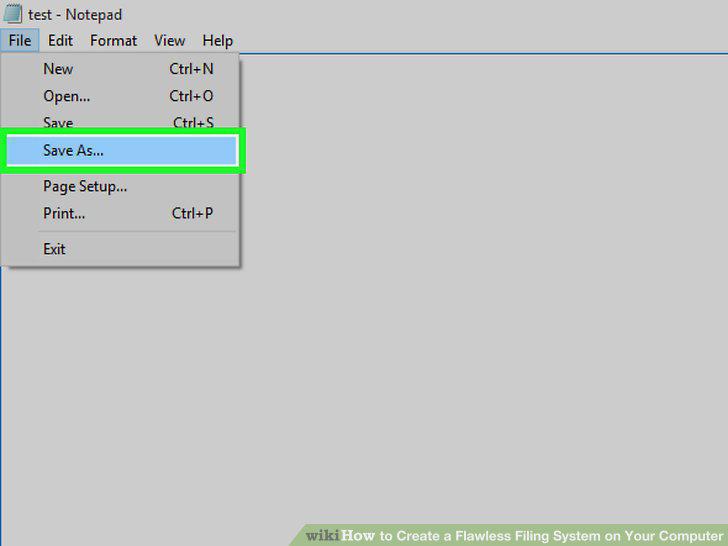
Remember to save new files directly to your filing system.
Rename files to cut down on visual clutter.
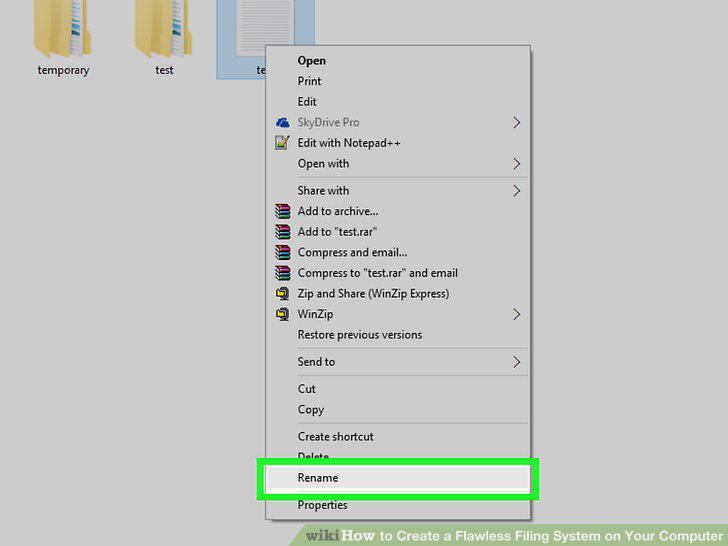
Rename files to cut down on visual clutter.
Form a habit of using and maintaining your filing system.
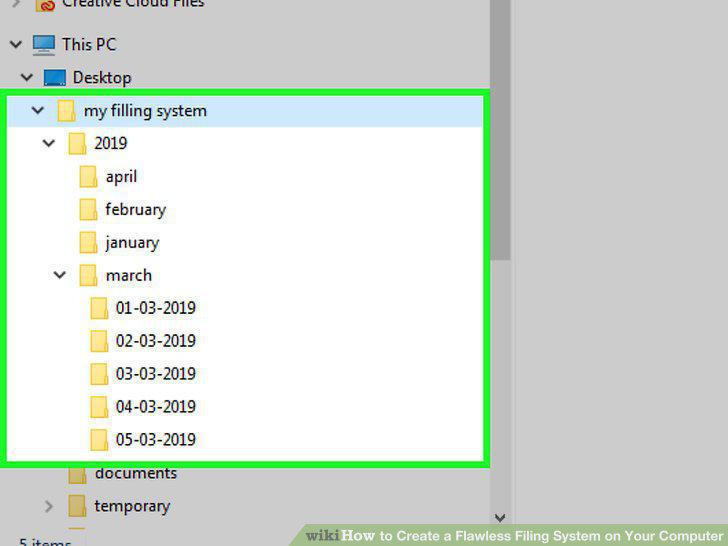
Form a habit of using and maintaining your filing system.
Comments (0)
No comments yet. Be the first to share your thoughts!