How to Get a Profile Pic on Reddit
Go to https://www.reddit.com and log in to your account.. Click on your username in the top right corner.. Go to your User Settings.
Steps
1
Go to https://www.reddit.com and log in to your account.
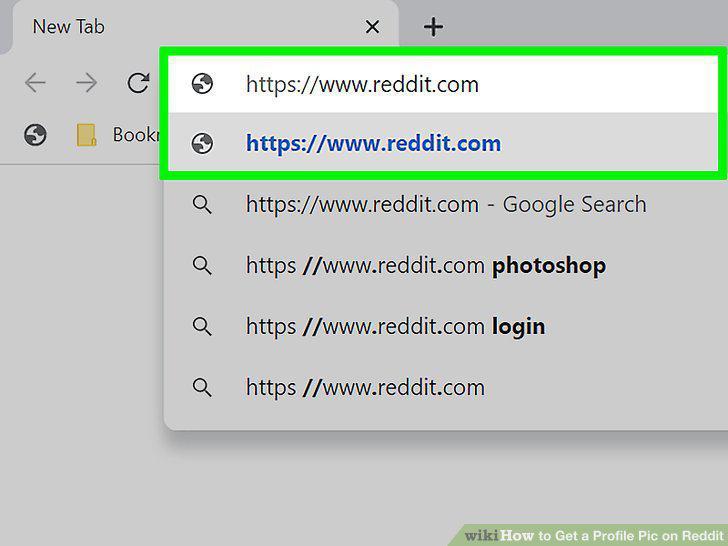
Go to https://www.reddit.com and log in to your account.
2
Click on your username in the top right corner.
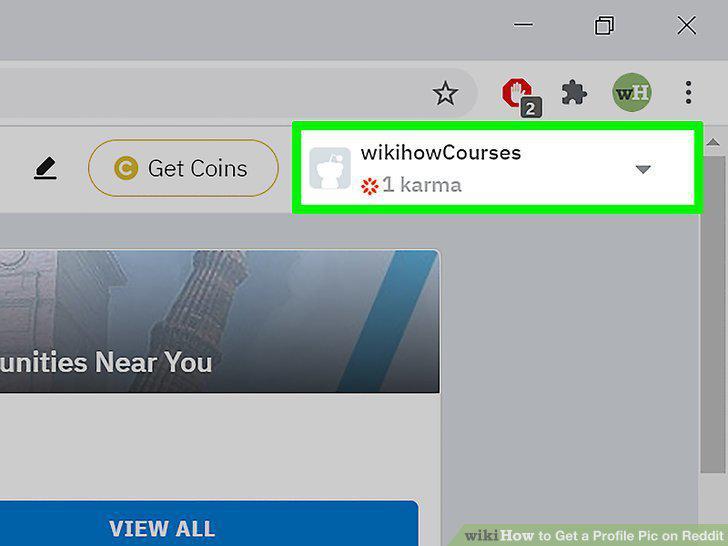
Click on your username in the top right corner.
3
Go to your User Settings.
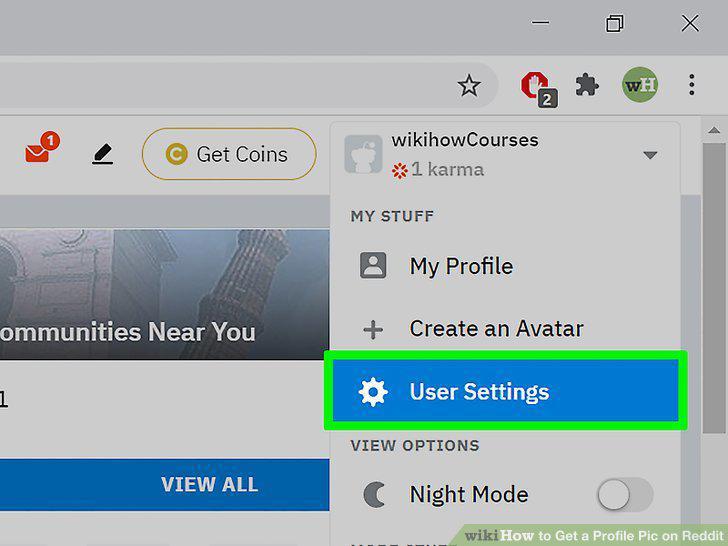
Go to your User Settings.
4
Go to the Profile tab in your user settings.
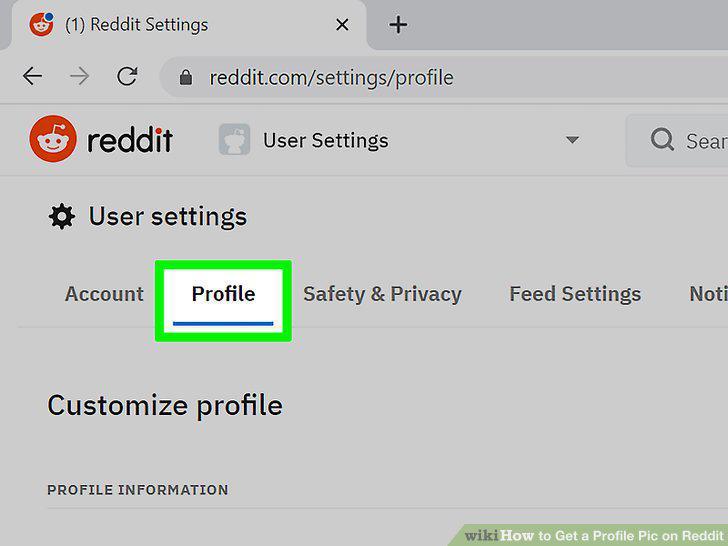
Go to the Profile tab in your user settings.
5
Upload the desired image.
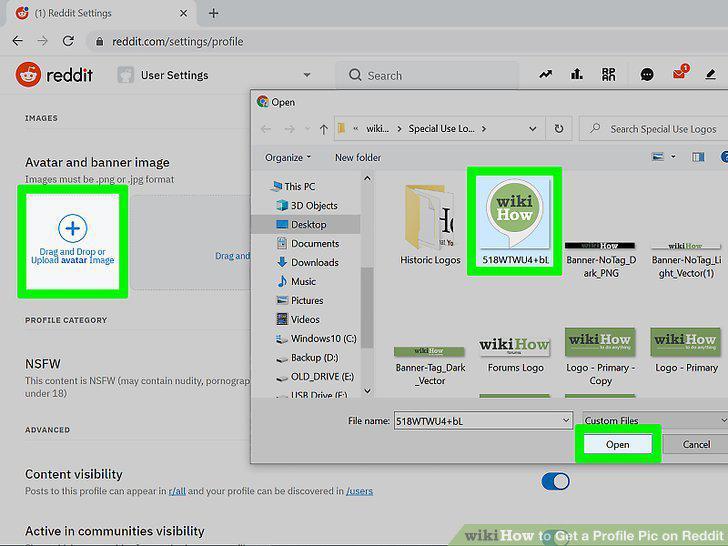
Upload the desired image.
6
Your profile picture should now be updated.

Your profile picture should now be updated.
7
Go to https://www.reddit.com in a web browser.
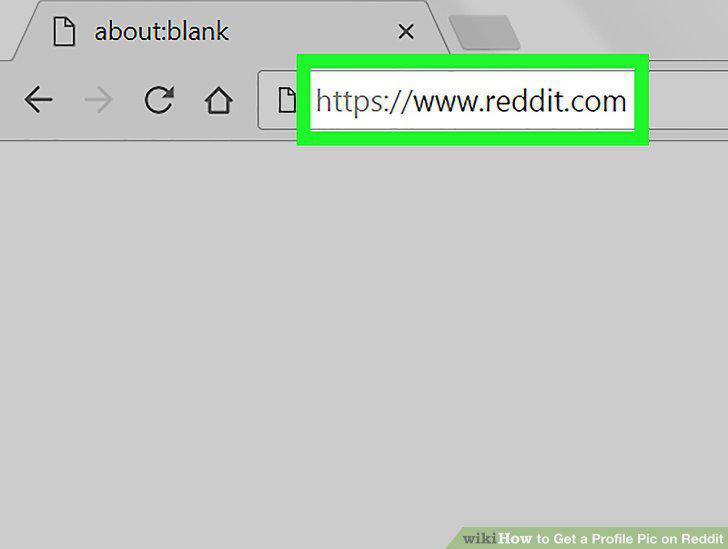
Go to https://www.reddit.com in a web browser.
8
Click your username.
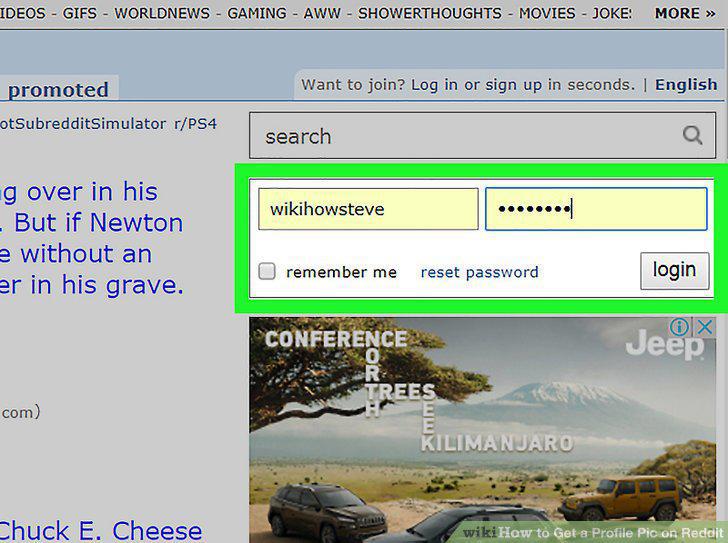
Click your username.
9
Click Learn More.

Click Learn More.
10
Read the agreement and click the check box.
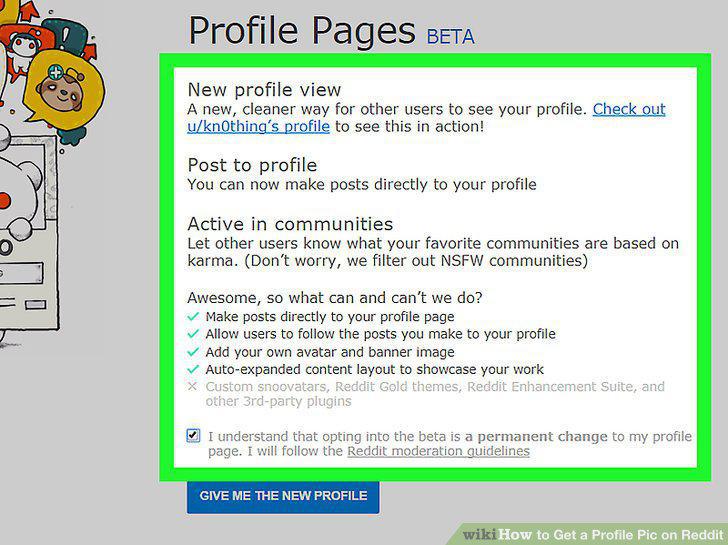
Read the agreement and click the check box.
11
Click Give Me the New Profile.
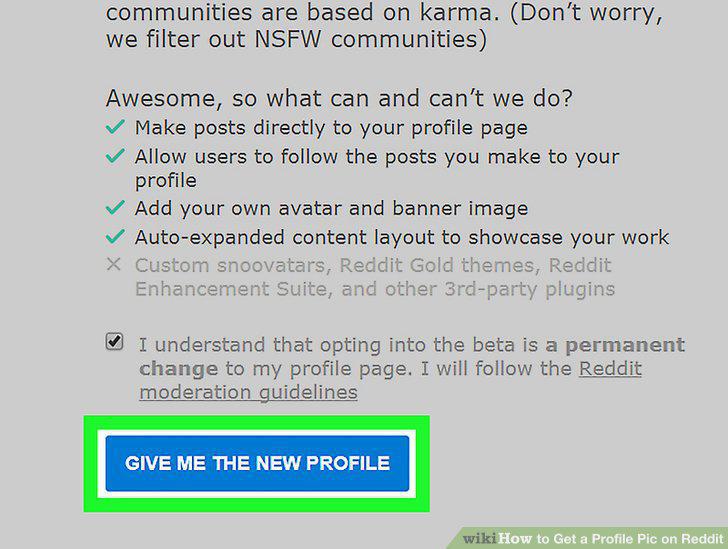
Click Give Me the New Profile.
12
Click Upload Photo.
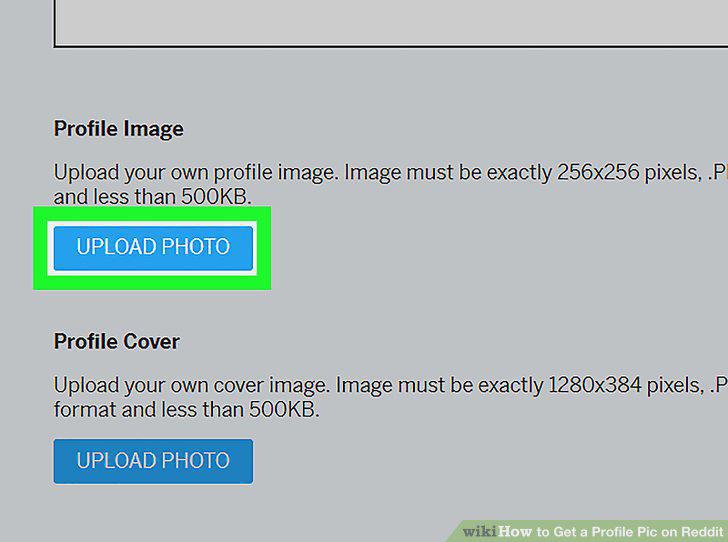
Click Upload Photo.
13
Double-click the photo you want to upload.
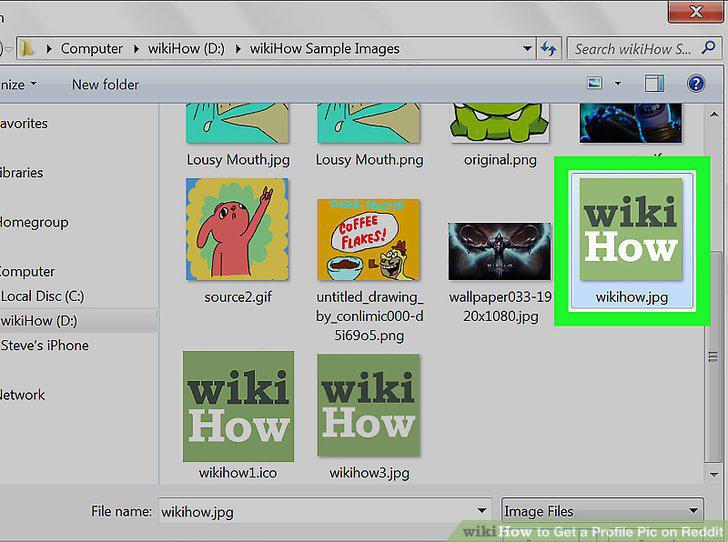
Double-click the photo you want to upload.
14
Click Back to your Profile.
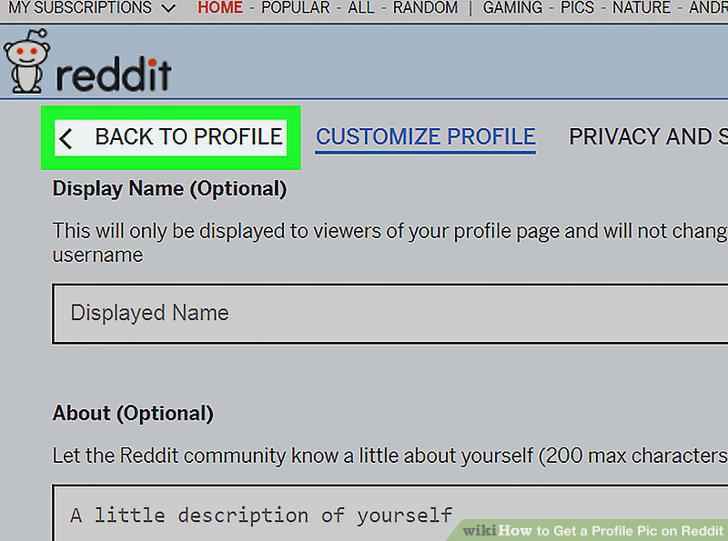
Click Back to your Profile.
Comments (0)
No comments yet. Be the first to share your thoughts!