How to Center an Excel Worksheet
Open the Excel spreadsheet you want to edit.. Click the Page Layout tab at the top.. Click Margins on the toolbar.
Steps
1
Open the Excel spreadsheet you want to edit.
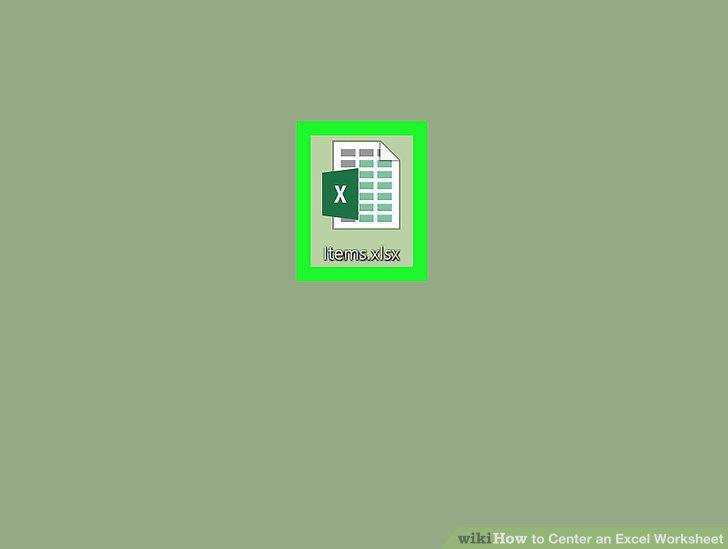
Open the Excel spreadsheet you want to edit.
2
Click the Page Layout tab at the top.
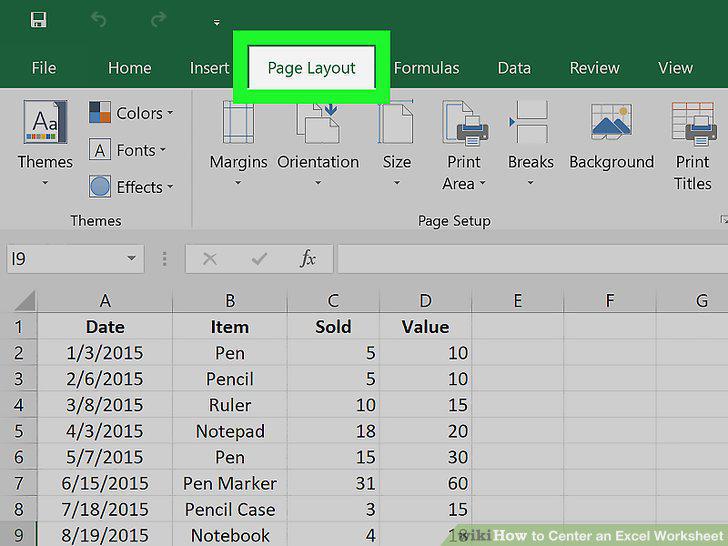
Click the Page Layout tab at the top.
3
Click Margins on the toolbar.
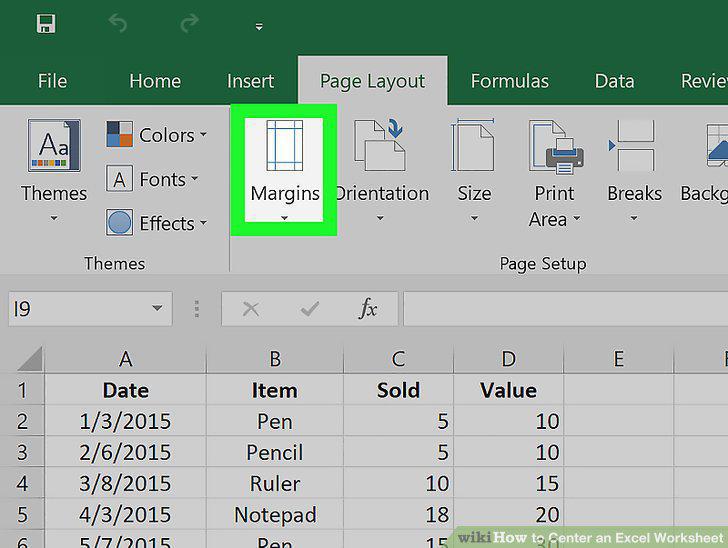
Click Margins on the toolbar.
4
Click Custom Margins.
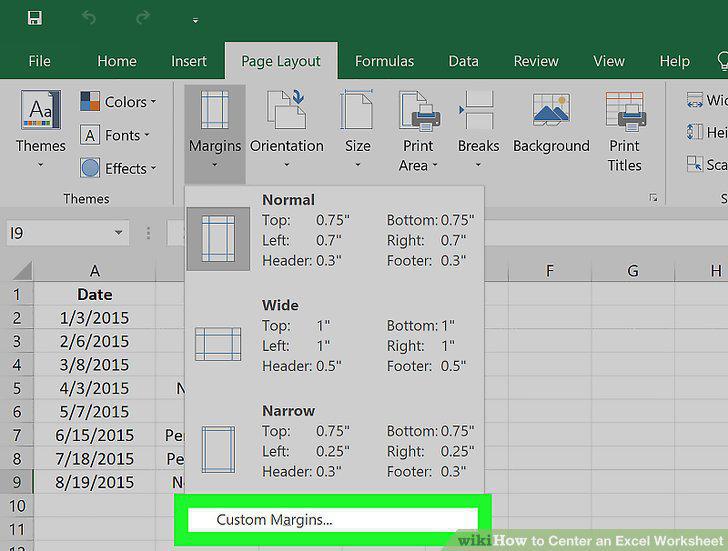
Click Custom Margins.
5
Find the "Center on page" heading.
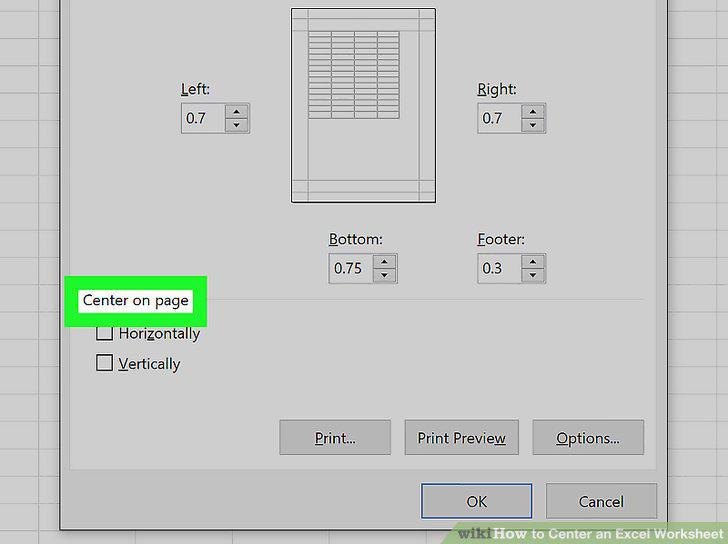
Find the "Center on page" heading.
6
Click and check the box next to Horizontally.
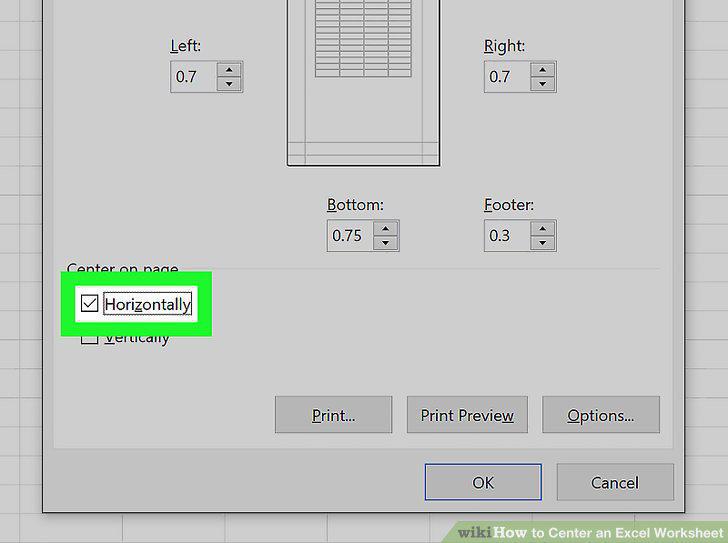
Click and check the box next to Horizontally.
7
Click and check the box next to Vertically.
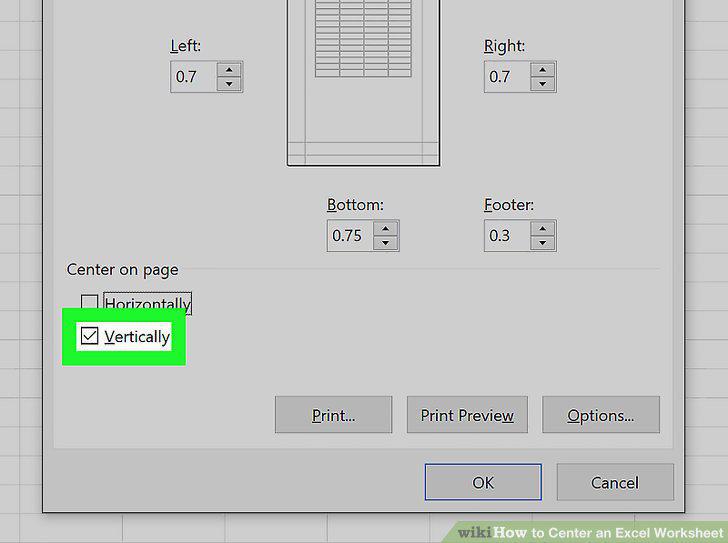
Click and check the box next to Vertically.
Comments (0)
No comments yet. Be the first to share your thoughts!