How to Update the Uber App on iPhone or iPad
Open the App Store on your iPhone or iPad.. Tap the Updates tab at the bottom.. Scroll down and find Uber on the Updates list.
Steps
1
Open the App Store on your iPhone or iPad.
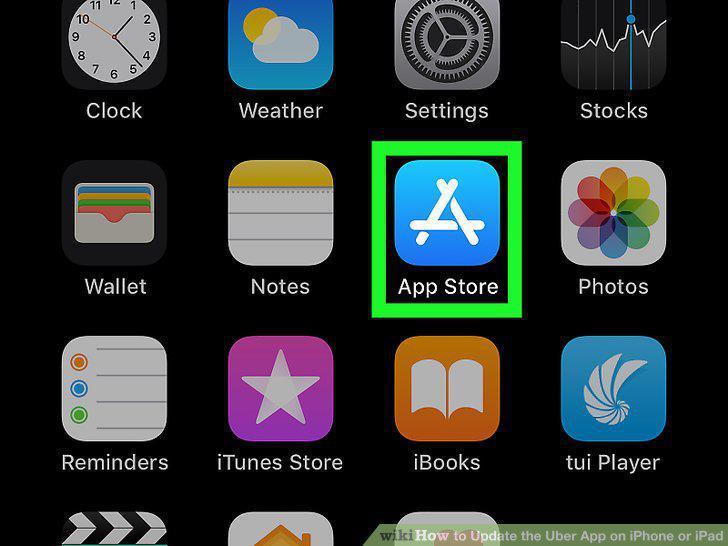
Open the App Store on your iPhone or iPad.
2
Tap the Updates tab at the bottom.
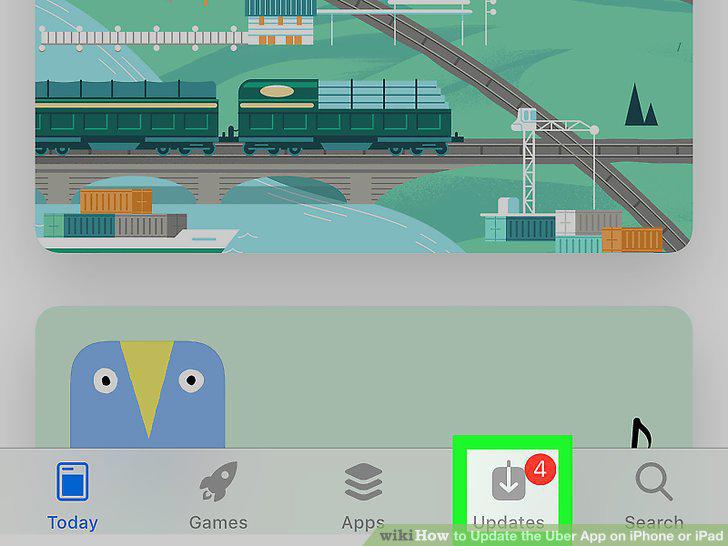
Tap the Updates tab at the bottom.
3
Scroll down and find Uber on the Updates list.
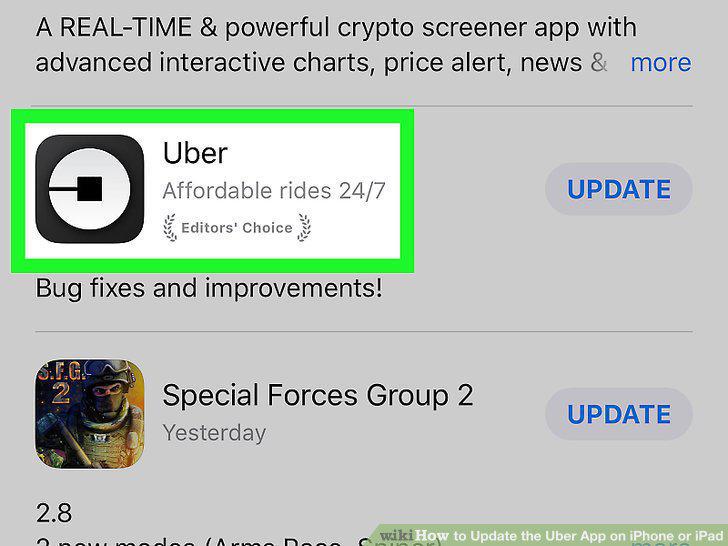
Scroll down and find Uber on the Updates list.
4
Tap the UPDATE button next to Uber.
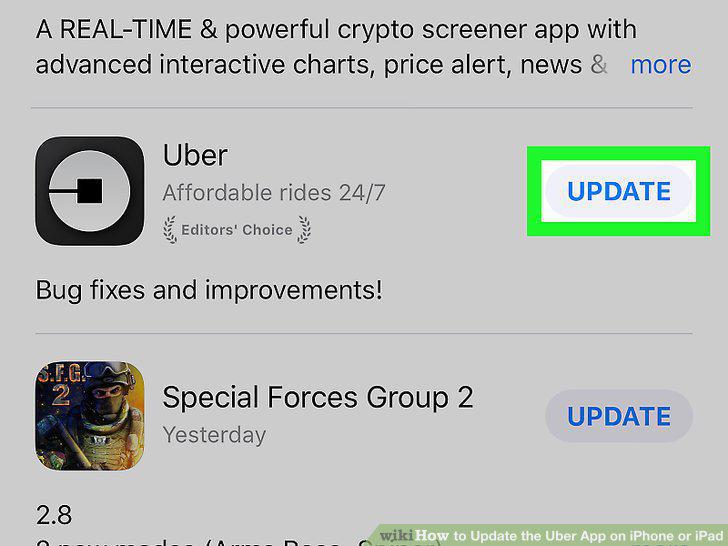
Tap the UPDATE button next to Uber.
Comments (0)
No comments yet. Be the first to share your thoughts!