How to Set up a Webcam
Attach the webcam to your computer.. Insert the webcam's CD.. Wait for the webcam's setup page to open.
Steps
1
Attach the webcam to your computer.
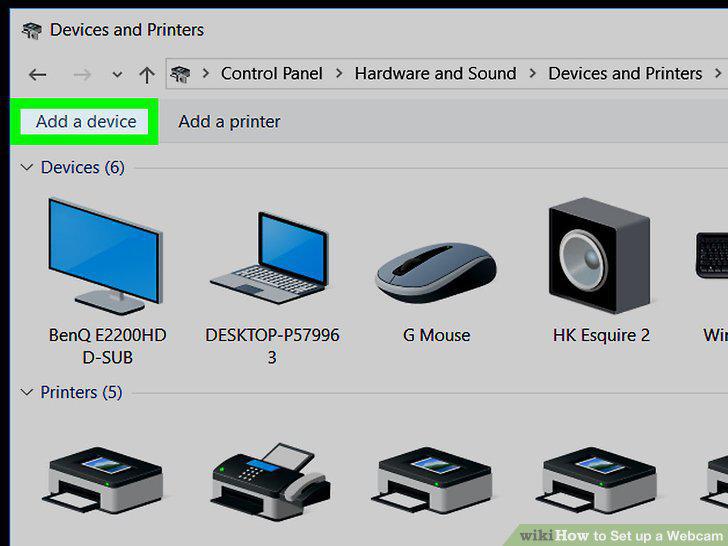
Attach the webcam to your computer.
2
Insert the webcam's CD.
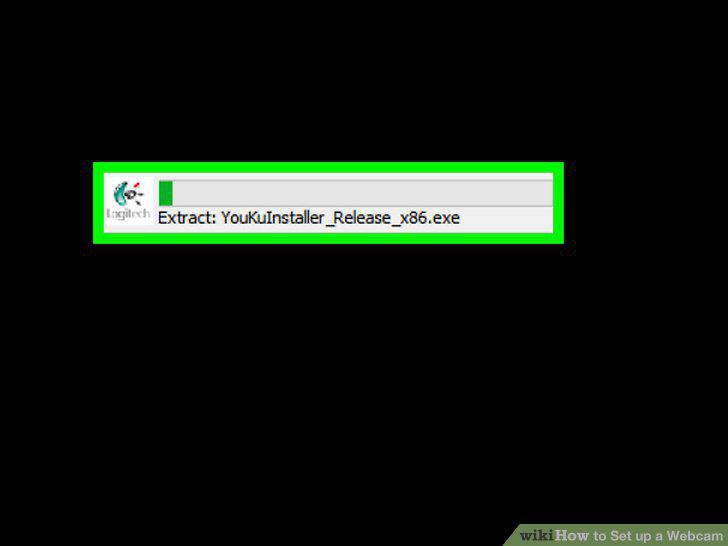
Insert the webcam's CD.
3
Wait for the webcam's setup page to open.
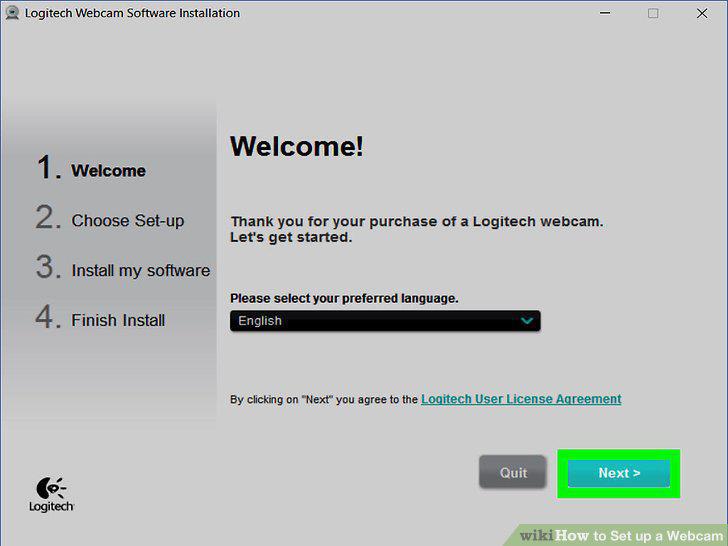
Wait for the webcam's setup page to open.
4
Follow any on-screen instructions.
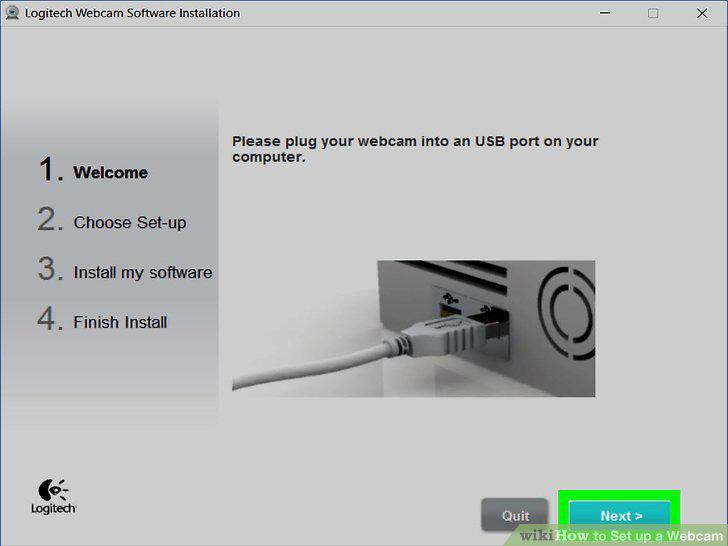
Follow any on-screen instructions.
5
Wait for your webcam to finish installing.
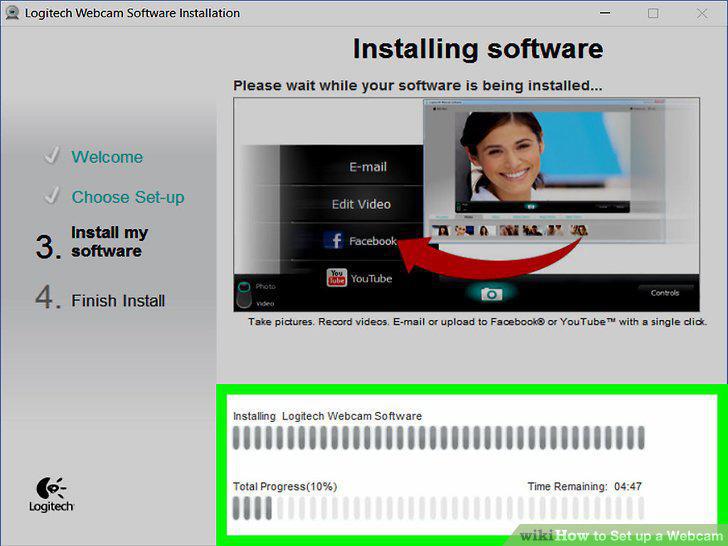
Wait for your webcam to finish installing.
6
Open the webcam's program.
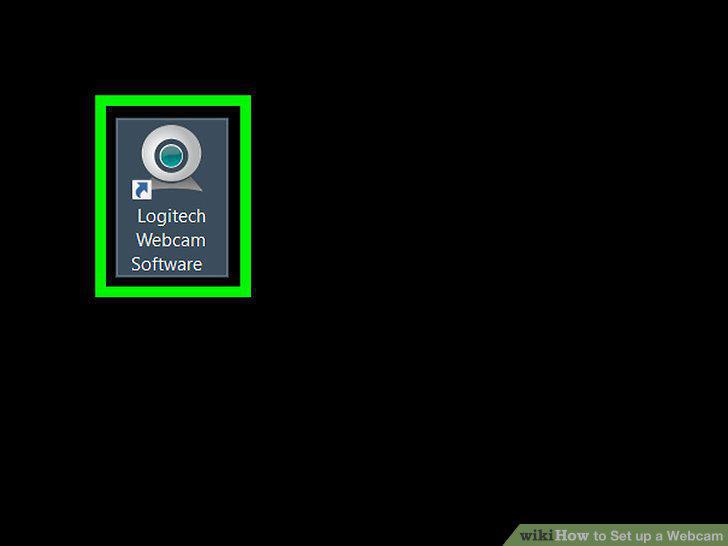
Open the webcam's program.
7
Mount the webcam.
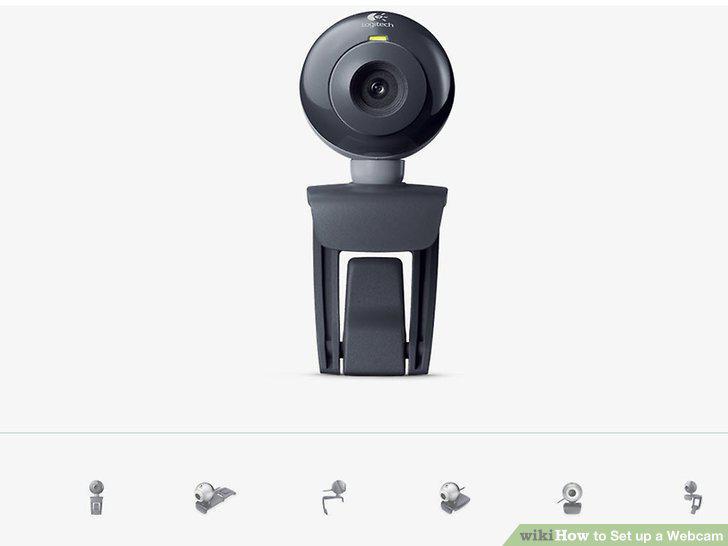
Mount the webcam.
8
Adjust the webcam as needed.
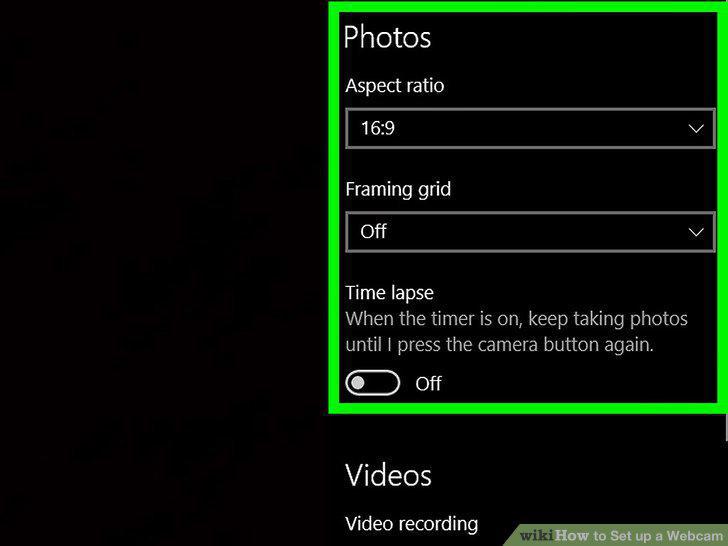
Adjust the webcam as needed.
9
Test the webcam's sound.
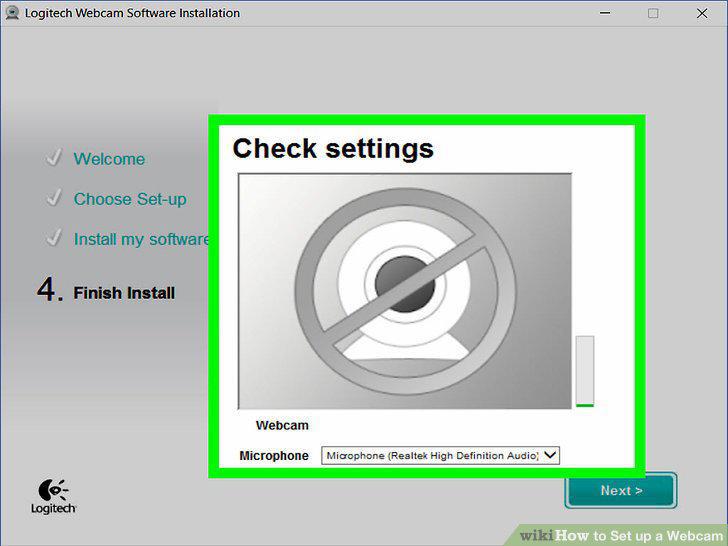
Test the webcam's sound.
10
Change your webcam's settings if necessary.
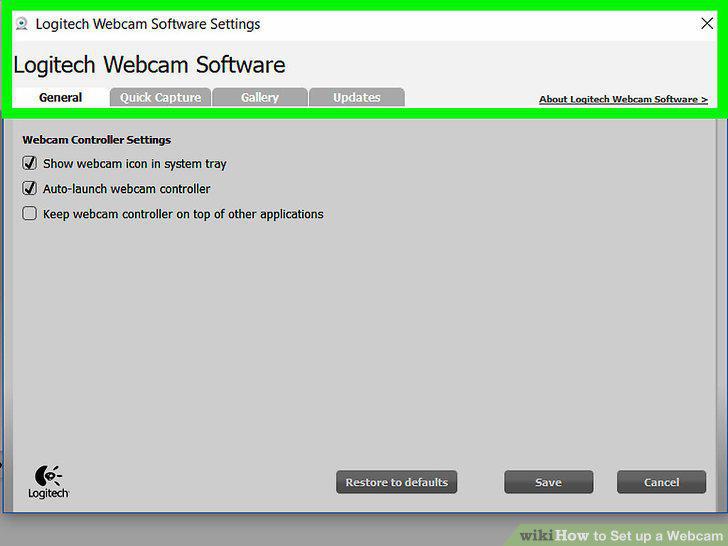
Change your webcam's settings if necessary.
Comments (0)
No comments yet. Be the first to share your thoughts!