How to Learn Photoshop
Open your Web browser and go to Photoshop Elements' website.. Log in to your Adobe account.. Download Photoshop Elements.
Steps
1
Open your Web browser and go to Photoshop Elements' website.
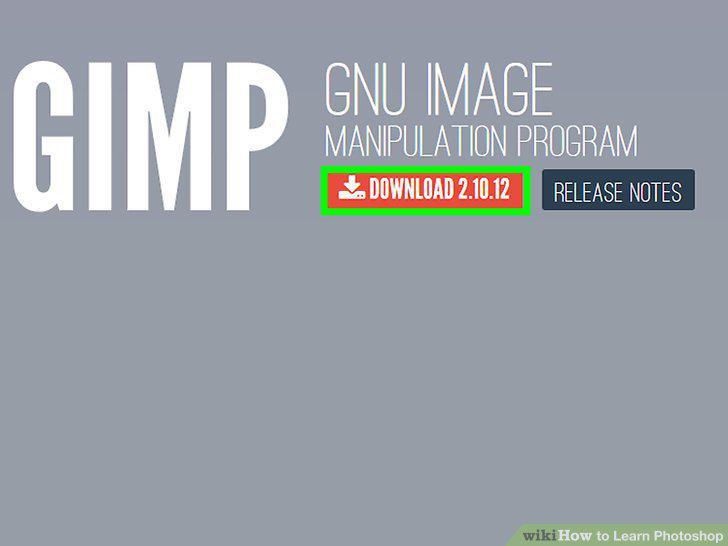
Open your Web browser and go to Photoshop Elements' website.
2
Log in to your Adobe account.
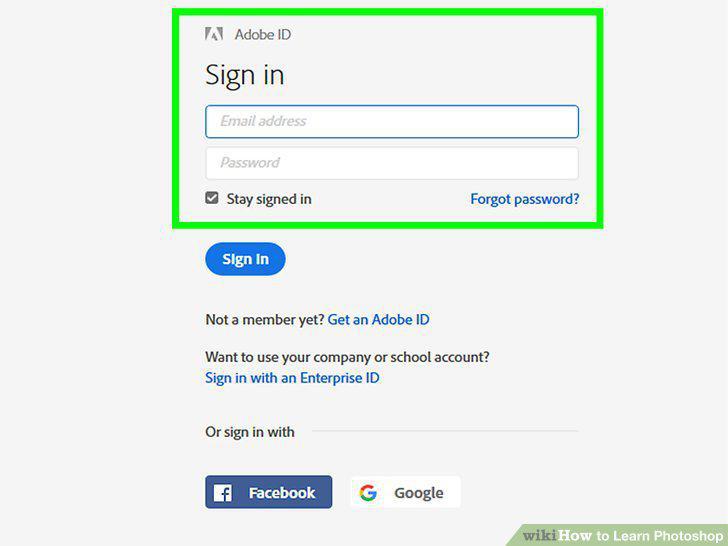
Log in to your Adobe account.
3
Download Photoshop Elements.
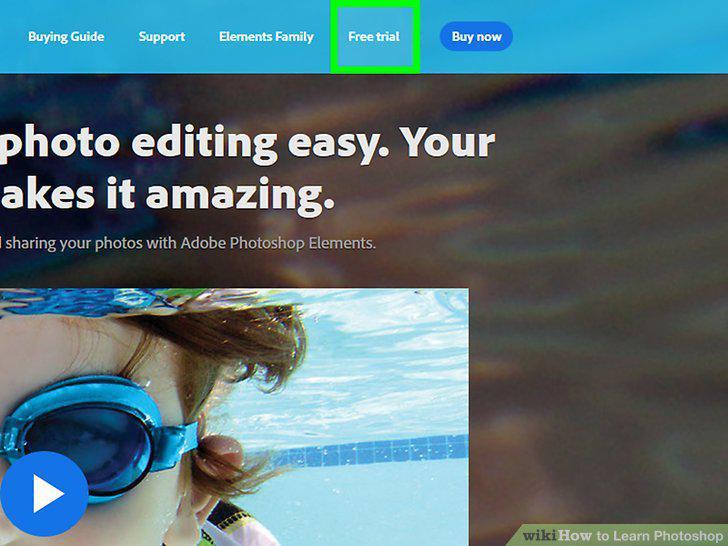
Download Photoshop Elements.
4
Go to the Photoshop website.
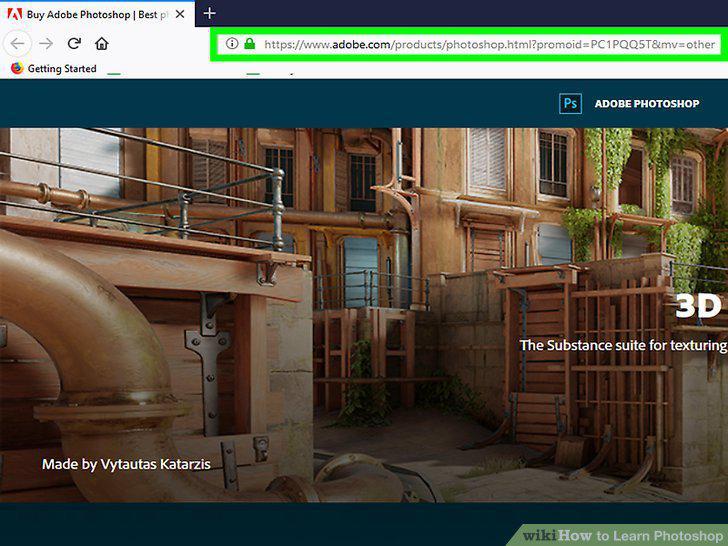
Go to the Photoshop website.
5
Click on the Learn & Support tab.
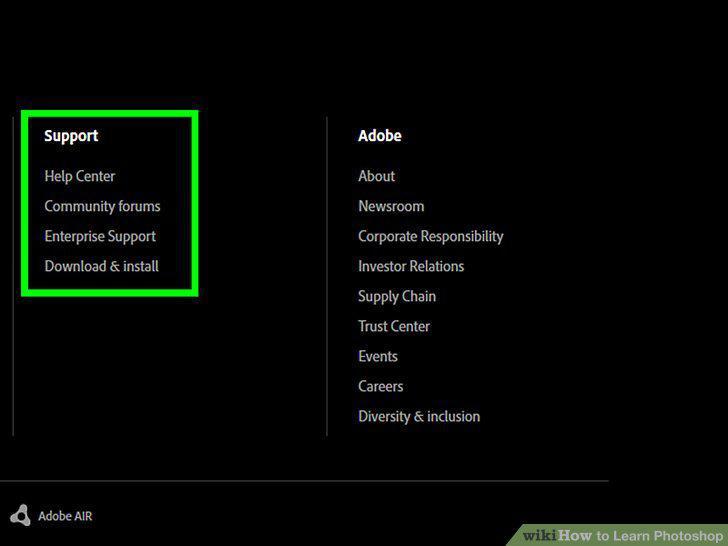
Click on the Learn & Support tab.
6
Click on the Tutorials option.
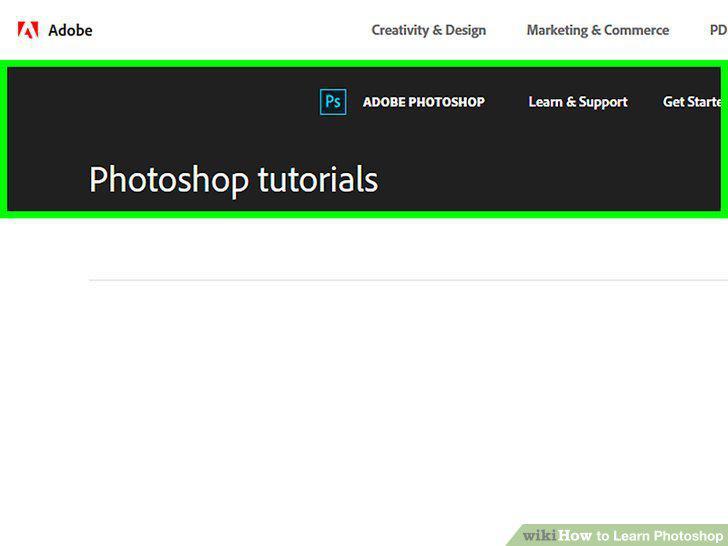
Click on the Tutorials option.
7
Select a tutorial on the topic you wish to learn.
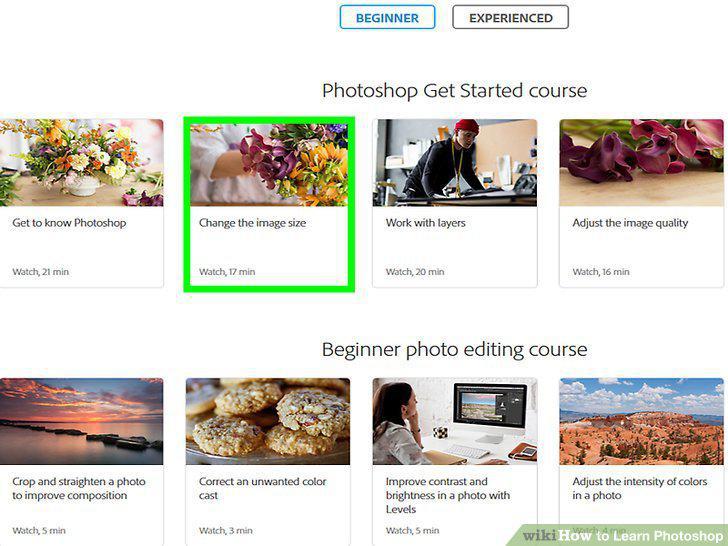
Select a tutorial on the topic you wish to learn.
8
Research other online tutorials.
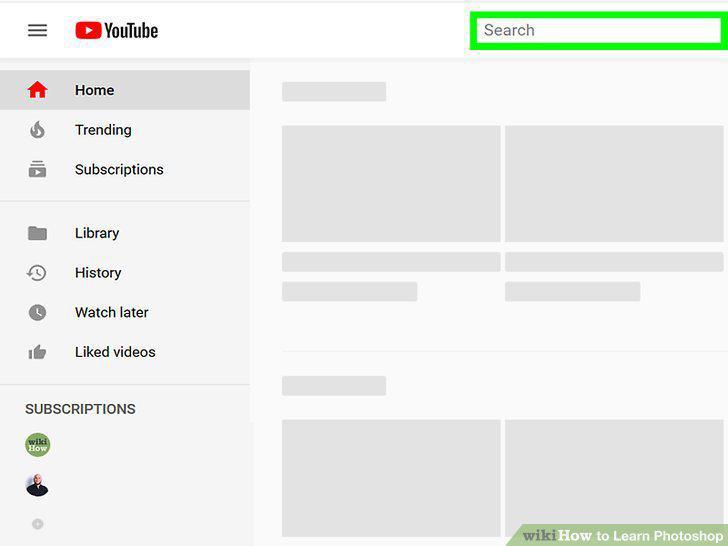
Research other online tutorials.
9
Research online Photoshop classes.
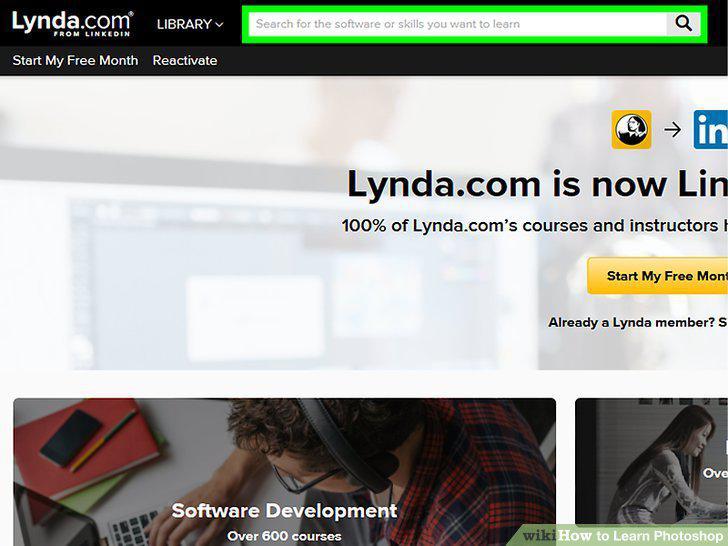
Research online Photoshop classes.
10
Research in-person Photoshop classes.
Research in-person Photoshop classes.
11
Get an instructional DVD.
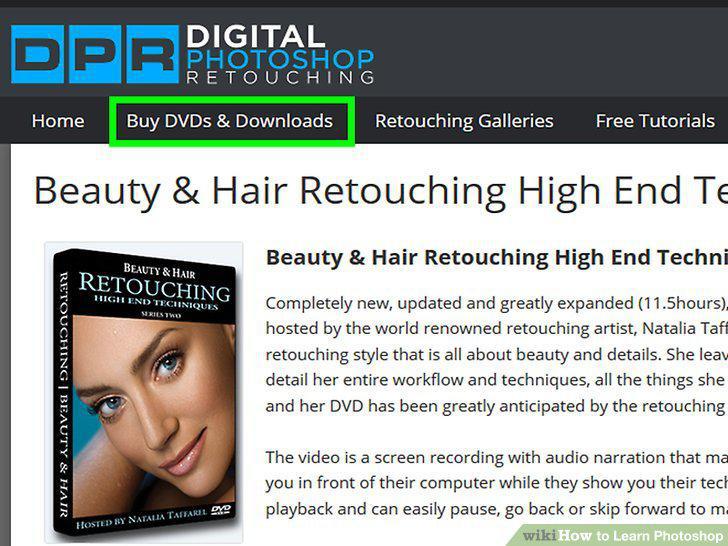
Get an instructional DVD.
12
Read a book.
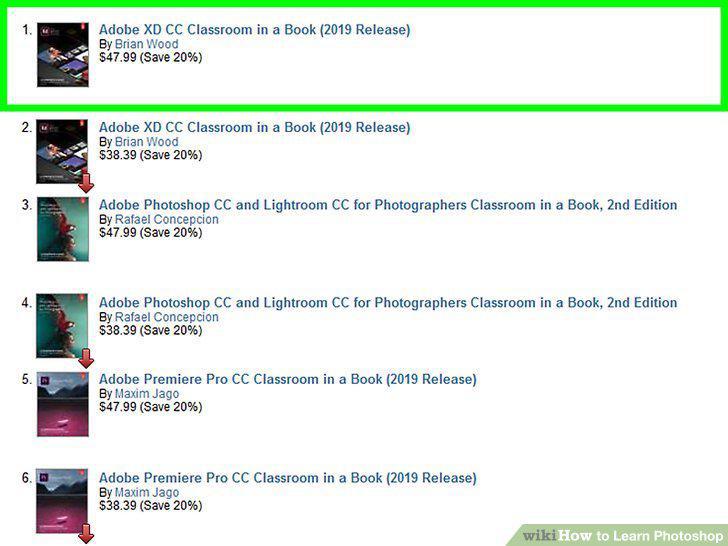
Read a book.
Comments (0)
No comments yet. Be the first to share your thoughts!