How to Download An App onto an iPhone or iPod Touch
Open the App Store .. Tap the Search tab.. Enter your search terms and tap Search.
Steps
1
Open the App Store .
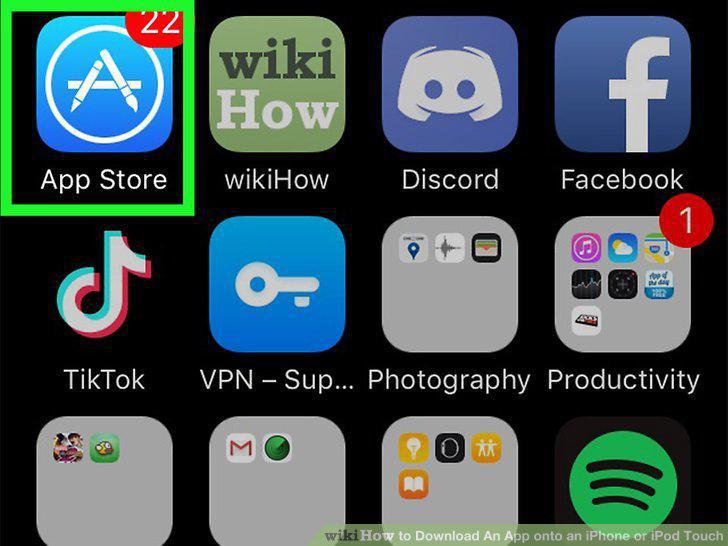
Open the App Store .
2
Tap the Search tab.
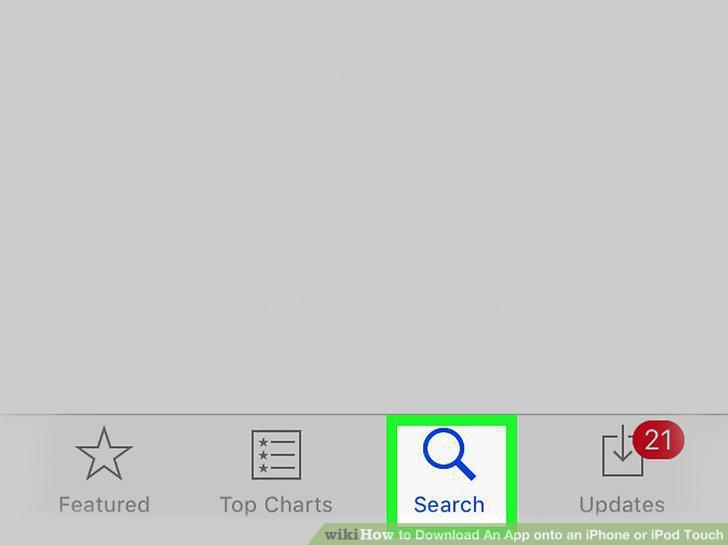
Tap the Search tab.
3
Enter your search terms and tap Search.
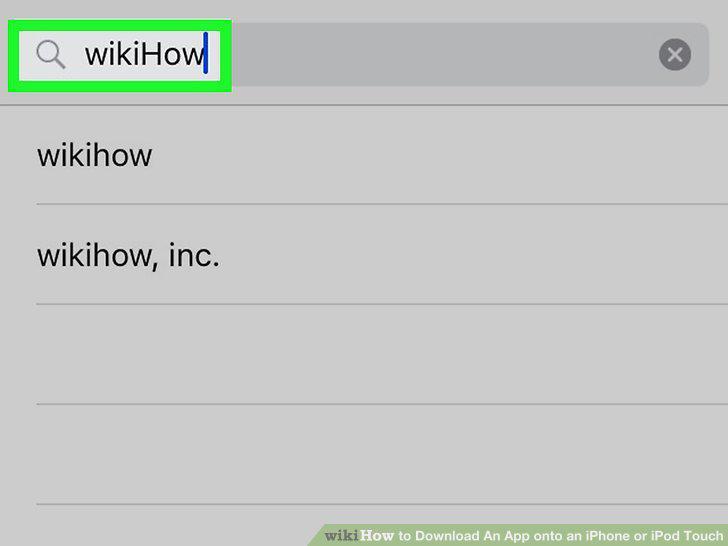
Enter your search terms and tap Search.
4
Type in the name of an app, then tap Search.
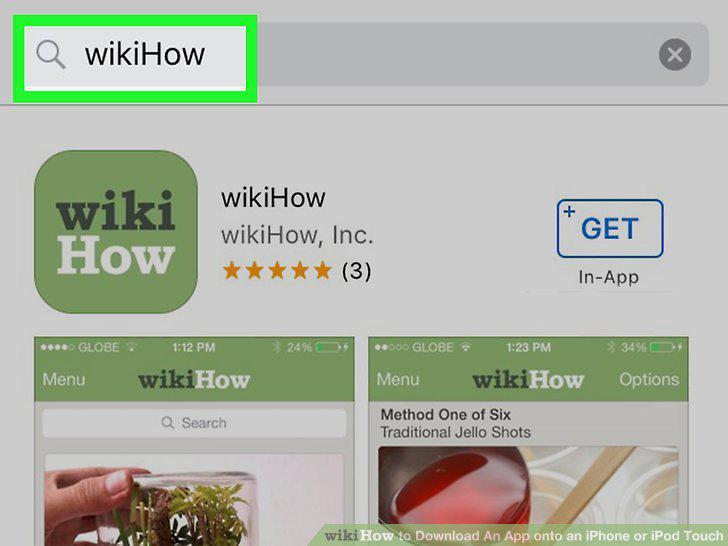
Type in the name of an app, then tap Search.
5
Review information about the app.
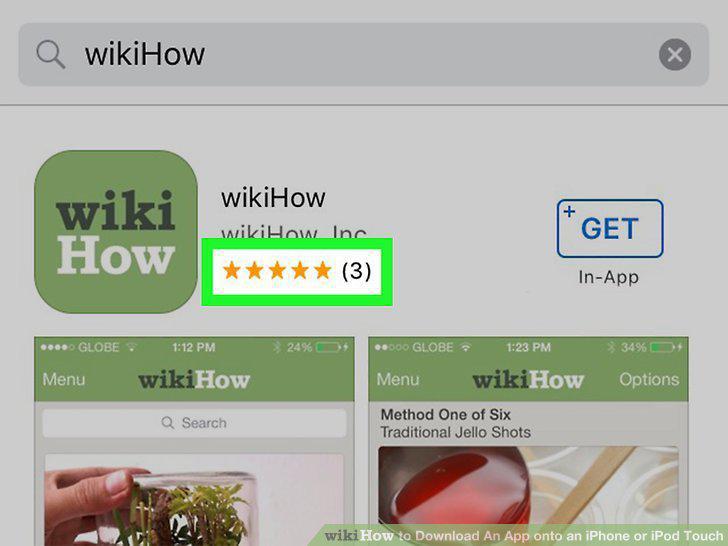
Review information about the app.
6
Tap GET to install the app.
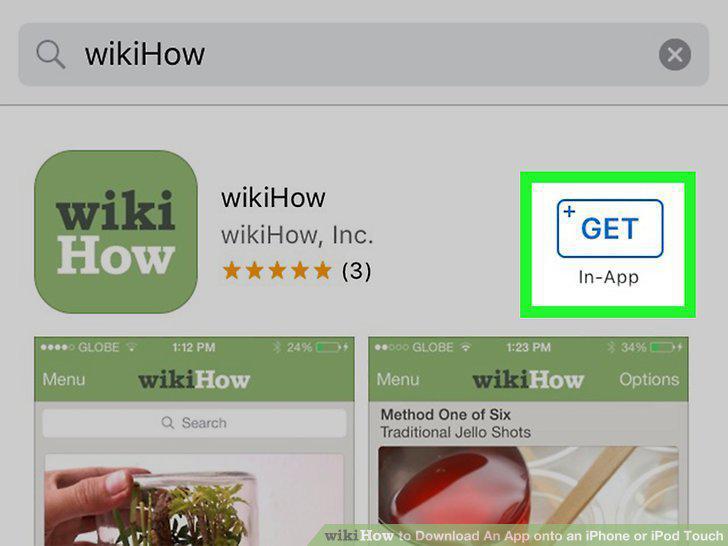
Tap GET to install the app.
7
Tap OPEN to launch the app.
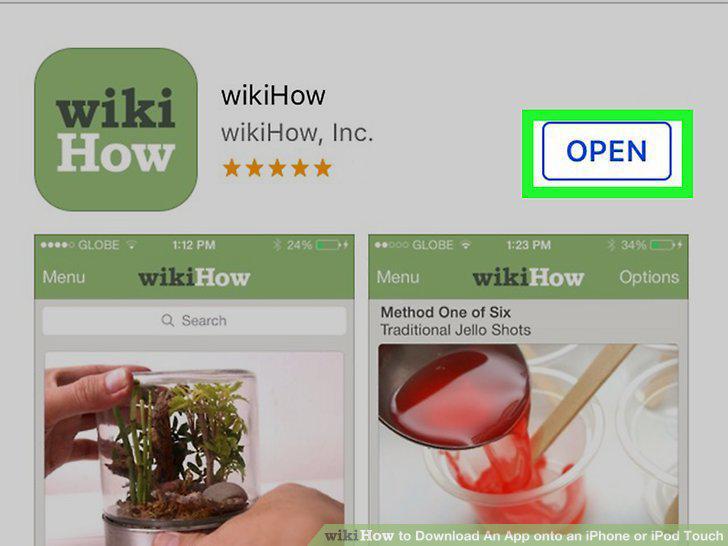
Tap OPEN to launch the app.
8
Open the App Store .
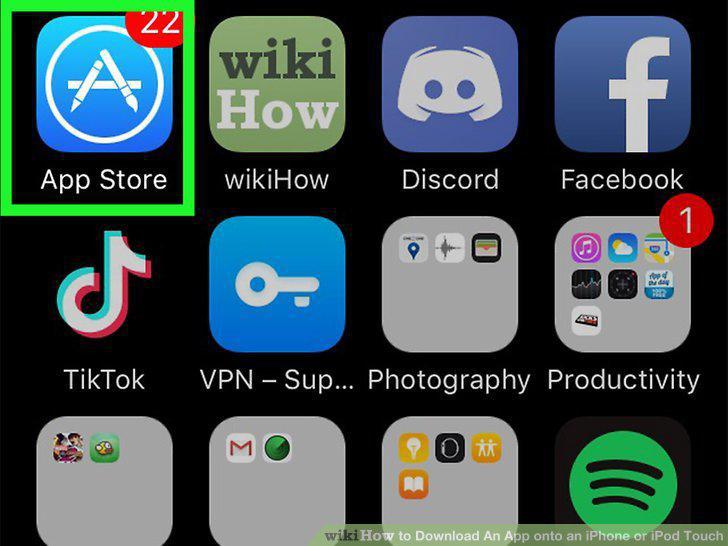
Open the App Store .
9
Tap your profile photo or initials.
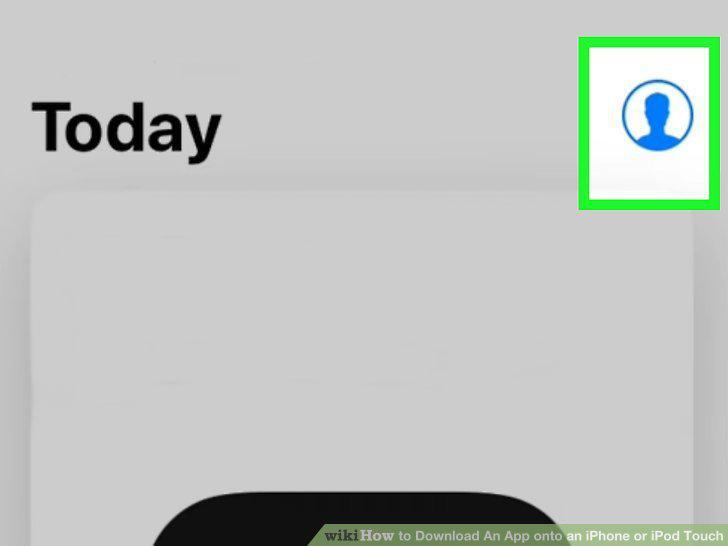
Tap your profile photo or initials.
10
Tap Purchased.
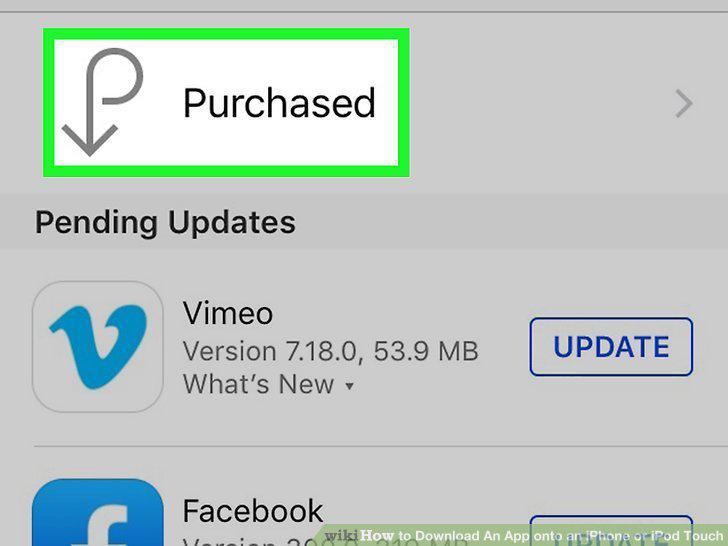
Tap Purchased.
11
Tap the Not on this iPhone/iPod tab.
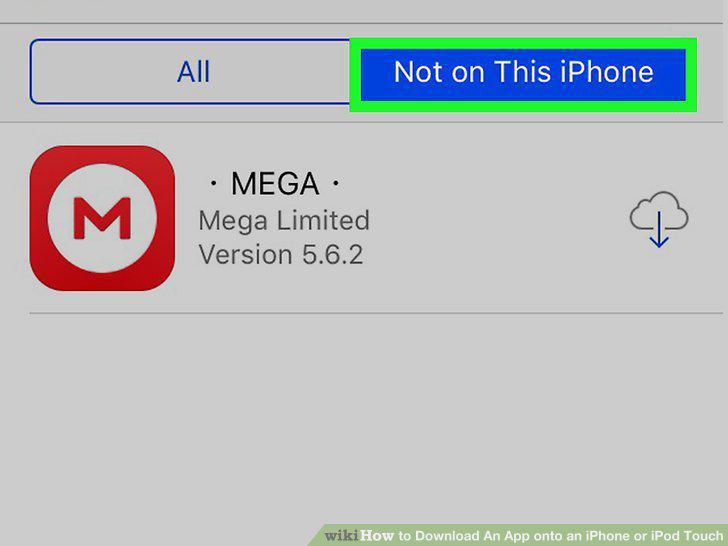
Tap the Not on this iPhone/iPod tab.
12
Tap the cloud icon next to the app you want to download.
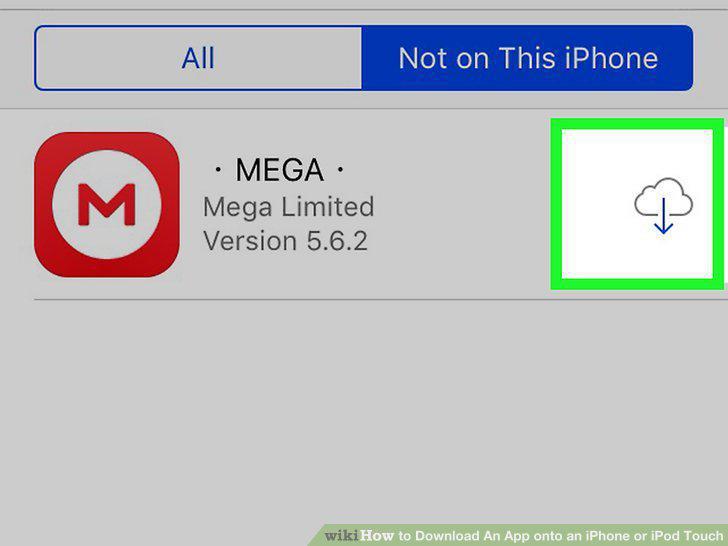
Tap the cloud icon next to the app you want to download.
Comments (0)
No comments yet. Be the first to share your thoughts!