How to Convert an AIFF File to a WAV File
Open Online-Convert.com in your internet browser.. Click the drop-down menu under "Audio converter.. Select Convert to WAV.
Steps
1
Open Online-Convert.com in your internet browser.

Open Online-Convert.com in your internet browser.
2
Click the drop-down menu under "Audio converter.
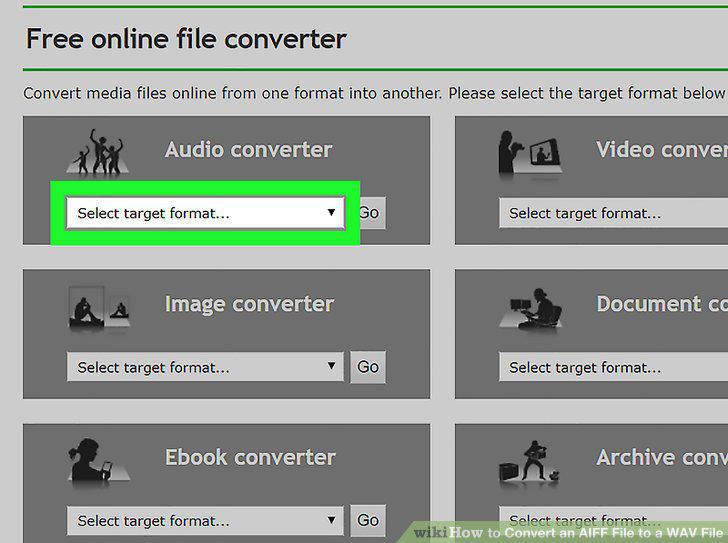
Click the drop-down menu under "Audio converter.
3
Select Convert to WAV.
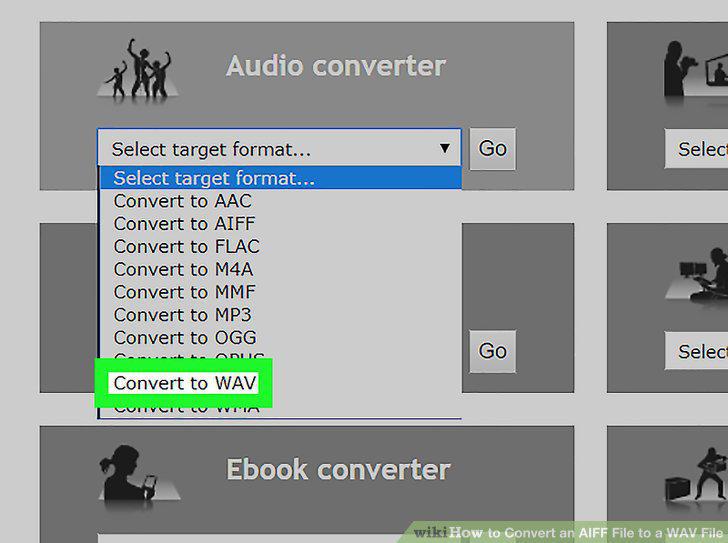
Select Convert to WAV.
4
Click the Choose File button.
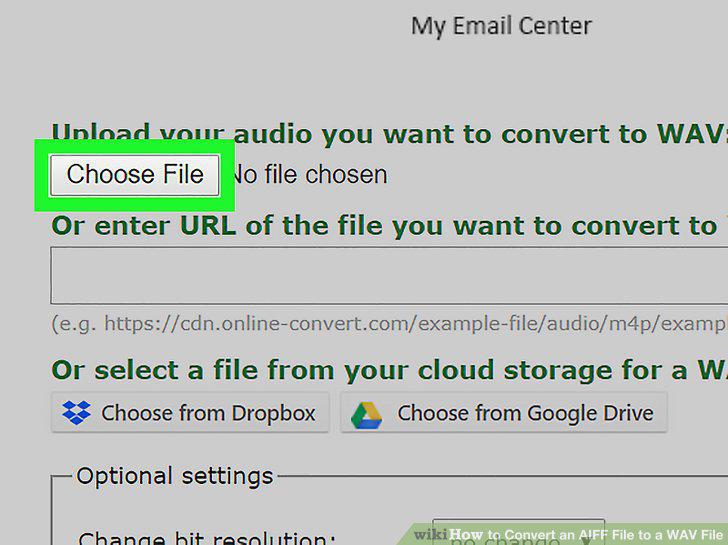
Click the Choose File button.
5
Upload the audio file you want to convert.
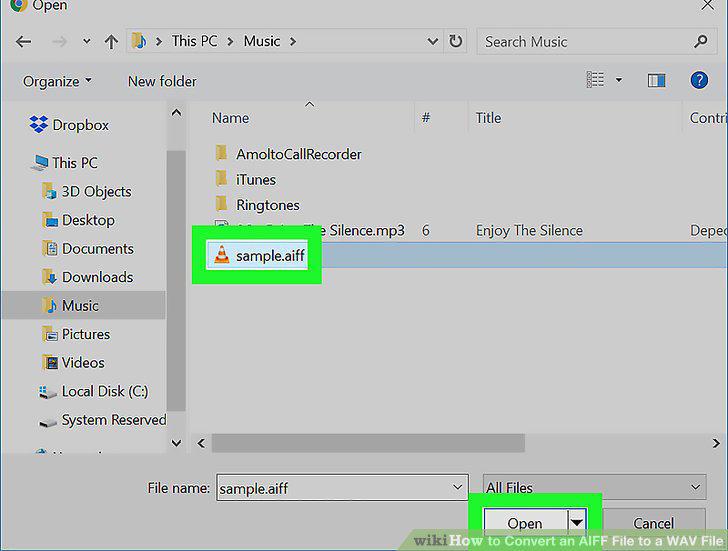
Upload the audio file you want to convert.
6
Click the Convert file button.
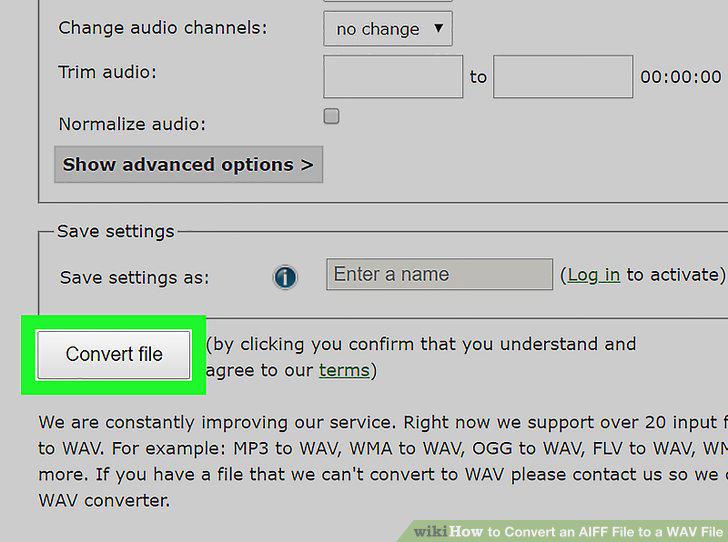
Click the Convert file button.
7
Open Audacity on your computer.
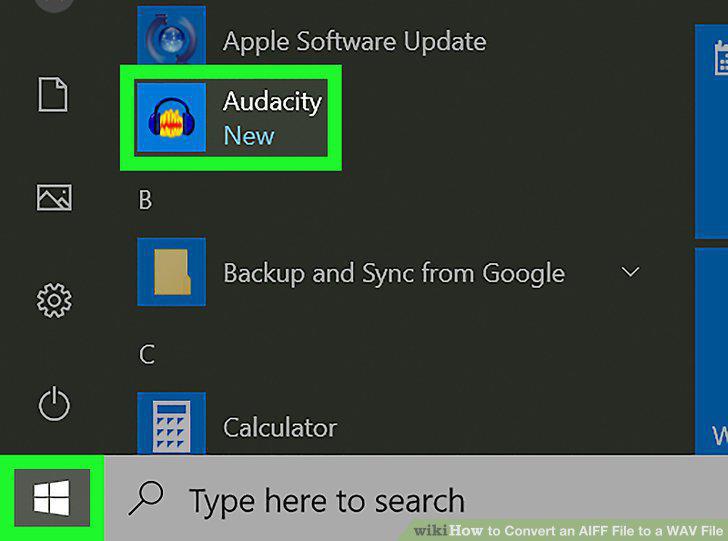
Open Audacity on your computer.
8
Click the File tab.
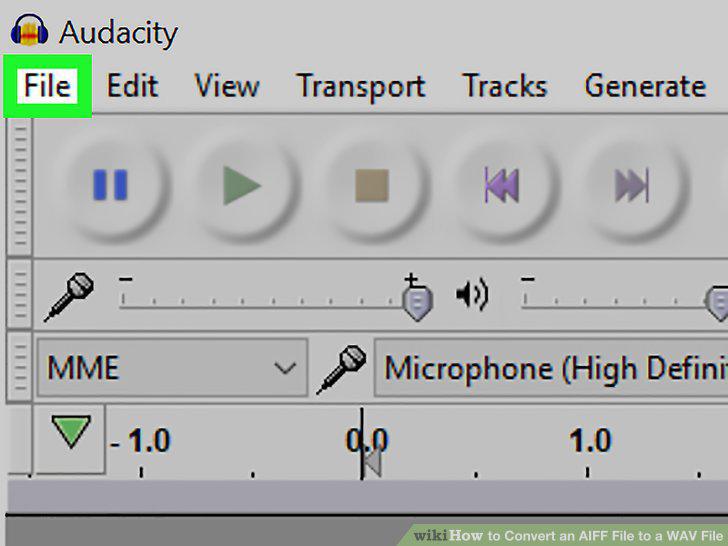
Click the File tab.
9
Click Open.
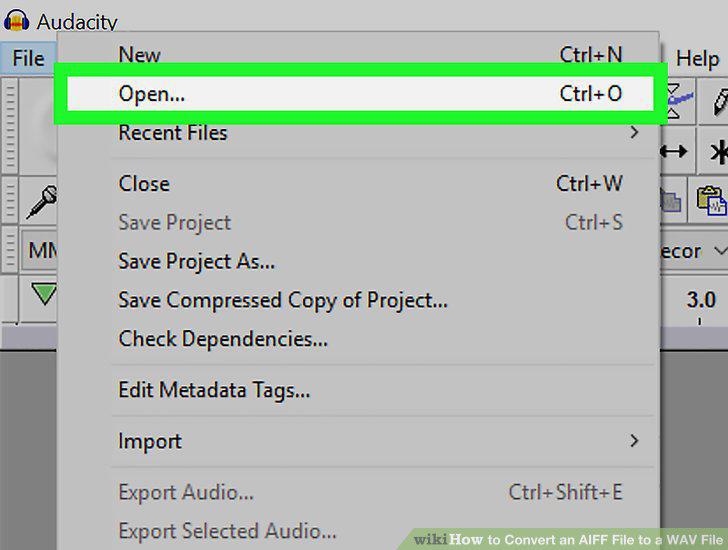
Click Open.
10
Open the AIFF file you want to convert.
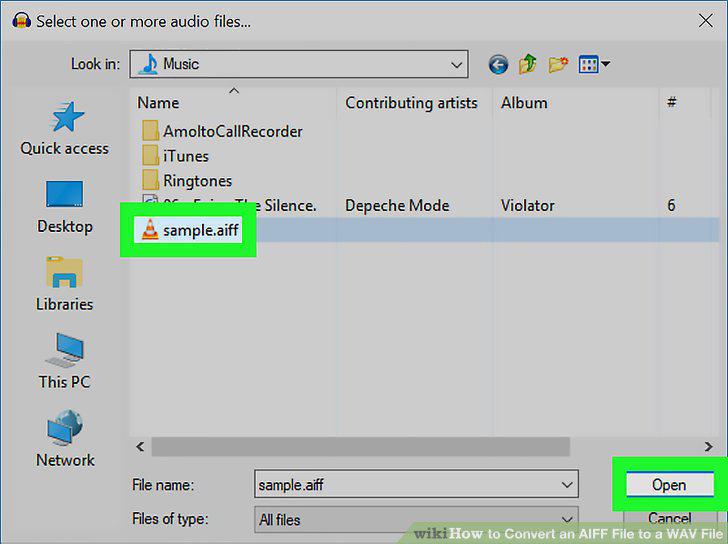
Open the AIFF file you want to convert.
11
Click the File tab.
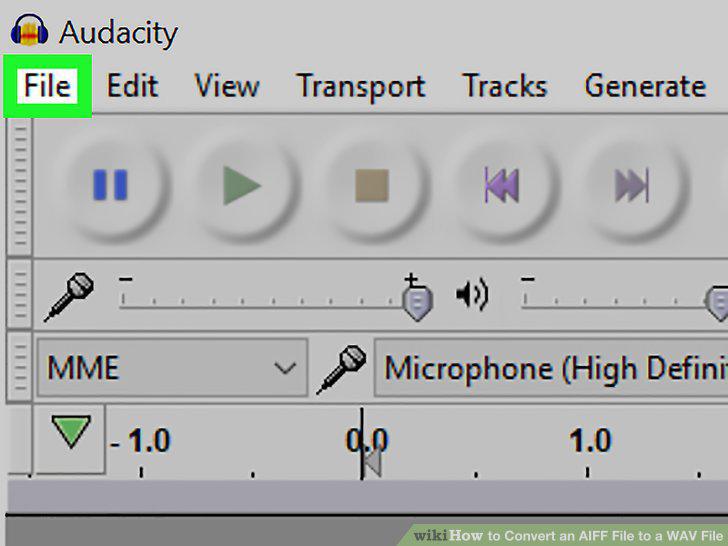
Click the File tab.
12
Hover over Export on the file menu.
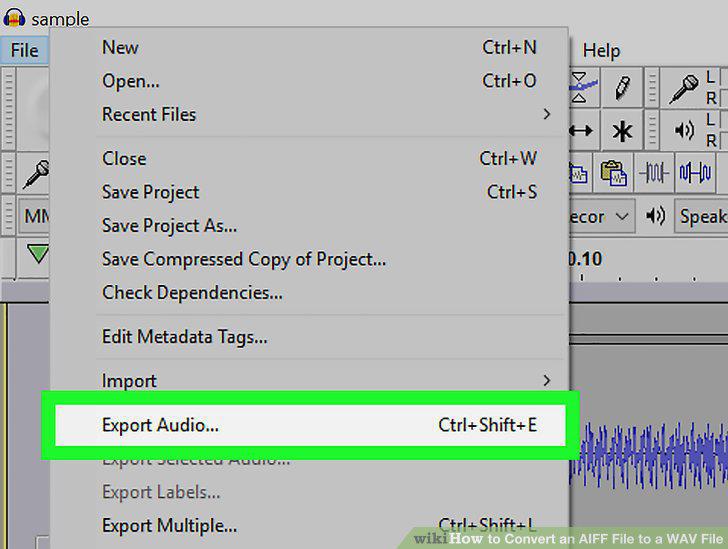
Hover over Export on the file menu.
13
Select Export as WAV.
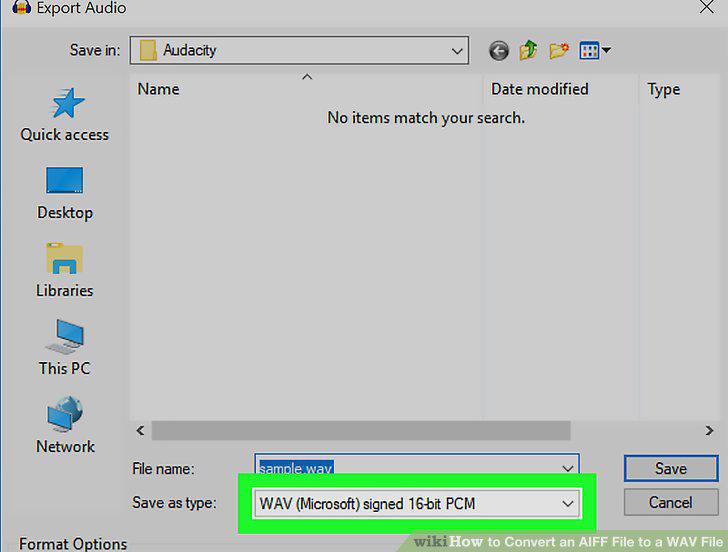
Select Export as WAV.
14
Select a saving location for your WAV file export.
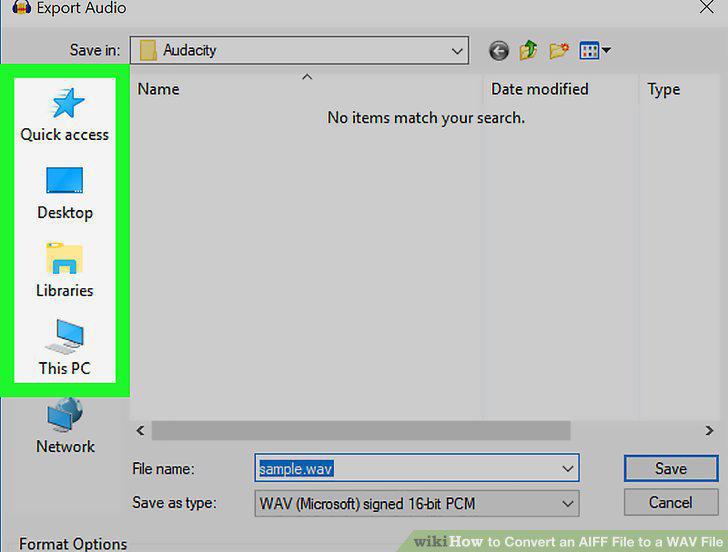
Select a saving location for your WAV file export.
15
Enter any additional metadata for your WAV file (optional).
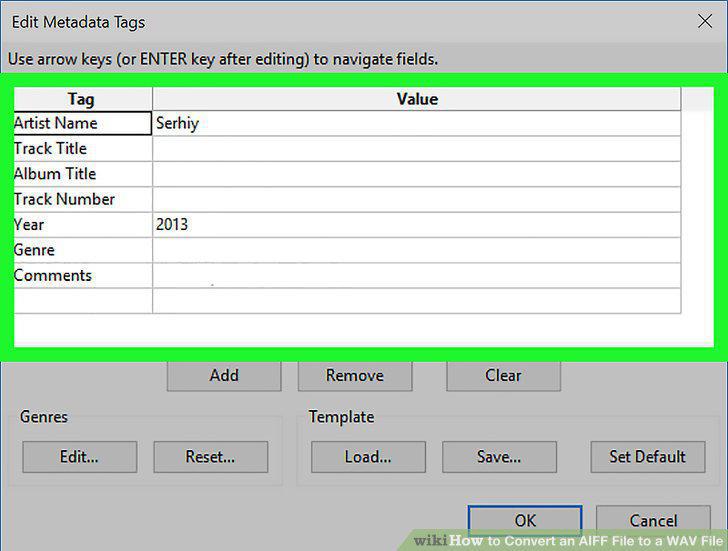
Enter any additional metadata for your WAV file (optional).
16
Click OK.
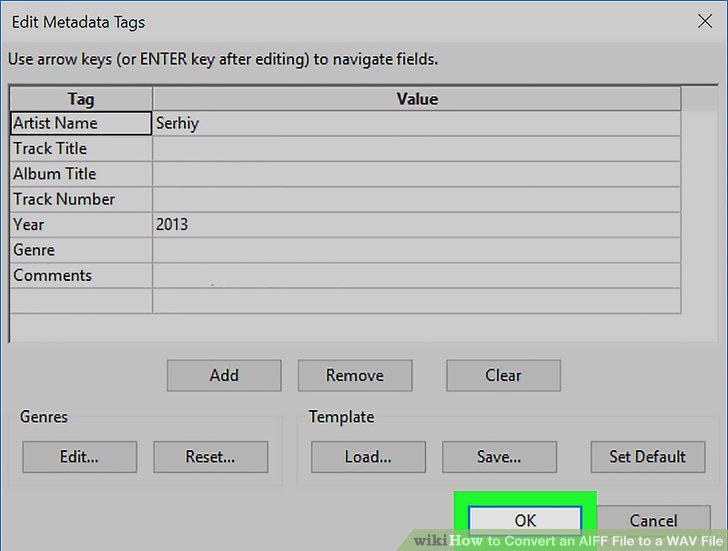
Click OK.
Comments (0)
No comments yet. Be the first to share your thoughts!