How to Zoom the Display on Android
Open your Android's Apps menu.. Tap the icon on your Apps menu.. Scroll down and tap Accessibility.
Steps
1
Open your Android's Apps menu.
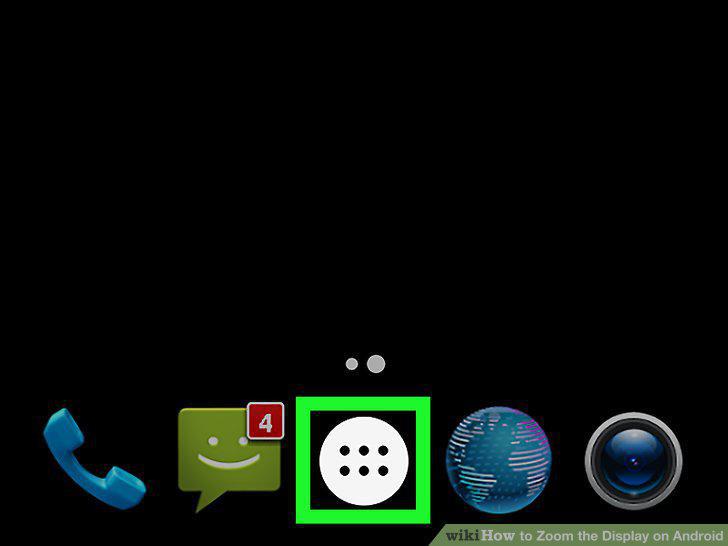
Open your Android's Apps menu.
2
Tap the icon on your Apps menu.
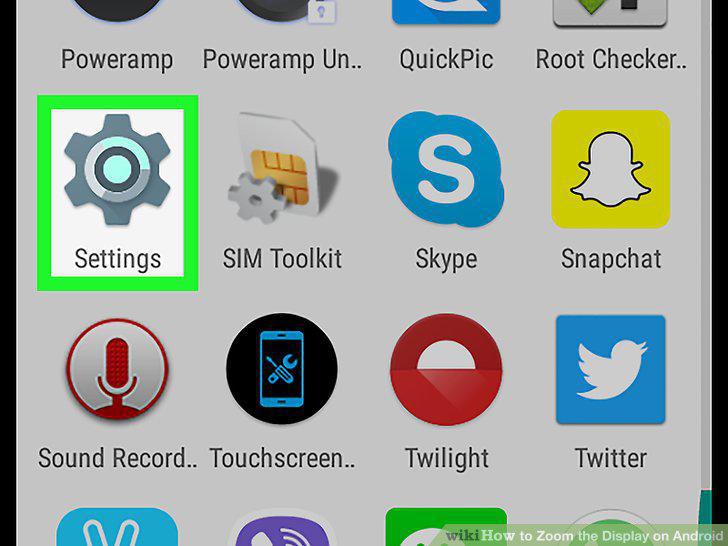
Tap the icon on your Apps menu.
3
Scroll down and tap Accessibility.
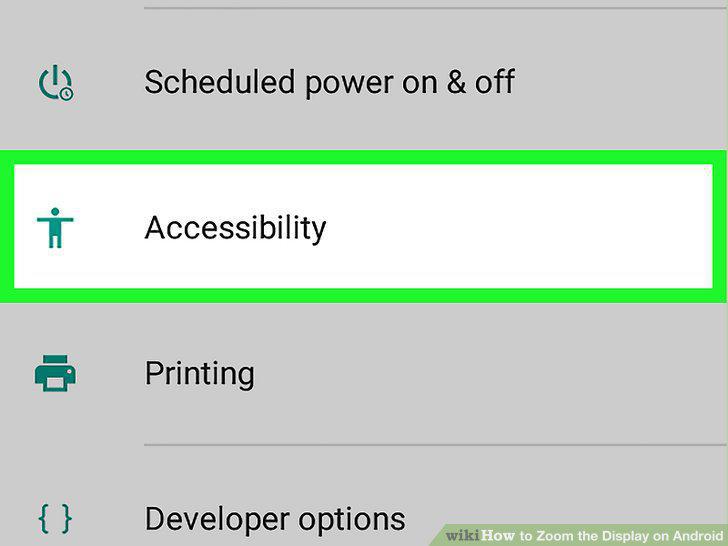
Scroll down and tap Accessibility.
4
Tap Magnification gestures.
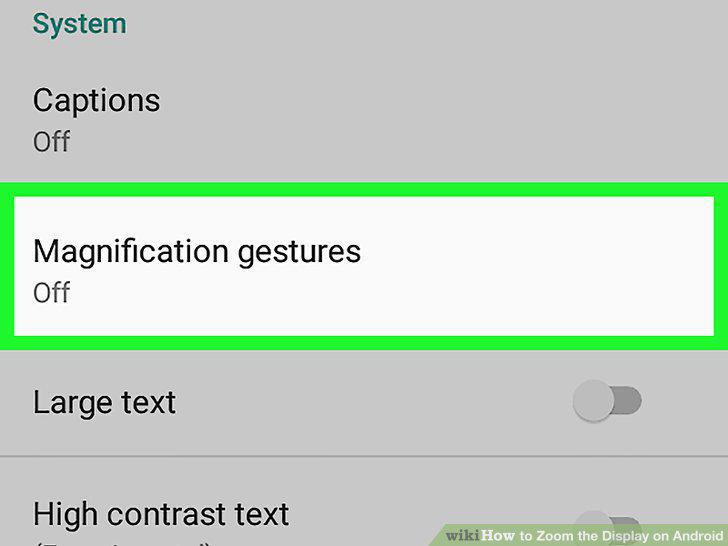
Tap Magnification gestures.
5
Slide the Magnification gestures switch to the position.
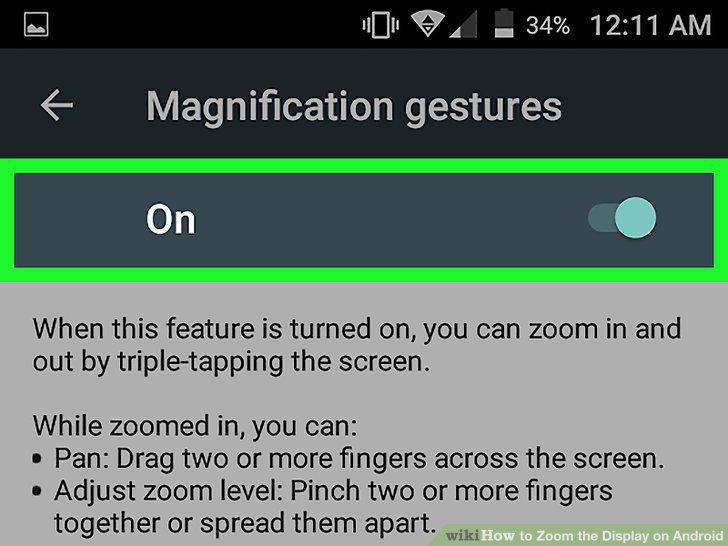
Slide the Magnification gestures switch to the position.
6
Triple-tap anywhere on your screen.
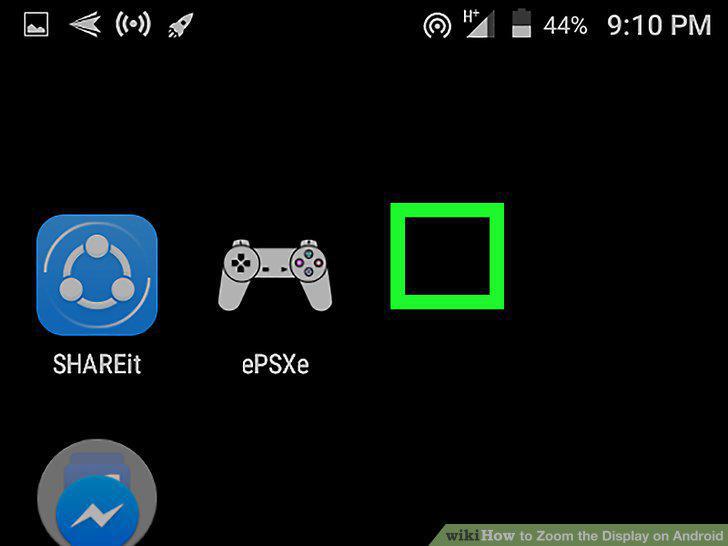
Triple-tap anywhere on your screen.
7
Pinch out on your screen with two or more fingers.
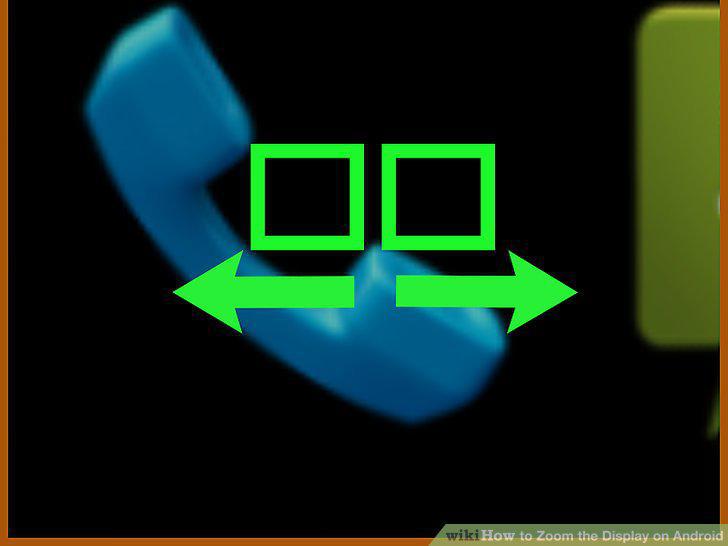
Pinch out on your screen with two or more fingers.
8
Drag two or more fingers across your screen.
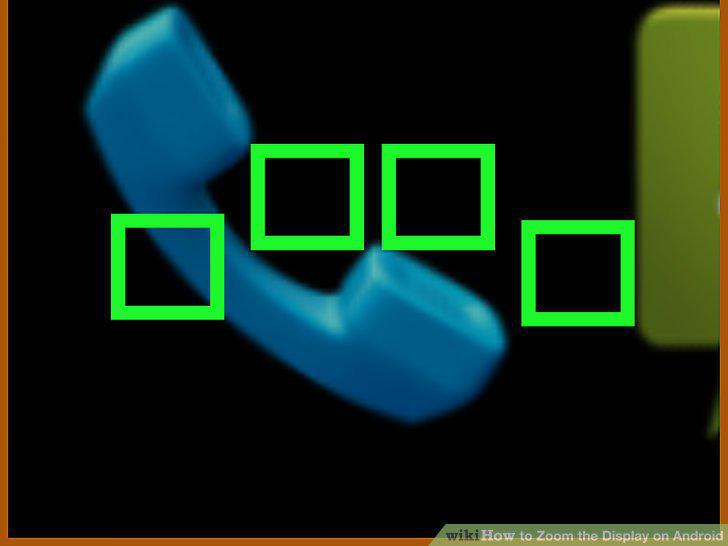
Drag two or more fingers across your screen.
9
Triple-tap and hold your screen.
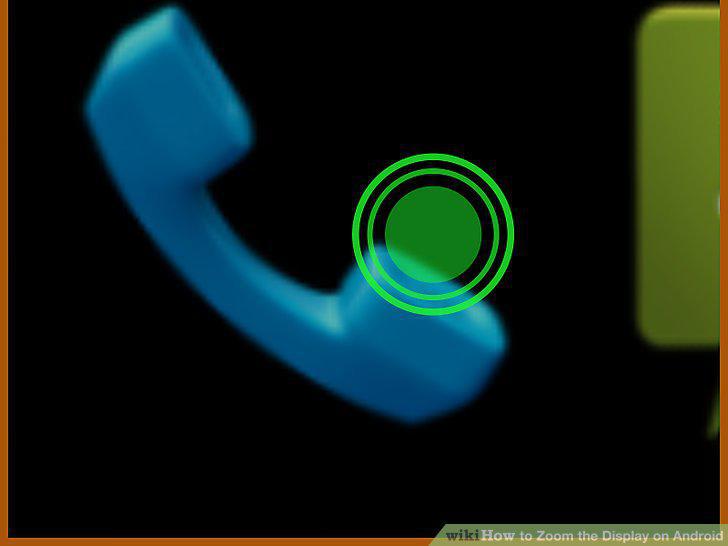
Triple-tap and hold your screen.
Comments (0)
No comments yet. Be the first to share your thoughts!