How to Download Geforce Now
Go to https://www.nvidia.com/en-us/geforce-now/download/ in a web browser.. Click on Download under either the Windows PC or Mac OS logo.. Run the downloaded file.
Steps
1
Go to https://www.nvidia.com/en-us/geforce-now/download/ in a web browser.
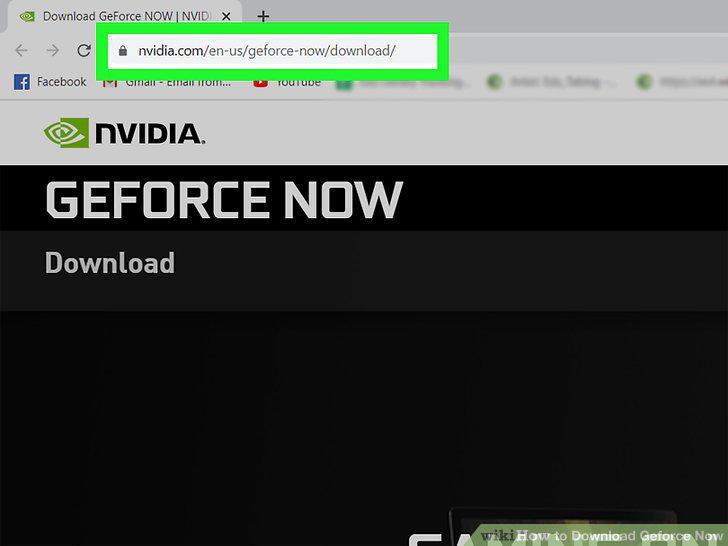
Go to https://www.nvidia.com/en-us/geforce-now/download/ in a web browser.
2
Click on Download under either the Windows PC or Mac OS logo.
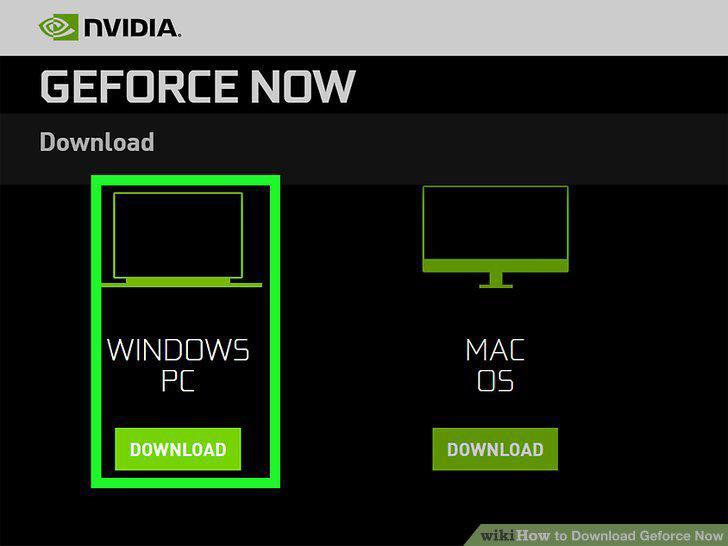
Click on Download under either the Windows PC or Mac OS logo.
3
Run the downloaded file.
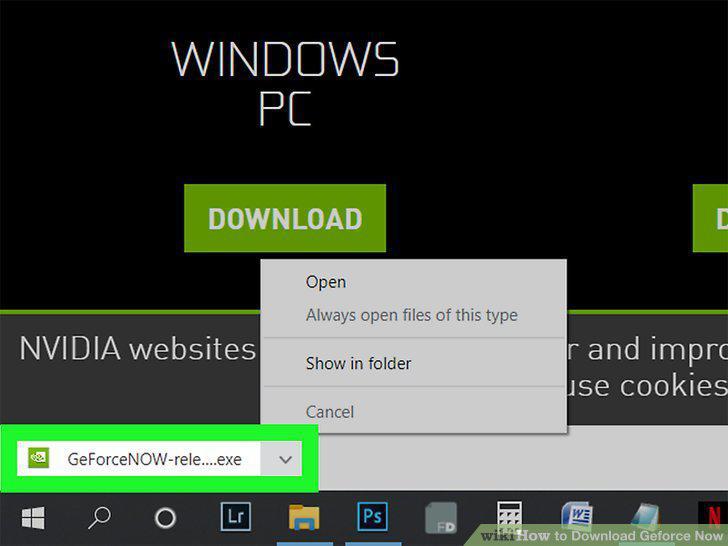
Run the downloaded file.
4
Open Geforce Now (if it's not opened automatically).
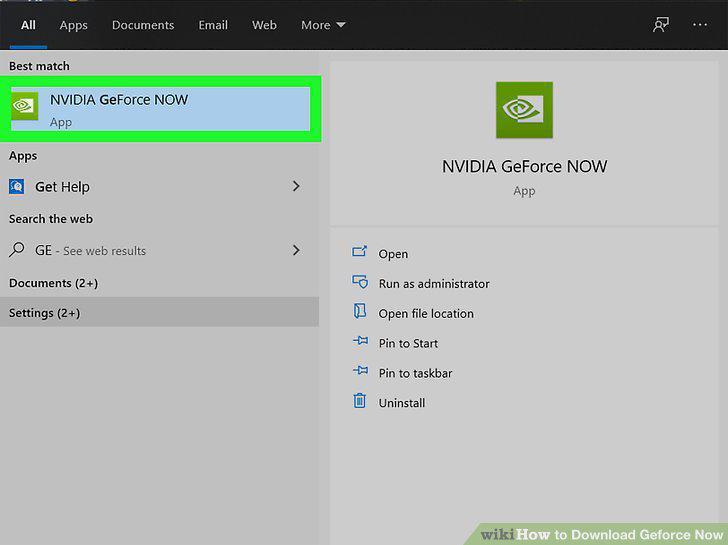
Open Geforce Now (if it's not opened automatically).
5
Log in to Geforce Now.
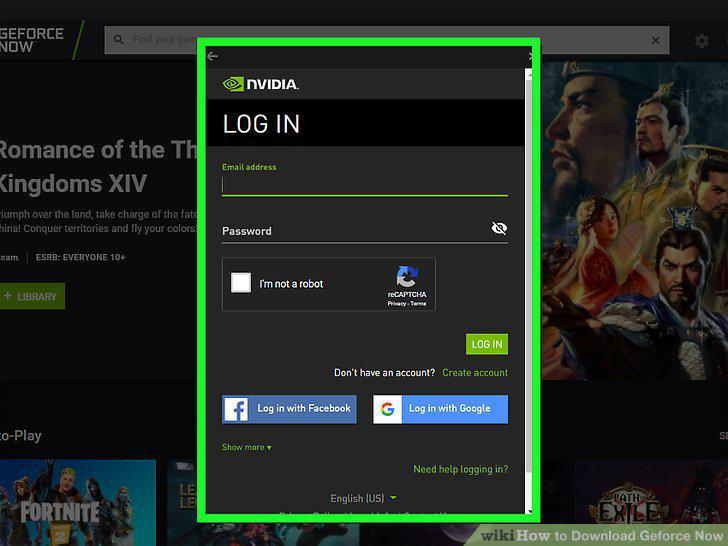
Log in to Geforce Now.
6
Open the Google Play Store .
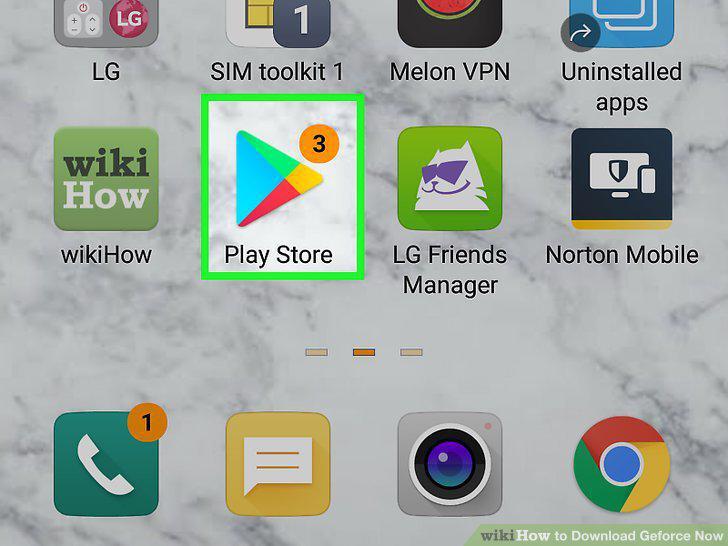
Open the Google Play Store .
7
Search for "Geforce Now.
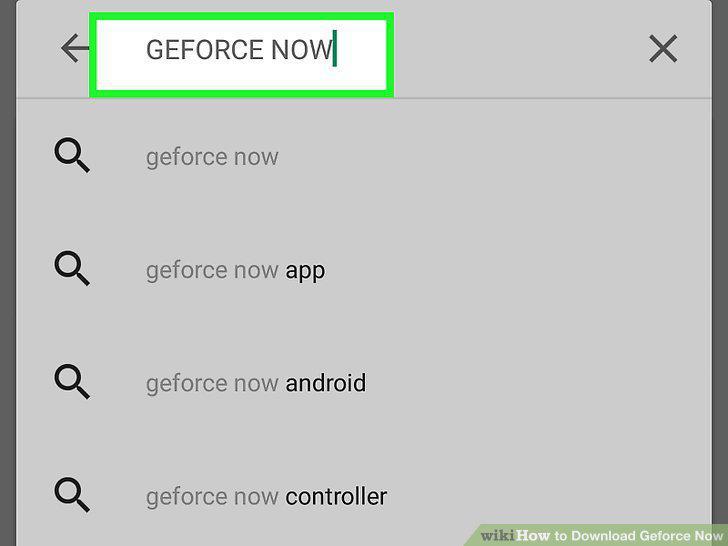
Search for "Geforce Now.
8
Tap NVIDIA GeForce NOW in the search results.
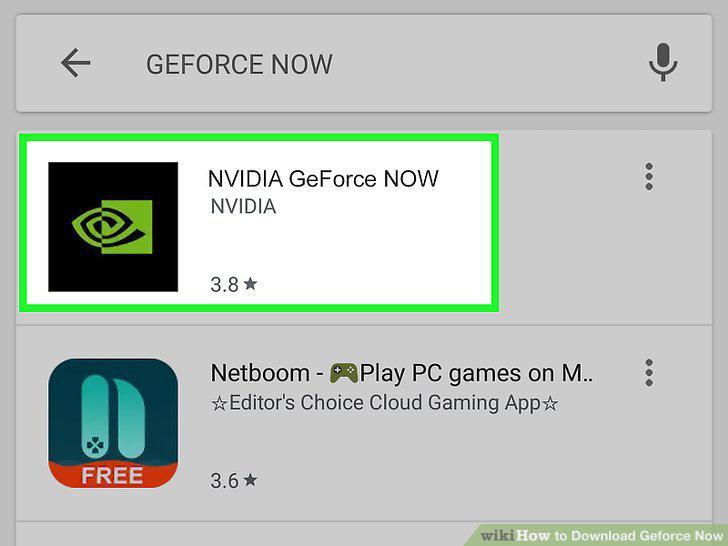
Tap NVIDIA GeForce NOW in the search results.
9
Tap Install.
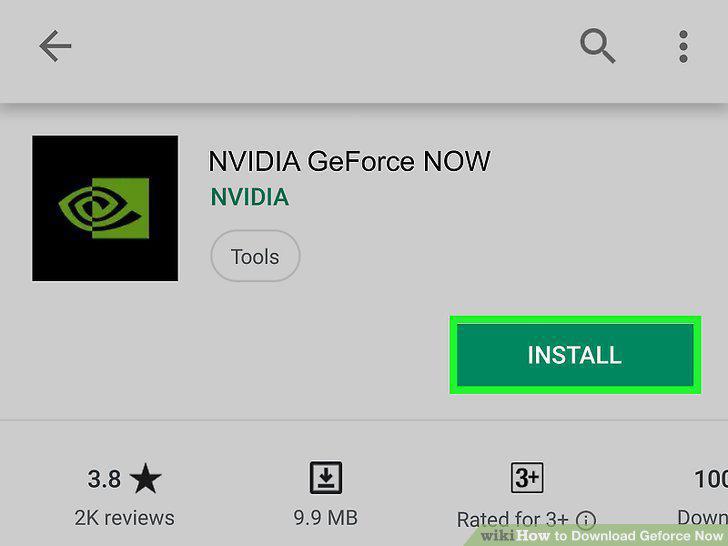
Tap Install.
10
Open GeForce NOW and log in.
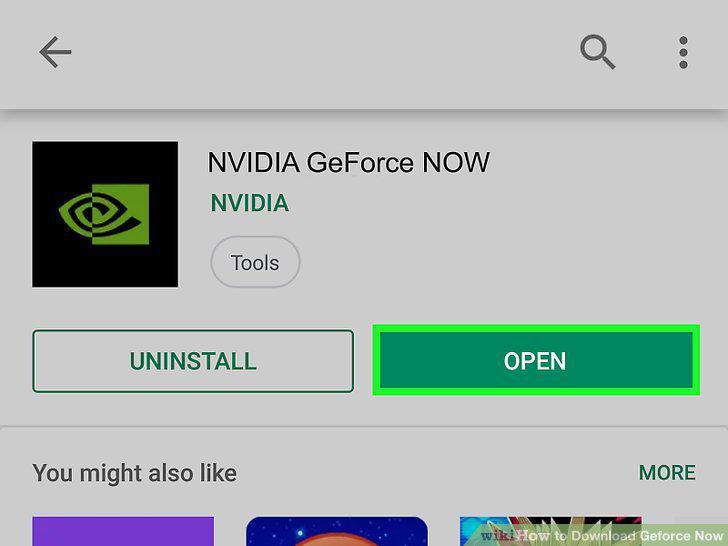
Open GeForce NOW and log in.
Comments (0)
No comments yet. Be the first to share your thoughts!