How to Make Tab Groups on Chrome
Open Google Chrome and a few tabs.. Right-click a tab.. Click Add to new group.
Steps
1
Open Google Chrome and a few tabs.
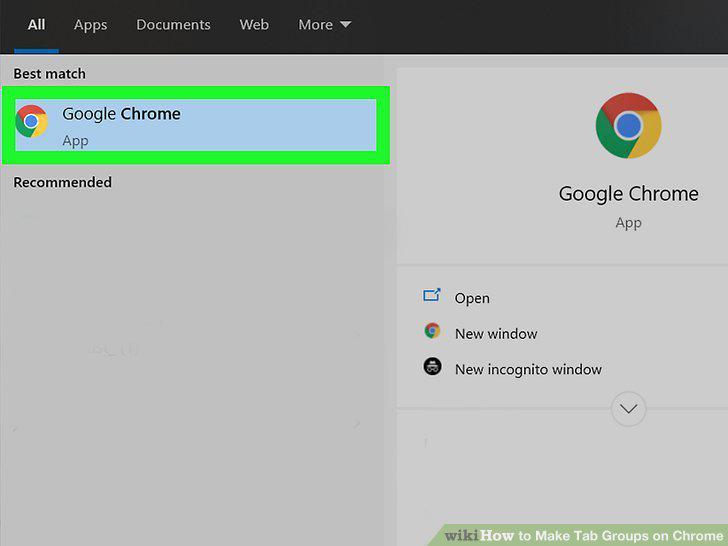
Open Google Chrome and a few tabs.
2
Right-click a tab.
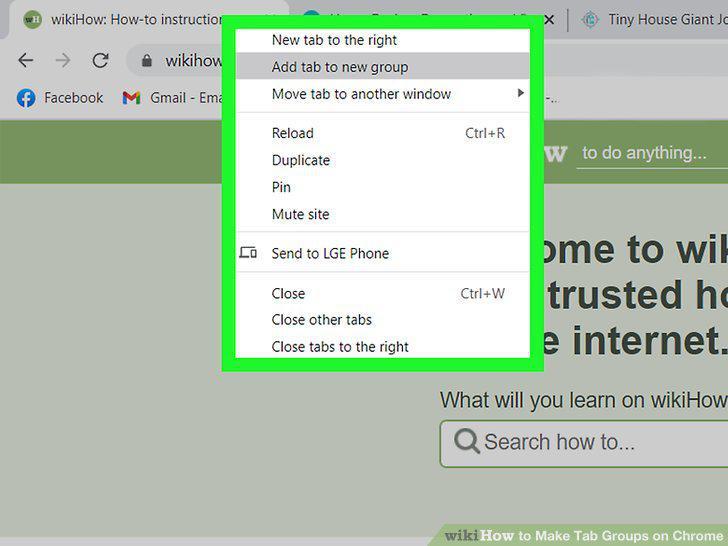
Right-click a tab.
3
Click Add to new group.
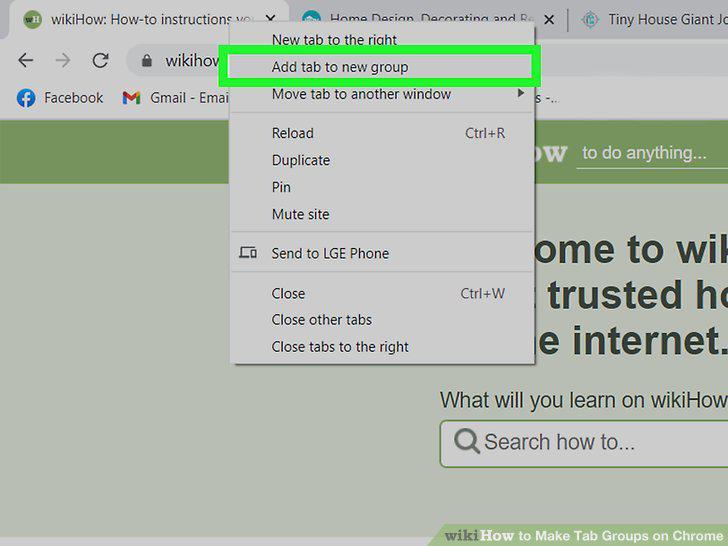
Click Add to new group.
4
Add tabs to your groups by right-clicking them and selecting Add to existing gro
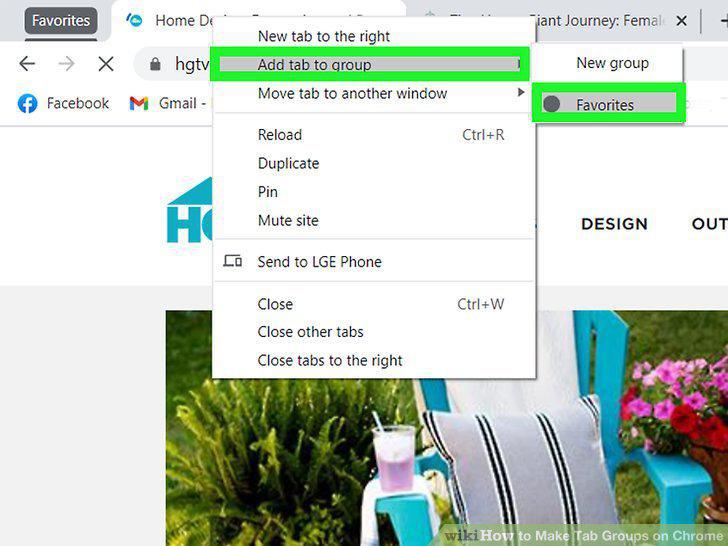
Add tabs to your groups by right-clicking them and selecting Add to existing group.
Comments (0)
No comments yet. Be the first to share your thoughts!