How to Create a Telegram Channel on iPhone or iPad
Open Telegram on your iPhone or iPad.. Tap Chats.. Tap the paper and pencil icon in the upper-right corner in.
Steps
1
Open Telegram on your iPhone or iPad.
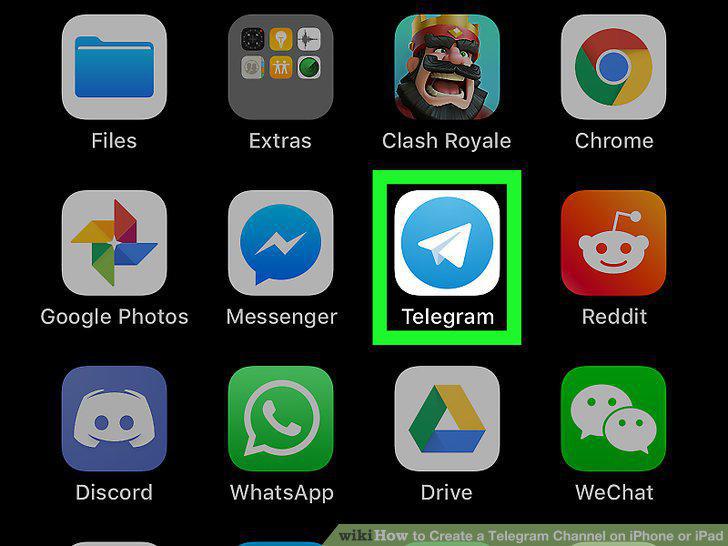
Open Telegram on your iPhone or iPad.
2
Tap Chats.
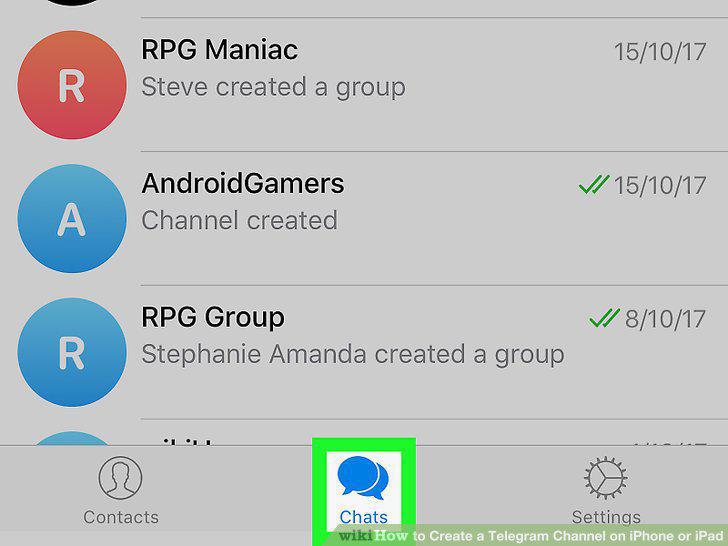
Tap Chats.
3
Tap the paper and pencil icon in the upper-right corner in.
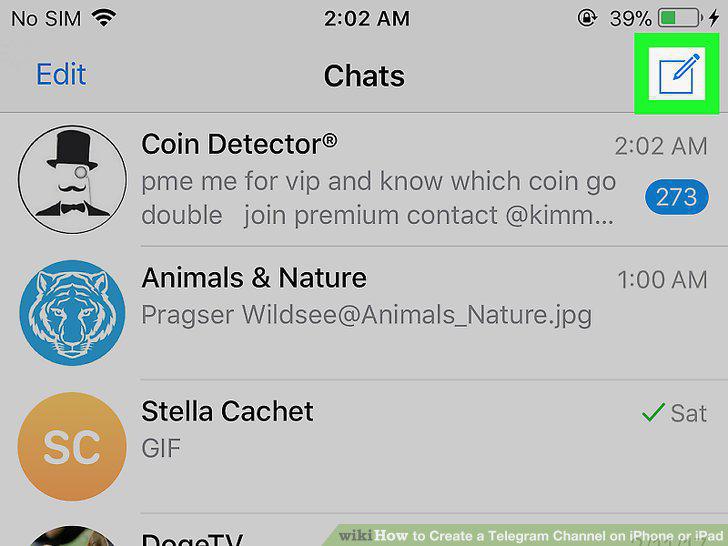
Tap the paper and pencil icon in the upper-right corner in.
4
Tap New Channel.
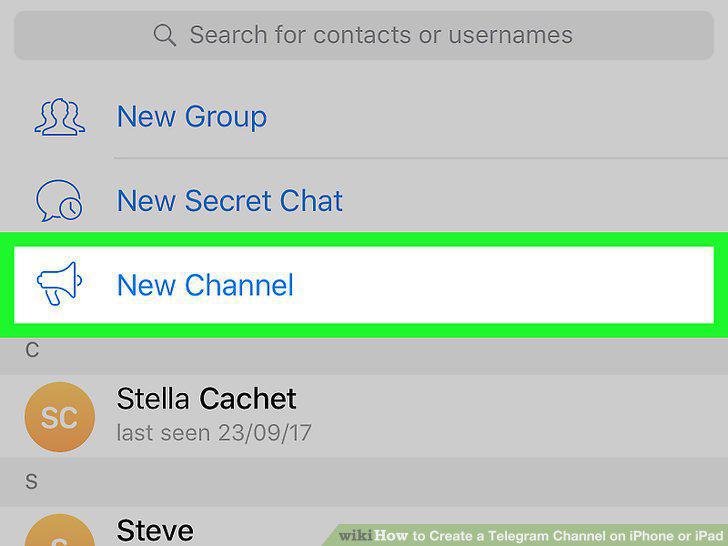
Tap New Channel.
5
Enter a name for your channel.
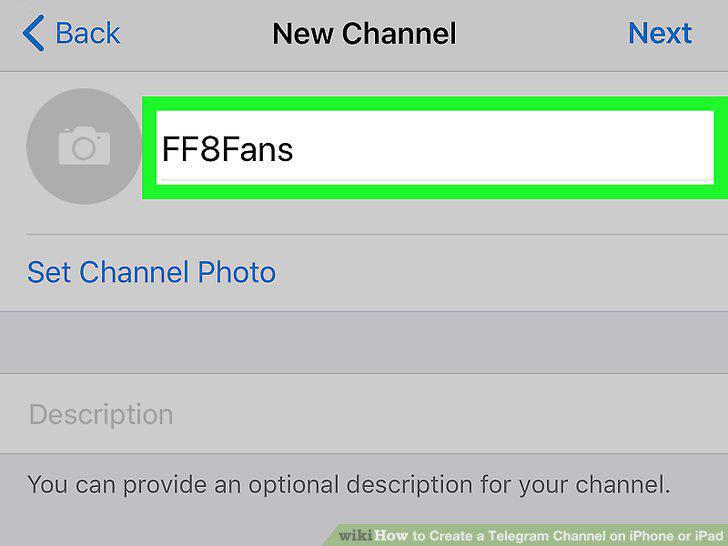
Enter a name for your channel.
6
Tap Next.
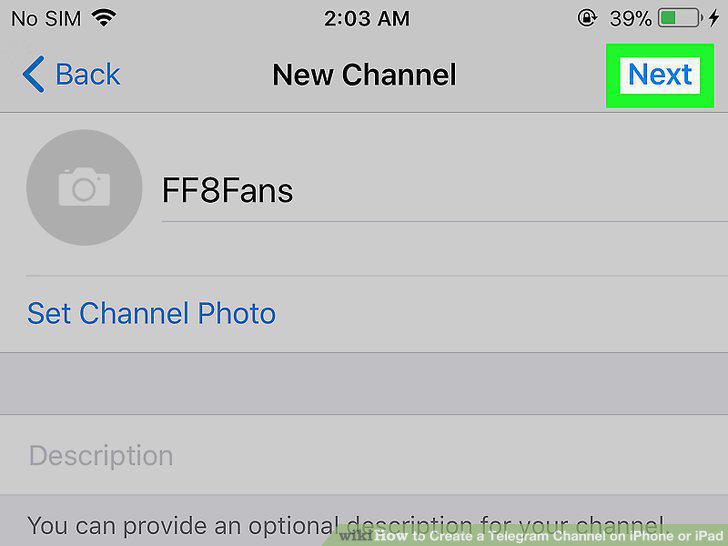
Tap Next.
7
Select Public Channel or Private Channel.
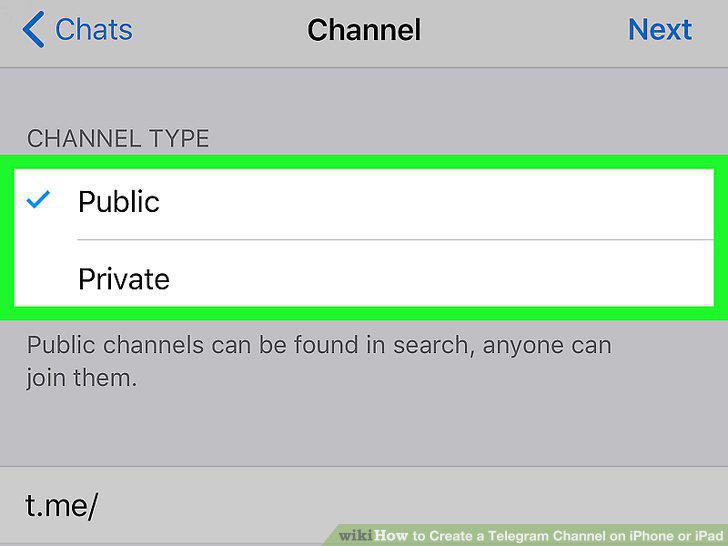
Select Public Channel or Private Channel.
8
Enter a custom link for you Channel.
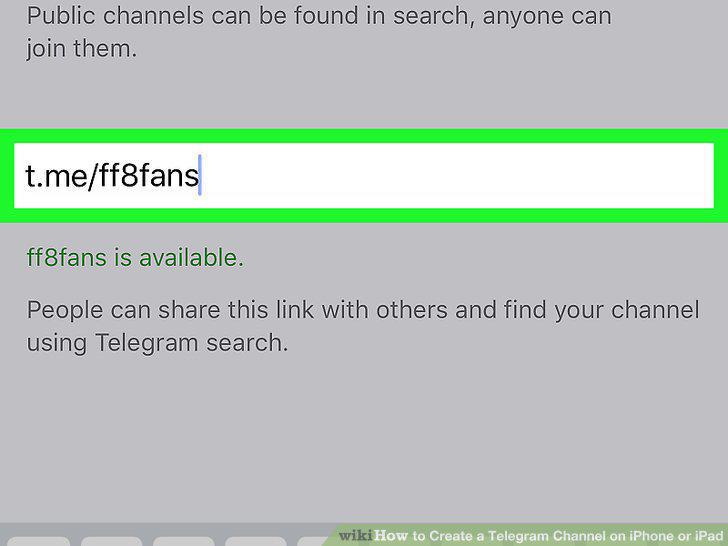
Enter a custom link for you Channel.
9
Tap Next.
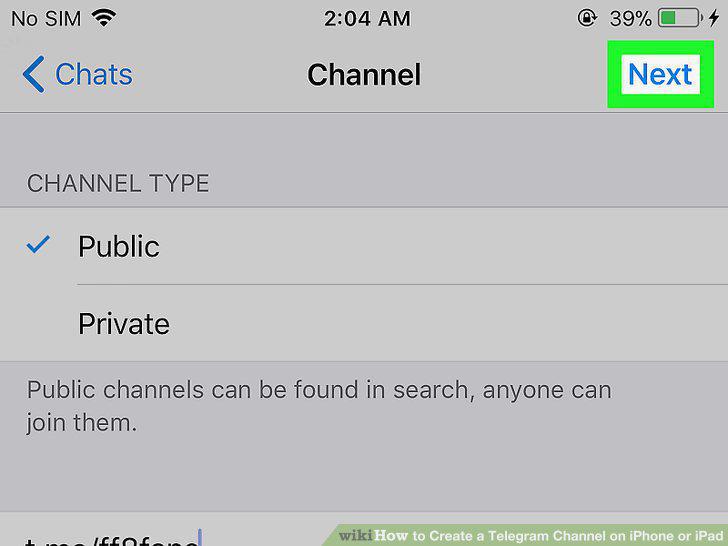
Tap Next.
10
Select any members you want to add and tap Next.
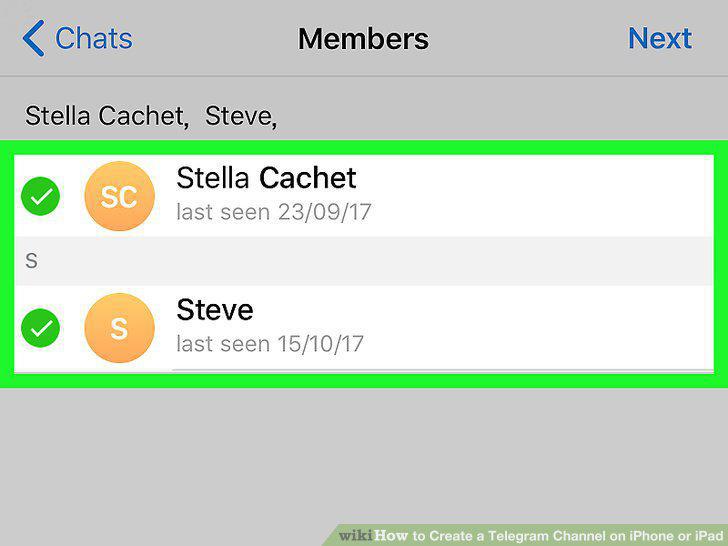
Select any members you want to add and tap Next.
Comments (0)
No comments yet. Be the first to share your thoughts!