How to Get Your Computer Running at Full Speed
Return to the basics.. Cut down on start-up programs.. Clear temporary data.
Steps
1
Return to the basics.
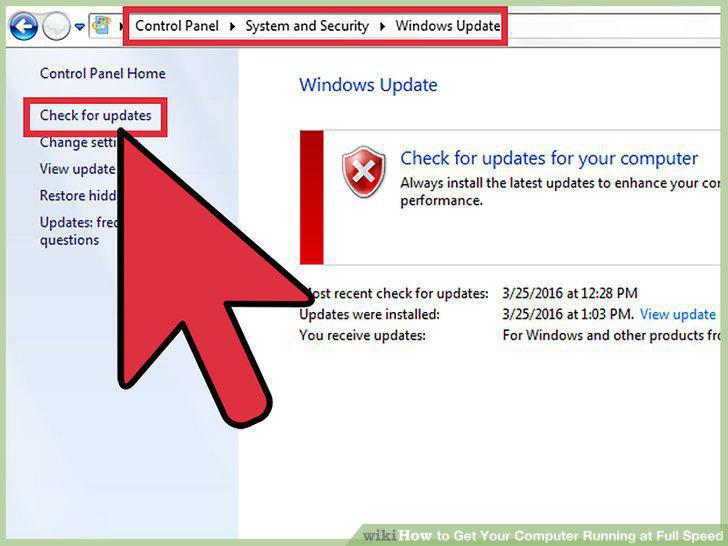
Return to the basics.
2
Cut down on start-up programs.
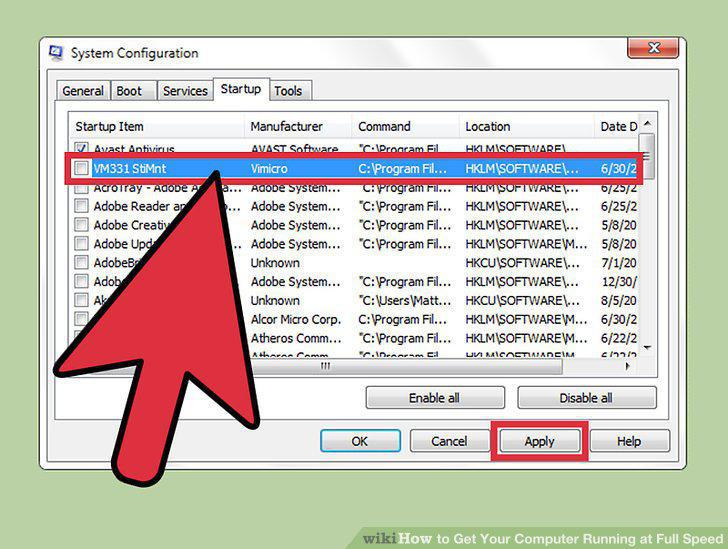
Cut down on start-up programs.
3
Clear temporary data.
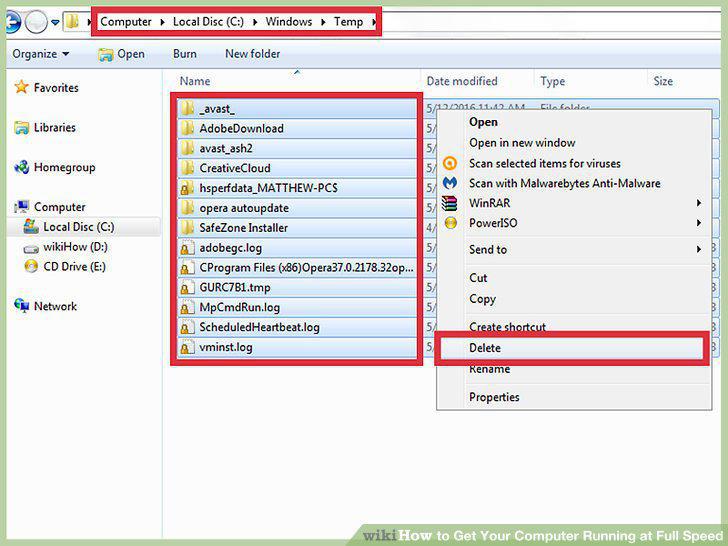
Clear temporary data.
4
Consider using alternatives to traditional browsers.
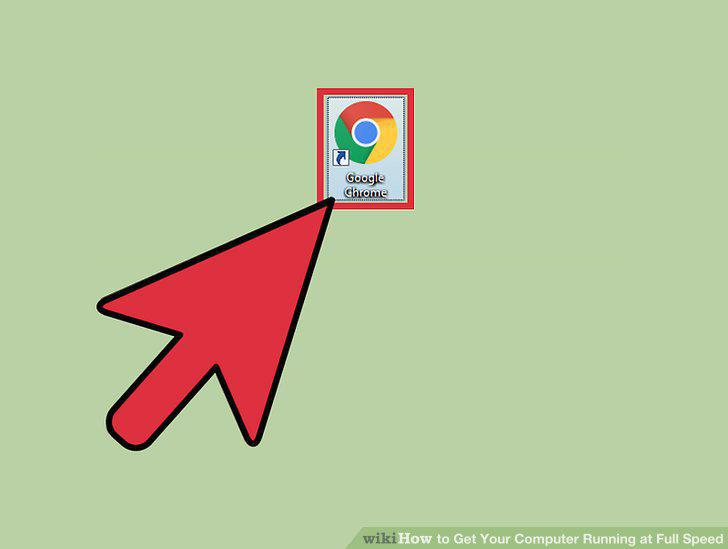
Consider using alternatives to traditional browsers.
5
Run security scans weekly.
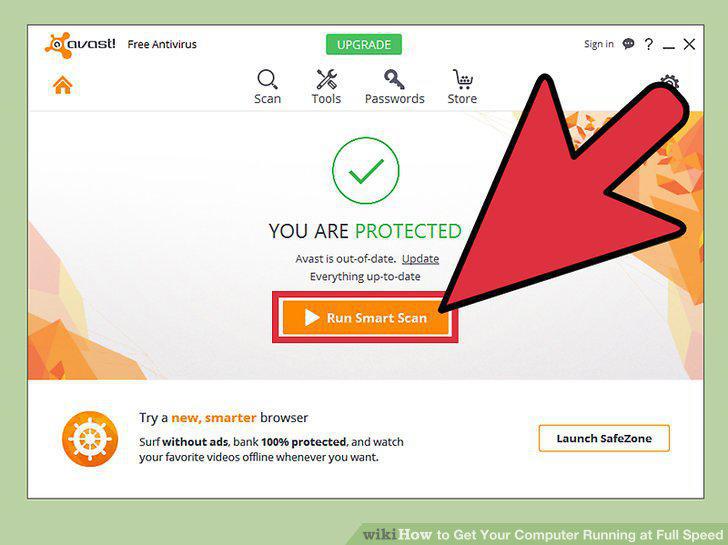
Run security scans weekly.
6
Uninstall unused or superfluous programs.
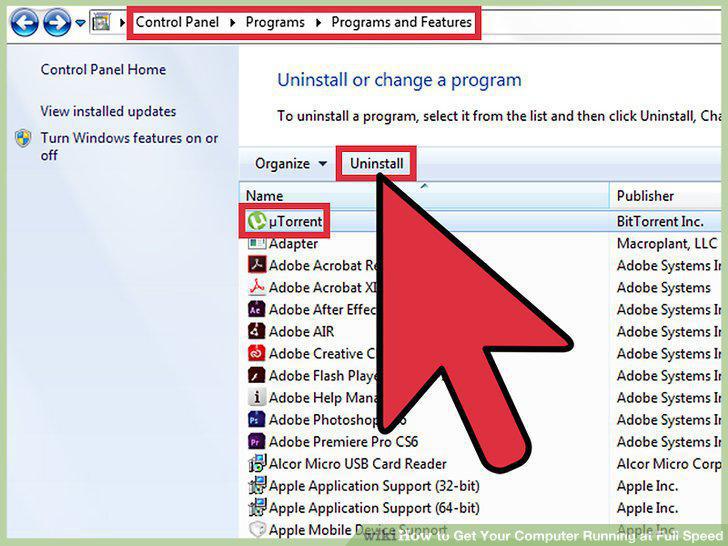
Uninstall unused or superfluous programs.
7
Run a system defragmentation.
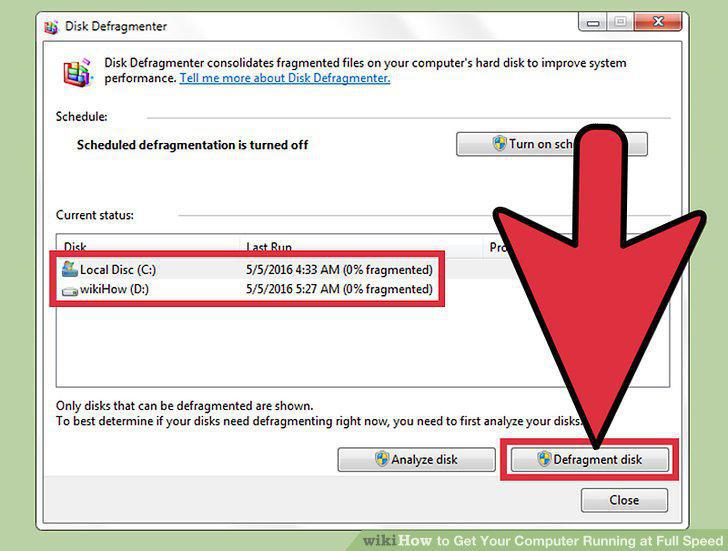
Run a system defragmentation.
8
Restart your computer.
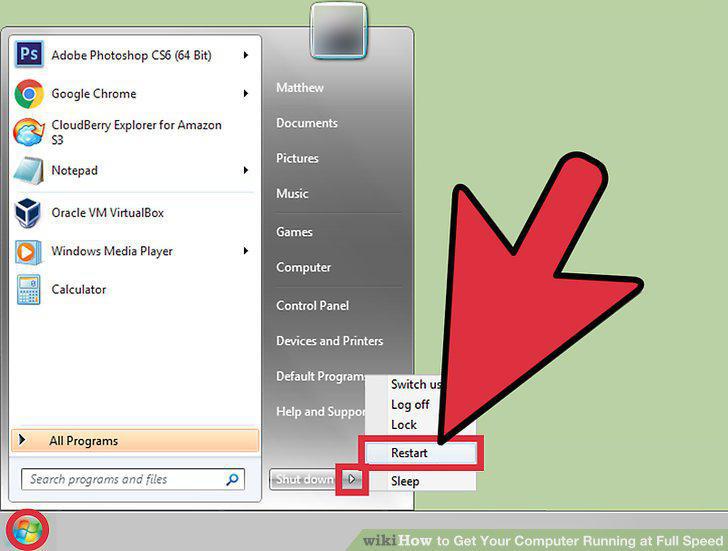
Restart your computer.
9
Review your options.
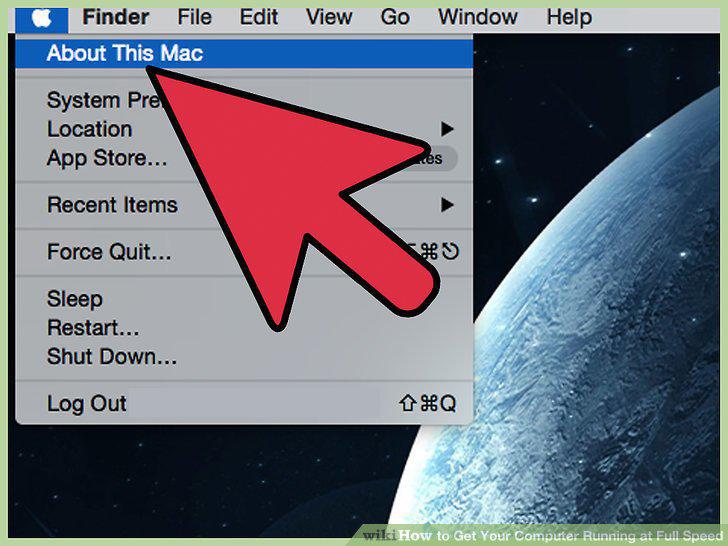
Review your options.
10
Clean your hardware.
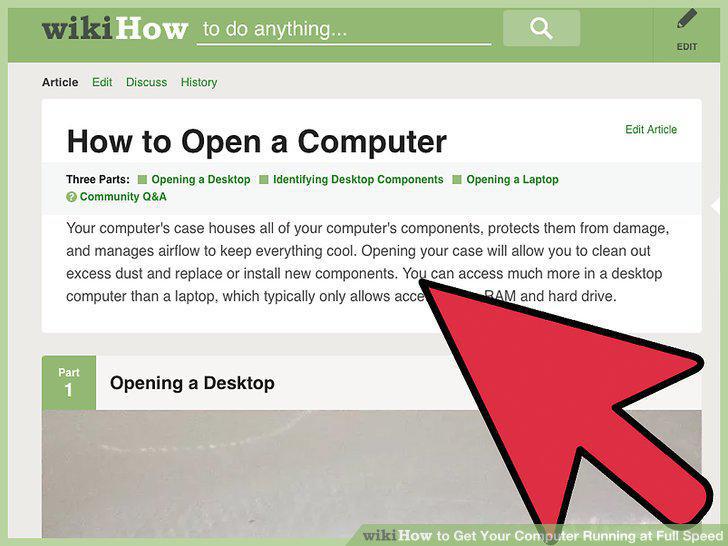
Clean your hardware.
11
Upgrade your RAM.
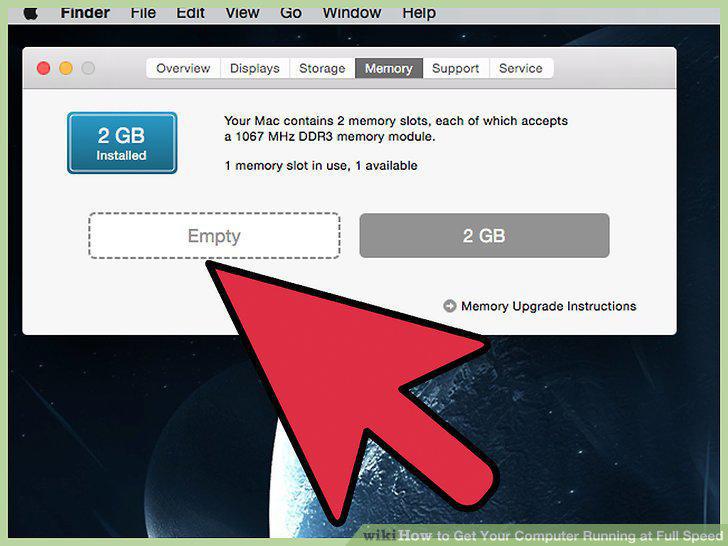
Upgrade your RAM.
12
Install a larger hard drive.
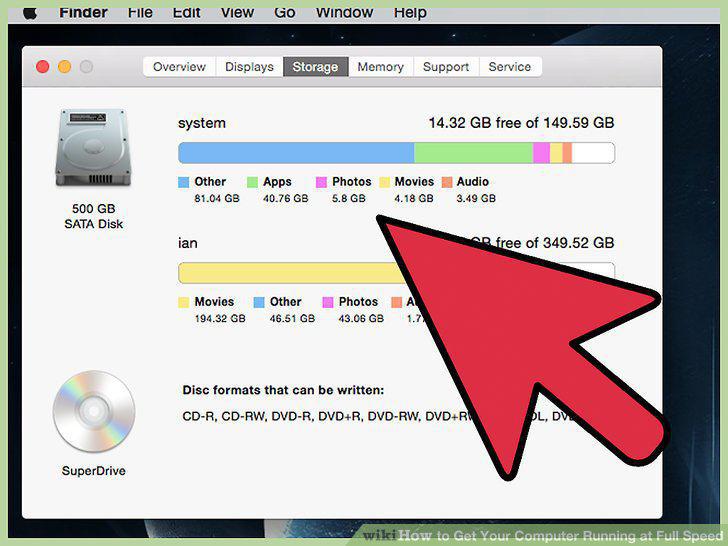
Install a larger hard drive.
Comments (0)
No comments yet. Be the first to share your thoughts!