How to Decorate a Study Room
Choose a private space to increase your productivity.. Situate your work space near a window, if possible.. Add a sitting area if you have the room.
Steps
Choose a private space to increase your productivity.
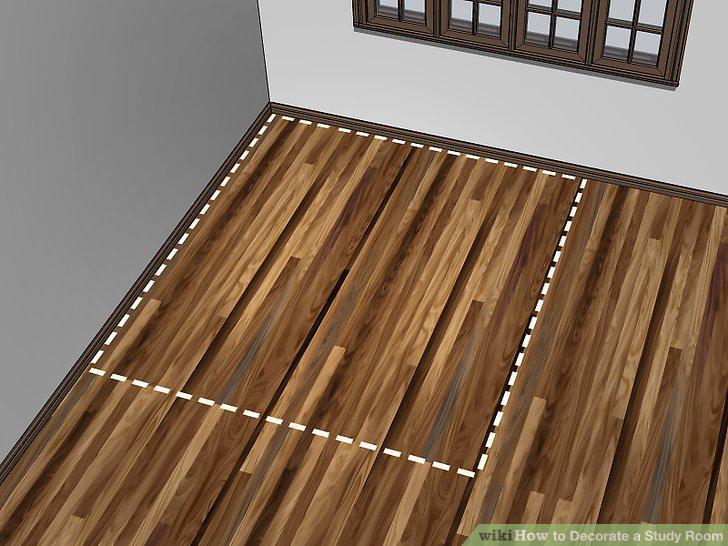
Choose a private space to increase your productivity.
Situate your work space near a window, if possible.
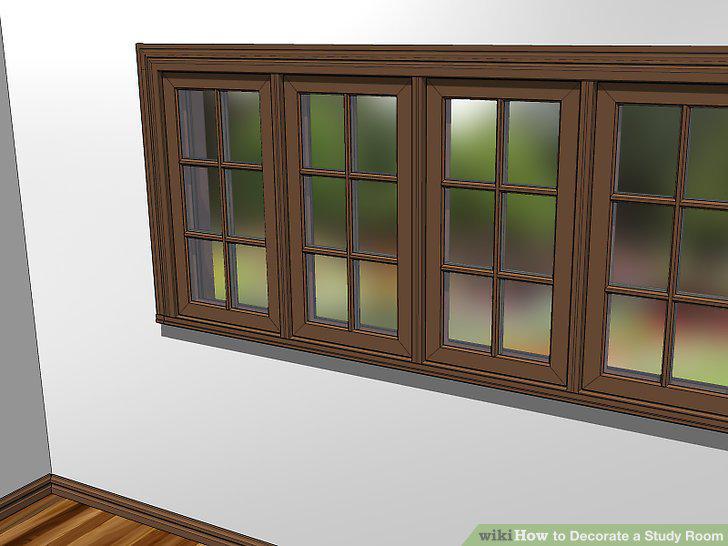
Situate your work space near a window, if possible.
Add a sitting area if you have the room.
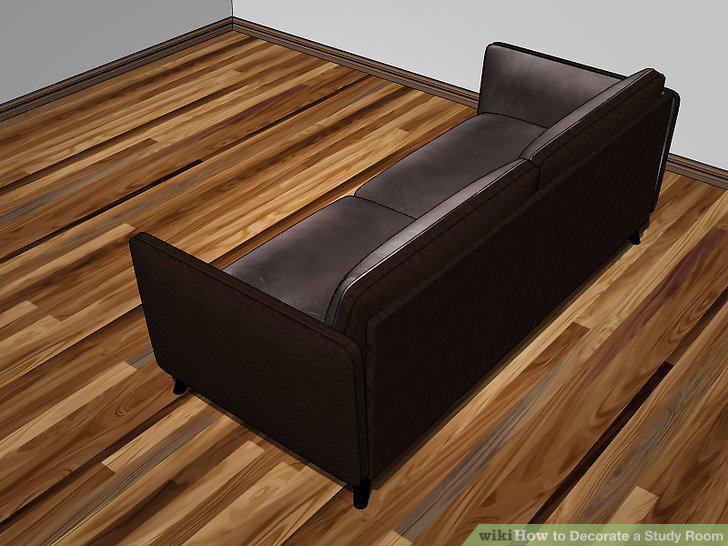
Add a sitting area if you have the room.
Keep the design minimal if you are easily distracted.
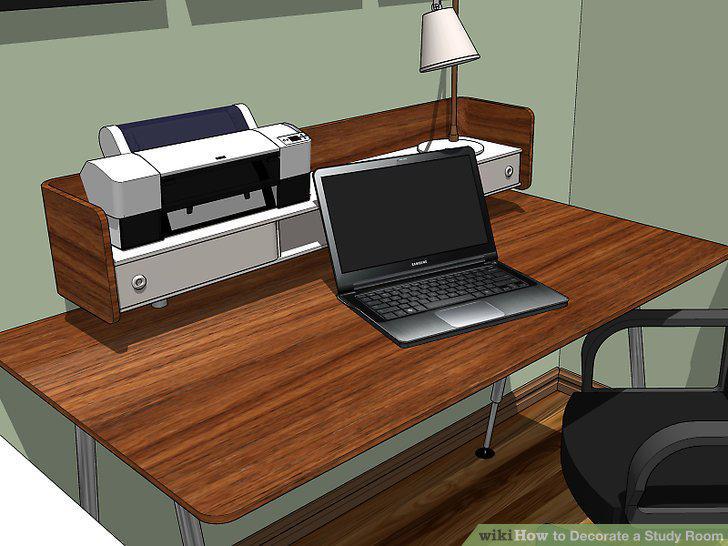
Keep the design minimal if you are easily distracted.
Choose a comfortable desk and chair.
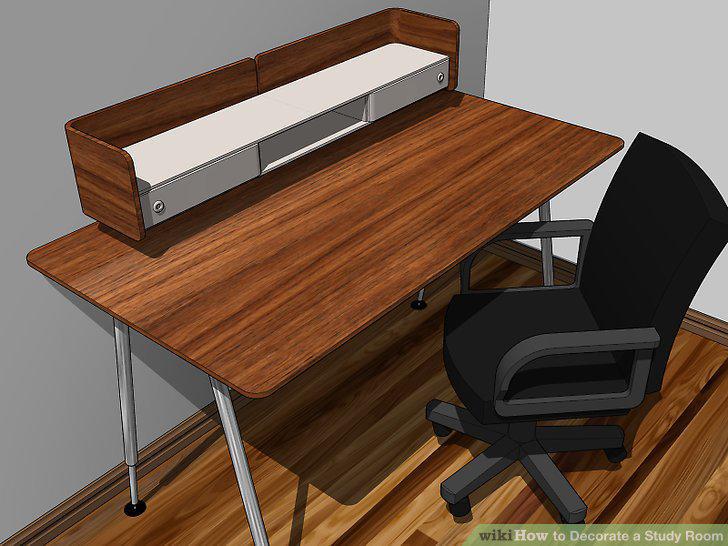
Choose a comfortable desk and chair.
Add lamps or other lighting, if necessary.
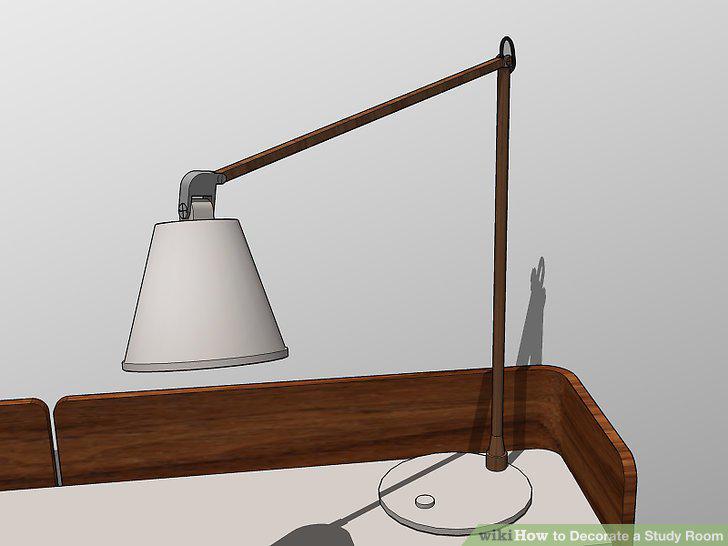
Add lamps or other lighting, if necessary.
Make room near your workspace for essential supplies and equipment.
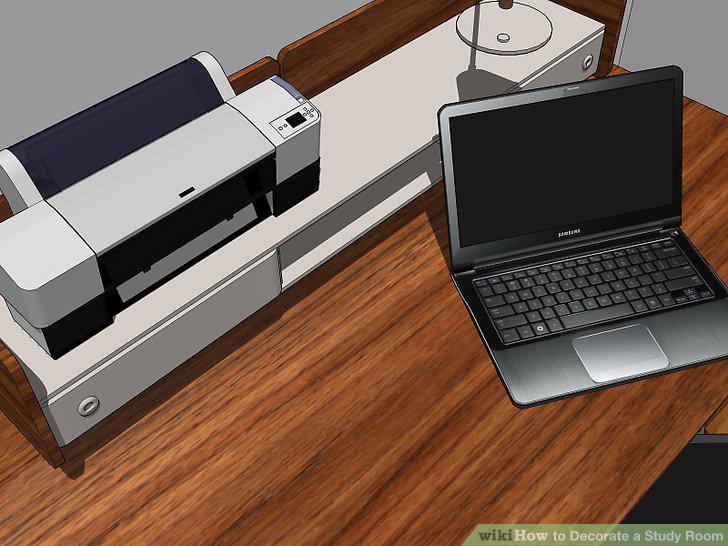
Make room near your workspace for essential supplies and equipment.
Include lots of storage space so everything has a place.
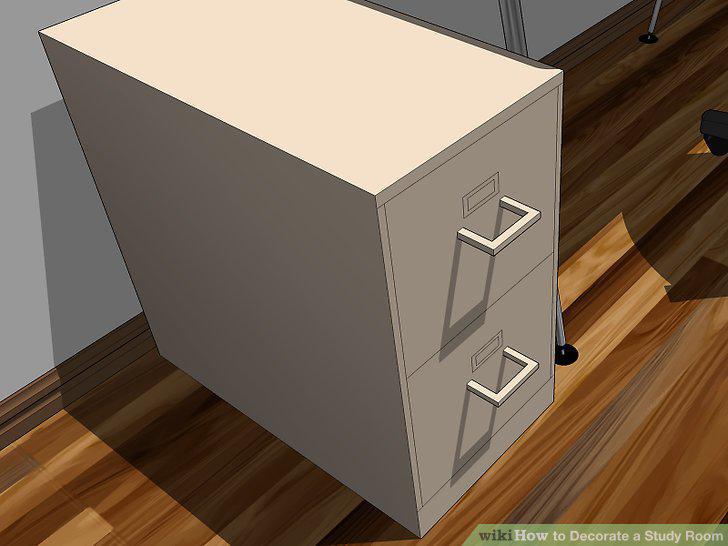
Include lots of storage space so everything has a place.
Organize your supplies to eliminate clutter.
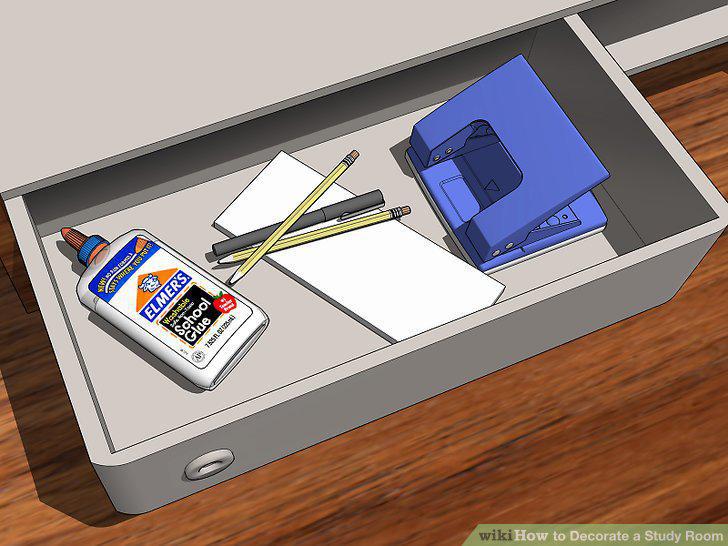
Organize your supplies to eliminate clutter.
Pick a light wall color if you decide to paint.
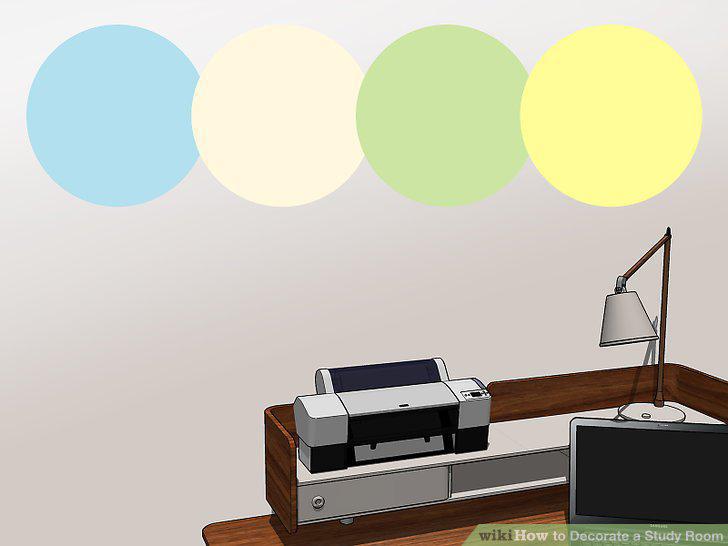
Pick a light wall color if you decide to paint.
Include pops of color with accent pieces.
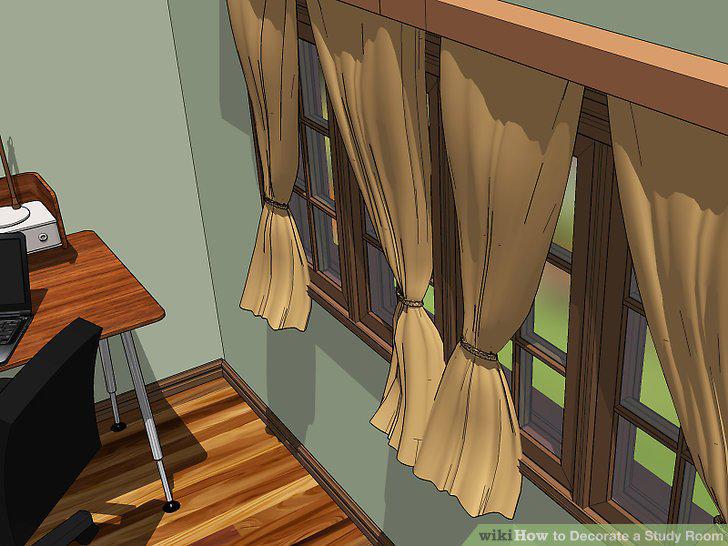
Include pops of color with accent pieces.
Add wall décor that incorporates the things you like.
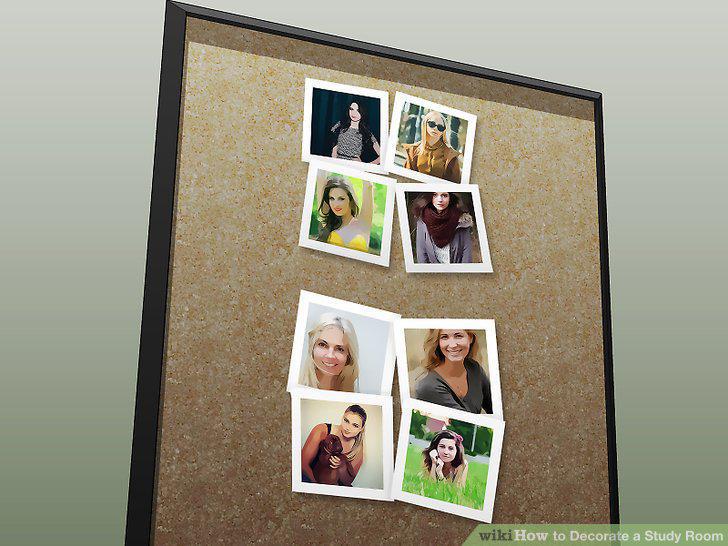
Add wall décor that incorporates the things you like.
Motivate yourself with inspiring art.

Motivate yourself with inspiring art.
Set out your favorite knick knacks for a personal touch.
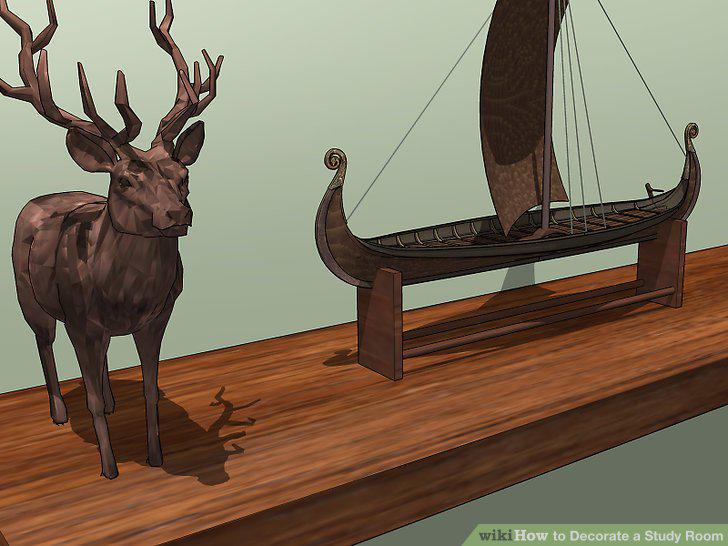
Set out your favorite knick knacks for a personal touch.
Display your calendar or schedule so you stay on task.
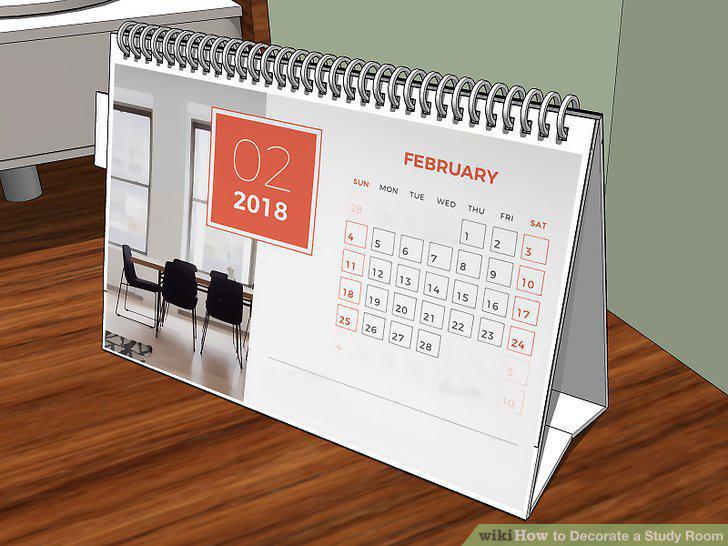
Display your calendar or schedule so you stay on task.
Comments (0)
No comments yet. Be the first to share your thoughts!