How to Contact WhatsApp
Visit the WhatsApp Contact page.. Write to a device-specific email address for help with Messenger.. Contact WhatsApp Messenger support through the app if it is working.
Steps
Visit the WhatsApp Contact page.
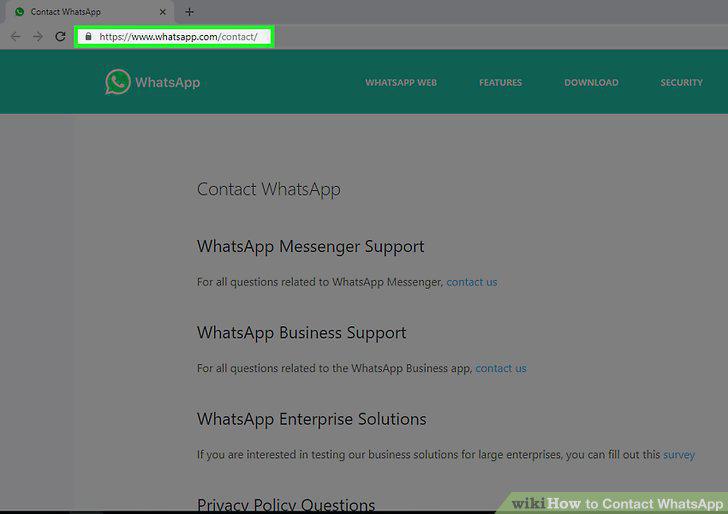
Visit the WhatsApp Contact page.
Write to a device-specific email address for help with Messenger.
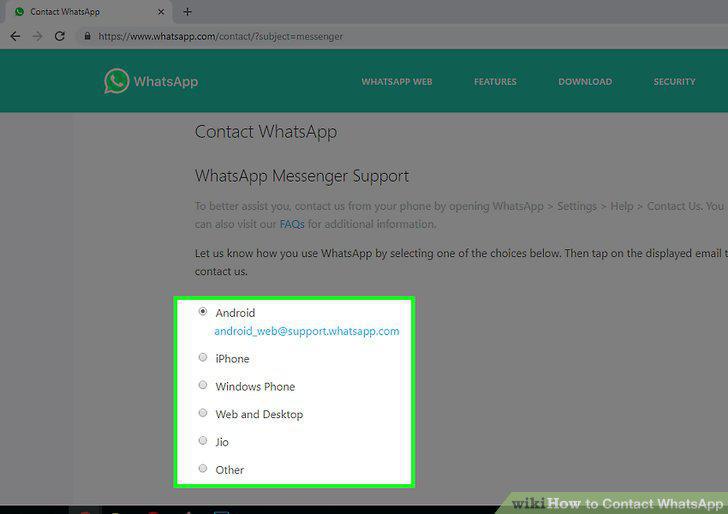
Write to a device-specific email address for help with Messenger.
Contact WhatsApp Messenger support through the app if it is working.
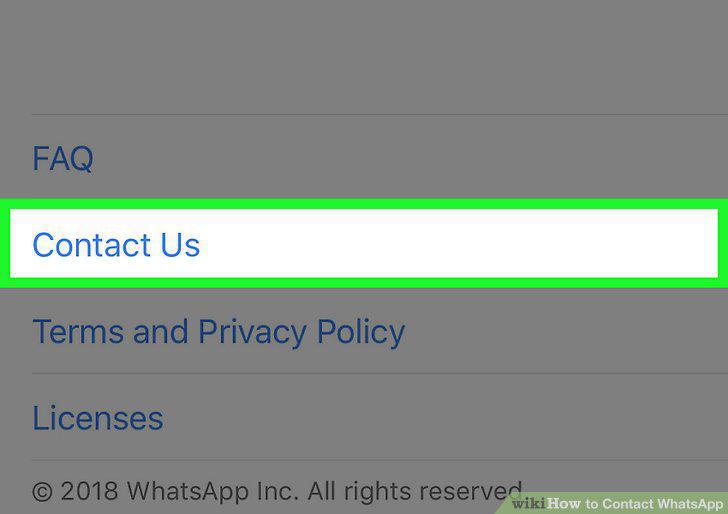
Contact WhatsApp Messenger support through the app if it is working.
Ask a pre-written question about WhatsApp privacy policies by email.
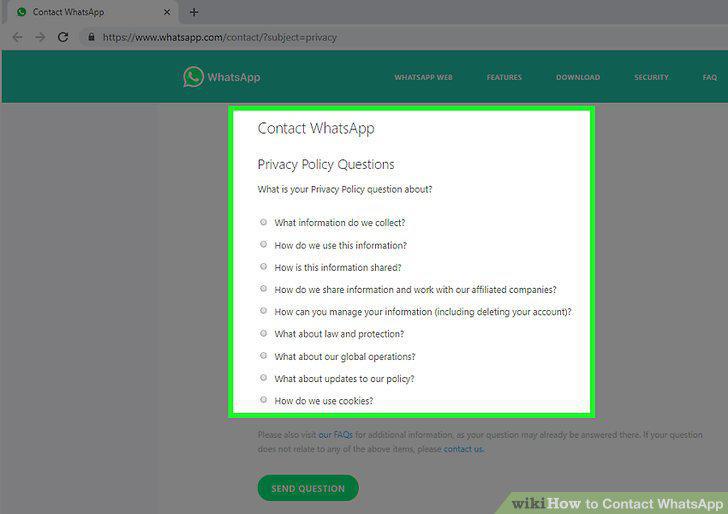
Ask a pre-written question about WhatsApp privacy policies by email.
Email WhatsApp business support with questions about the app.
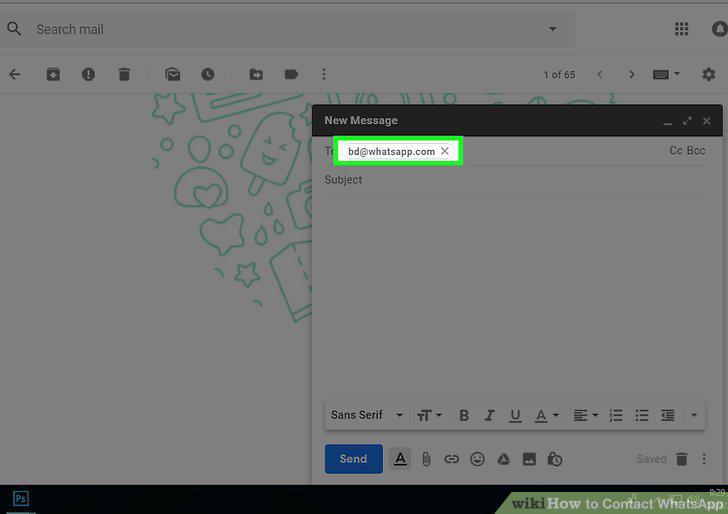
Email WhatsApp business support with questions about the app.
Write to the head office if you can't contact the company by email.
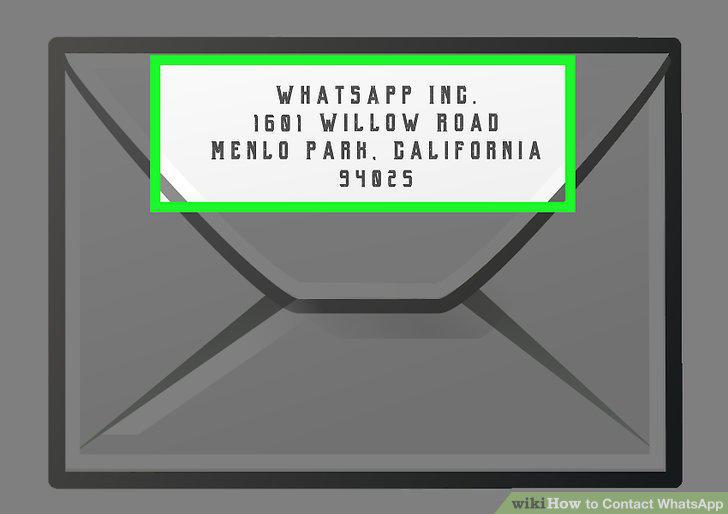
Write to the head office if you can't contact the company by email.
State your problem clearly.

State your problem clearly.
Note what device you use WhatsApp on.
Note what device you use WhatsApp on.
Provide your contact information.
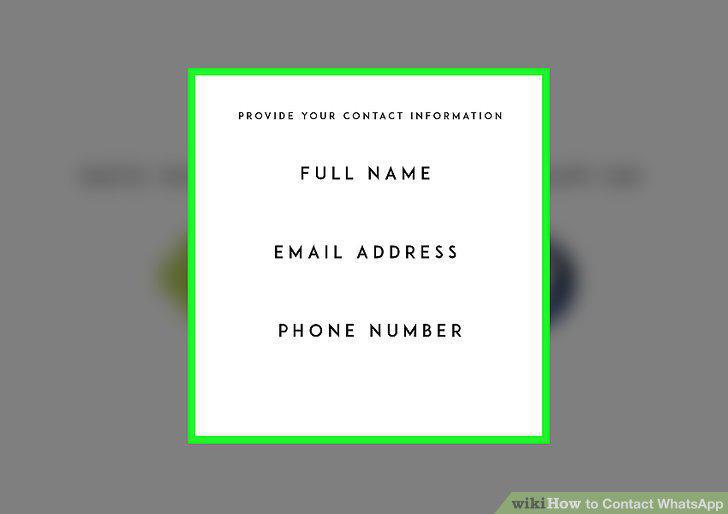
Provide your contact information.
Visit the career page of the WhatsApp website to browse jobs.
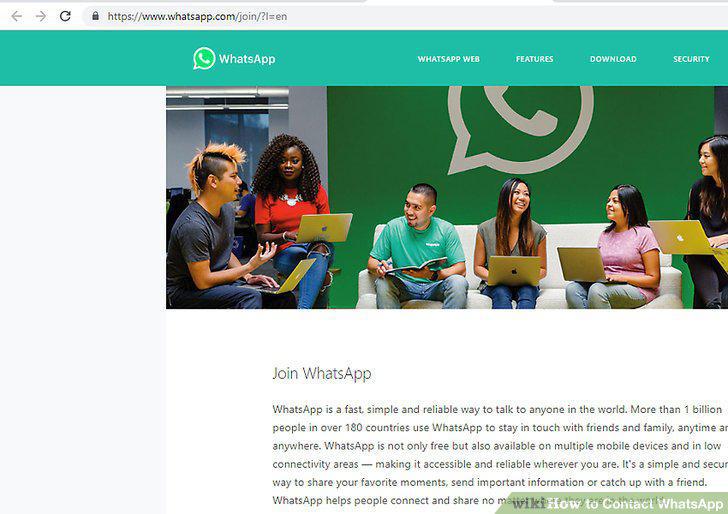
Visit the career page of the WhatsApp website to browse jobs.
Look for jobs in a field that you are qualified for.
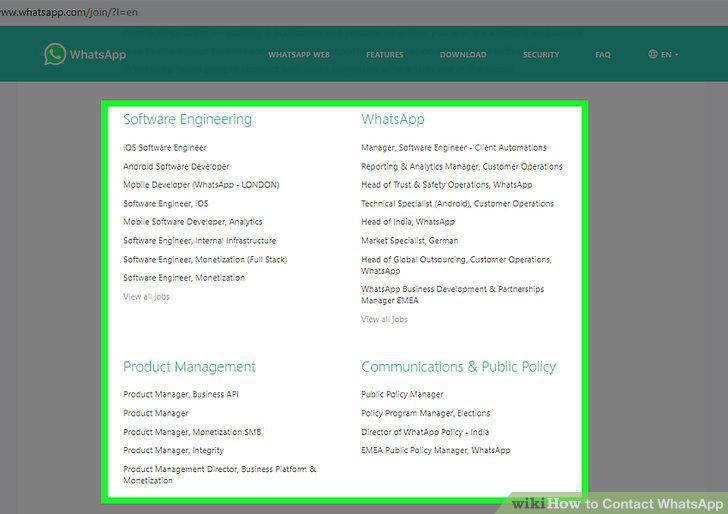
Look for jobs in a field that you are qualified for.
Click "Apply Now" for jobs you are interested in.
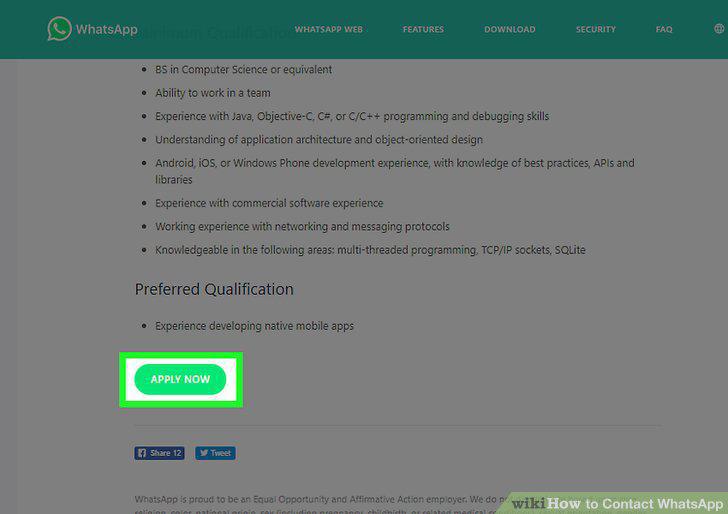
Click "Apply Now" for jobs you are interested in.
Upload your resume and a cover letter.
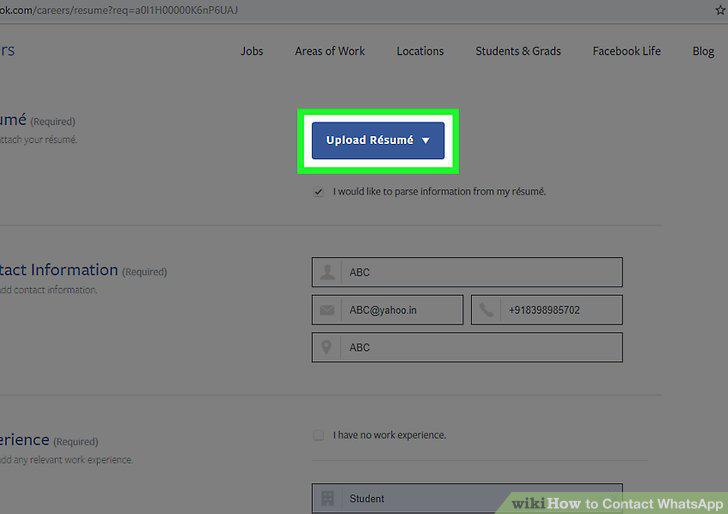
Upload your resume and a cover letter.
Complete the rest of the questionnaire and submit the application.
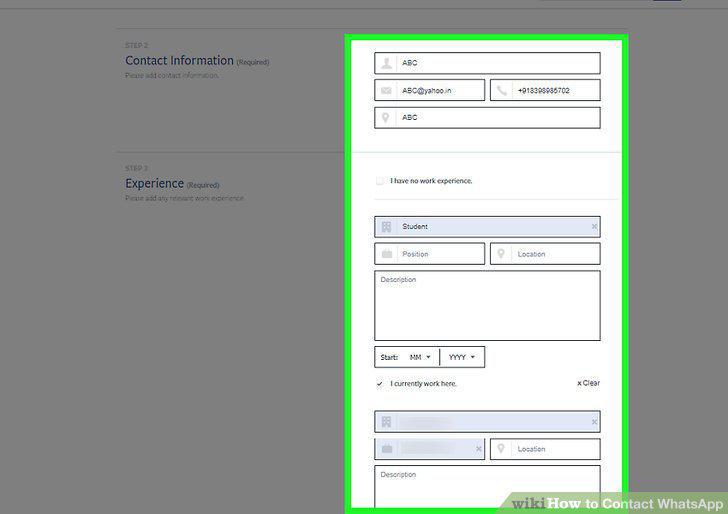
Complete the rest of the questionnaire and submit the application.
Comments (0)
No comments yet. Be the first to share your thoughts!