How to Delete Movies from iTunes
Open iTunes on your computer.. Select Movies from the drop-down menu.. Locate the movie you want to remove.
Steps
1
Open iTunes on your computer.
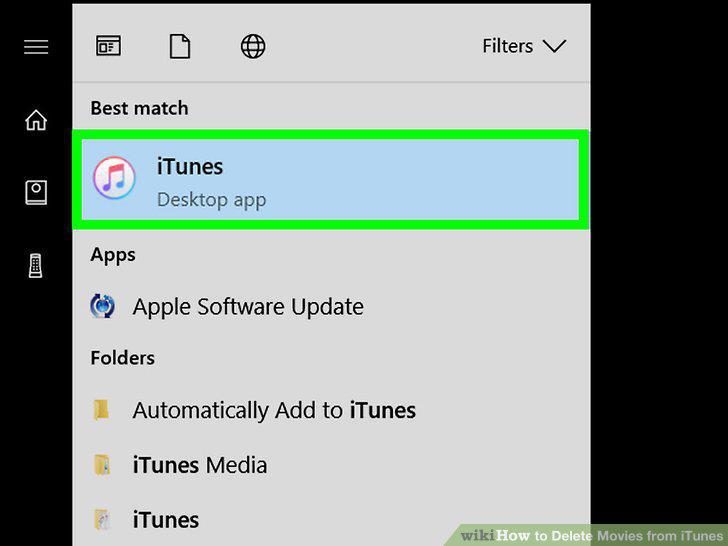
Open iTunes on your computer.
2
Select Movies from the drop-down menu.
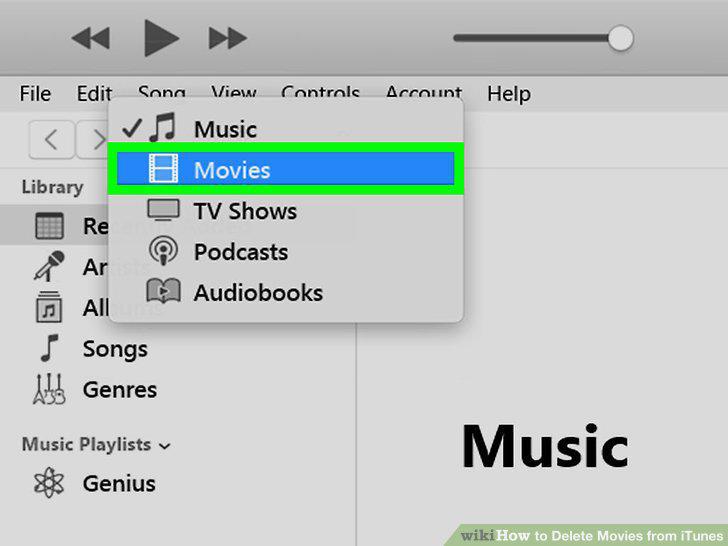
Select Movies from the drop-down menu.
3
Locate the movie you want to remove.
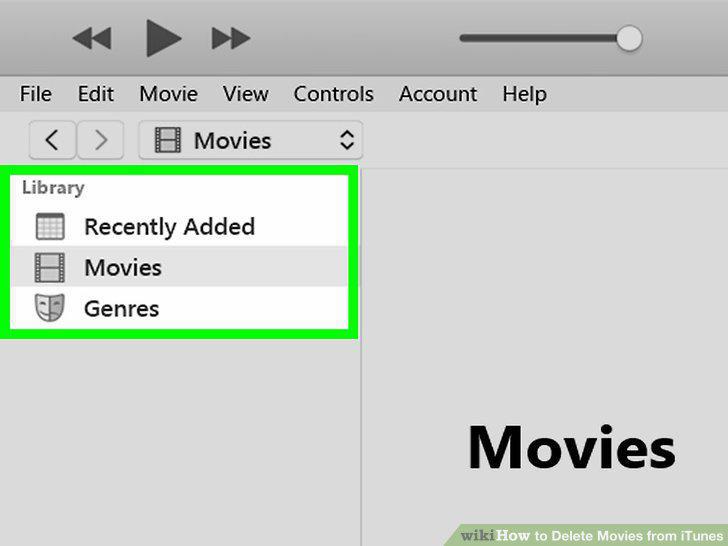
Locate the movie you want to remove.
4
Right-click the movie.
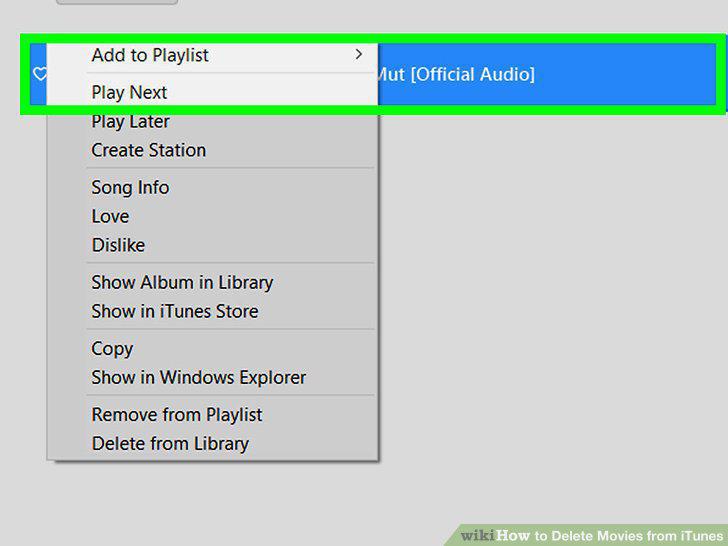
Right-click the movie.
5
Click Delete from Library.
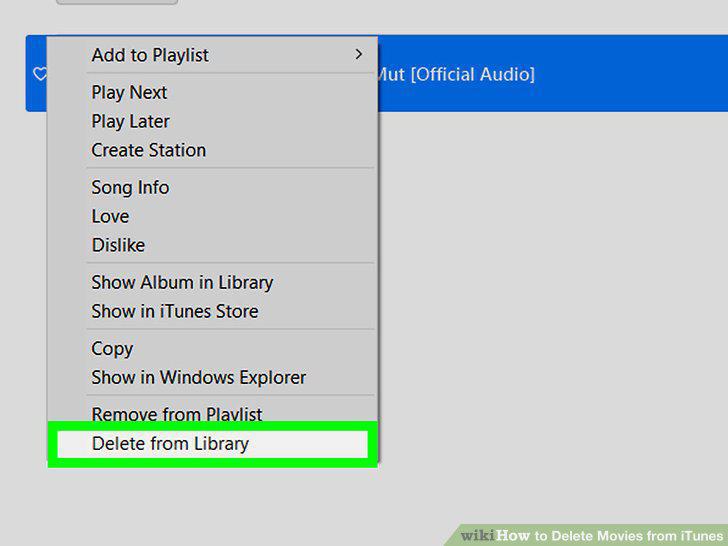
Click Delete from Library.
6
Click Hide Movie.
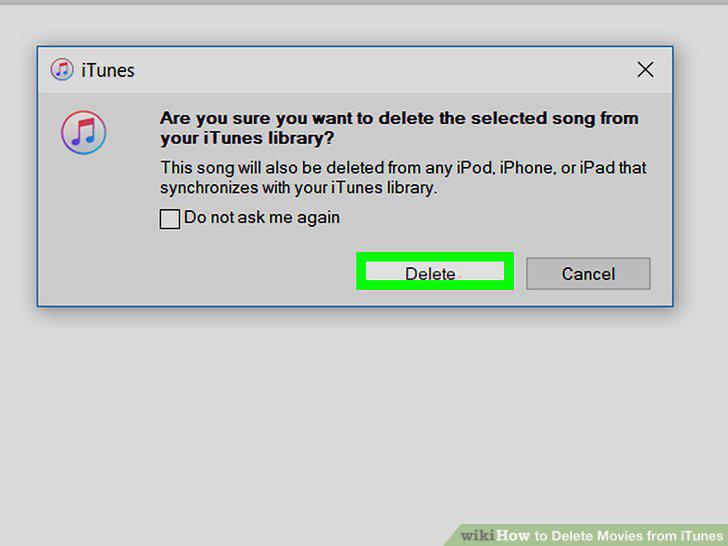
Click Hide Movie.
7
Open your iPhone or iPad's Settings .
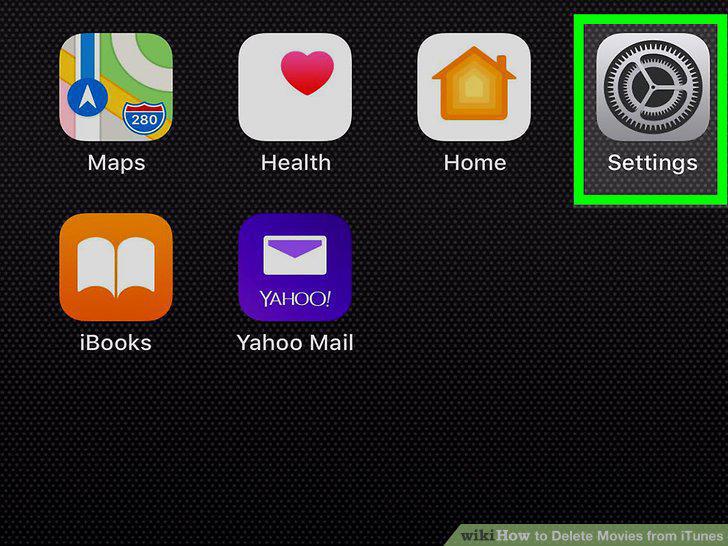
Open your iPhone or iPad's Settings .
8
Tap General.
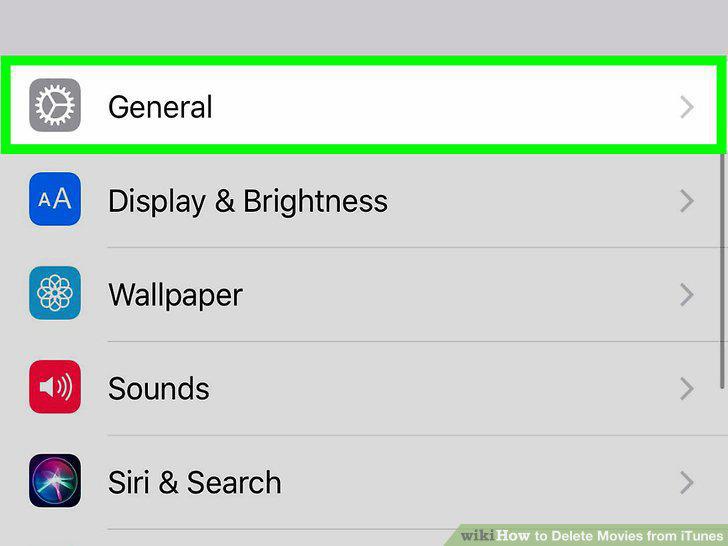
Tap General.
9
Tap iPhone Storage.
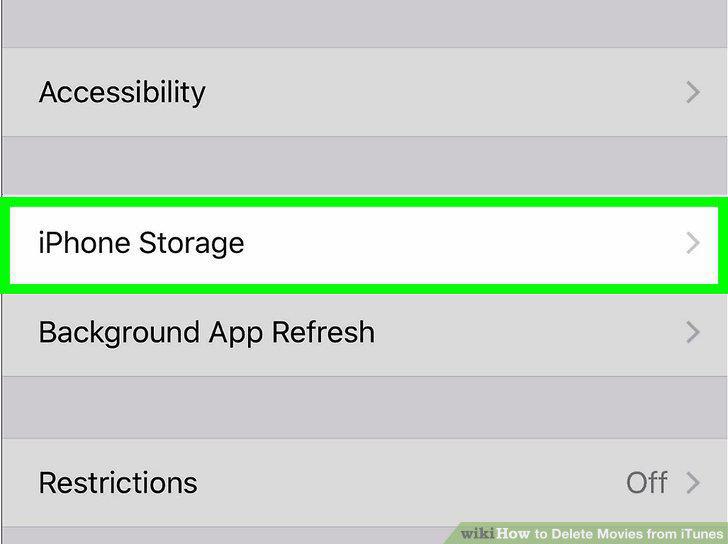
Tap iPhone Storage.
10
Scroll down and tap TV or Videos.
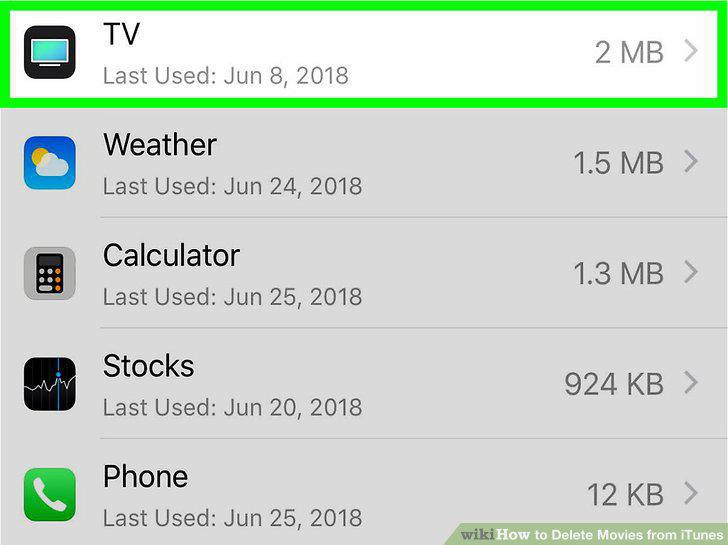
Scroll down and tap TV or Videos.
11
Tap Review iTunes Videos.
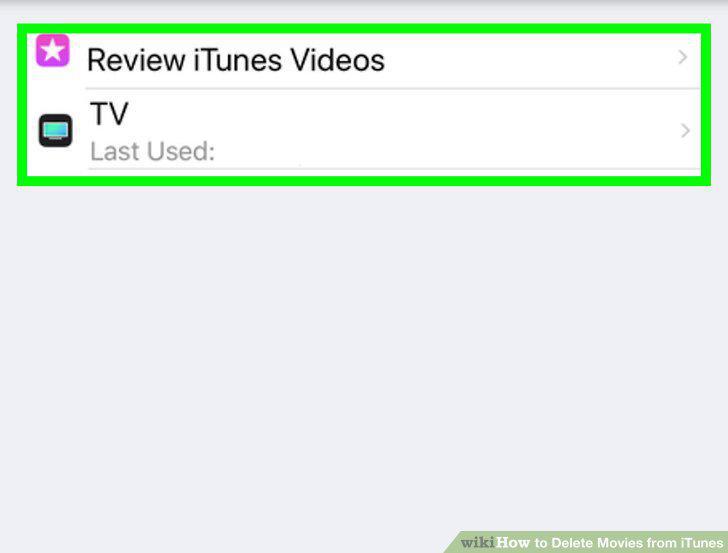
Tap Review iTunes Videos.
12
Swipe left on the movie, show, or episode you want to delete.
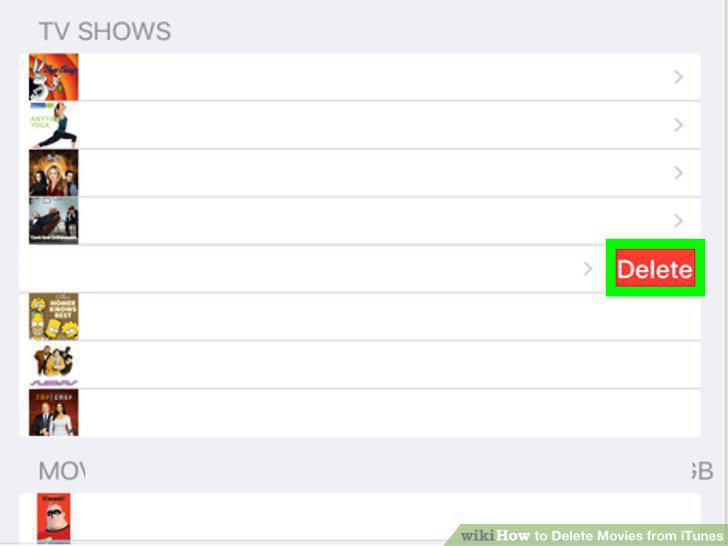
Swipe left on the movie, show, or episode you want to delete.
13
Tap Delete.
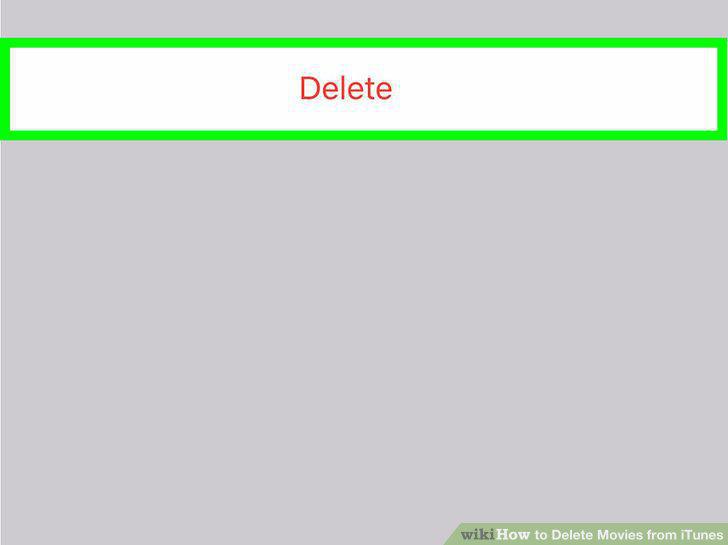
Tap Delete.
Comments (0)
No comments yet. Be the first to share your thoughts!