How to Send Gif on Viber
Open Viber app.. Tap the Chats tab.. Select a chat conversation.
Steps
1
Open Viber app.
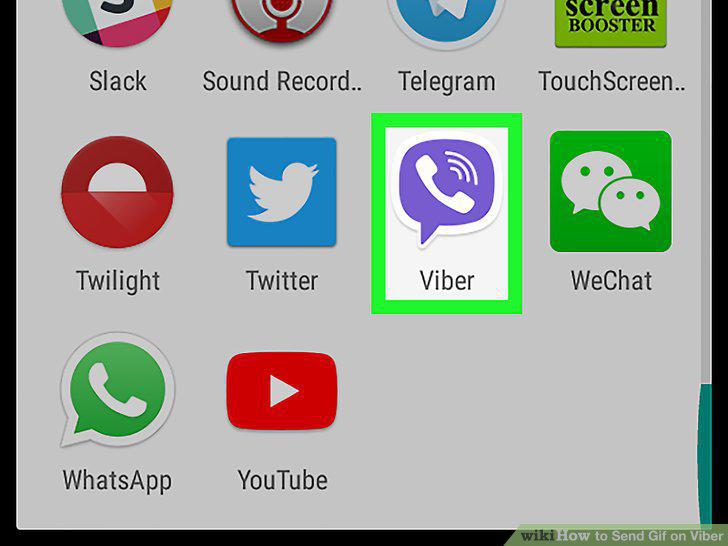
Open Viber app.
2
Tap the Chats tab.
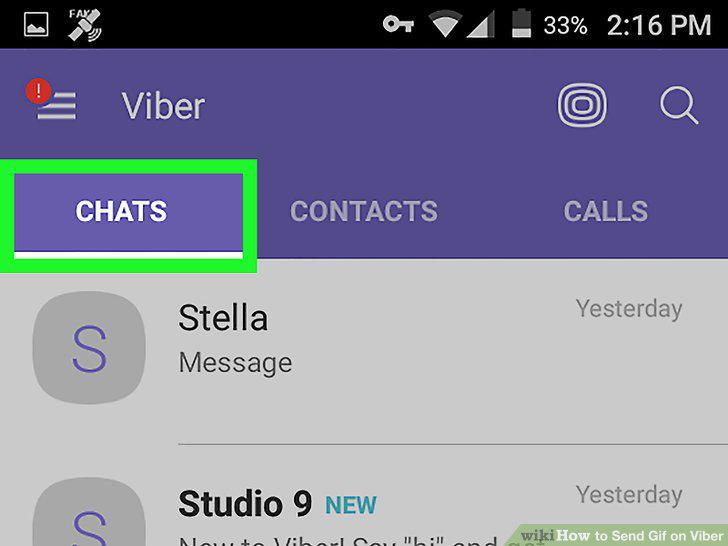
Tap the Chats tab.
3
Select a chat conversation.
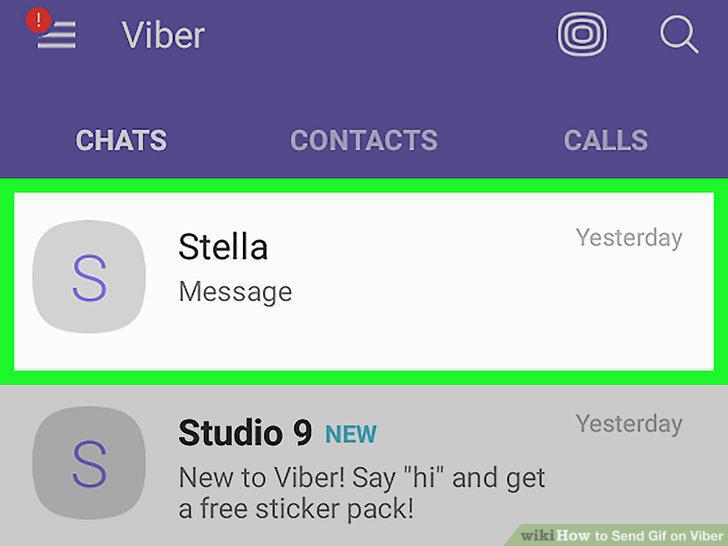
Select a chat conversation.
4
Tap the magnifying glass icon at the bottom.
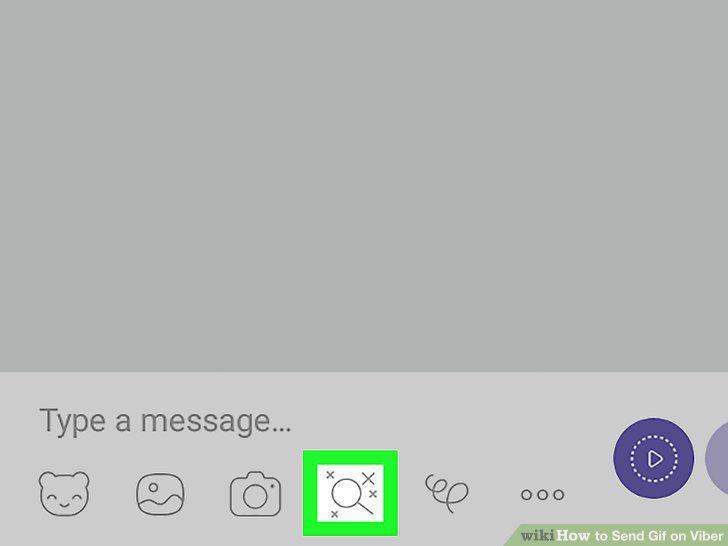
Tap the magnifying glass icon at the bottom.
5
Tap GIPHY in the bottom row.
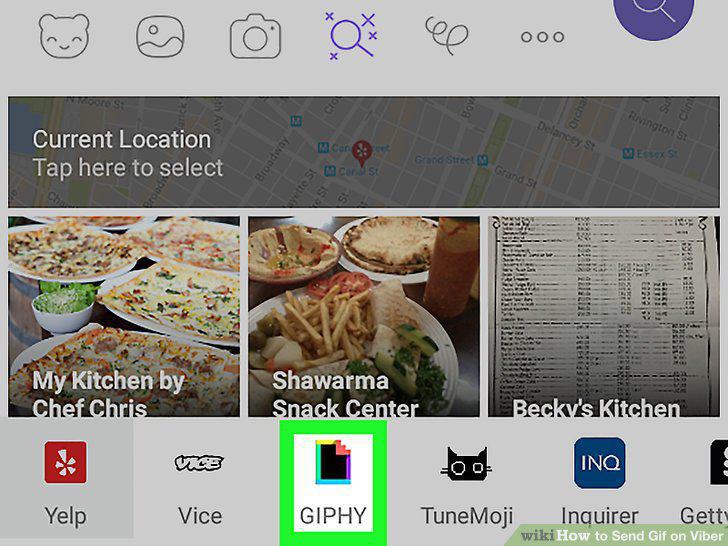
Tap GIPHY in the bottom row.
6
Type a keyword in the search bar.
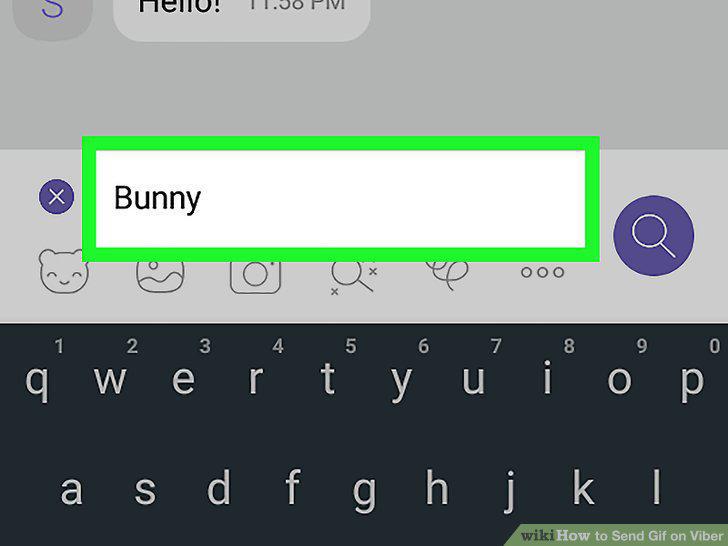
Type a keyword in the search bar.
7
Tap a GIF to post it.
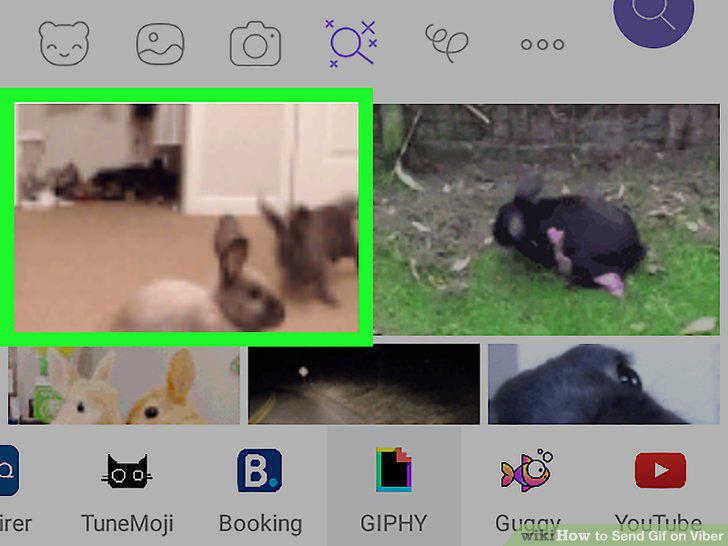
Tap a GIF to post it.
8
Open the Viber desktop app.
Open the Viber desktop app.
9
Sync your account with your mobile phone.
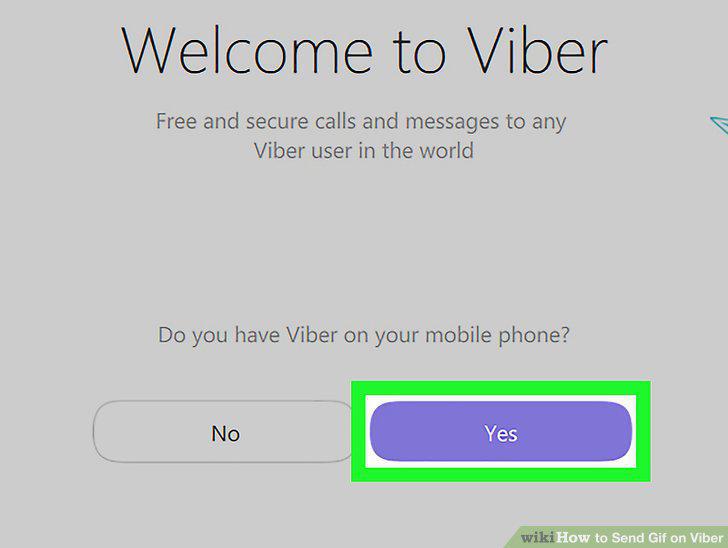
Sync your account with your mobile phone.
10
Click the speech bubble icon.
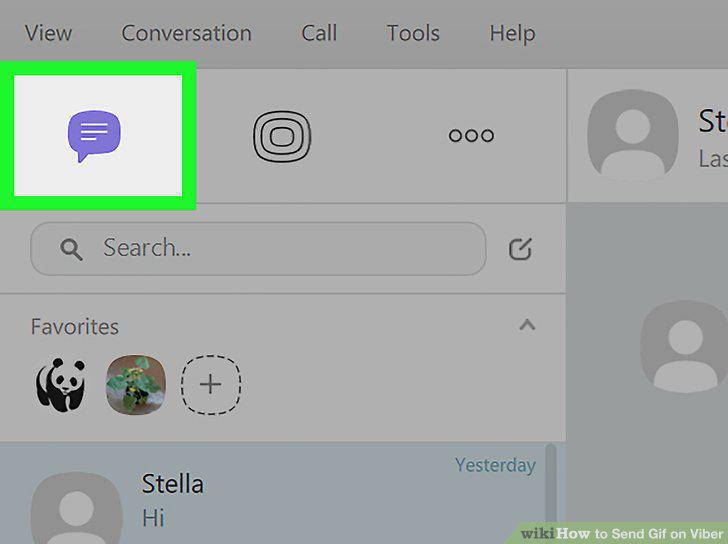
Click the speech bubble icon.
11
Select a chat conversation.
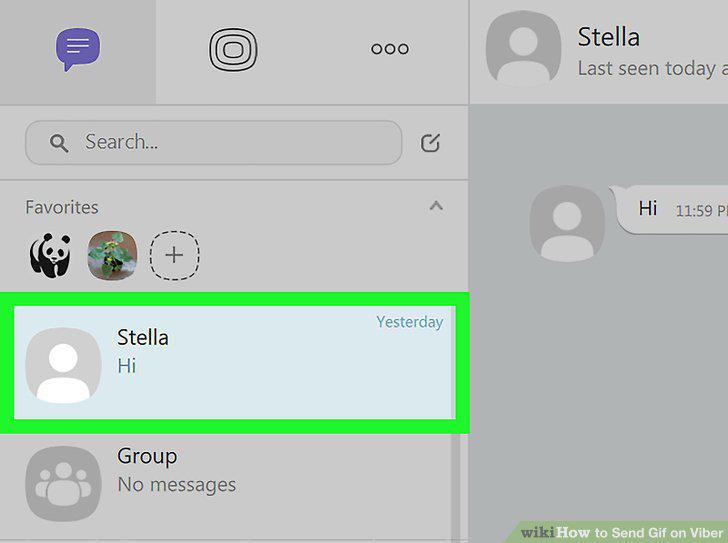
Select a chat conversation.
12
Click the attachment icon.
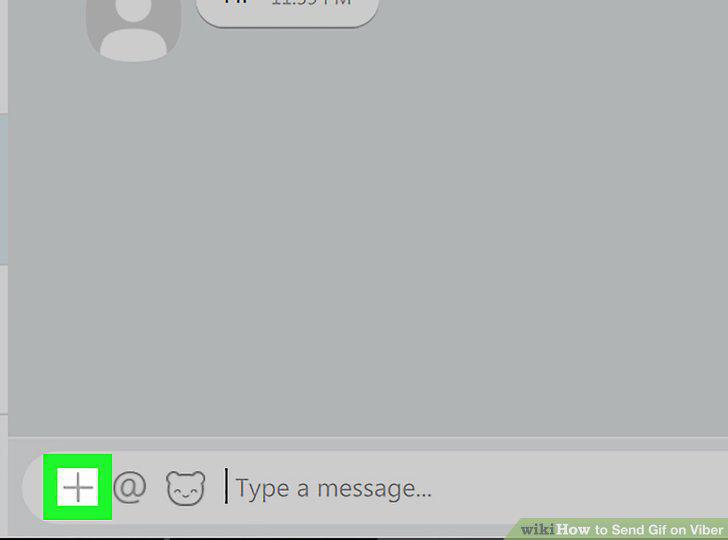
Click the attachment icon.
13
Go the folder where your GIF file is located and select it.
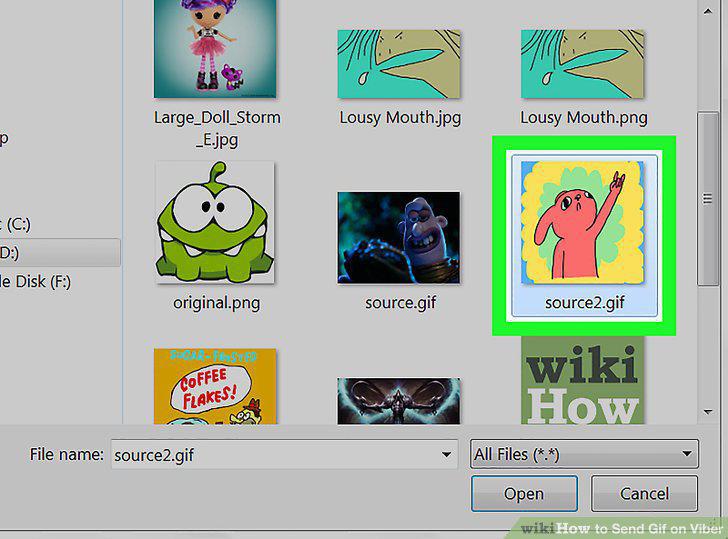
Go the folder where your GIF file is located and select it.
14
Click Open.
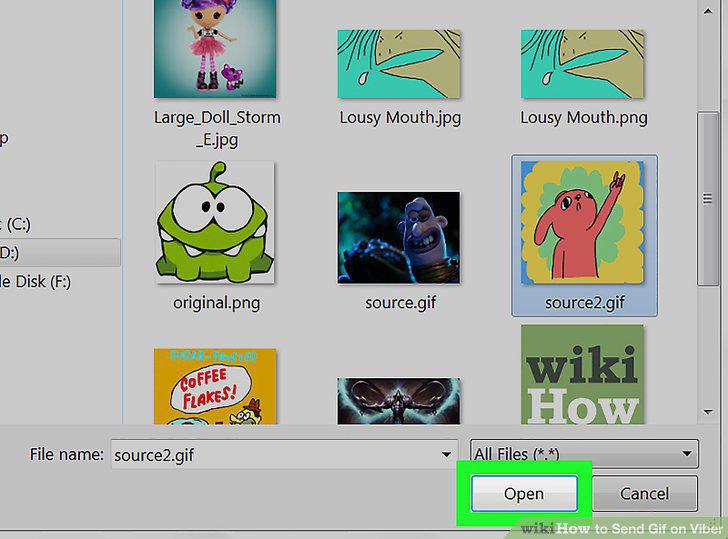
Click Open.
Comments (0)
No comments yet. Be the first to share your thoughts!