How to Create New Folders in Launchpad on a Mac
Click the Launchpad icon.. Create a new folder.. Add more apps.
Steps
1
Click the Launchpad icon.
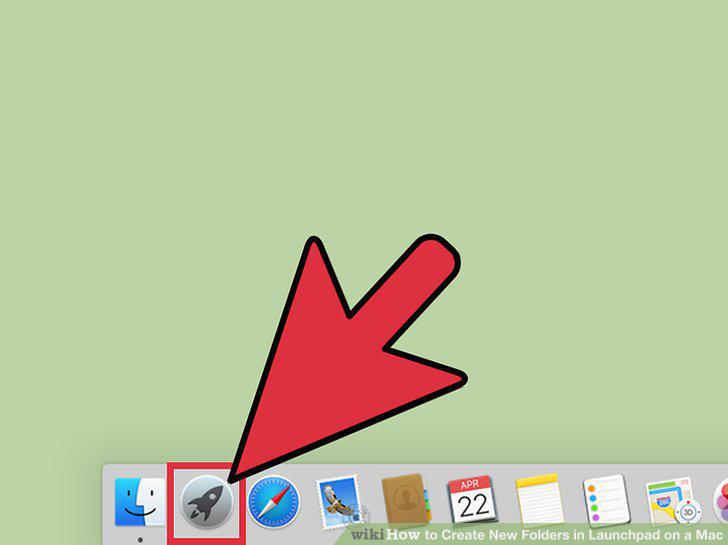
Click the Launchpad icon.
2
Create a new folder.
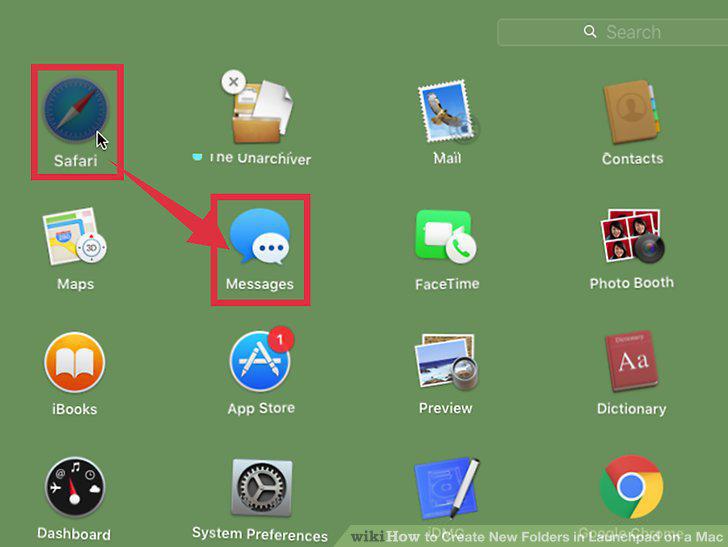
Create a new folder.
3
Add more apps.
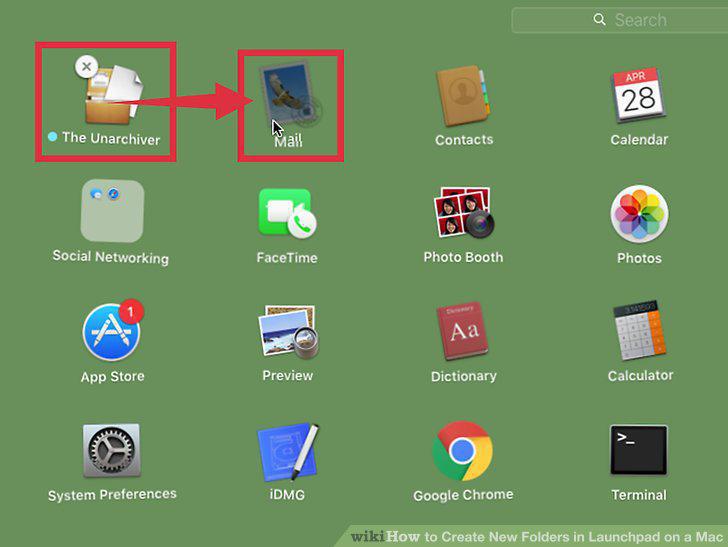
Add more apps.
4
Remove apps from a folder.
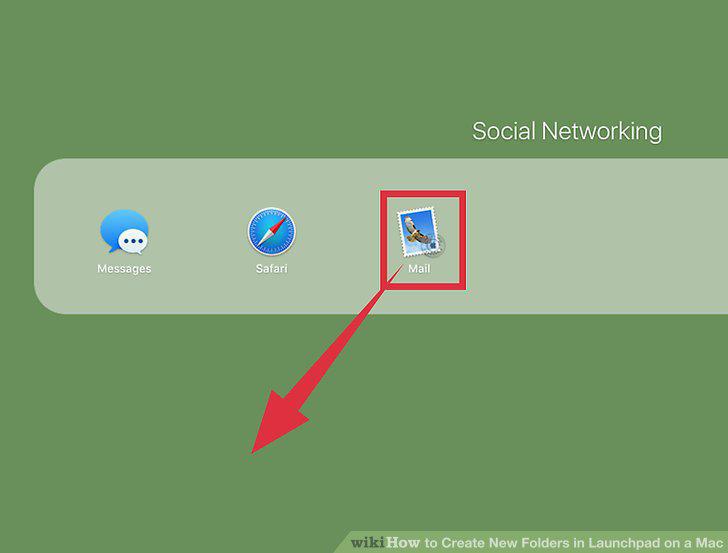
Remove apps from a folder.
Comments (0)
No comments yet. Be the first to share your thoughts!