How to Record Text to Speech on iPhone or iPad
Open Voice Memos on your iPhone or iPad.. Tap the Record button.. Open the text you want to record.
Steps
1
Open Voice Memos on your iPhone or iPad.
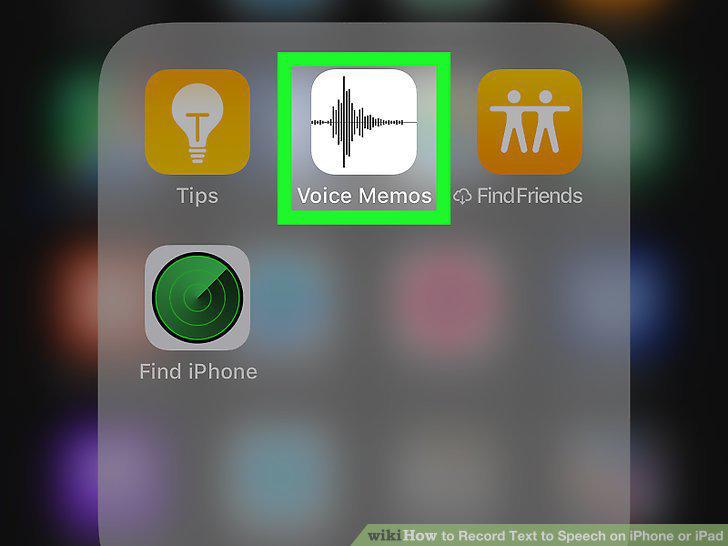
Open Voice Memos on your iPhone or iPad.
2
Tap the Record button.
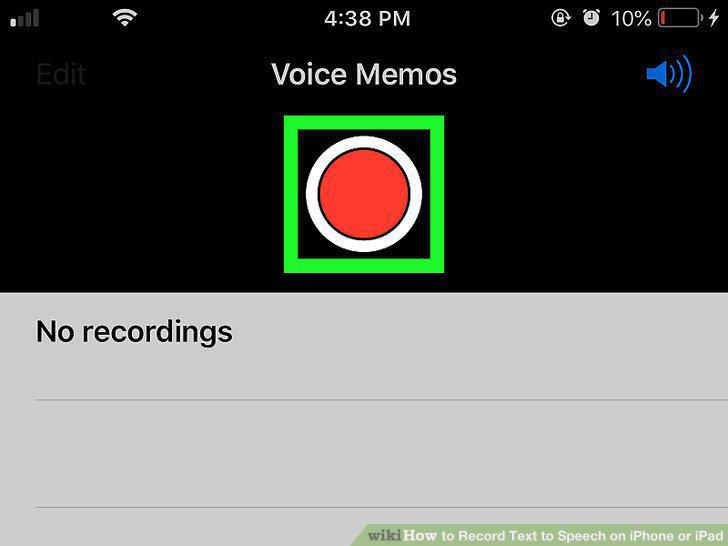
Tap the Record button.
3
Open the text you want to record.
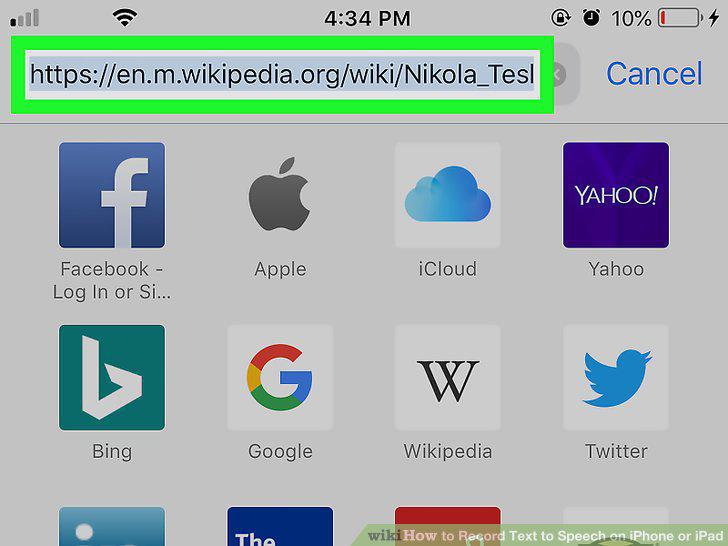
Open the text you want to record.
4
Double-tap the text you want read aloud.

Double-tap the text you want read aloud.
5
Tap Speak on the black toolbar.

Tap Speak on the black toolbar.
6
Open the Voice Memos app again.
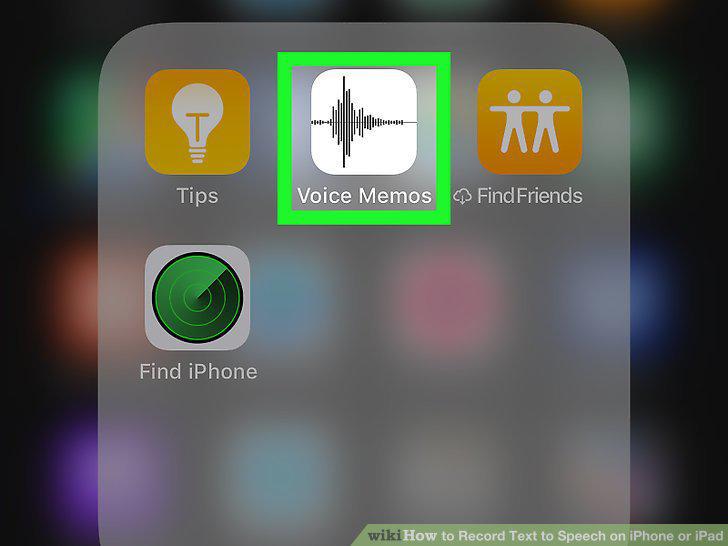
Open the Voice Memos app again.
7
Tap the Stop button.
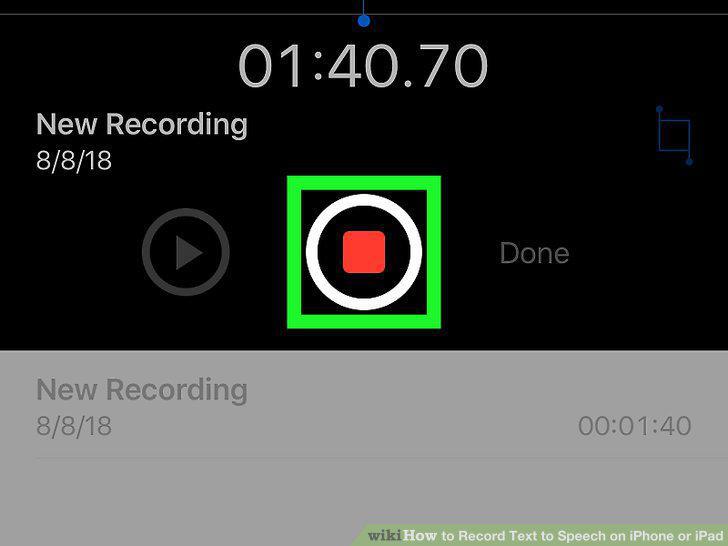
Tap the Stop button.
8
Tap the Done button.
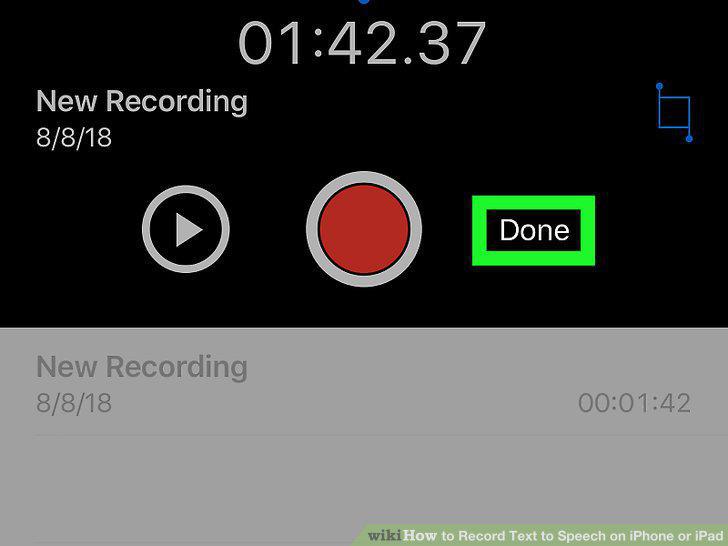
Tap the Done button.
9
Tap Save in the pop-up window.
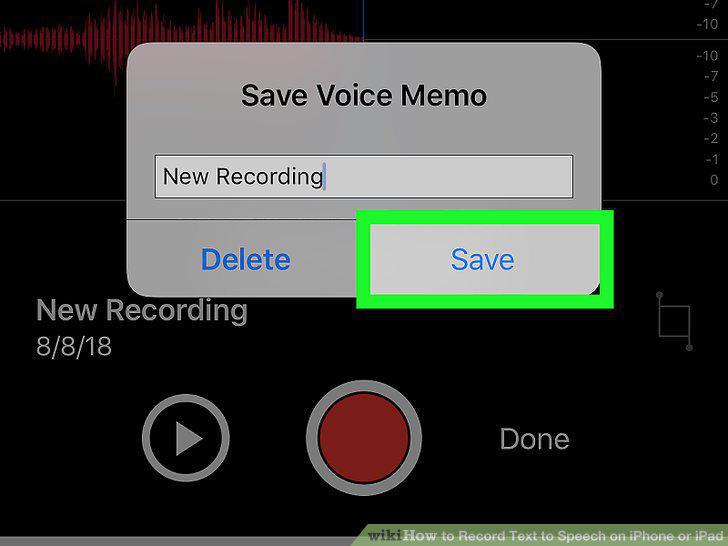
Tap Save in the pop-up window.
Comments (0)
No comments yet. Be the first to share your thoughts!