How to Find External Links in Excel on PC or Mac
Open Excel.. Open an Excel spreadsheet.. Press Ctrl+F.
Steps
1
Open Excel.
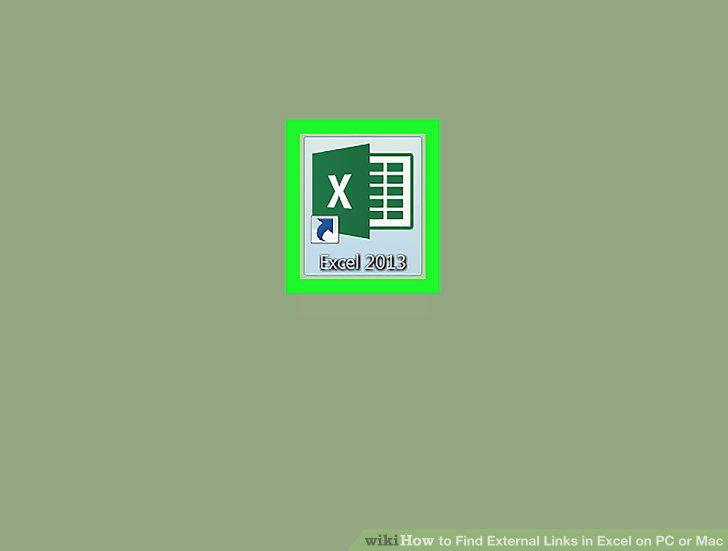
Open Excel.
2
Open an Excel spreadsheet.
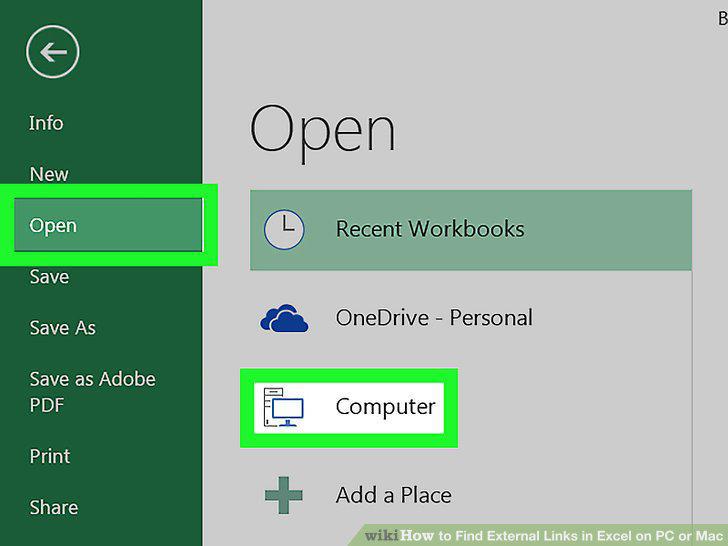
Open an Excel spreadsheet.
3
Press Ctrl+F.
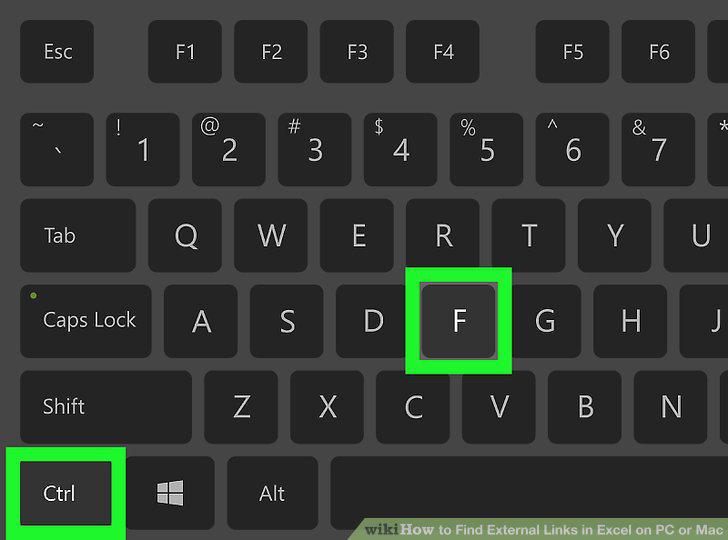
Press Ctrl+F.
4
Click Options.
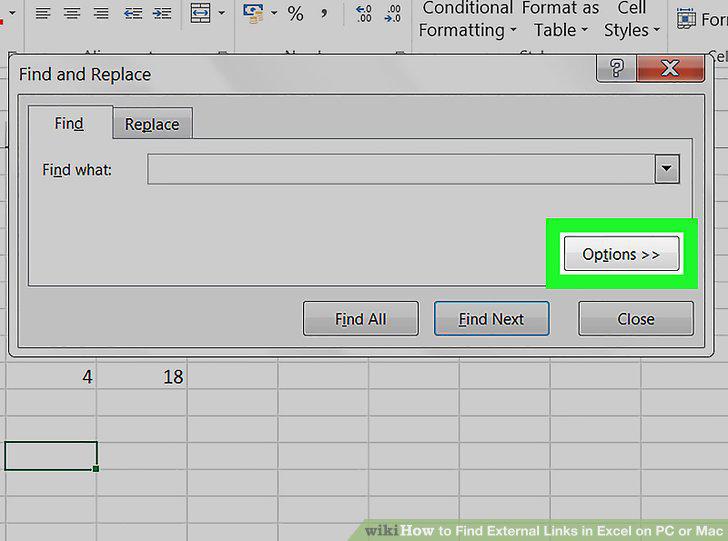
Click Options.
5
Type .xl next to "Find What".
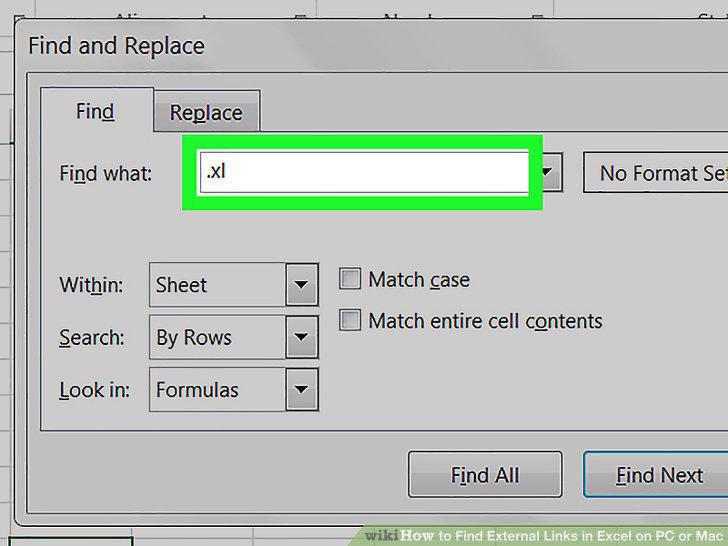
Type .xl next to "Find What".
6
Select Workbook next to "Within:
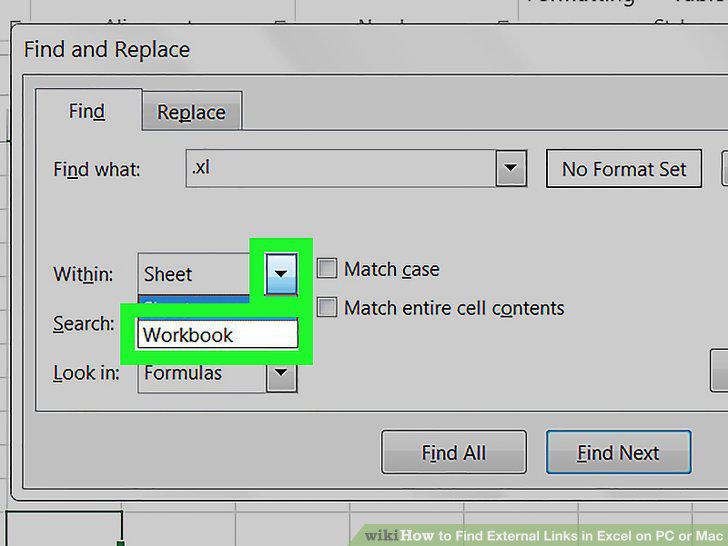
Select Workbook next to "Within:
7
Select Formulas next to "Look In:
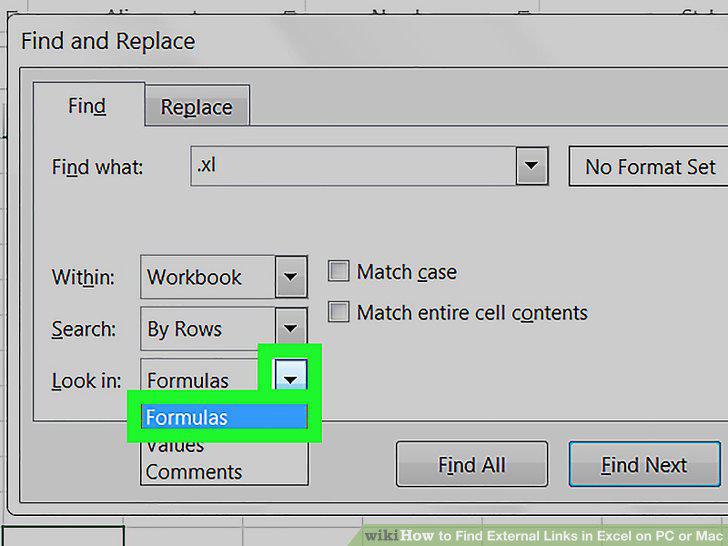
Select Formulas next to "Look In:
8
Click Find All.
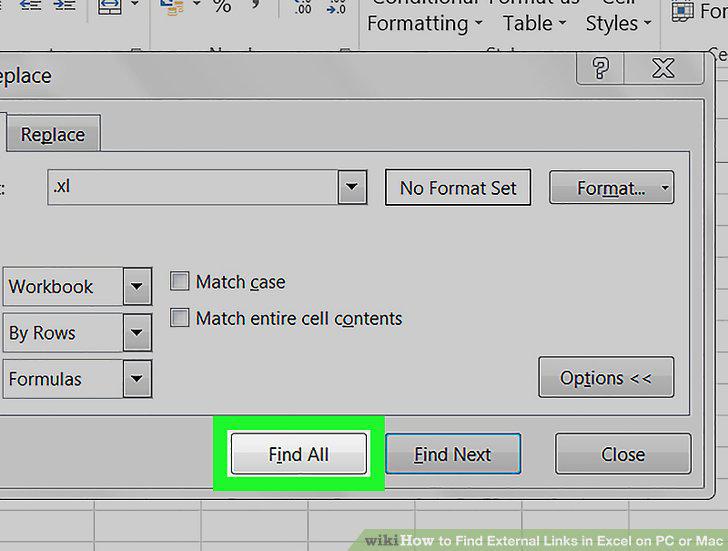
Click Find All.
9
Click the cell formula in the list box.
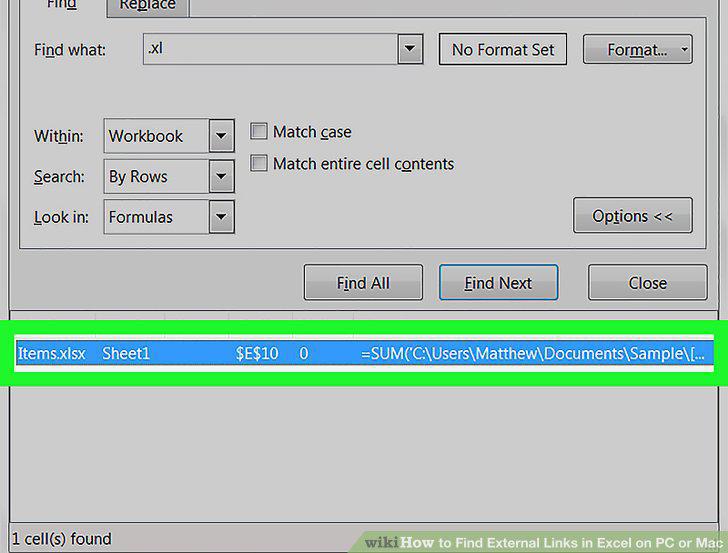
Click the cell formula in the list box.
Comments (0)
No comments yet. Be the first to share your thoughts!