How to Add Friends on Snapchat
Open Snapchat on your phone or tablet.. Tap your profile photo.. Tap Add Friends.
Steps
Open Snapchat on your phone or tablet.
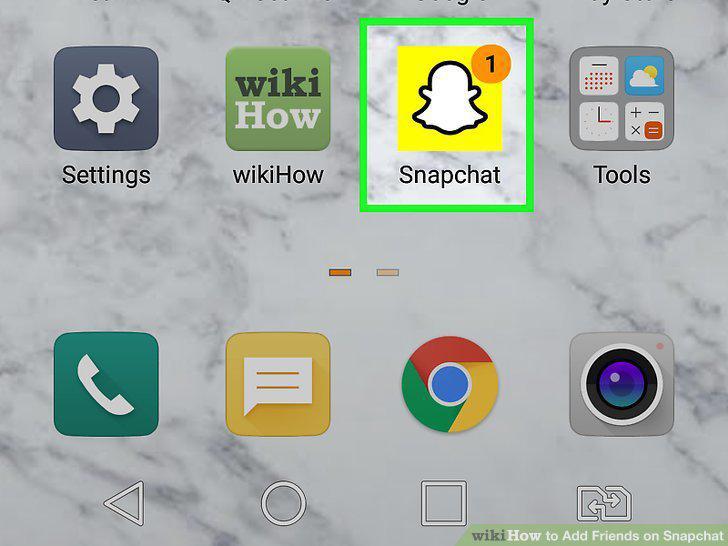
Open Snapchat on your phone or tablet.
Tap your profile photo.
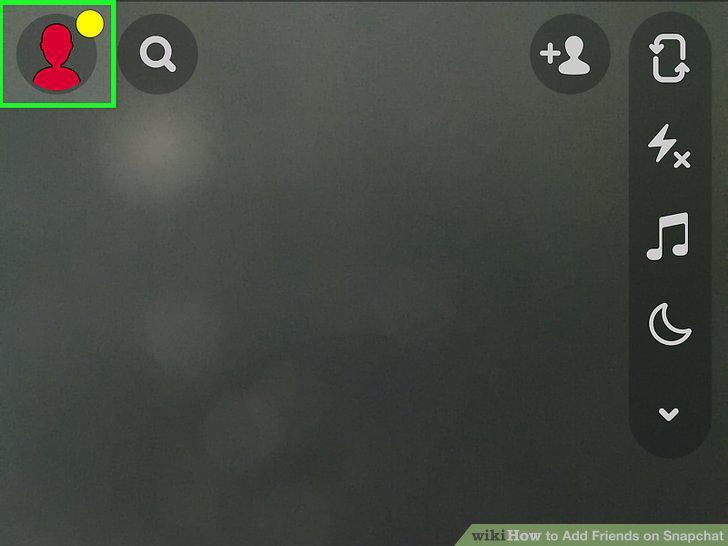
Tap your profile photo.
Tap Add Friends.
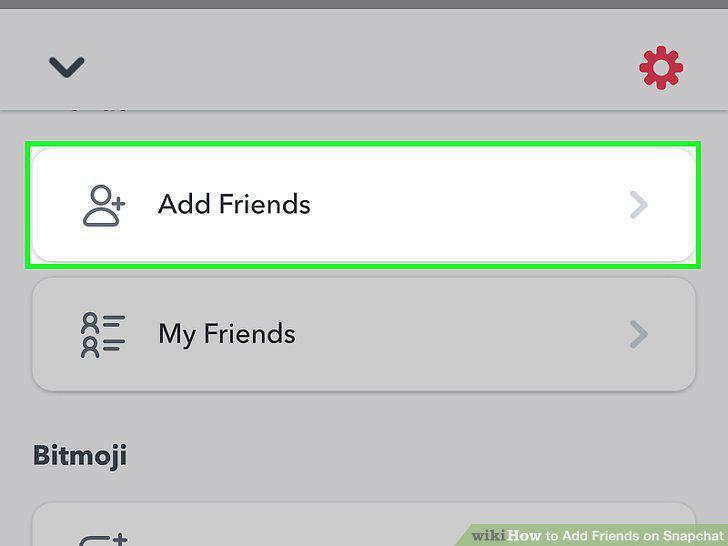
Tap Add Friends.
Type your friend's name into the "Search" bar.
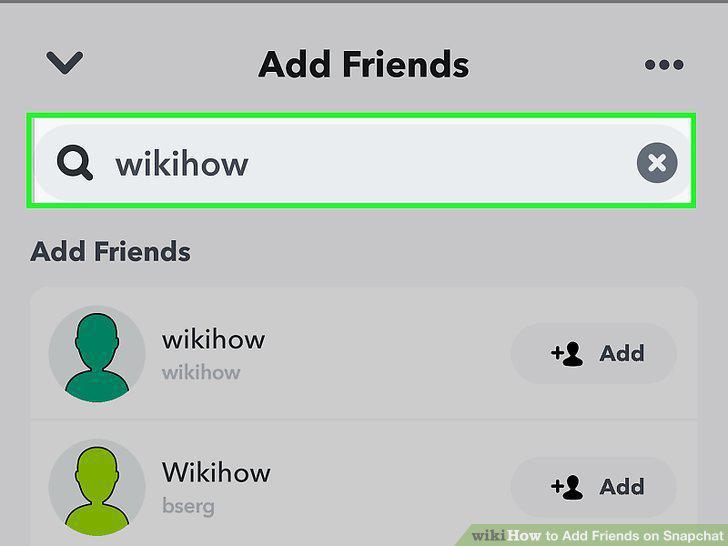
Type your friend's name into the "Search" bar.
Tap the +Add button next to the person's name.
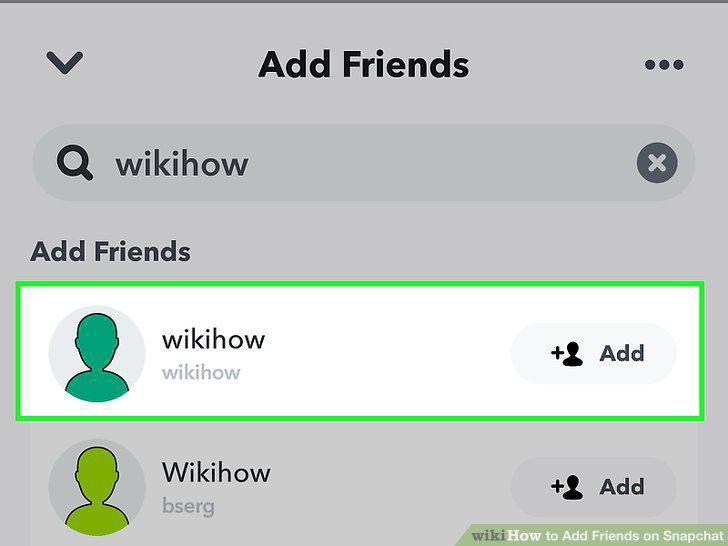
Tap the +Add button next to the person's name.
Open Snapchat on your phone or tablet.
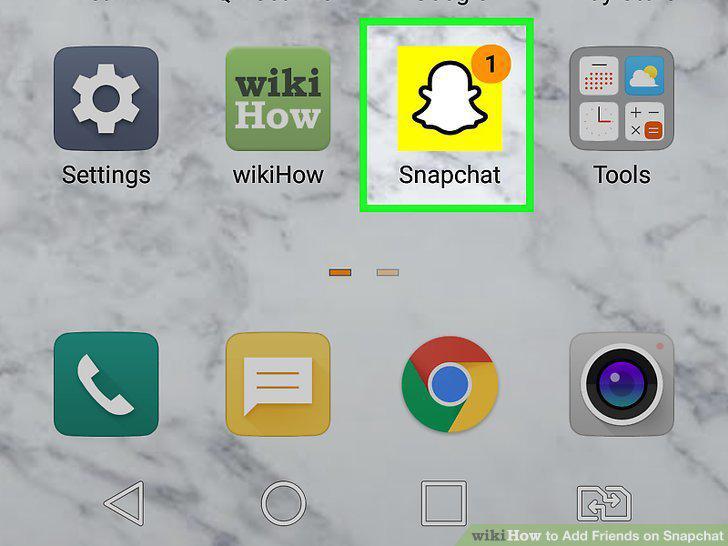
Open Snapchat on your phone or tablet.
Tap your profile photo.
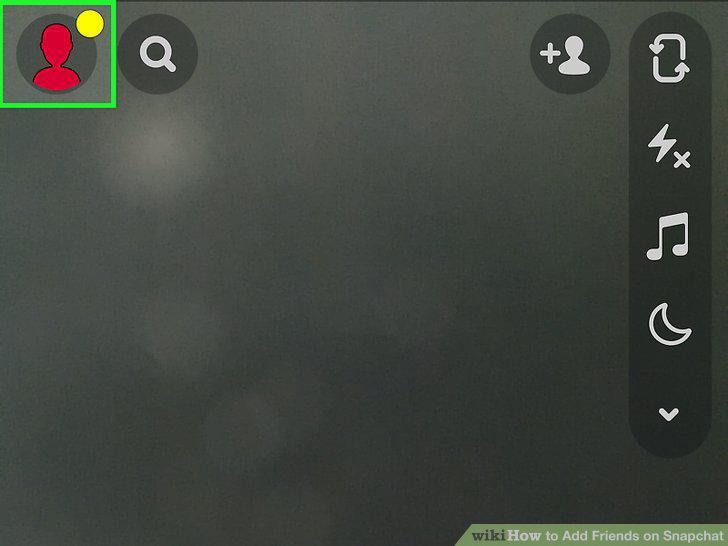
Tap your profile photo.
Tap Add Friends.
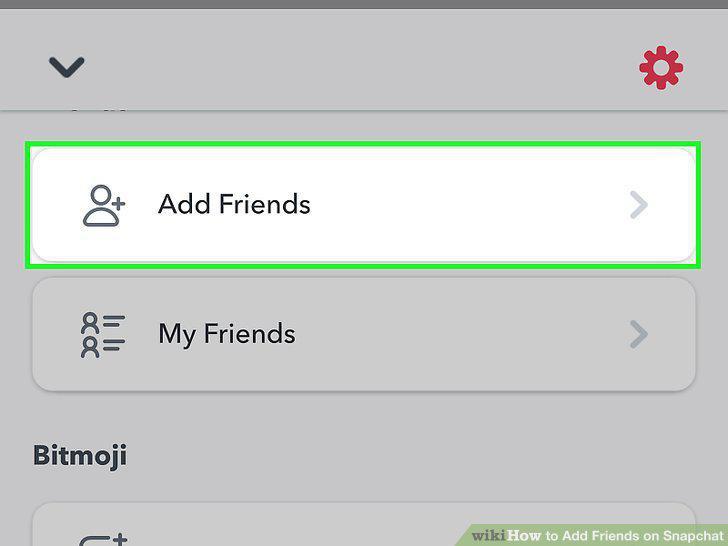
Tap Add Friends.
Tap All Contacts.
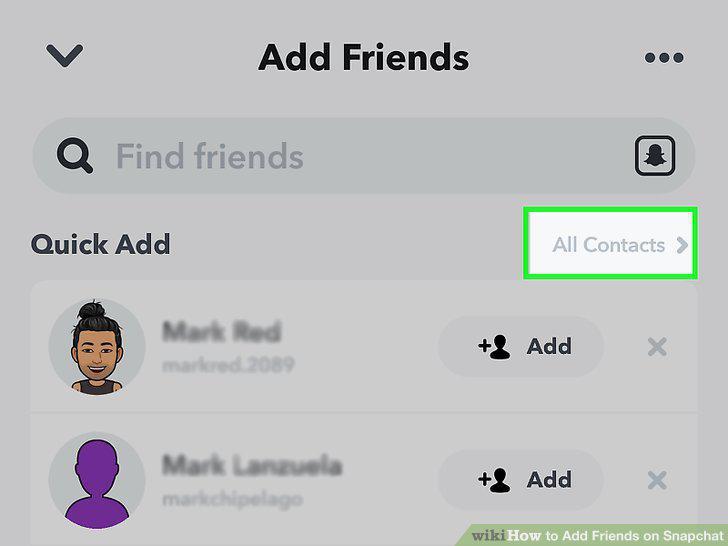
Tap All Contacts.
Tap Continue.

Tap Continue.
Tap +Add to add a friend.
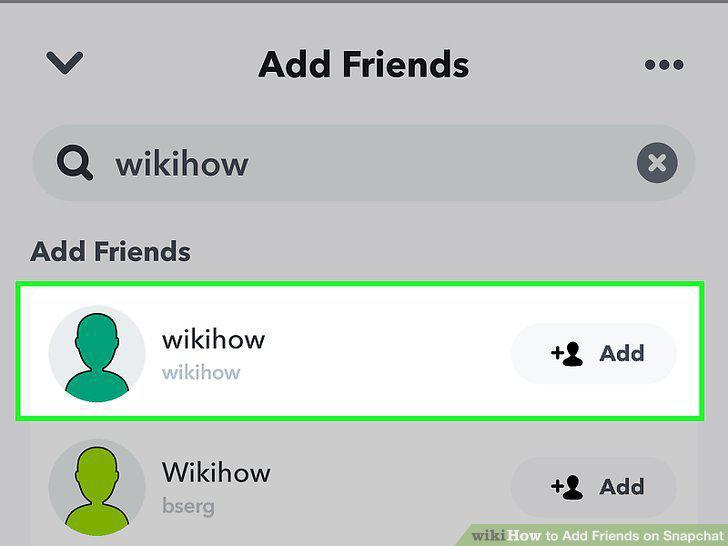
Tap +Add to add a friend.
Scroll to the bottom of the list to see contacts that don't have Snapchat.
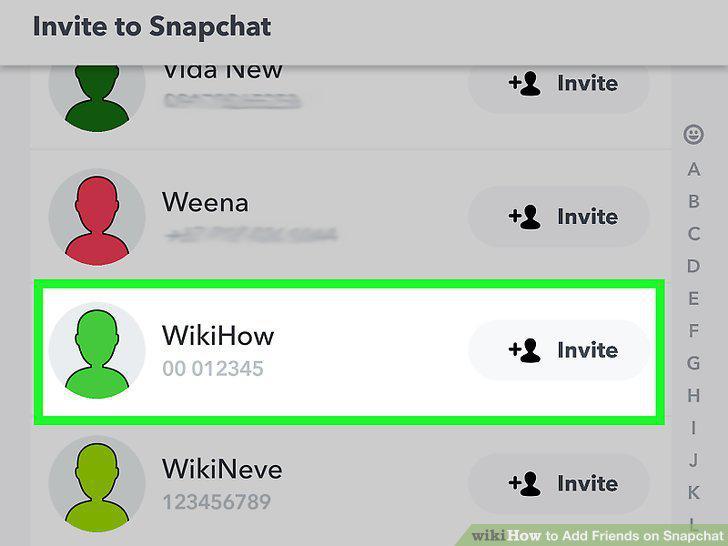
Scroll to the bottom of the list to see contacts that don't have Snapchat.
Open Snapchat on your phone or tablet.
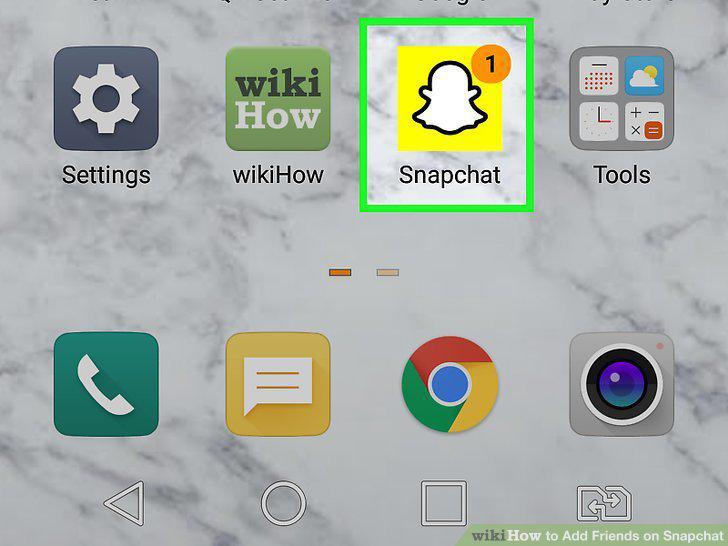
Open Snapchat on your phone or tablet.
Tap your profile photo.
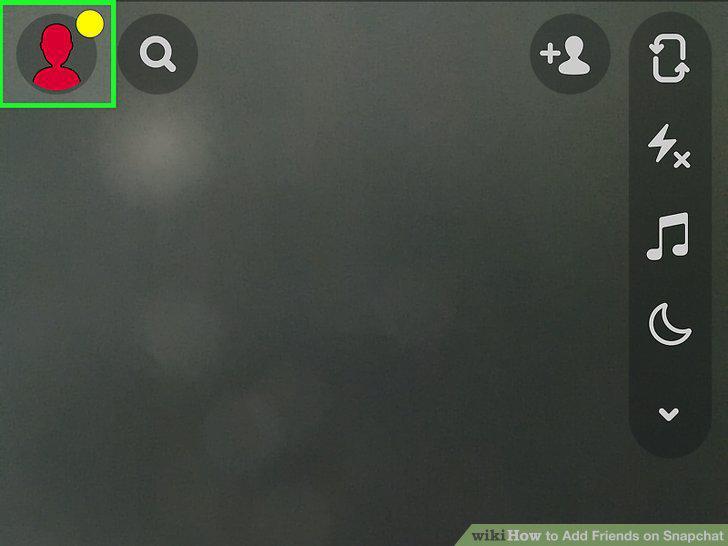
Tap your profile photo.
Tap Add Friends.
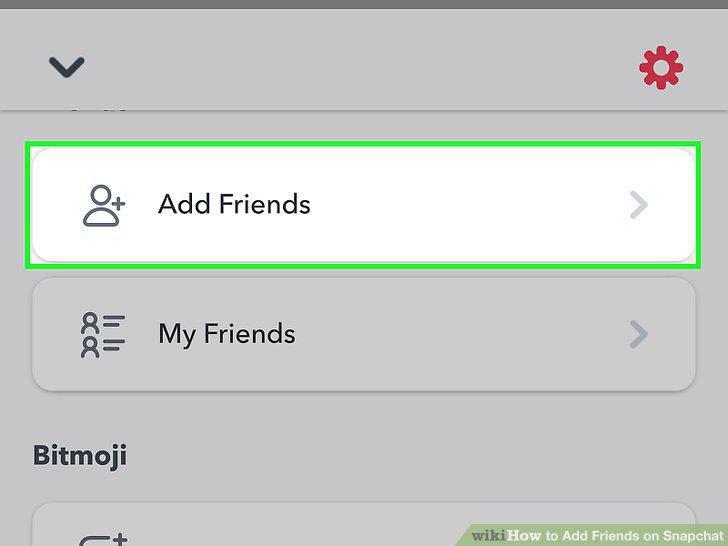
Tap Add Friends.
Tap Accept to accept a friend request.

Tap Accept to accept a friend request.
Get a link to your friend's Snapchat profile.
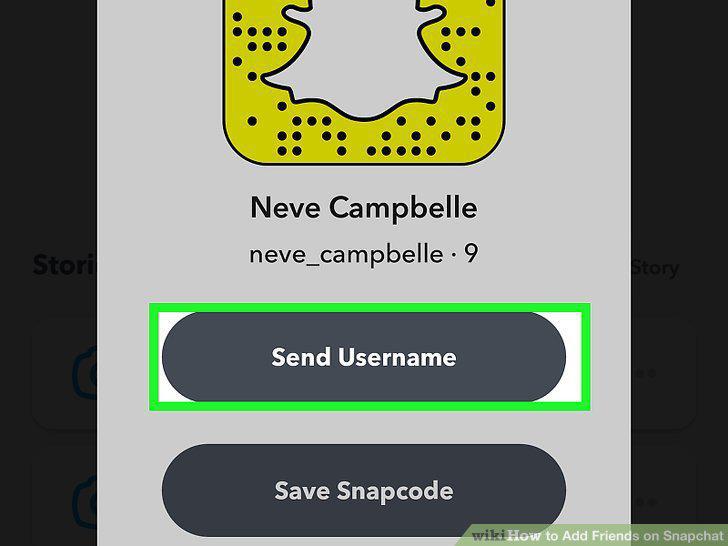
Get a link to your friend's Snapchat profile.
Tap the link to open it.

Tap the link to open it.
Tap Open Snapchat to open the link in Snapchat.

Tap Open Snapchat to open the link in Snapchat.
Tap Add Friend in Snapchat.

Tap Add Friend in Snapchat.
Have your friend open their Snapchat profile.

Have your friend open their Snapchat profile.
Open Snapchat on your phone or tablet.
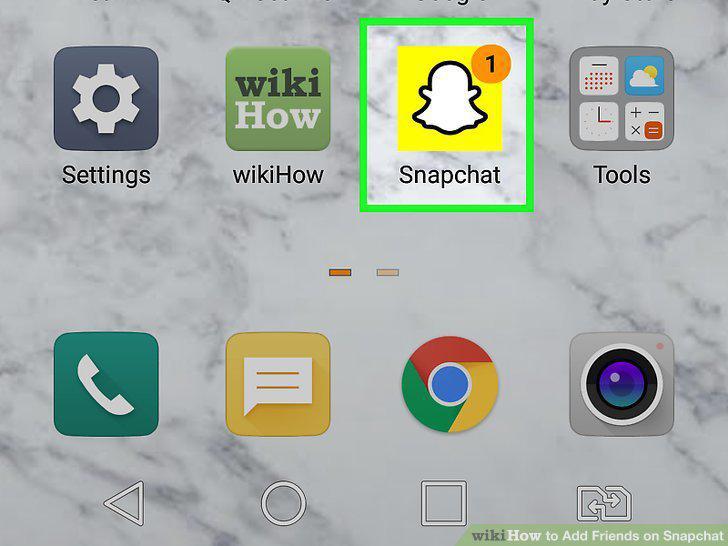
Open Snapchat on your phone or tablet.
Hold your camera above your friend's Snapcode.
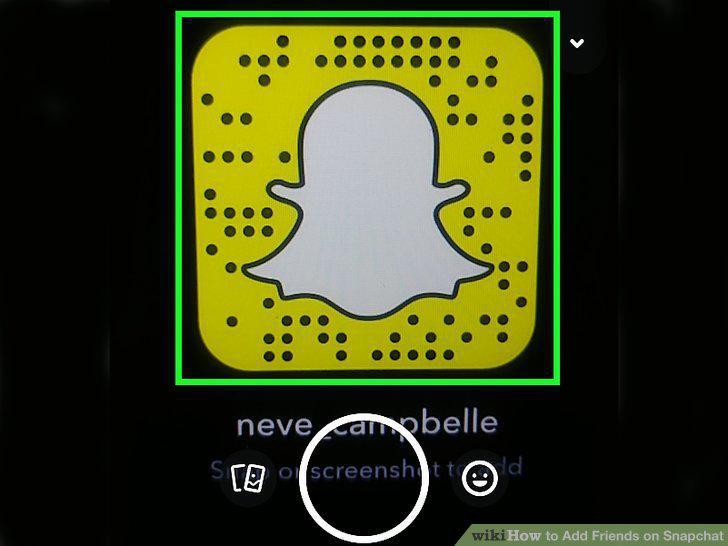
Hold your camera above your friend's Snapcode.
Tap and hold the Snapcode on your camera screen.

Tap and hold the Snapcode on your camera screen.
Tap Add Friend to add them.

Tap Add Friend to add them.
Comments (0)
No comments yet. Be the first to share your thoughts!