How to Delete an Account on Groupme on iPhone or iPad
Open GroupMe on your iPhone or iPad.. Tap the three horizontal lines icon.. Tap your profile picture on the menu panel.
Steps
1
Open GroupMe on your iPhone or iPad.
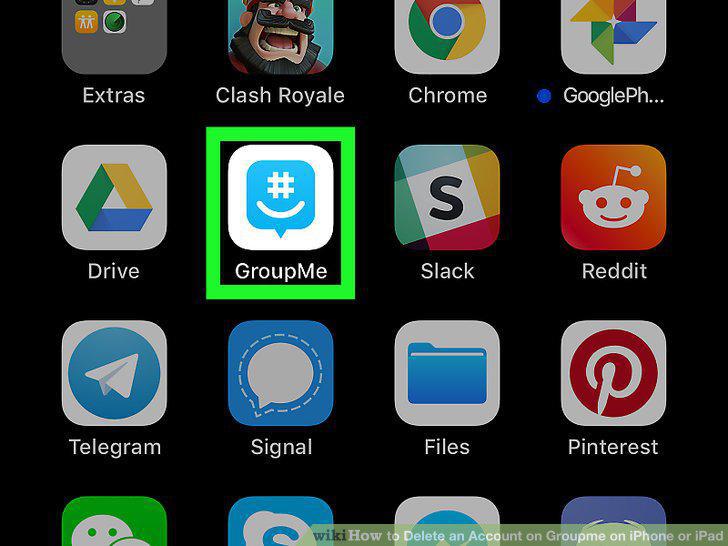
Open GroupMe on your iPhone or iPad.
2
Tap the three horizontal lines icon.
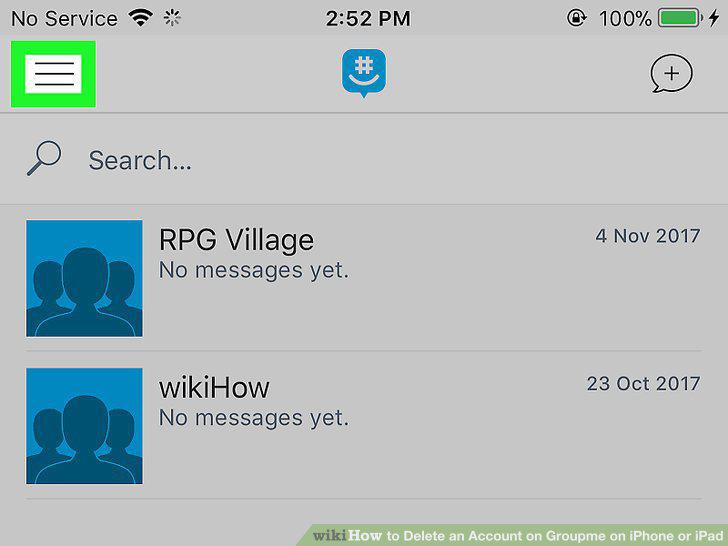
Tap the three horizontal lines icon.
3
Tap your profile picture on the menu panel.
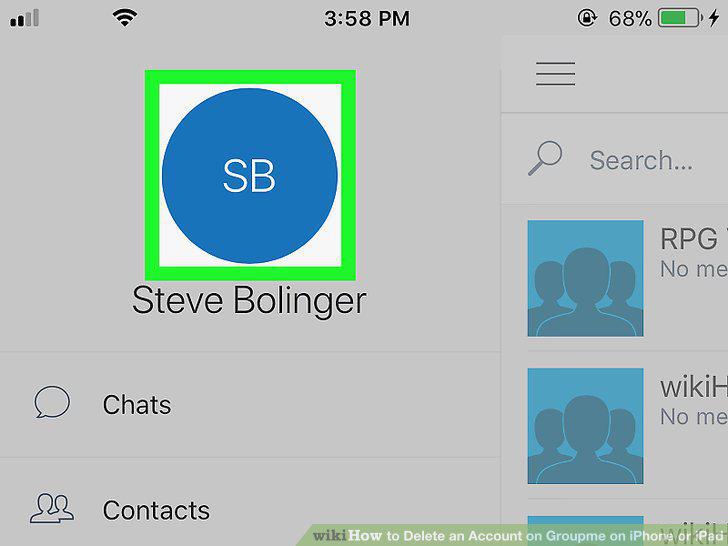
Tap your profile picture on the menu panel.
4
Scroll down and tap Delete GroupMe Account.
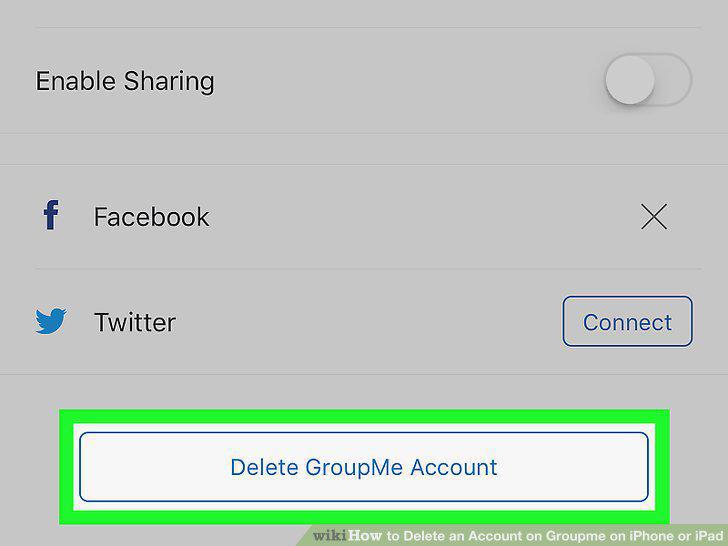
Scroll down and tap Delete GroupMe Account.
5
Tap the blue Continue button.
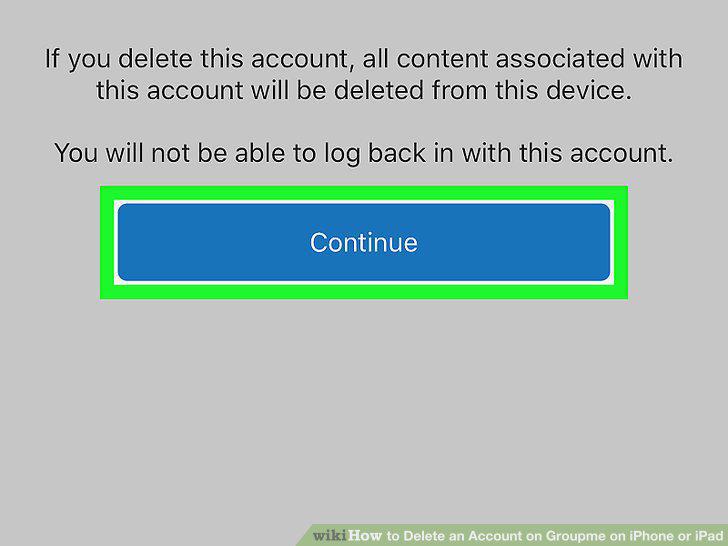
Tap the blue Continue button.
6
Enter your account password in the Password field.
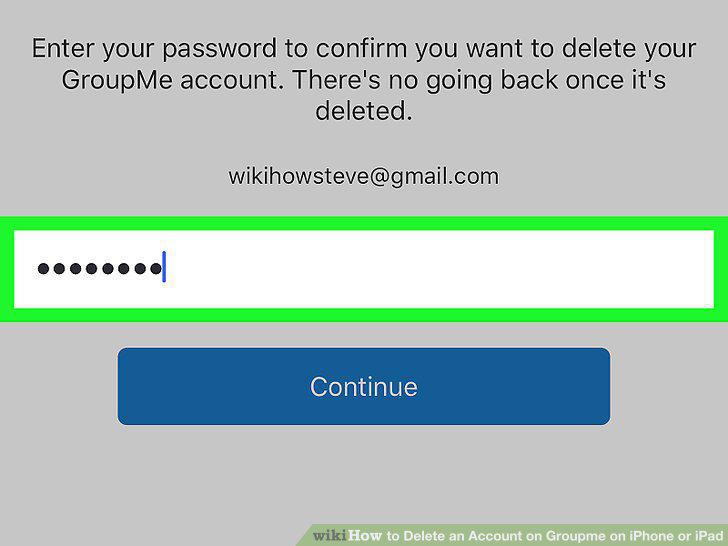
Enter your account password in the Password field.
7
Tap the Continue button.
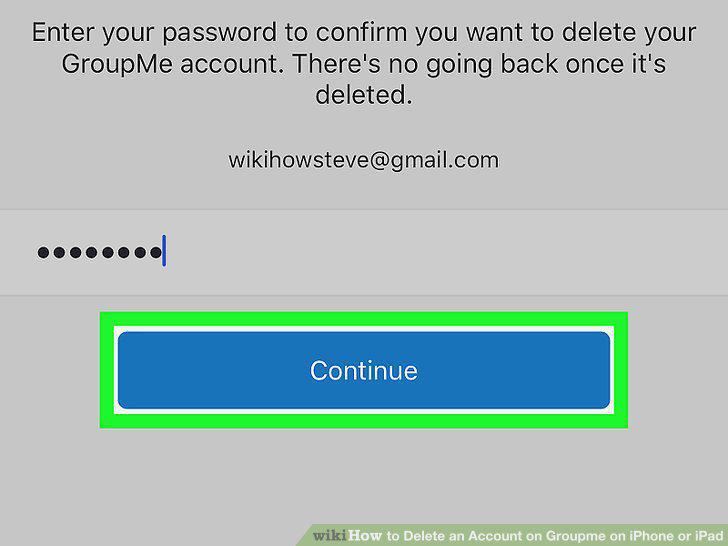
Tap the Continue button.
Comments (0)
No comments yet. Be the first to share your thoughts!