How to Moderate in Clubhouse
Create your room.. Add at least one other moderator.. Introduce the room.
Steps
1
Create your room.
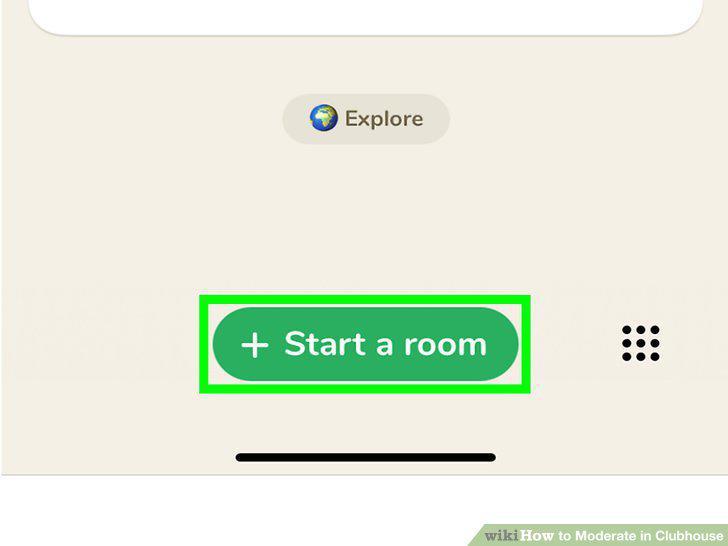
Create your room.
2
Add at least one other moderator.
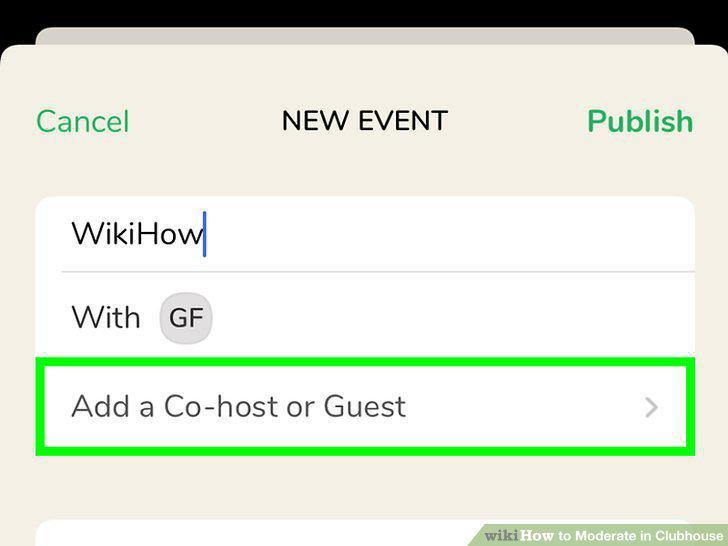
Add at least one other moderator.
3
Introduce the room.
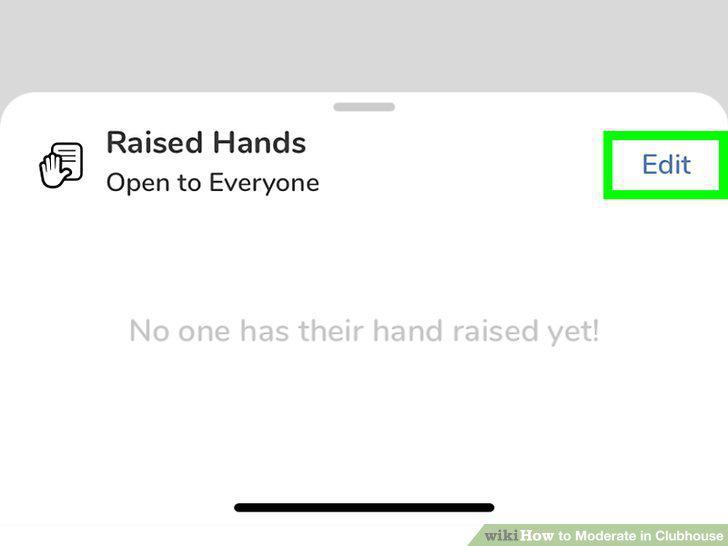
Introduce the room.
4
Reset the room every 10 to 15 minutes.
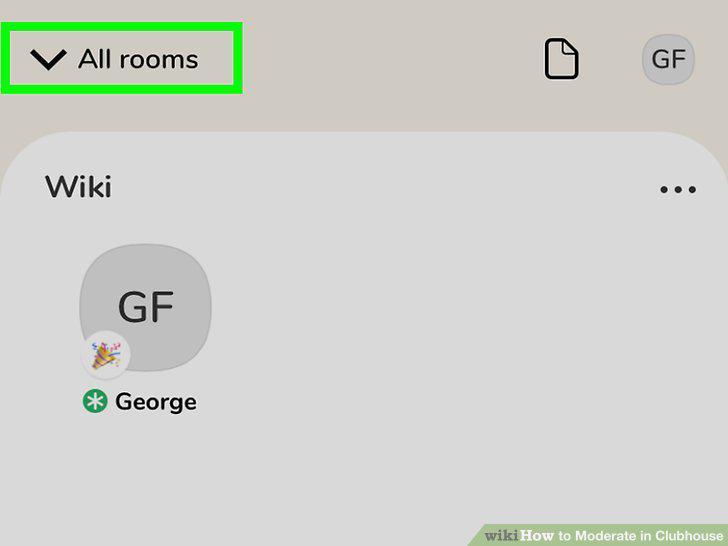
Reset the room every 10 to 15 minutes.
5
Bring someone on stage to speak.
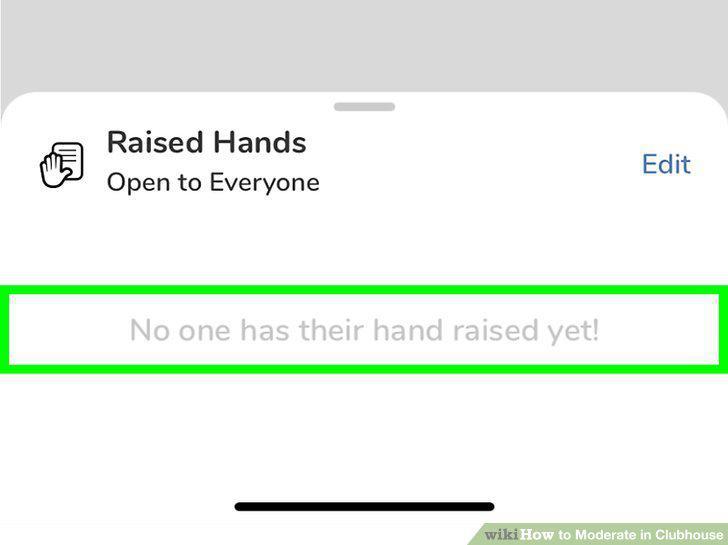
Bring someone on stage to speak.
6
Keep control of the conversation.
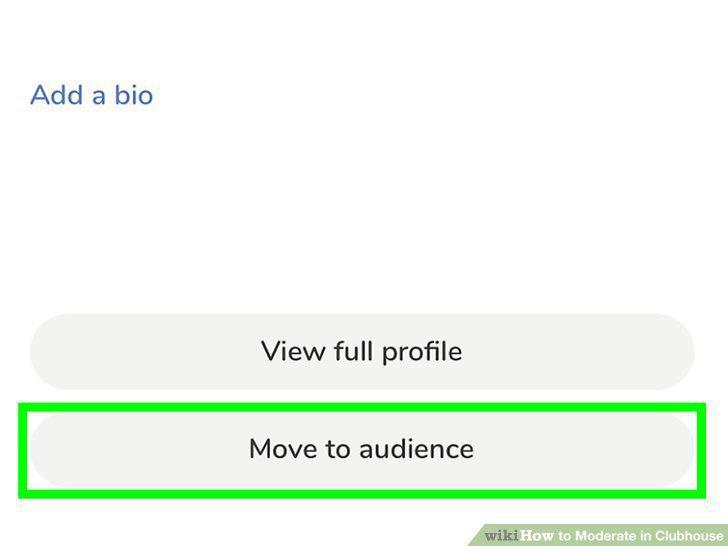
Keep control of the conversation.
7
Remind the audience of Clubhouse's Community Guidelines.
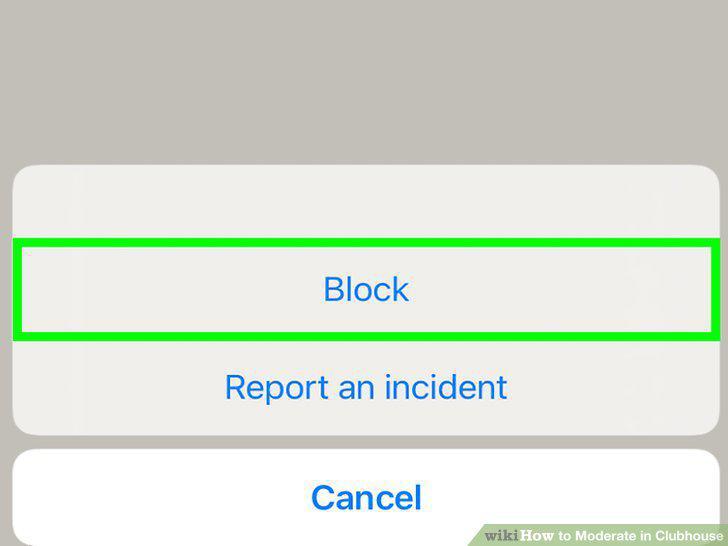
Remind the audience of Clubhouse's Community Guidelines.
8
End the room.
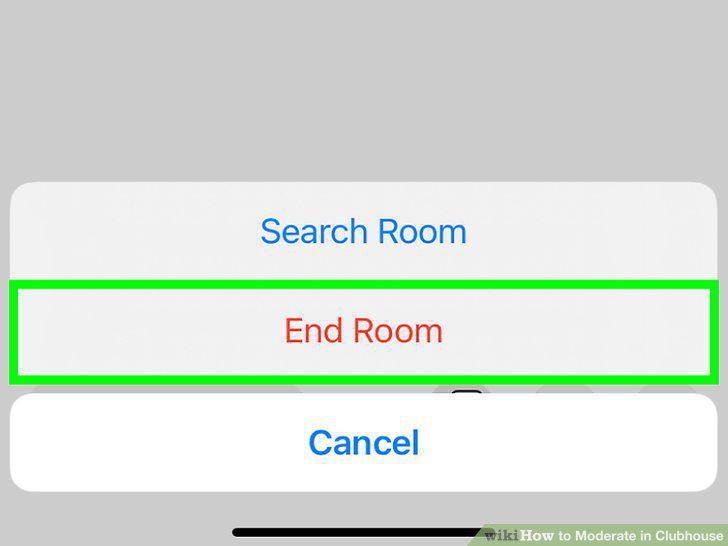
End the room.
Comments (0)
No comments yet. Be the first to share your thoughts!