How to See Ignored Messages on Messenger
Open Messenger.. Tap in the search bar.. Tap a profile to open the chat.
Steps
1
Open Messenger.
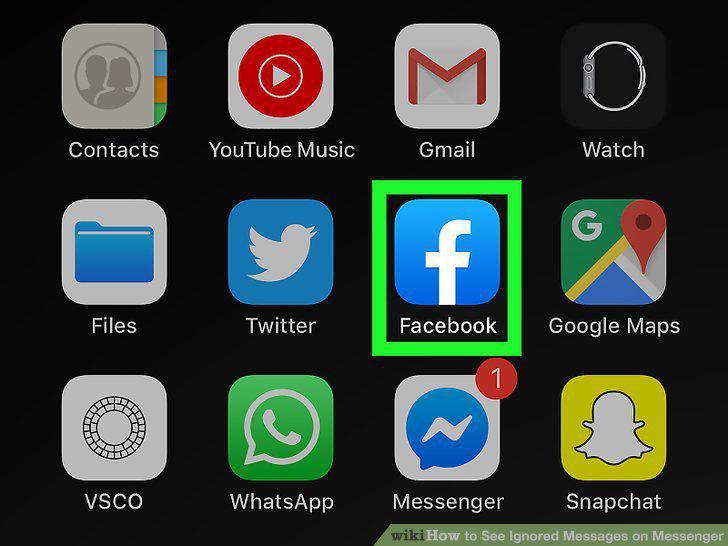
Open Messenger.
2
Tap in the search bar.
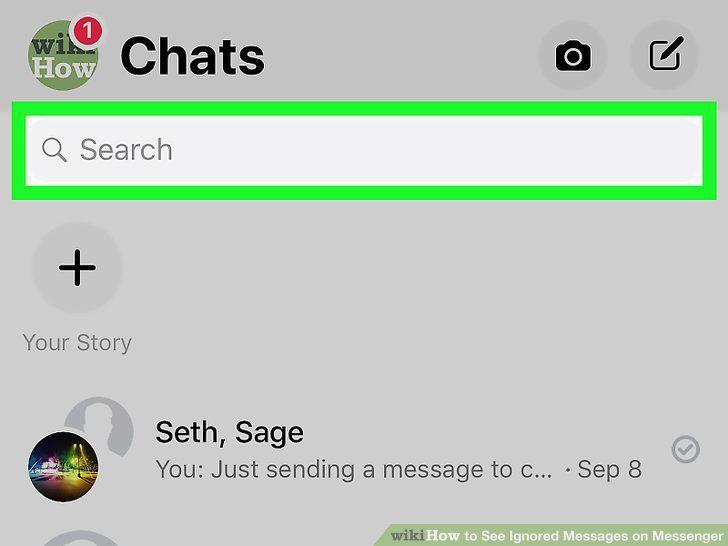
Tap in the search bar.
3
Tap a profile to open the chat.
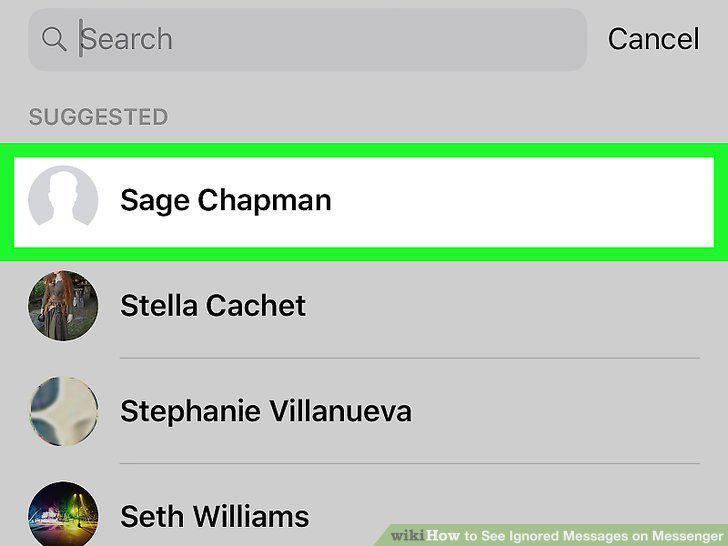
Tap a profile to open the chat.
4
Login to https://facebook.com.
Login to https://facebook.com.
5
Click the messages icon that looks like a speech bubble with a lightning bolt in
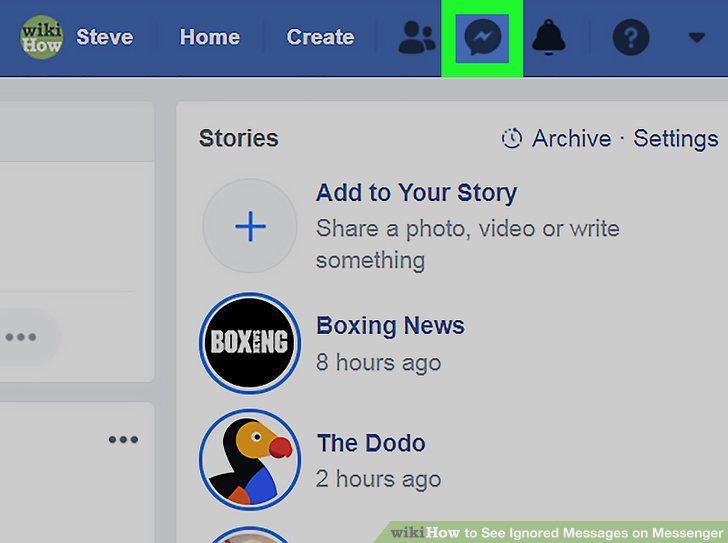
Click the messages icon that looks like a speech bubble with a lightning bolt inside.
6
Click See All in Messenger.
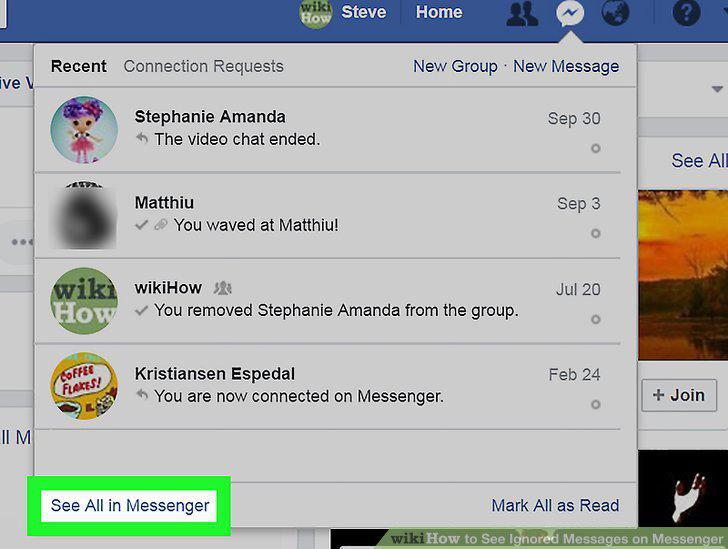
Click See All in Messenger.
7
Click in the search bar that says "Search Messenger.
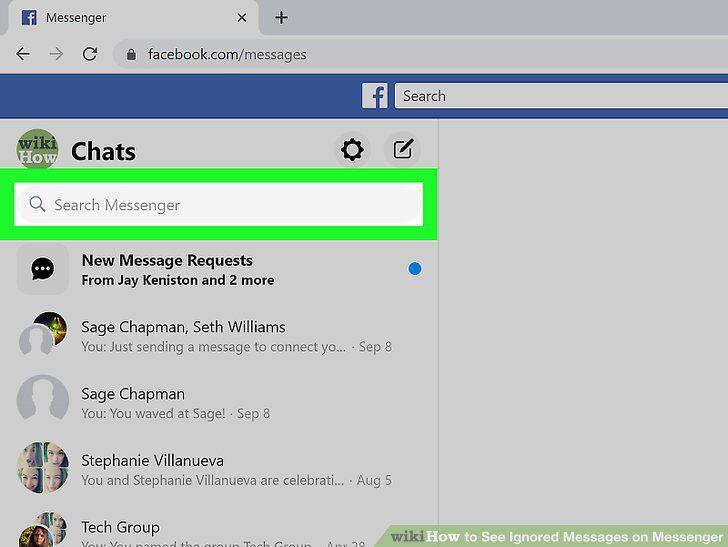
Click in the search bar that says "Search Messenger.
8
Click a profile to open the chat.
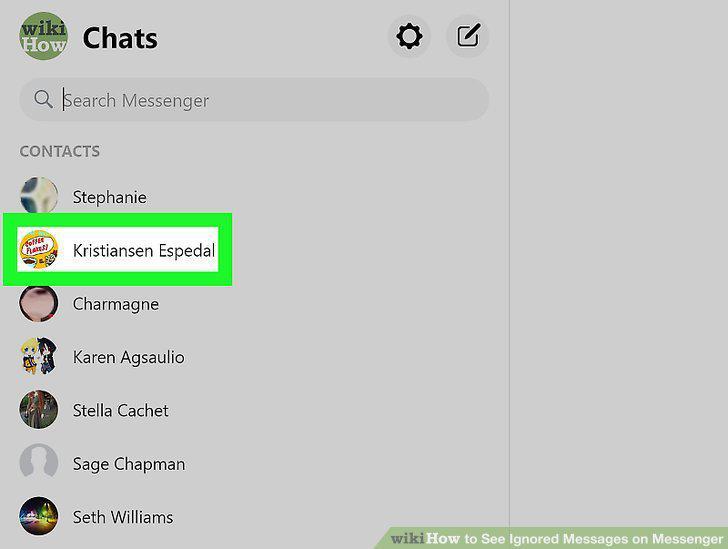
Click a profile to open the chat.
Comments (0)
No comments yet. Be the first to share your thoughts!