How to Update an App from the App Store on an iPhone
Open your iPhone's Settings .. Scroll down and tap App Store.. Use the "App Updates" switch to toggle on/off automatic updates.
Steps
1
Open your iPhone's Settings .
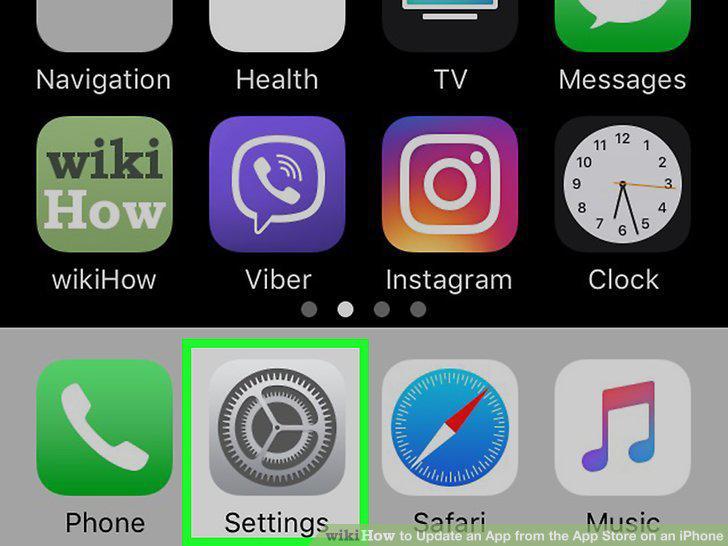
Open your iPhone's Settings .
2
Scroll down and tap App Store.
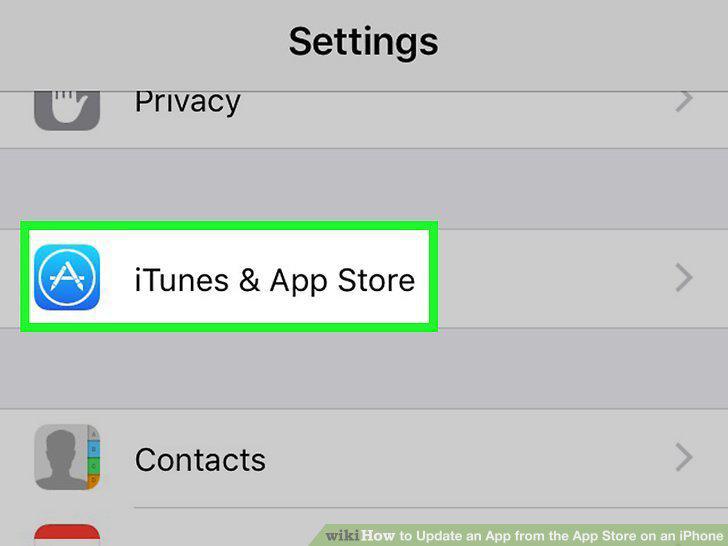
Scroll down and tap App Store.
3
Use the "App Updates" switch to toggle on/off automatic updates.
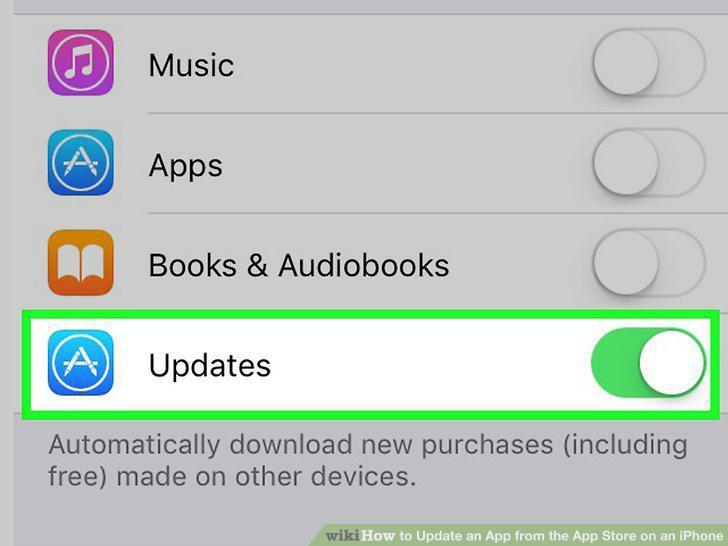
Use the "App Updates" switch to toggle on/off automatic updates.
4
Choose whether to allow automatic updates using mobile data.
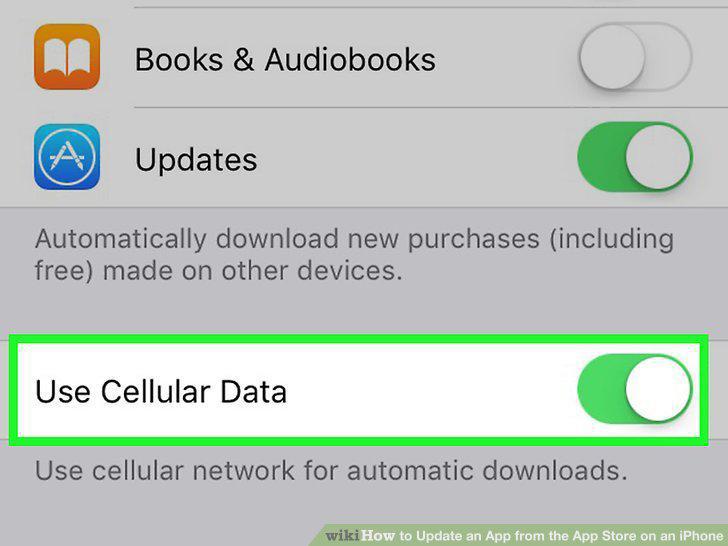
Choose whether to allow automatic updates using mobile data.
5
Open the App Store .
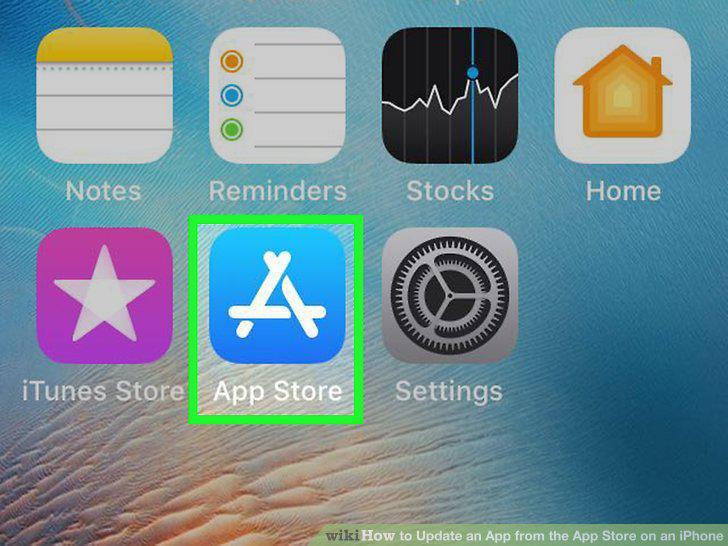
Open the App Store .
6
Tap your initials or profile photo.

Tap your initials or profile photo.
7
Scroll down to the "AVAILABLE UPDATES" section.
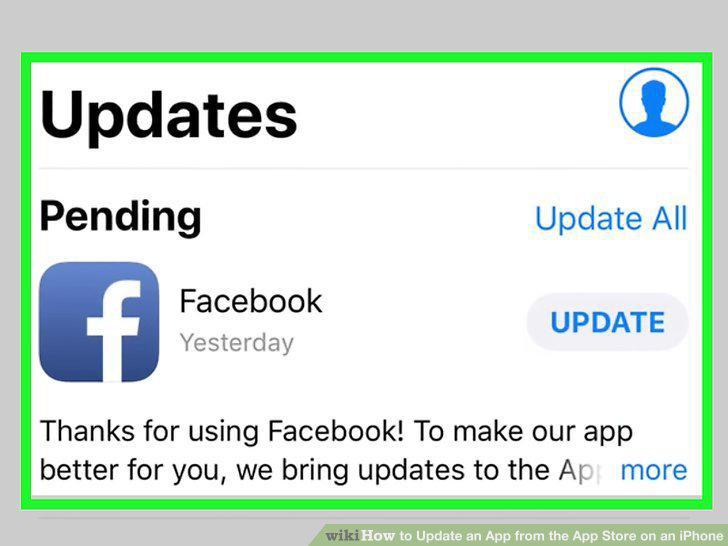
Scroll down to the "AVAILABLE UPDATES" section.
8
Tap UPDATE to start the update.
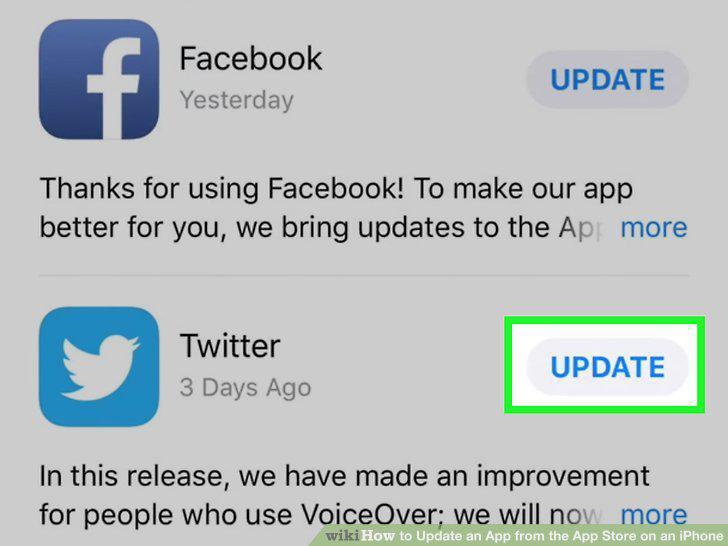
Tap UPDATE to start the update.
Comments (0)
No comments yet. Be the first to share your thoughts!