How to Trim a Video on Samsung Galaxy
Open the Gallery on your Samsung Galaxy.. Tap the video you want to trim.. Open the video editor.
Steps
1
Open the Gallery on your Samsung Galaxy.
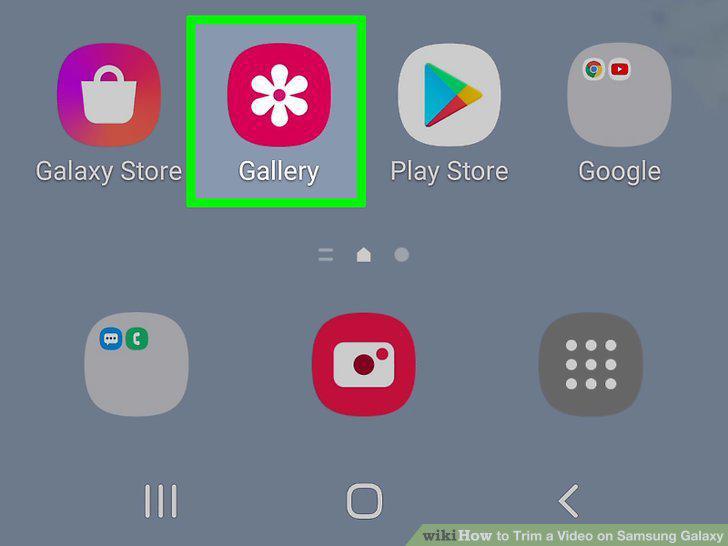
Open the Gallery on your Samsung Galaxy.
2
Tap the video you want to trim.
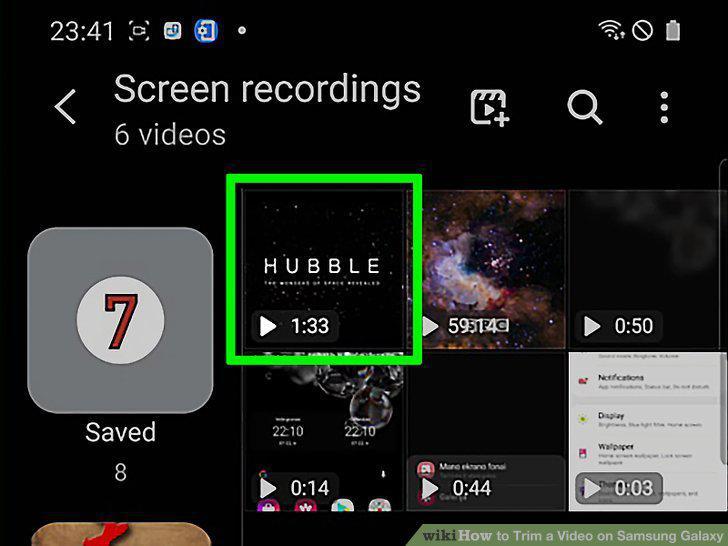
Tap the video you want to trim.
3
Open the video editor.
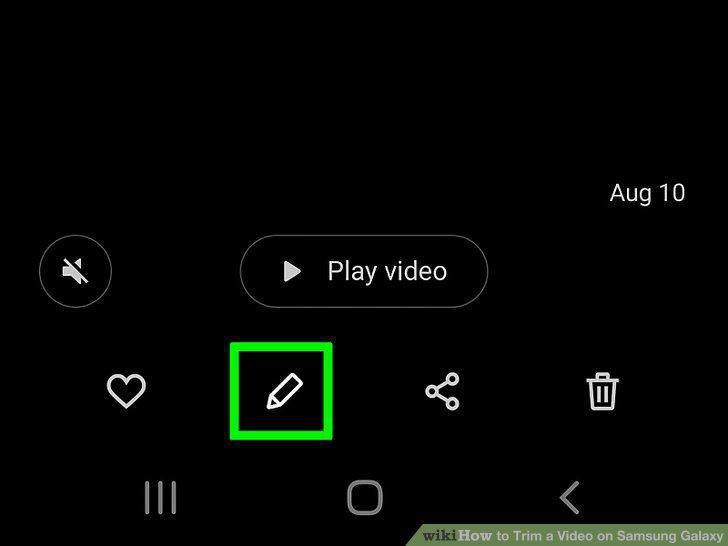
Open the video editor.
4
Drag the left slider to the place where the video should start.
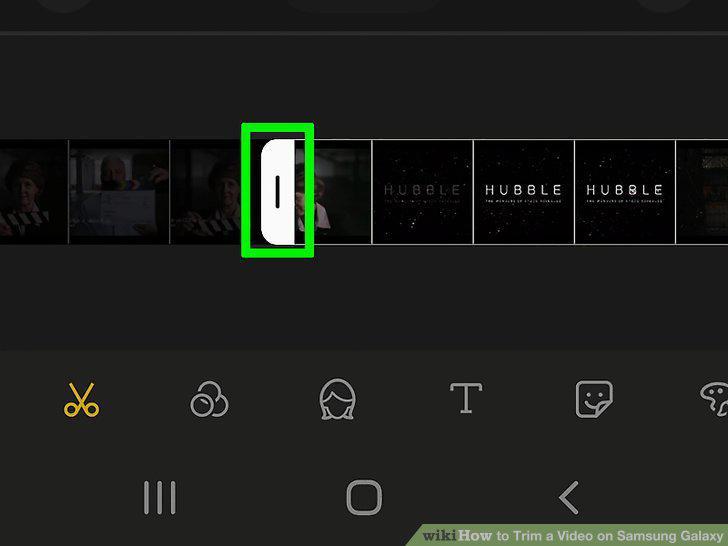
Drag the left slider to the place where the video should start.
5
Drag the right slider to the place where the video should end.
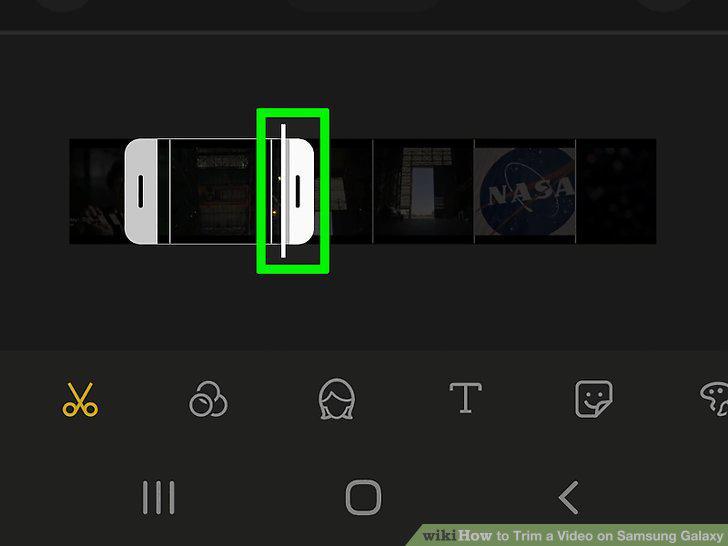
Drag the right slider to the place where the video should end.
6
Tap the play button to see a preview.
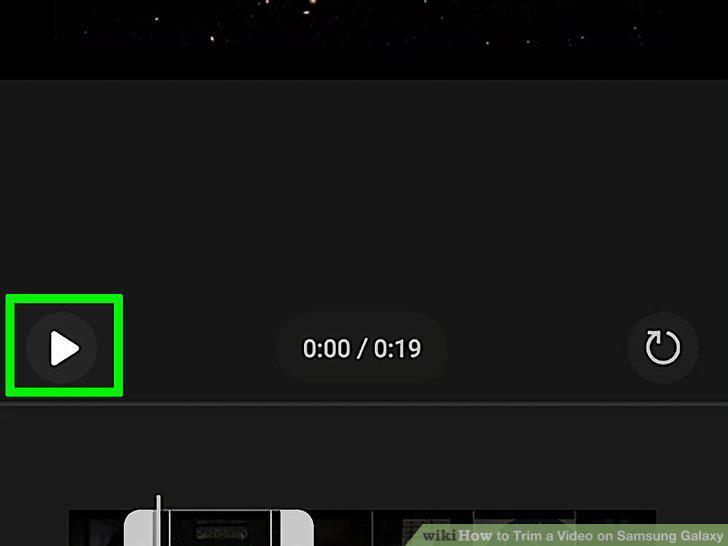
Tap the play button to see a preview.
7
Tap SAVE when you're finished.
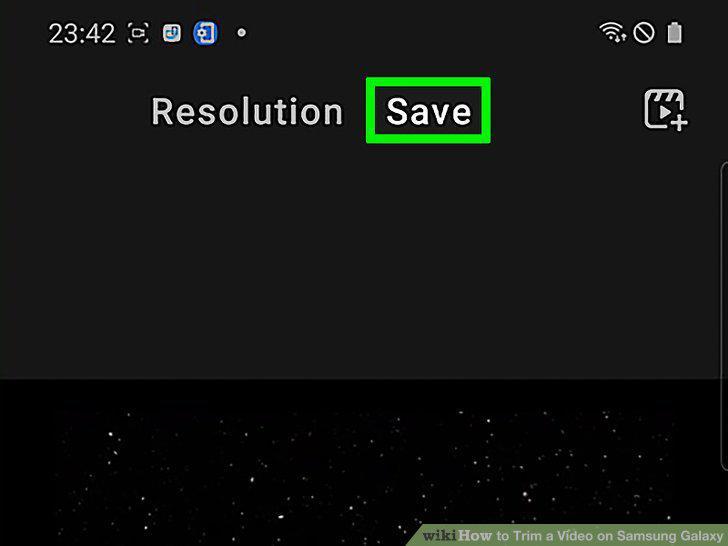
Tap SAVE when you're finished.
Comments (0)
No comments yet. Be the first to share your thoughts!