How to Test Packet Loss on iPhone or iPad
Install HPE Network Capture Express from the App Store.. Open HPE Network Capture Express.. Tap I AGREE on the Terms of Use.
Steps
1
Install HPE Network Capture Express from the App Store.
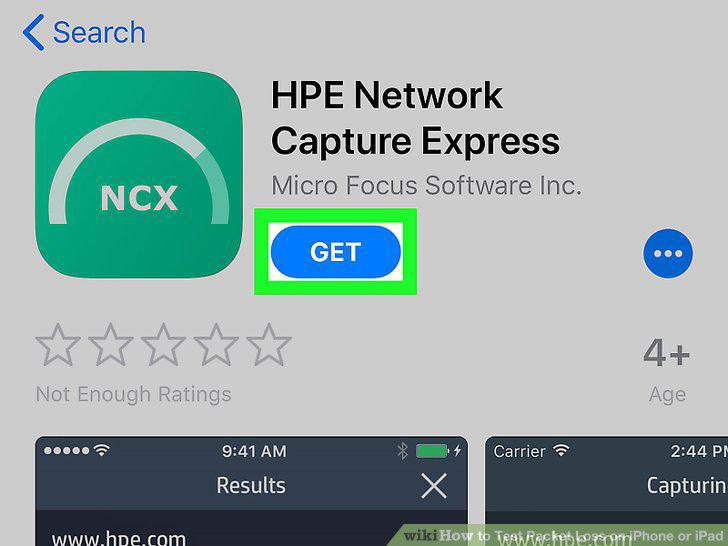
Install HPE Network Capture Express from the App Store.
2
Open HPE Network Capture Express.
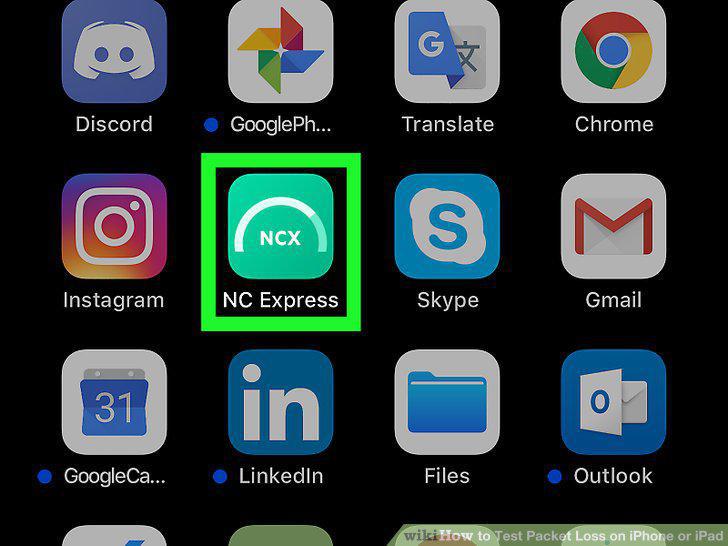
Open HPE Network Capture Express.
3
Tap I AGREE on the Terms of Use.
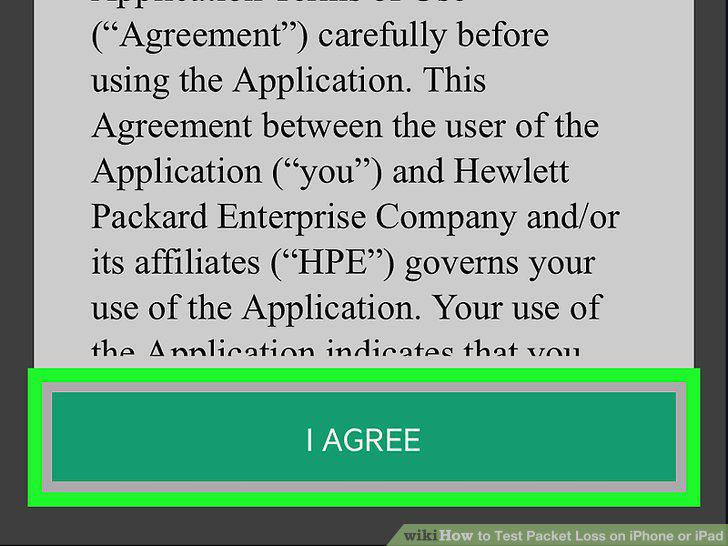
Tap I AGREE on the Terms of Use.
4
Enter a hostname, URL, or IP address into the "Select destination" box.
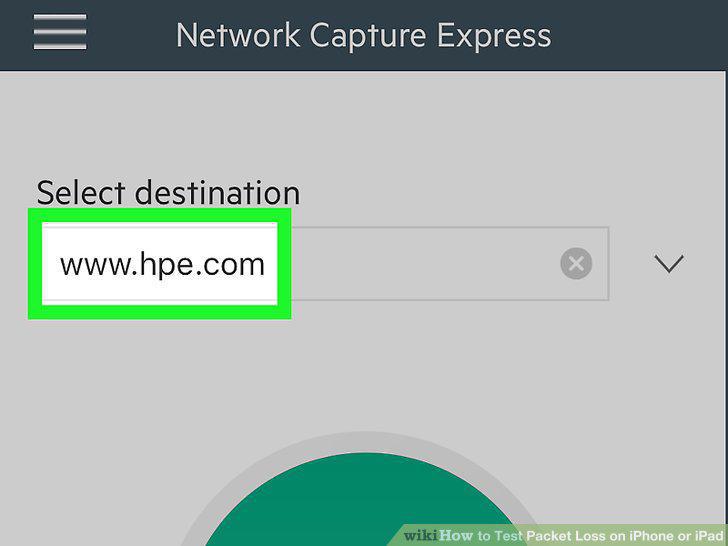
Enter a hostname, URL, or IP address into the "Select destination" box.
5
Tap Start Network Capture.
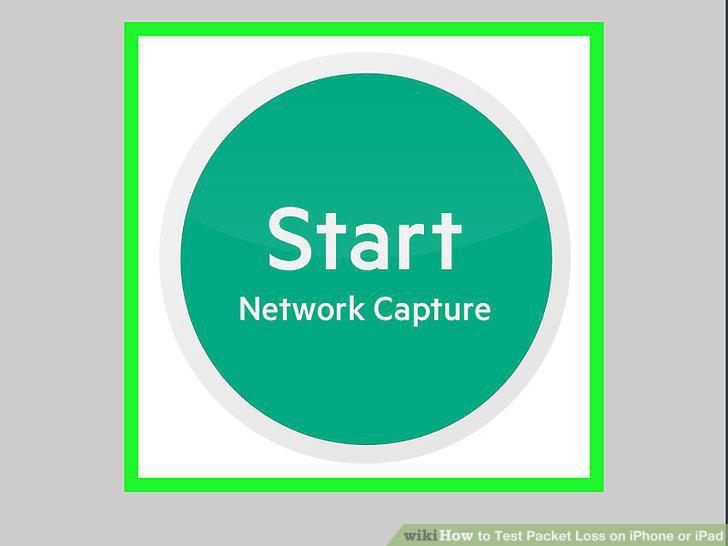
Tap Start Network Capture.
6
Tap Allow.
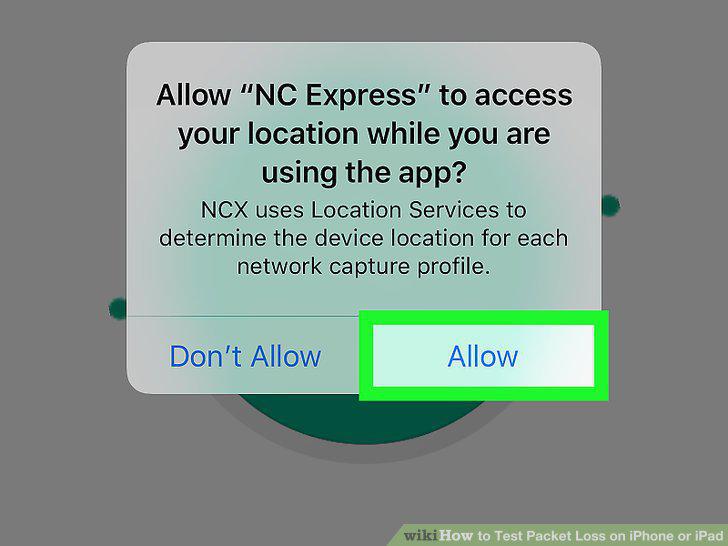
Tap Allow.
7
Check for lost packets under "Packet loss.
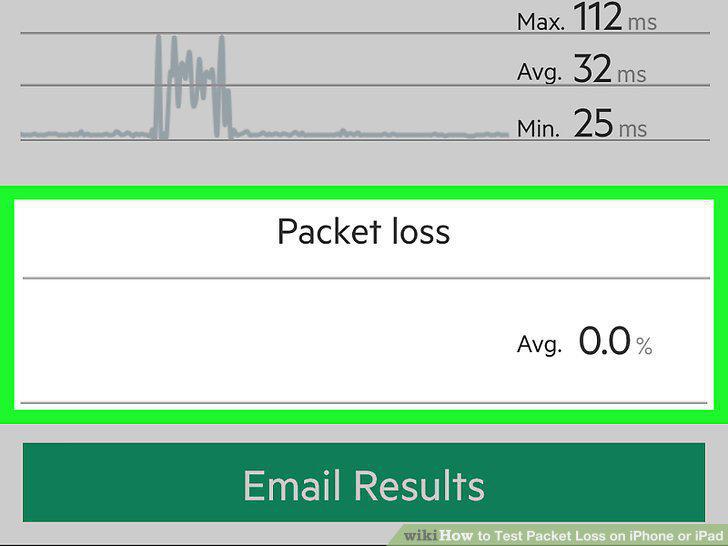
Check for lost packets under "Packet loss.
Comments (0)
No comments yet. Be the first to share your thoughts!