How to Know if Someone Is Online on Viber on Android
Open Viber Messenger on your Android.. Tap the CONTACTS tab.. Tap the VIBER option at the top of your contacts.
Steps
1
Open Viber Messenger on your Android.
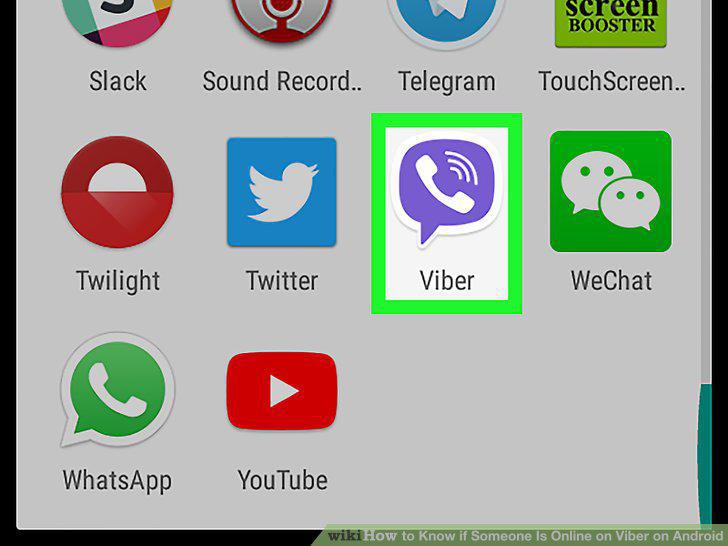
Open Viber Messenger on your Android.
2
Tap the CONTACTS tab.
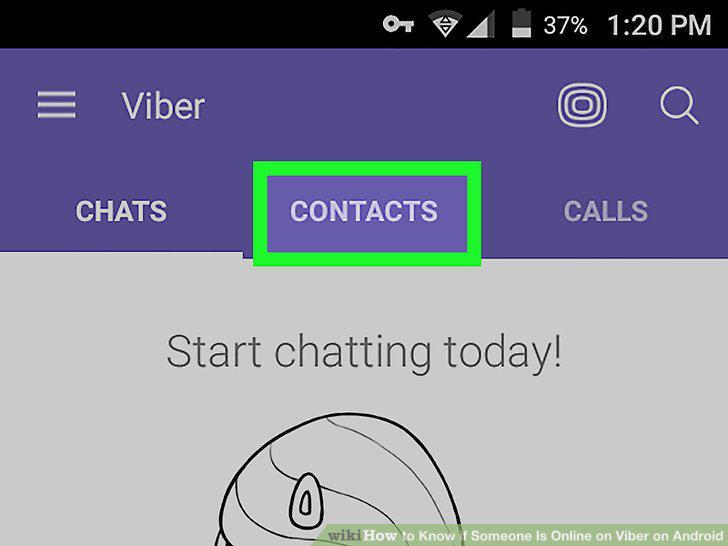
Tap the CONTACTS tab.
3
Tap the VIBER option at the top of your contacts.
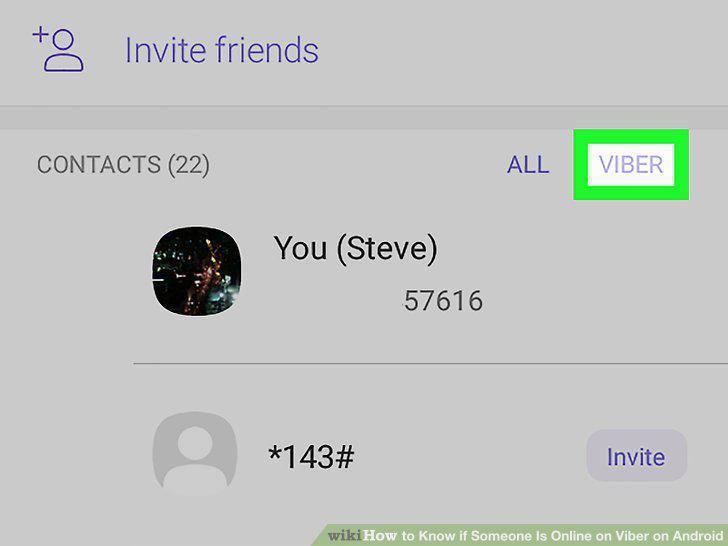
Tap the VIBER option at the top of your contacts.
4
Tap a contact on your contact list.
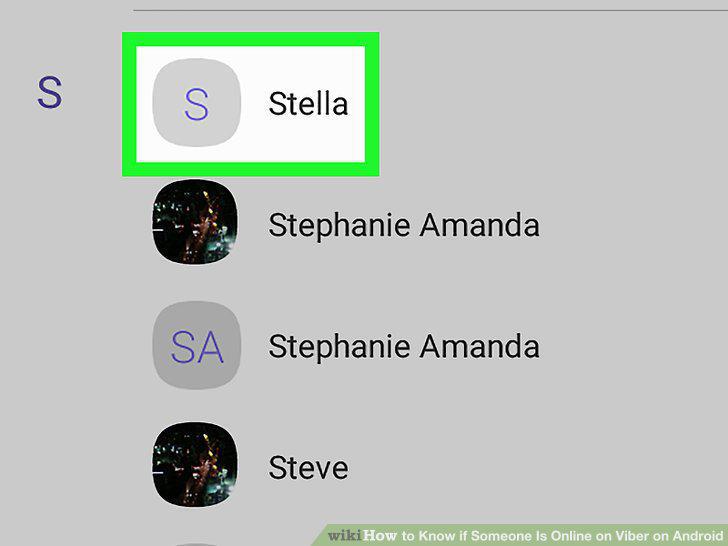
Tap a contact on your contact list.
5
Check your contact's last-seen date.
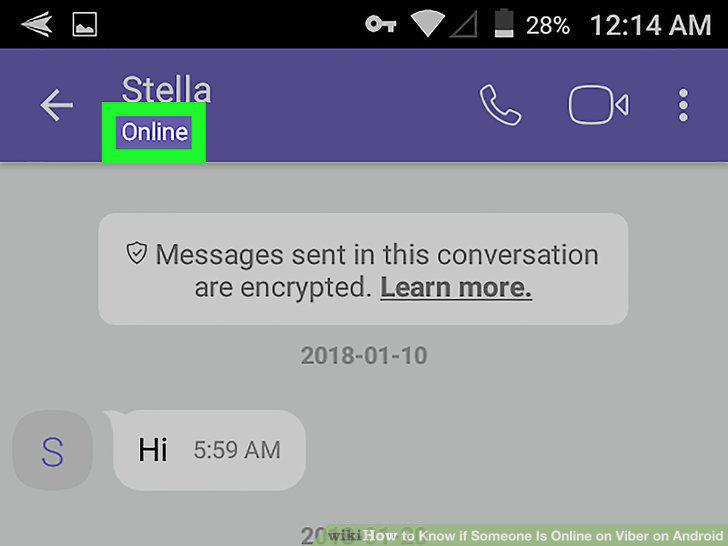
Check your contact's last-seen date.
Comments (0)
No comments yet. Be the first to share your thoughts!