How to Copy a Graph from Excel to PowerPoint
Open your graph in Microsoft Excel.. Click the graph to select it.. Copy the graph to your clipboard.
Steps
1
Open your graph in Microsoft Excel.
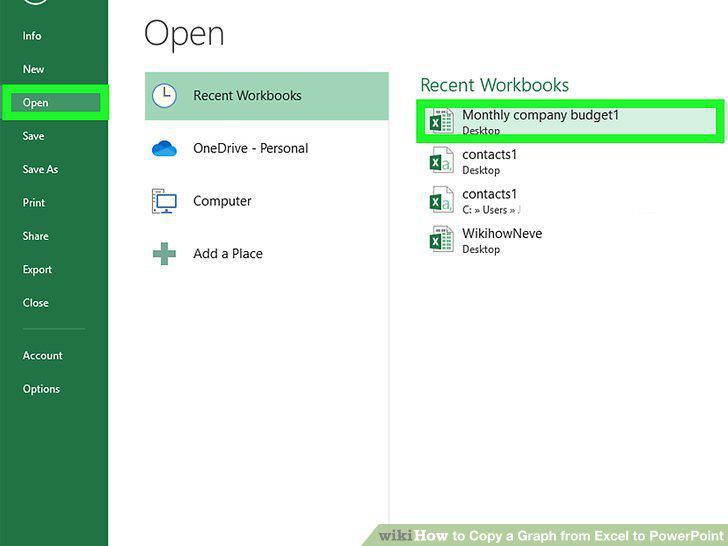
Open your graph in Microsoft Excel.
2
Click the graph to select it.
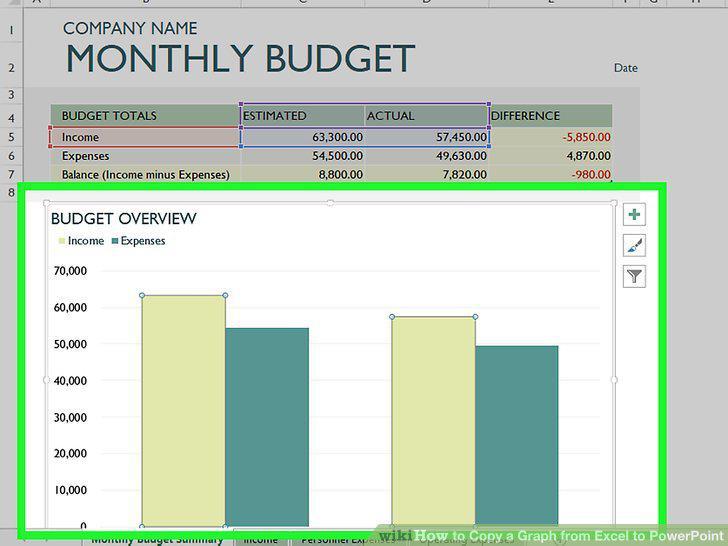
Click the graph to select it.
3
Copy the graph to your clipboard.

Copy the graph to your clipboard.
4
Open the slide you want to edit in PowerPoint.
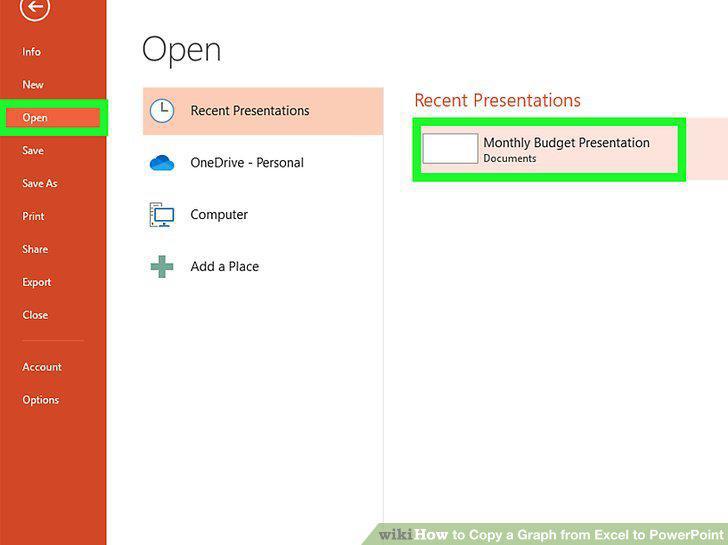
Open the slide you want to edit in PowerPoint.
5
Click the Home tab in PowerPoint.
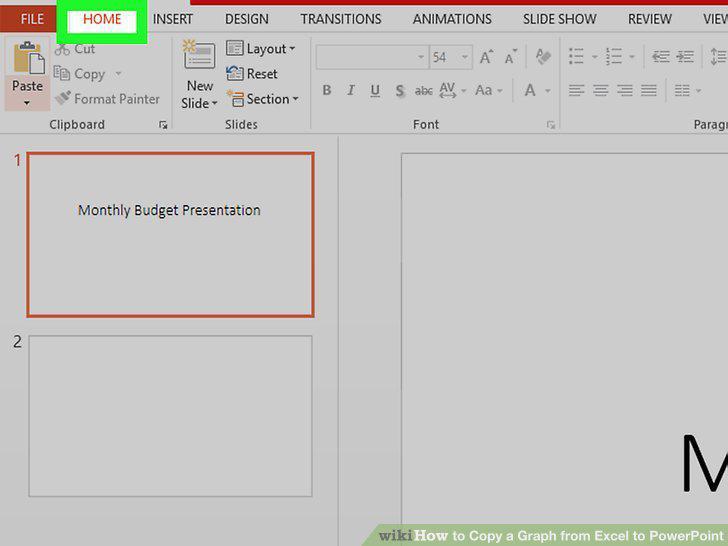
Click the Home tab in PowerPoint.
6
Click the small triangle below "Paste.
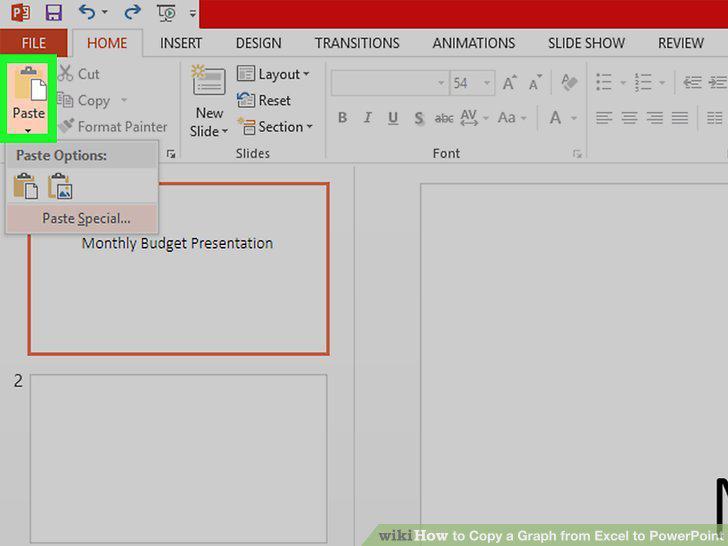
Click the small triangle below "Paste.
7
Click Paste Special on the menu.
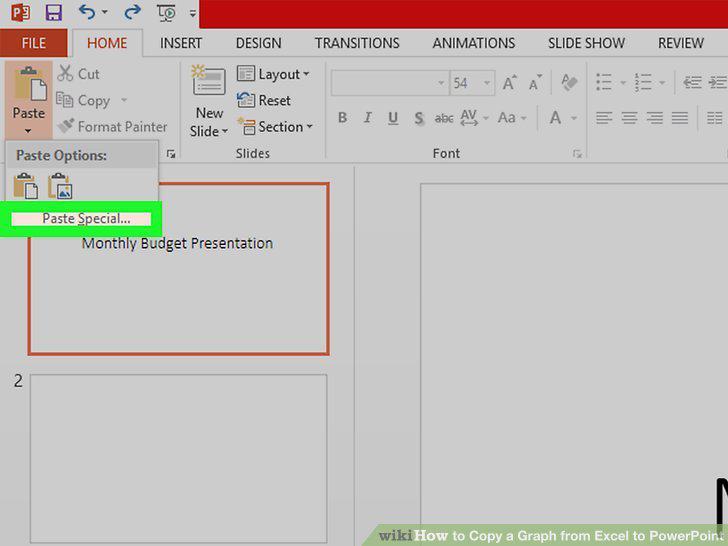
Click Paste Special on the menu.
8
Select a pasting option.
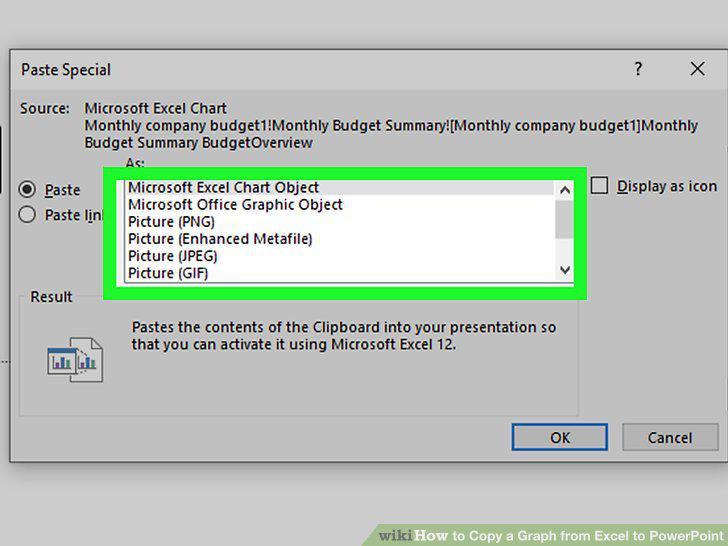
Select a pasting option.
9
Click OK.
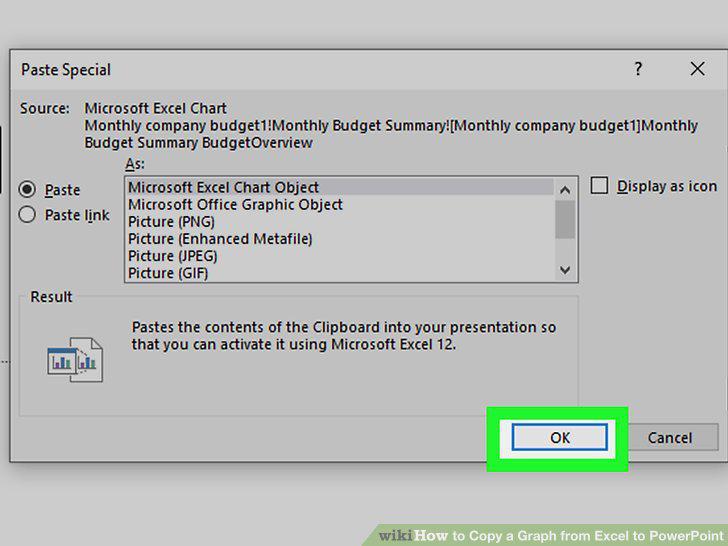
Click OK.
Comments (0)
No comments yet. Be the first to share your thoughts!