How to Download Images from Google Images
Click the image you want to save in the search results.. Tap and hold the image until a menu appears.. Tap Download Image on the menu.
Steps
1
Click the image you want to save in the search results.

Click the image you want to save in the search results.
2
Tap and hold the image until a menu appears.
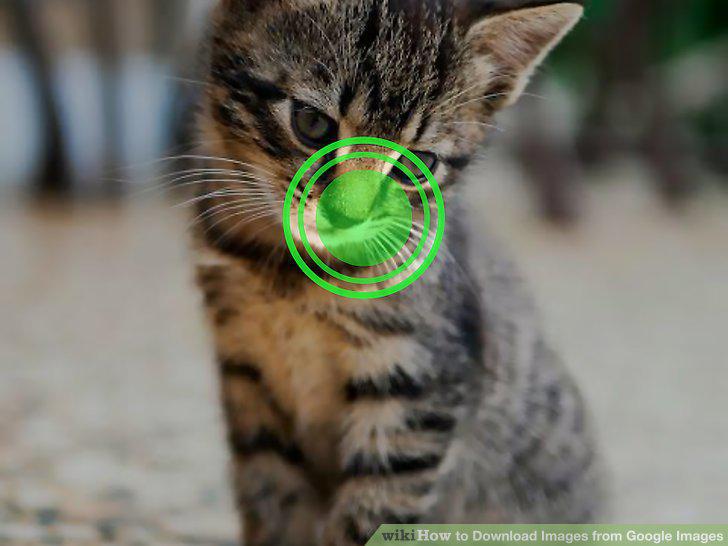
Tap and hold the image until a menu appears.
3
Tap Download Image on the menu.
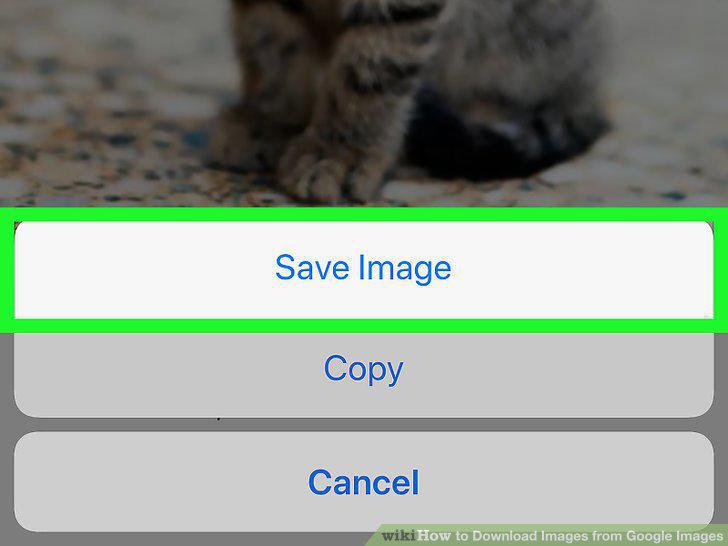
Tap Download Image on the menu.
4
Click the image you want to save in the search results.
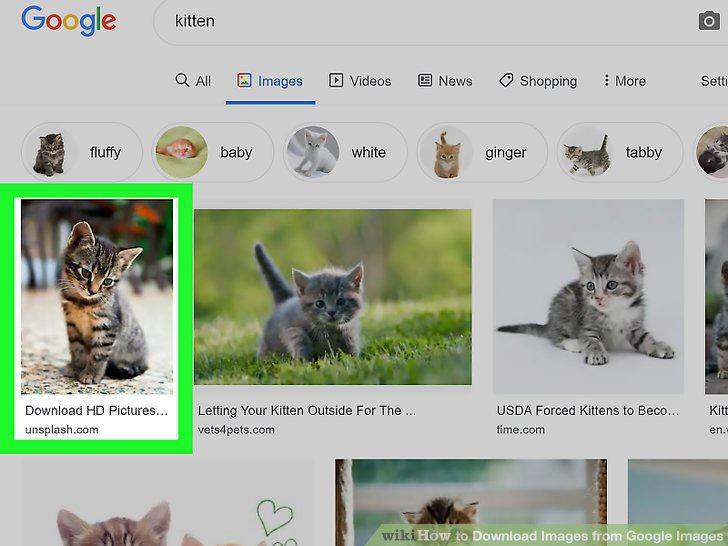
Click the image you want to save in the search results.
5
Right-click the image.
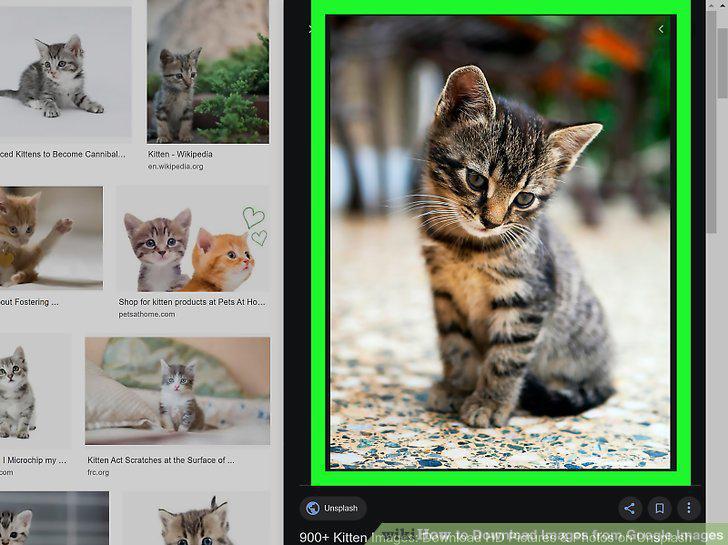
Right-click the image.
6
Click Save Image as.
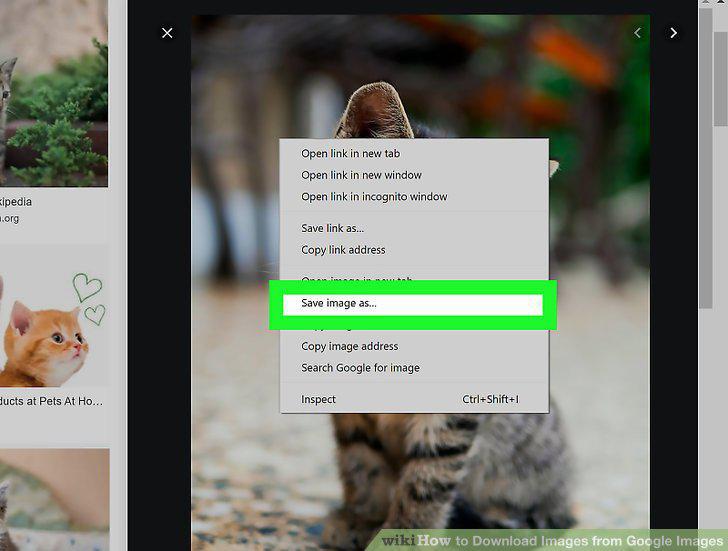
Click Save Image as.
7
Name and save the file.
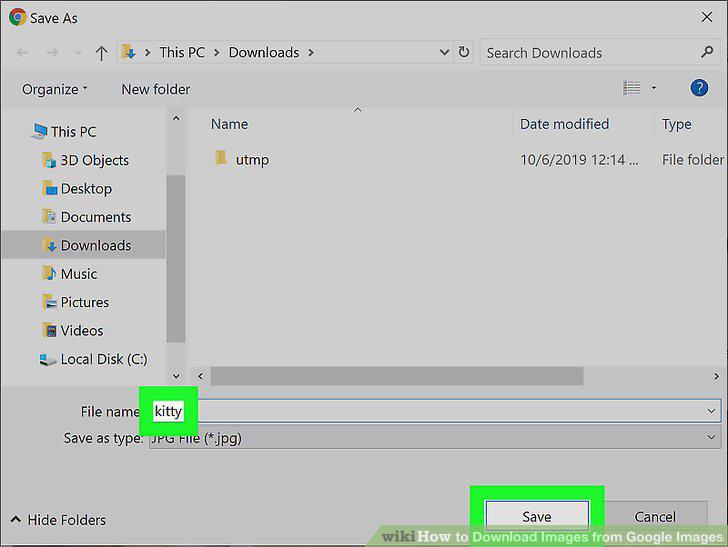
Name and save the file.
Comments (0)
No comments yet. Be the first to share your thoughts!