How to Load Sky Direct
Turn on your Sky Direct box.. Text SKYLOAD BOXID PIN to 23667.. Respond with YES once you get a response.
Steps
1
Turn on your Sky Direct box.
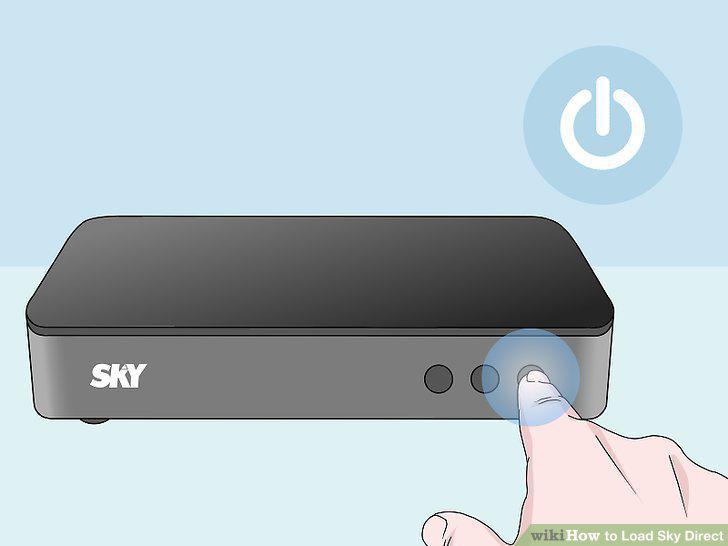
Turn on your Sky Direct box.
2
Text SKYLOAD BOXID PIN to 23667.
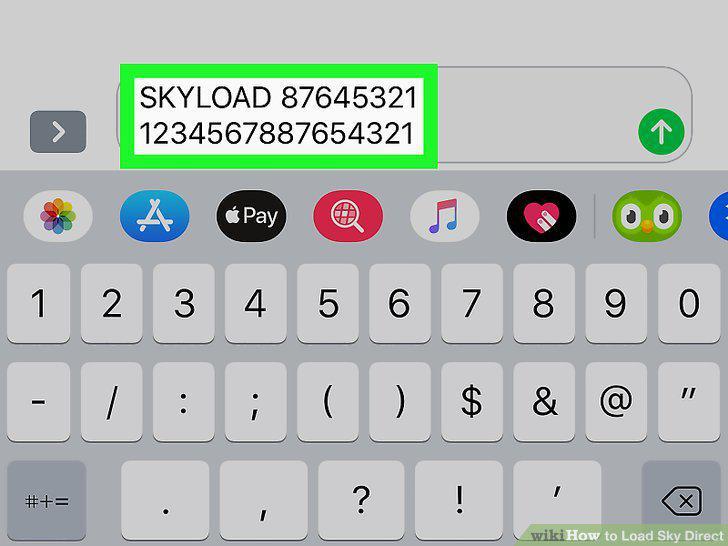
Text SKYLOAD BOXID PIN to 23667.
3
Respond with YES once you get a response.
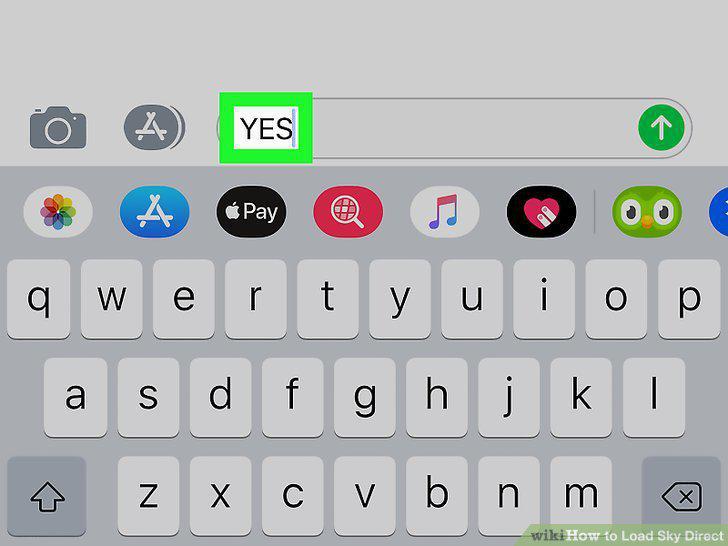
Respond with YES once you get a response.
4
Turn on your Sky Direct box.
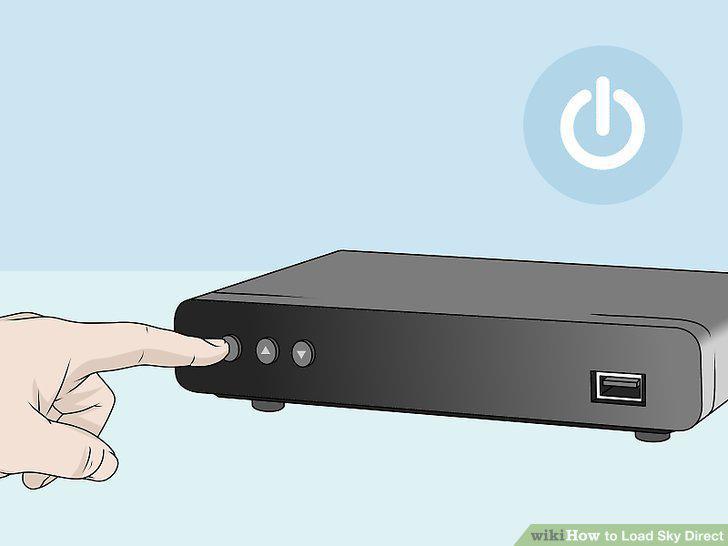
Turn on your Sky Direct box.
5
Text SKYLOADDENOMINATION BOXID to 23667.
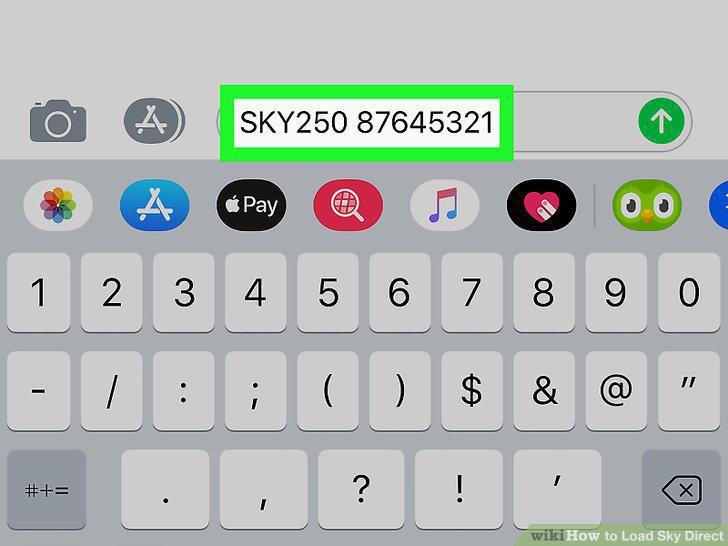
Text SKYLOADDENOMINATION BOXID to 23667.
6
Respond with YES SKYLOADDENOMINATION once you get a response.
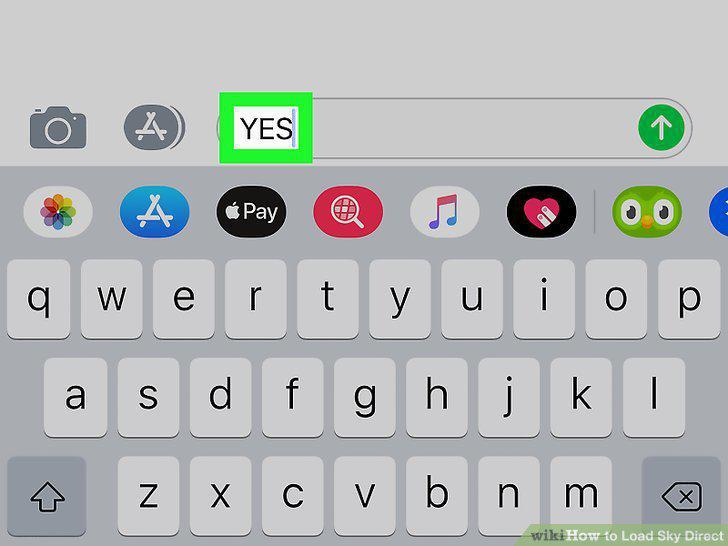
Respond with YES SKYLOADDENOMINATION once you get a response.
7
Turn off your Sky Direct box for a few minutes, then turn it back on.
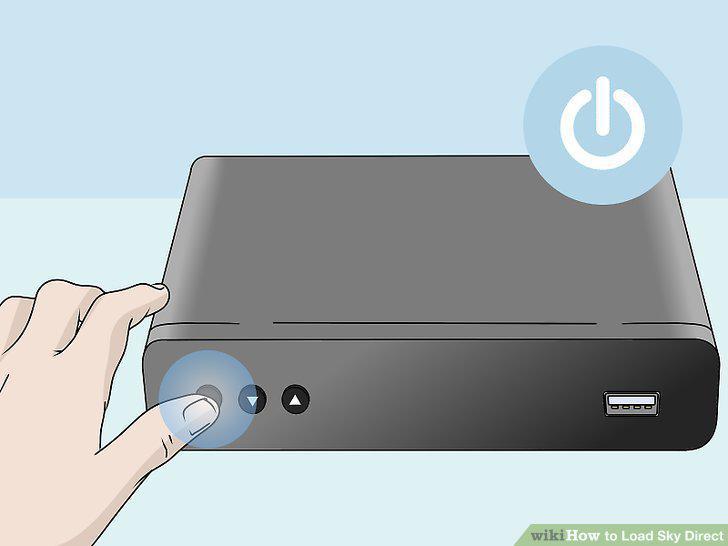
Turn off your Sky Direct box for a few minutes, then turn it back on.
8
Turn on your Sky Direct box.
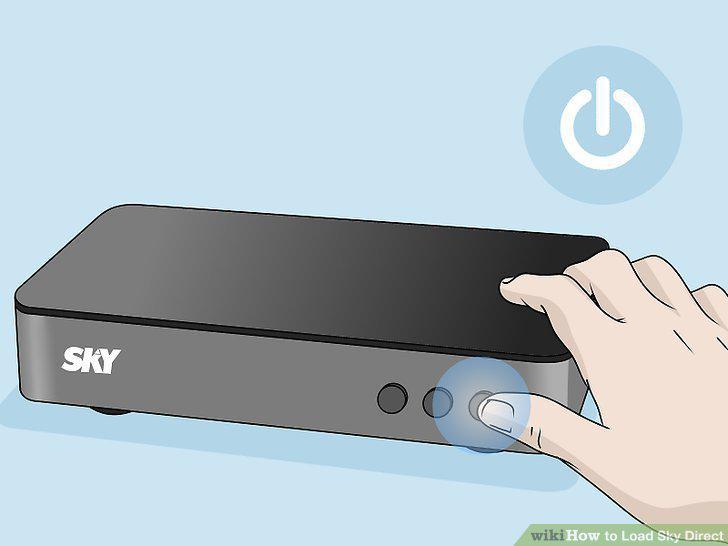
Turn on your Sky Direct box.
9
Open the GCASH mobile app on your phone or tablet.
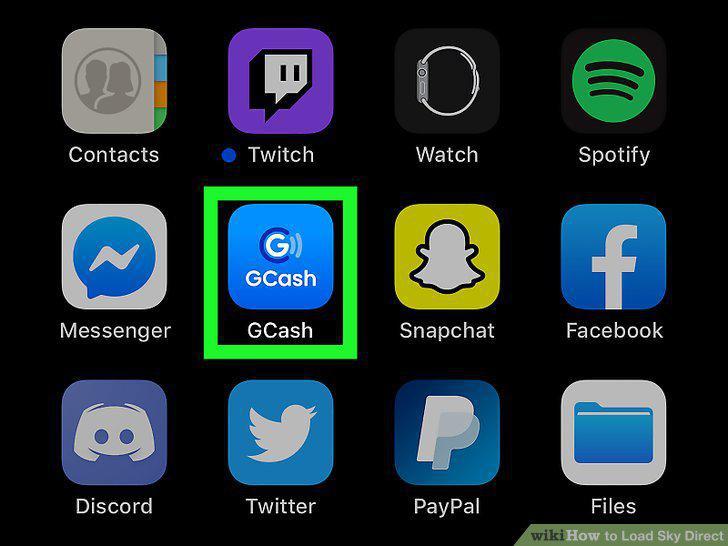
Open the GCASH mobile app on your phone or tablet.
10
Tap Buy Load.
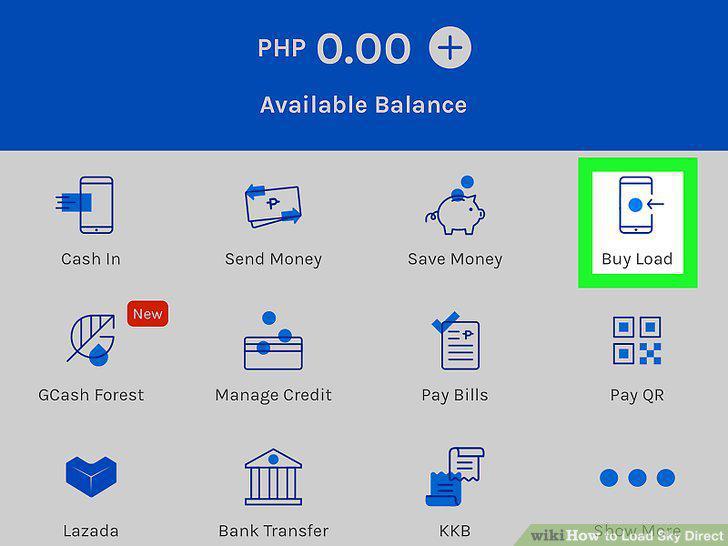
Tap Buy Load.
11
Tap to choose Pay TV.
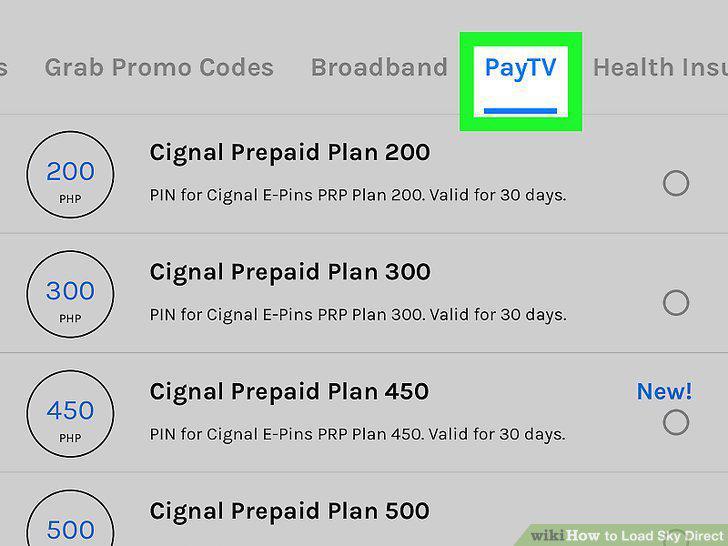
Tap to choose Pay TV.
12
Tap to choose the load amount you want.
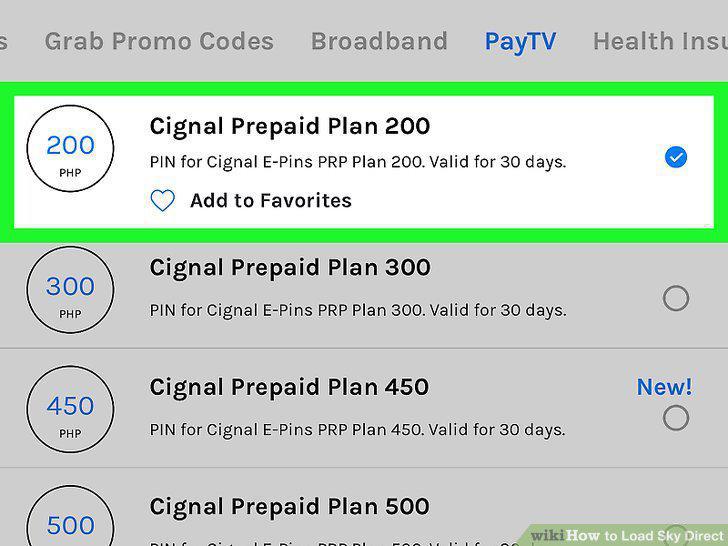
Tap to choose the load amount you want.
13
Tap Next to confirm and proceed.
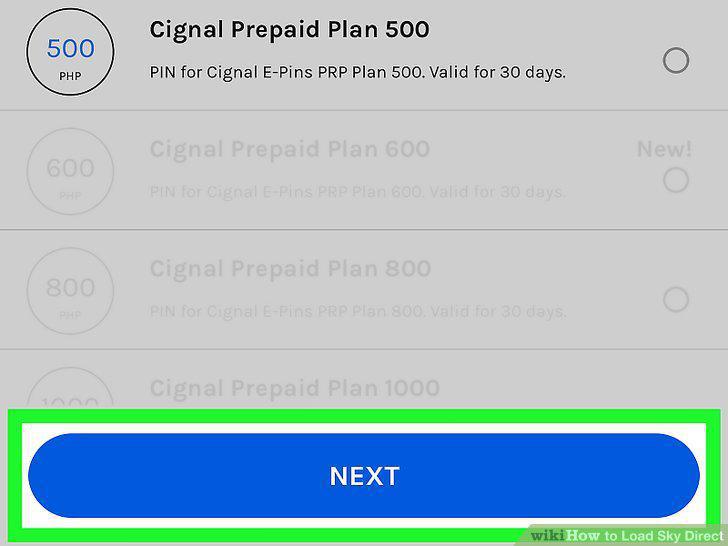
Tap Next to confirm and proceed.
14
Text SKYLOAD BOXID PIN to 23667.
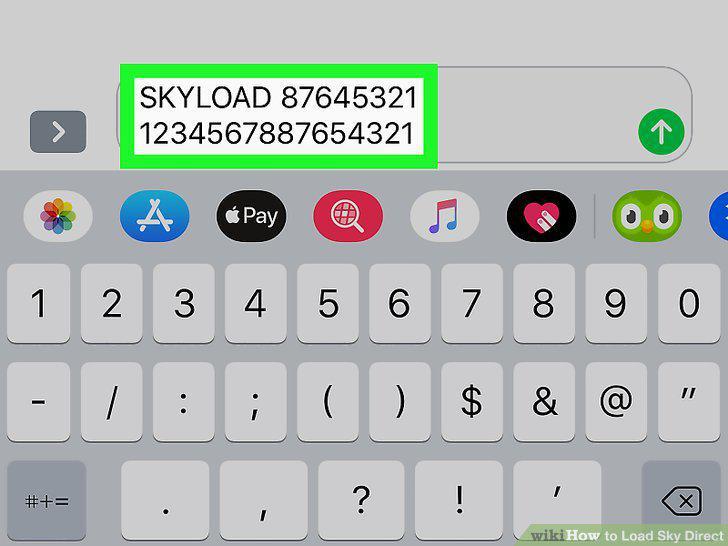
Text SKYLOAD BOXID PIN to 23667.
Comments (0)
No comments yet. Be the first to share your thoughts!