How to View Snapchat Stories
Open Snapchat.. Tap the "Chats" tab.. Look for new Stories.
Steps
1
Open Snapchat.
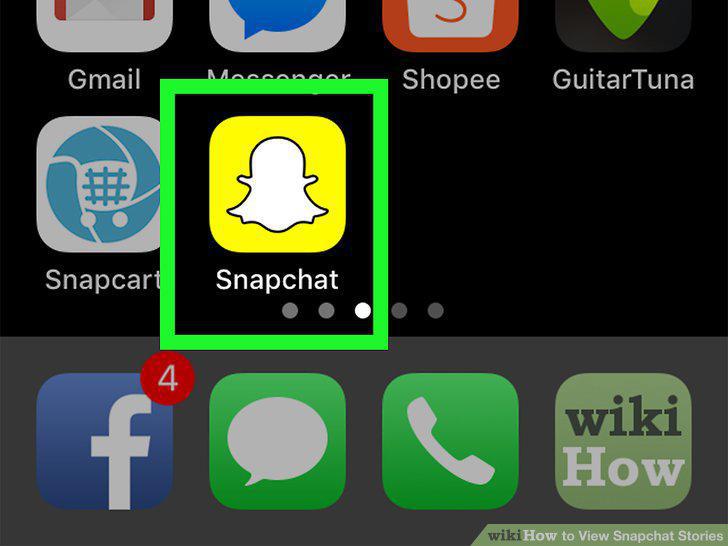
Open Snapchat.
2
Tap the "Chats" tab.
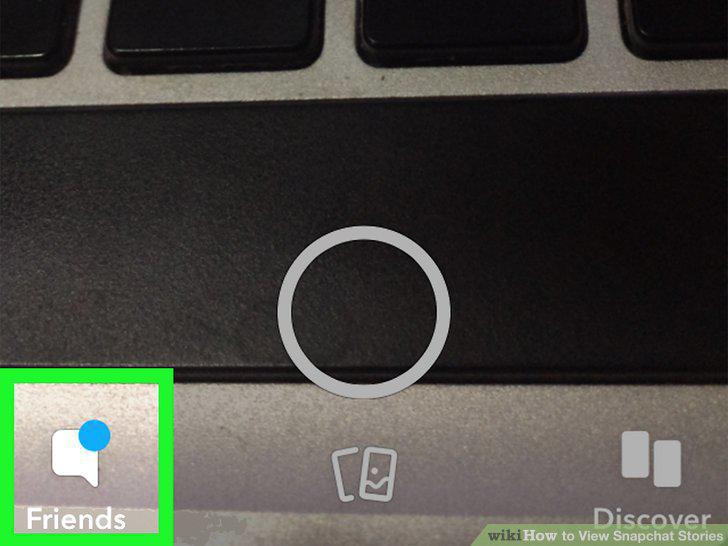
Tap the "Chats" tab.
3
Look for new Stories.

Look for new Stories.
4
Select a Story.

Select a Story.
5
Navigate through the Story.
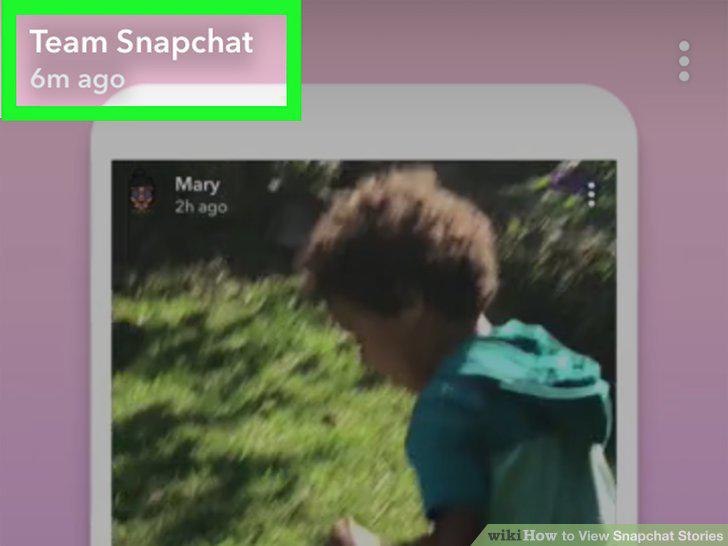
Navigate through the Story.
6
Re-watch a user's old Story.

Re-watch a user's old Story.
7
Open Snapchat.
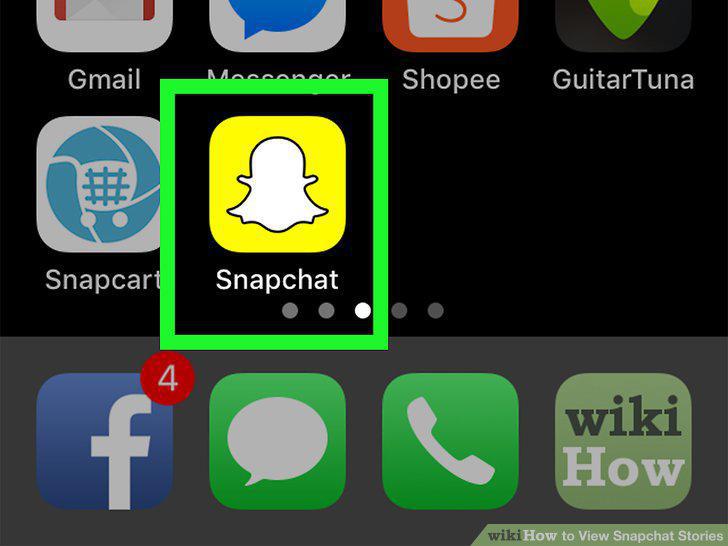
Open Snapchat.
8
Tap your Story icon.
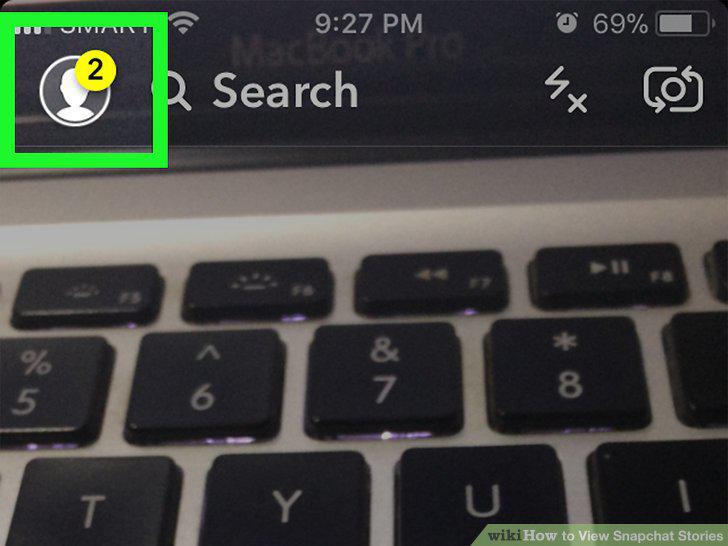
Tap your Story icon.
9
Tap the My Story heading.
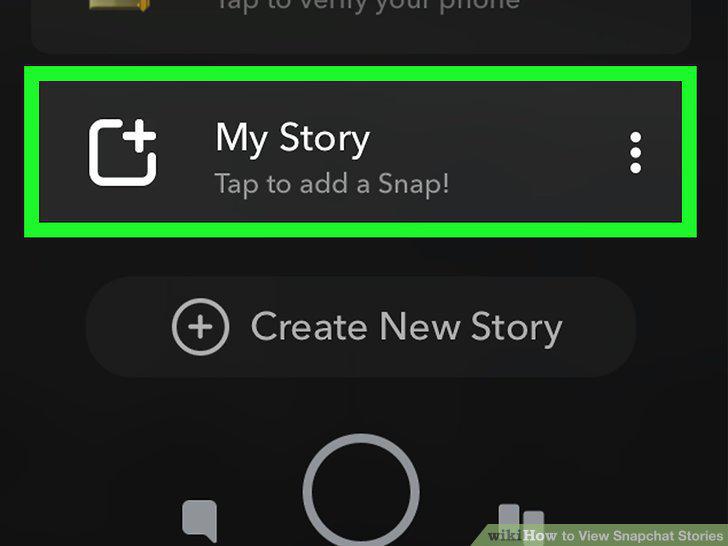
Tap the My Story heading.
10
Select a Story to view.
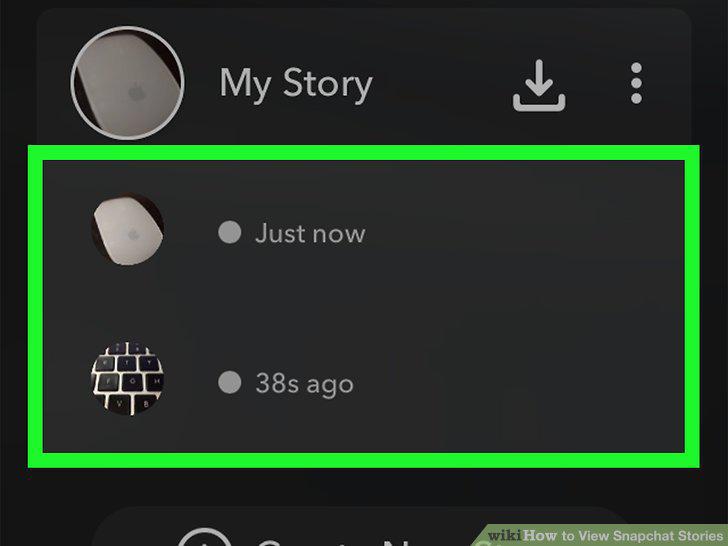
Select a Story to view.
11
Open Snapchat.
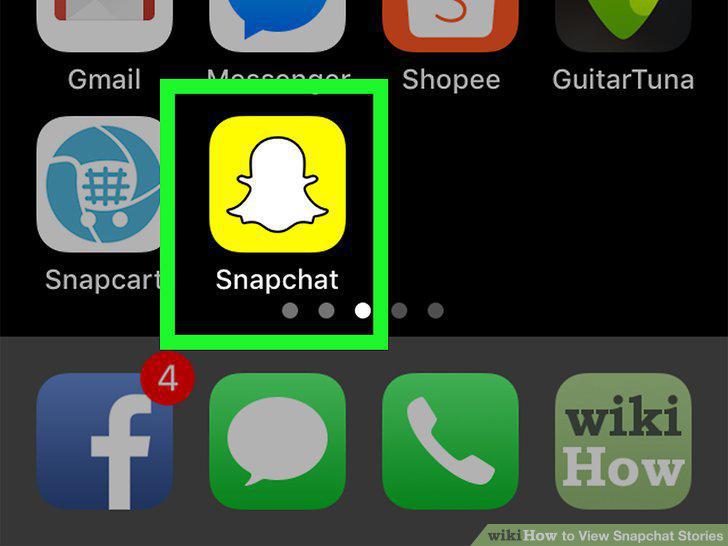
Open Snapchat.
12
Tap the "Discover" tab.
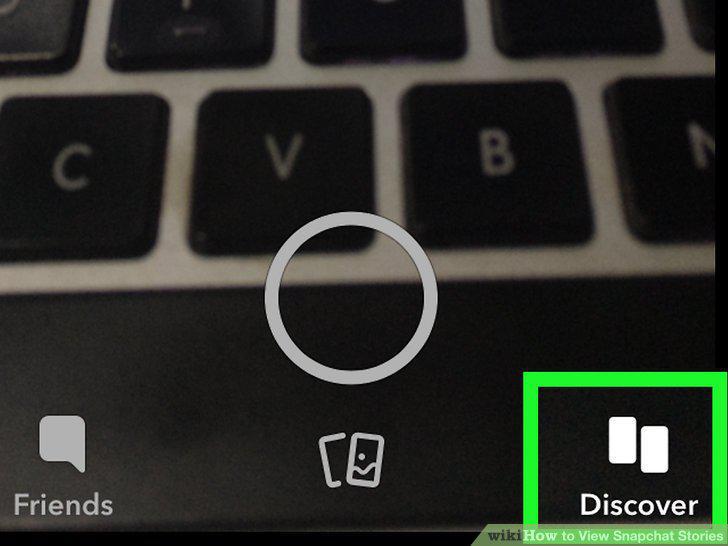
Tap the "Discover" tab.
13
Browse the public Stories.

Browse the public Stories.
14
Select a Story.

Select a Story.
15
Navigate through the Story.

Navigate through the Story.
Comments (0)
No comments yet. Be the first to share your thoughts!