How to Delete Roku Channels
Turn on your TV and Roku.. Navigate to the channel you want to delete.. Press the * button on your remote.
Steps
1
Turn on your TV and Roku.
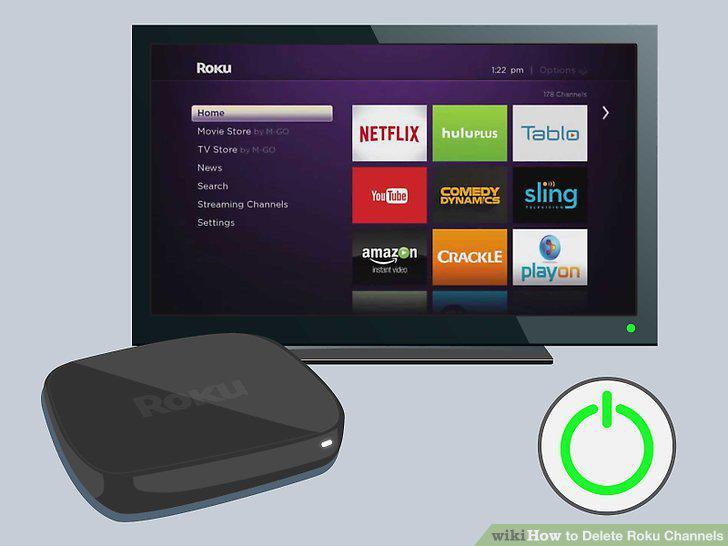
Turn on your TV and Roku.
2
Navigate to the channel you want to delete.
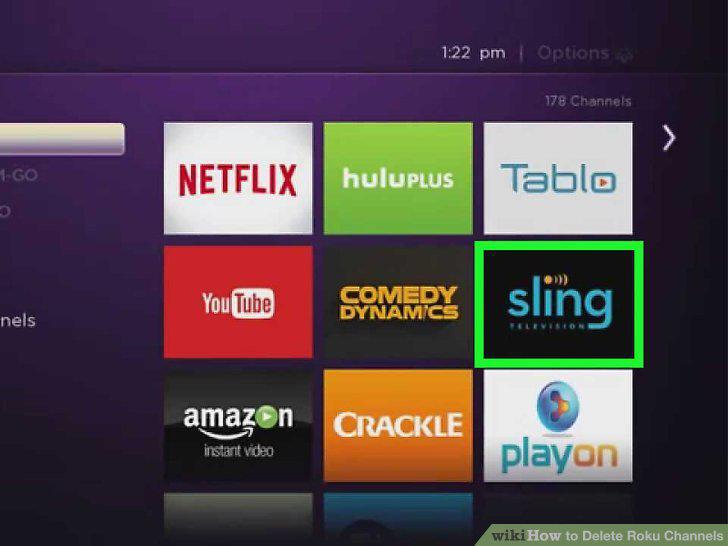
Navigate to the channel you want to delete.
3
Press the * button on your remote.
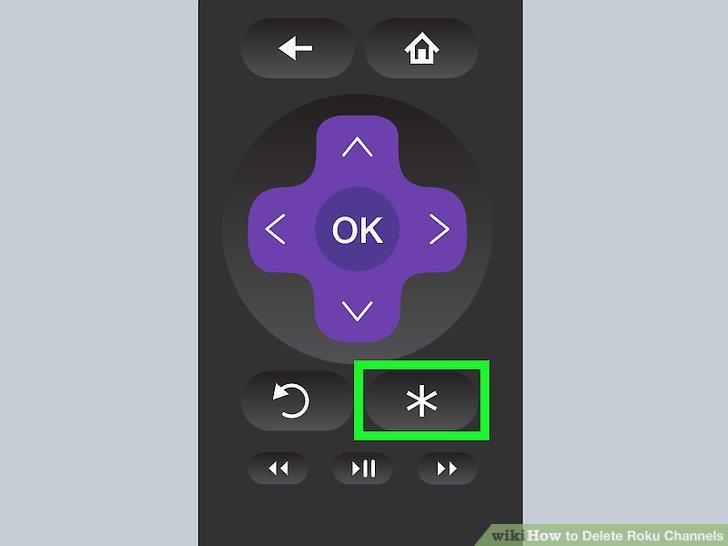
Press the * button on your remote.
4
Navigate to Remove channel and press OK.
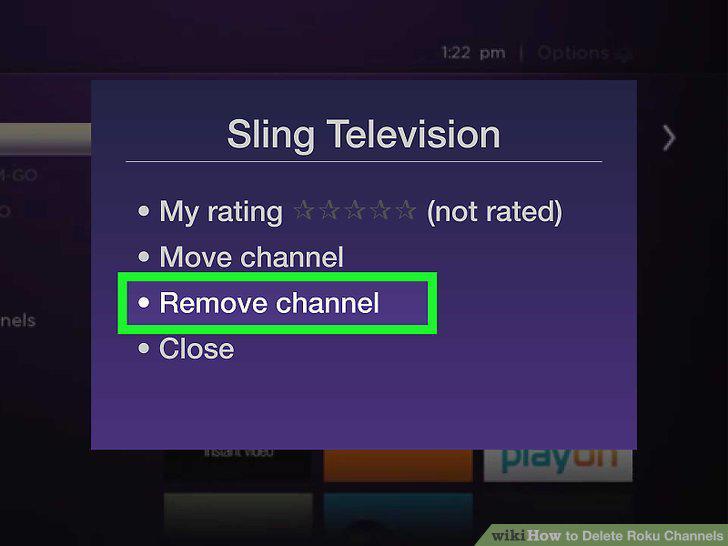
Navigate to Remove channel and press OK.
5
Turn on your TV and Roku.
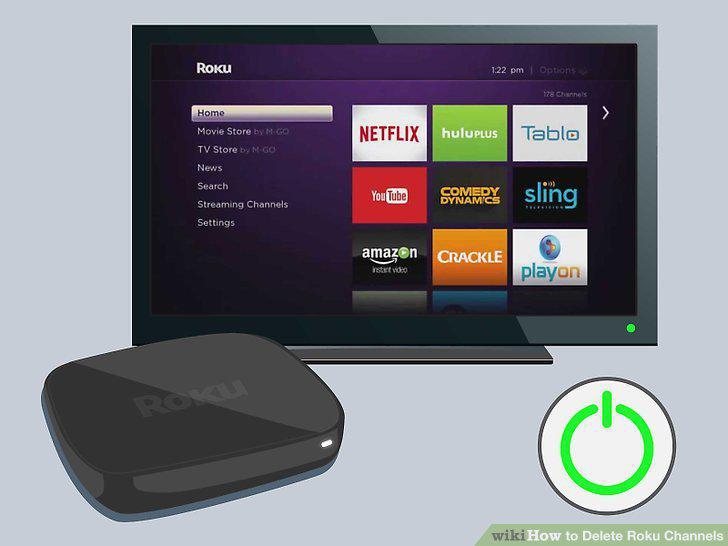
Turn on your TV and Roku.
6
Navigate to Streaming Channels and the Channel Store.
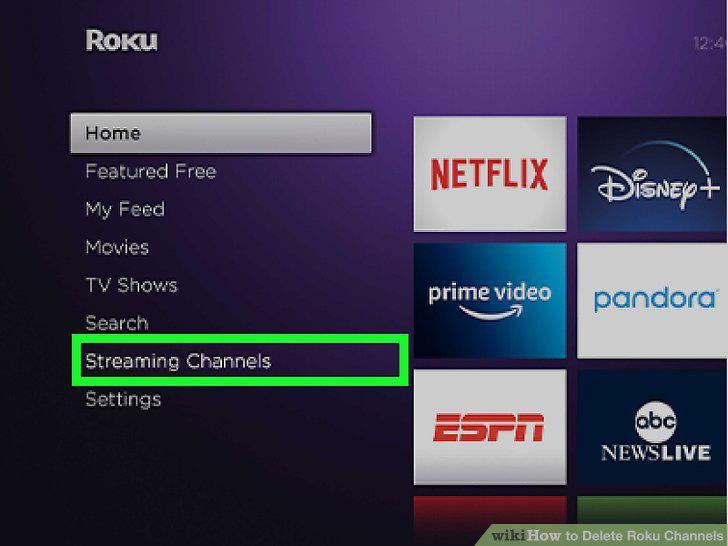
Navigate to Streaming Channels and the Channel Store.
7
Navigate to the channel you want to delete.
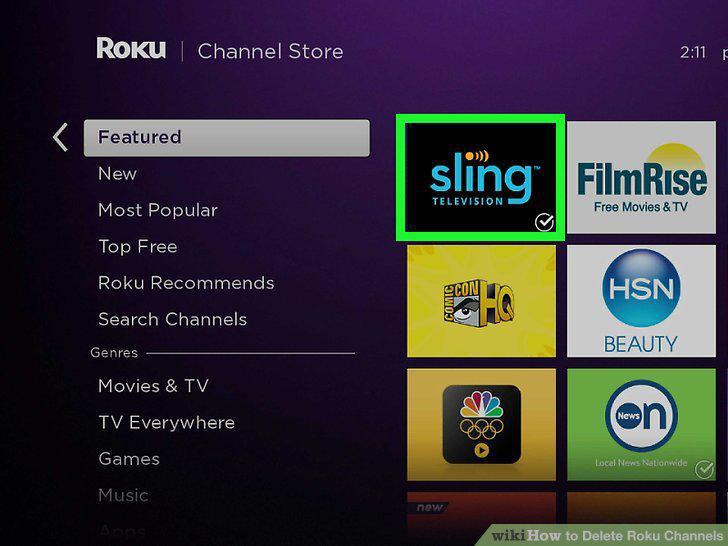
Navigate to the channel you want to delete.
8
Press OK on the Roku remote.
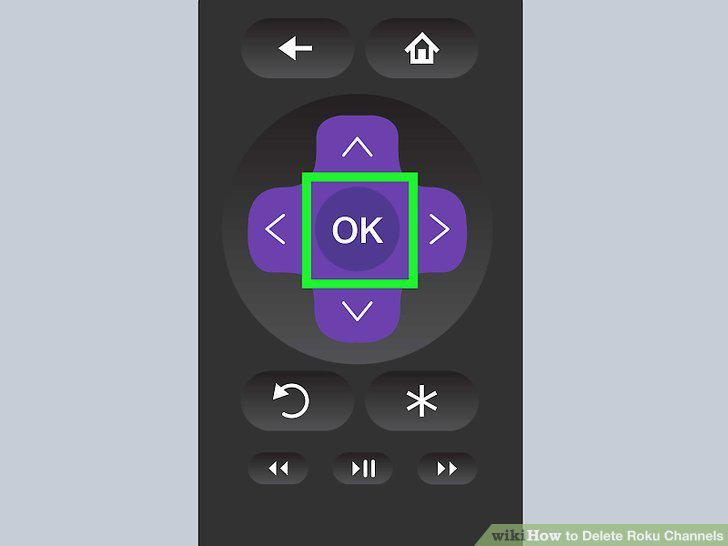
Press OK on the Roku remote.
9
Navigate to Remove channel and press OK.
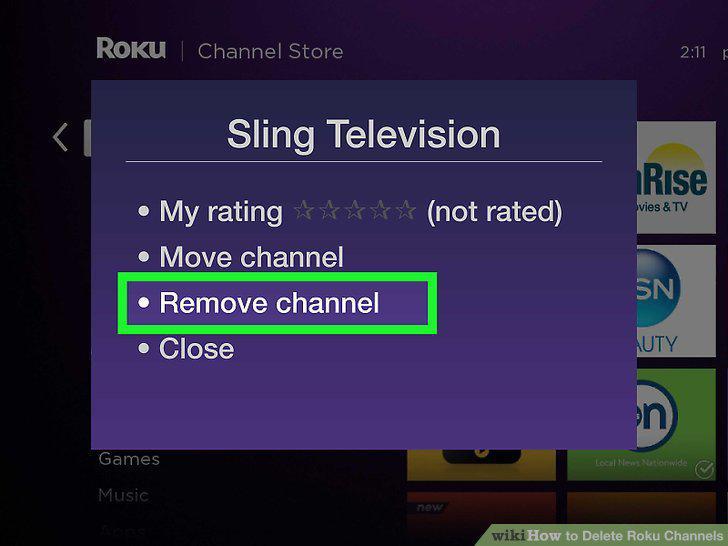
Navigate to Remove channel and press OK.
10
Open the Roku mobile app on your phone or tablet.
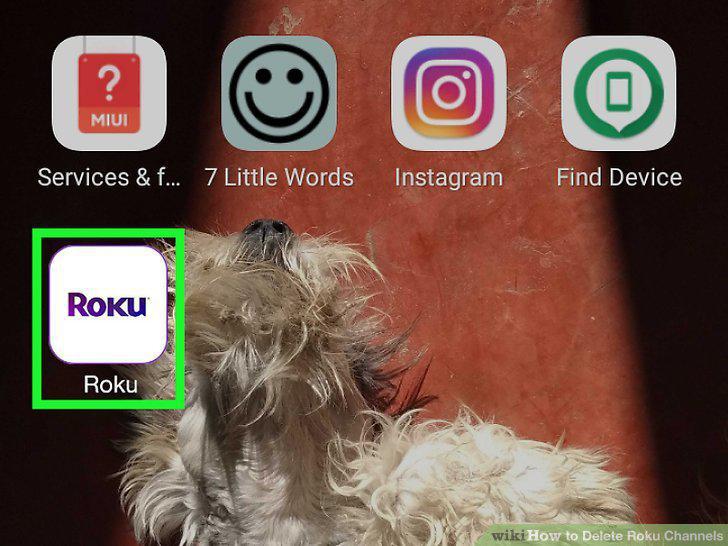
Open the Roku mobile app on your phone or tablet.
11
Tap Channels.
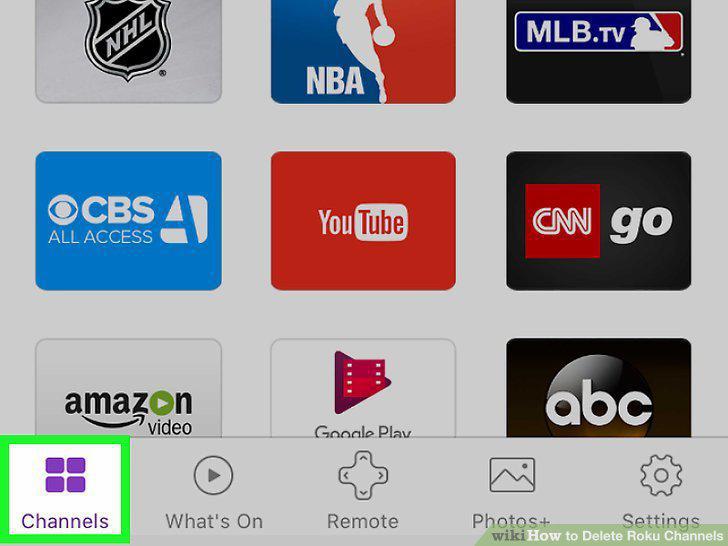
Tap Channels.
12
Tap the My Channels tab.
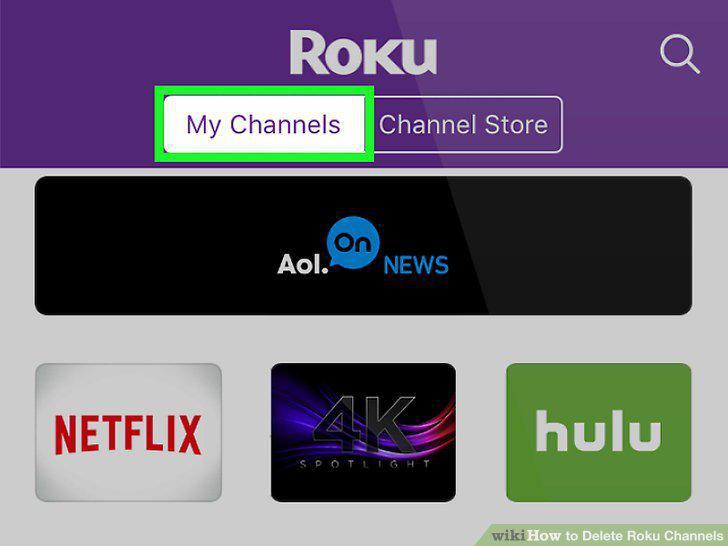
Tap the My Channels tab.
13
Long-tap the channel you want to remove.
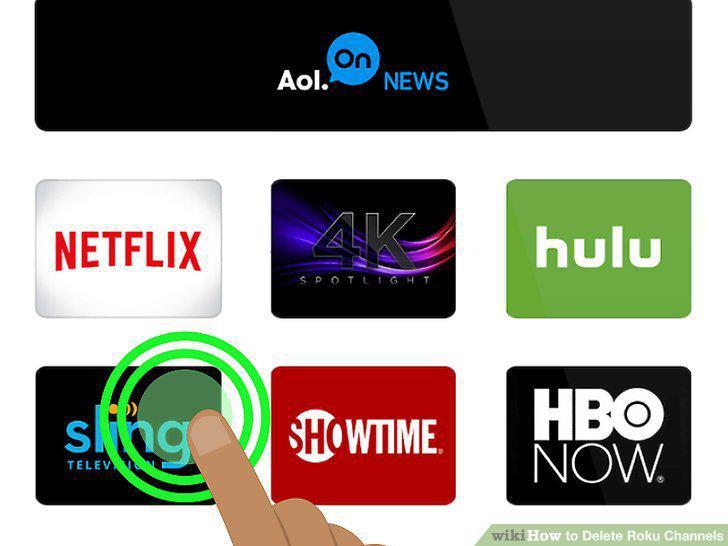
Long-tap the channel you want to remove.
14
Tap Remove.
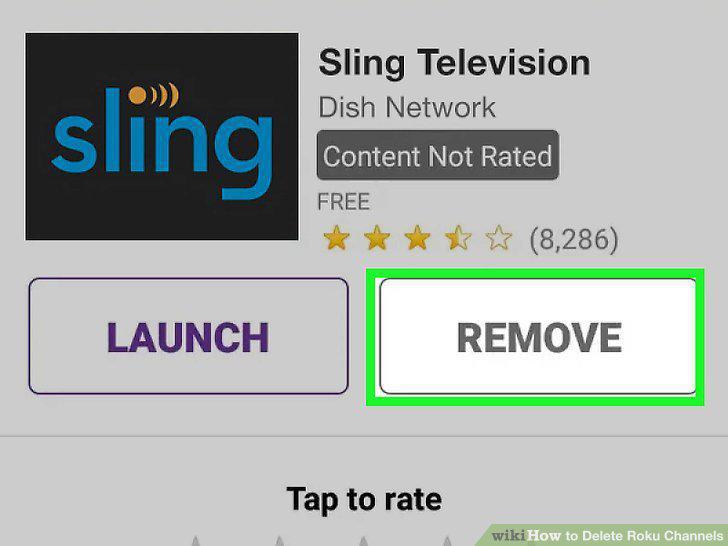
Tap Remove.
Comments (0)
No comments yet. Be the first to share your thoughts!