How to Pay on OfferUp on iPhone or iPad
Open OfferUp on your iPhone or iPad.. Tap the item you want to buy.. Tap Make offer.
Steps
1
Open OfferUp on your iPhone or iPad.
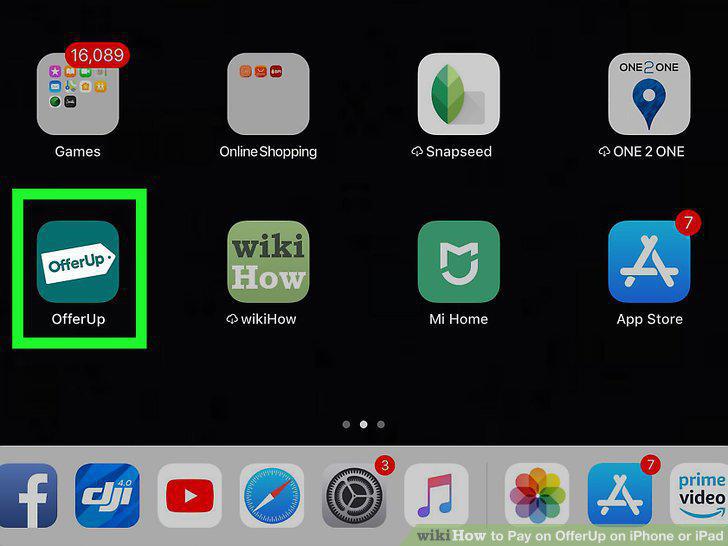
Open OfferUp on your iPhone or iPad.
2
Tap the item you want to buy.
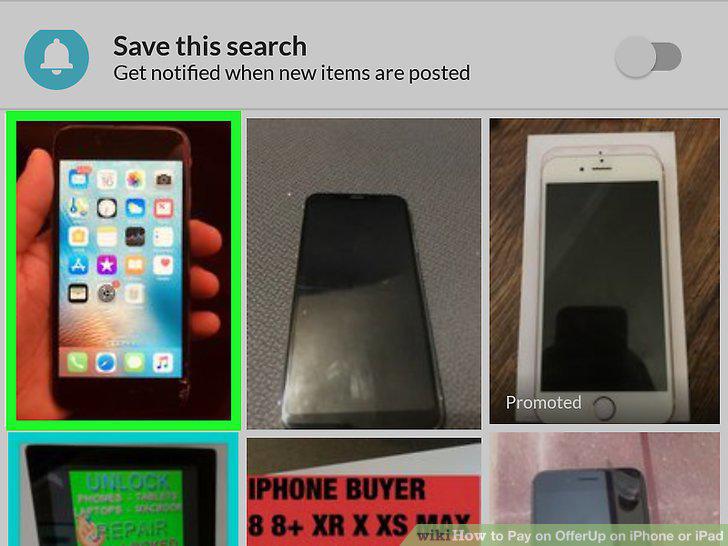
Tap the item you want to buy.
3
Tap Make offer.
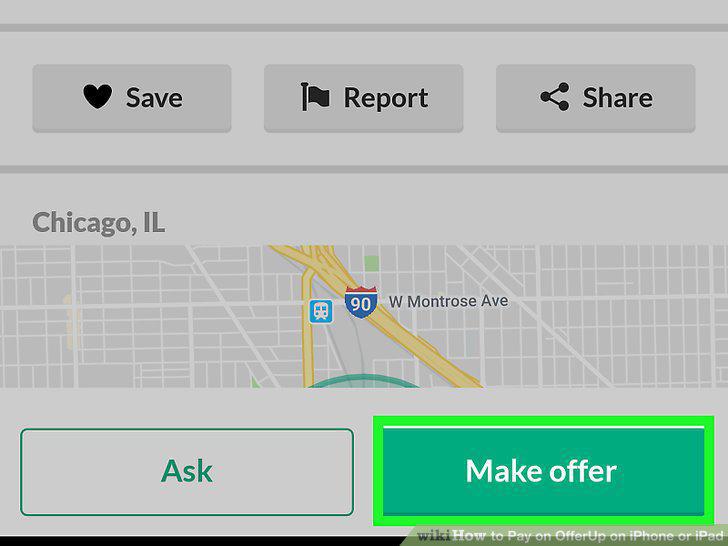
Tap Make offer.
4
Enter your offer and tap Make offer.
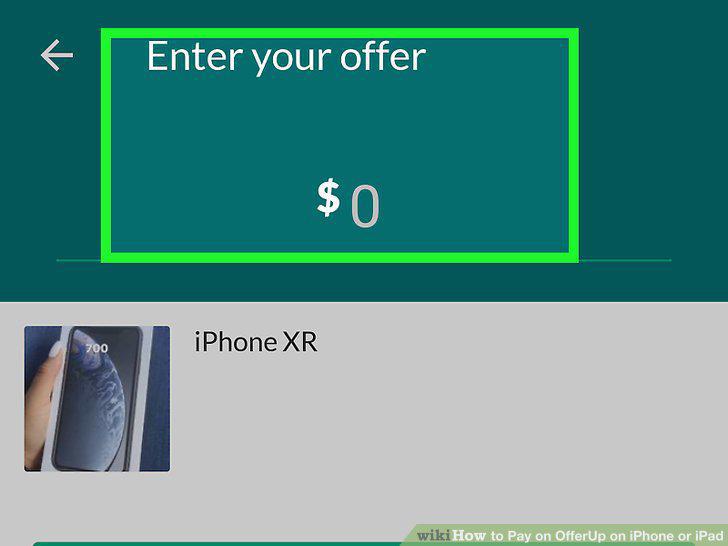
Enter your offer and tap Make offer.
5
Agree on a price.
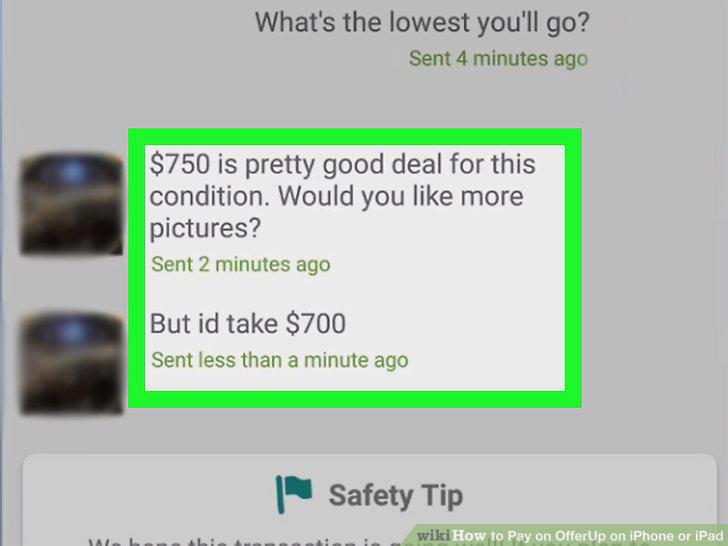
Agree on a price.
6
Suggest a meetup spot and time.
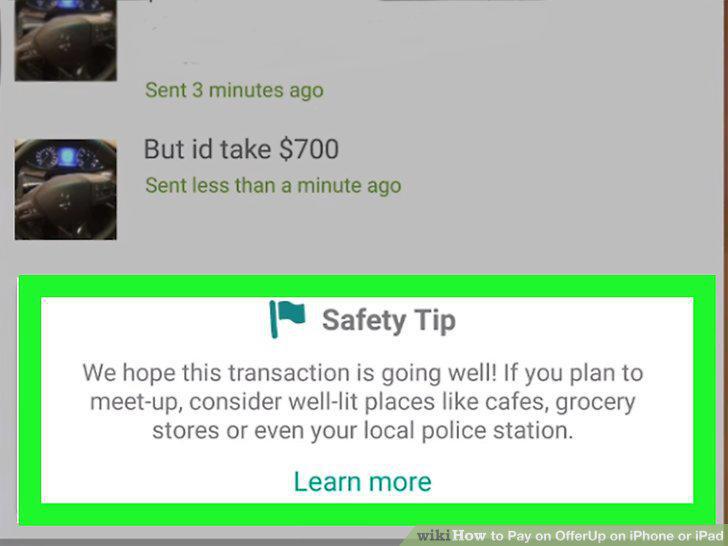
Suggest a meetup spot and time.
7
Meet the seller at the agreed-upon location.
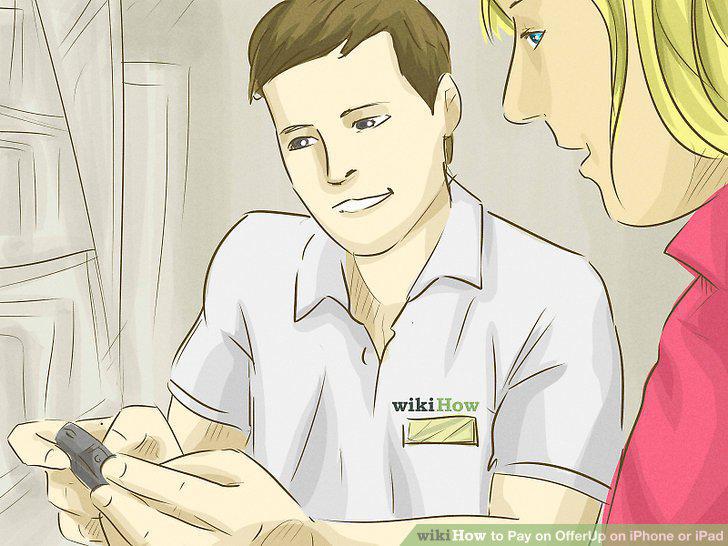
Meet the seller at the agreed-upon location.
8
Pay for the item with cash.
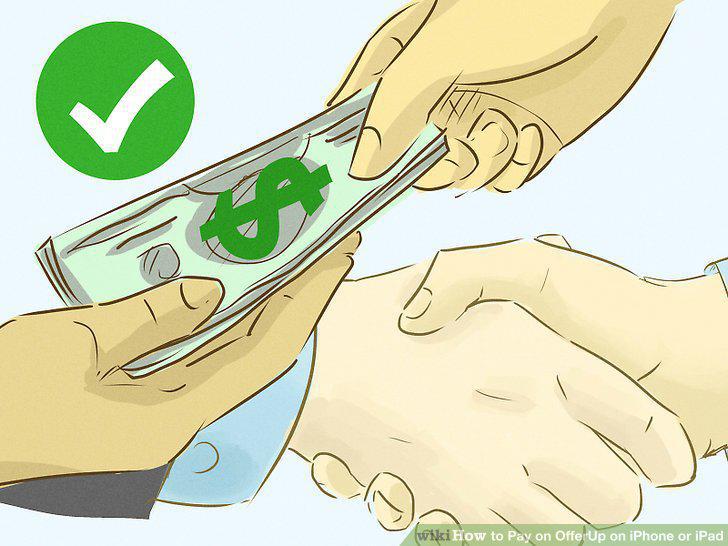
Pay for the item with cash.
9
Open OfferUp on your iPhone or iPad.
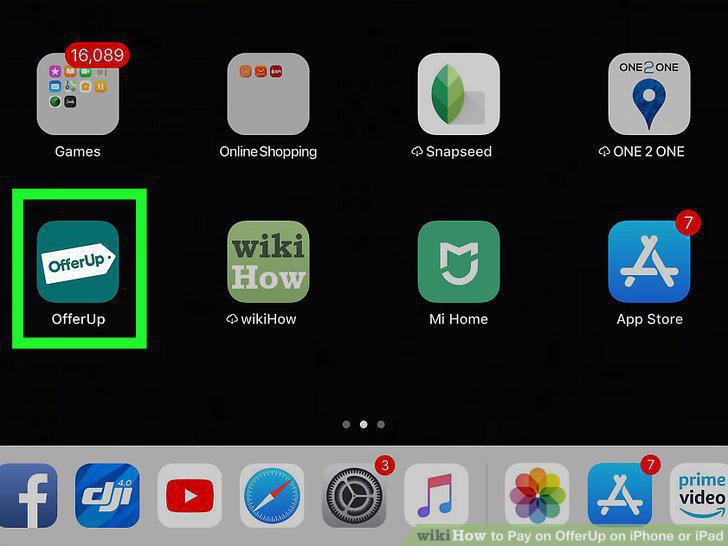
Open OfferUp on your iPhone or iPad.
10
Tap the item you want to buy.
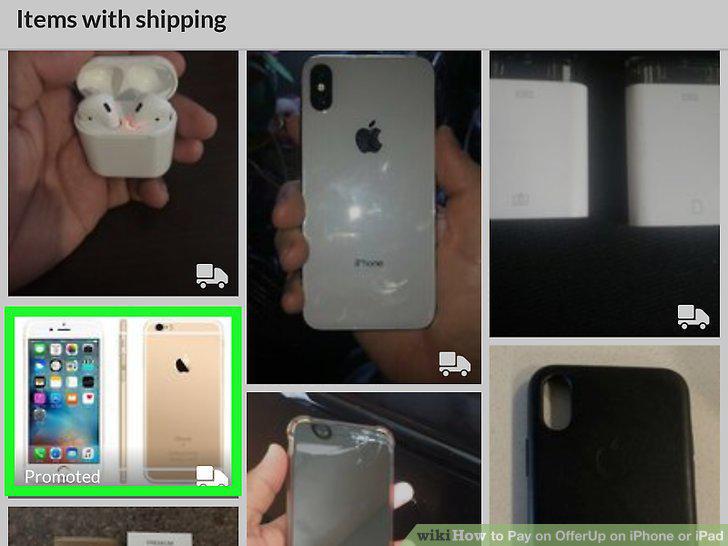
Tap the item you want to buy.
11
Tap Ship to me.
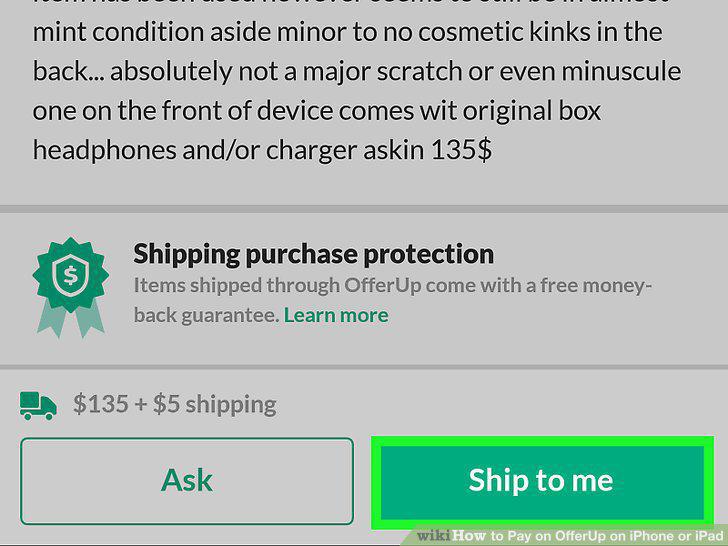
Tap Ship to me.
12
Enter your mailing address.
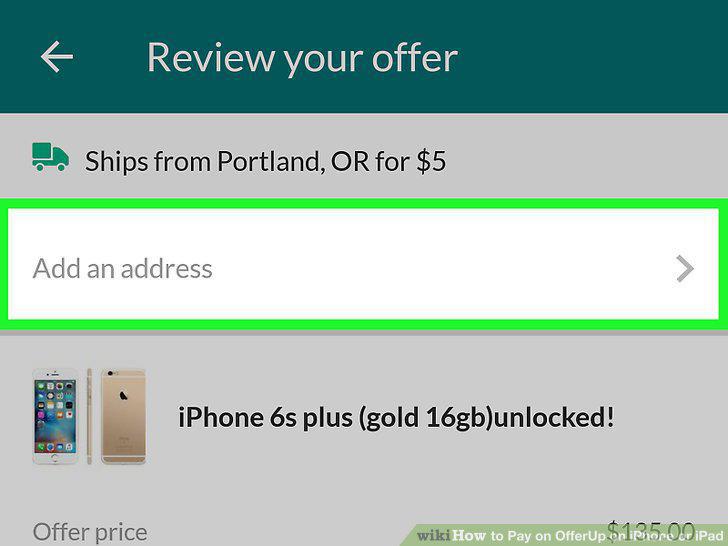
Enter your mailing address.
13
Tap Edit if you want to offer a different amount.
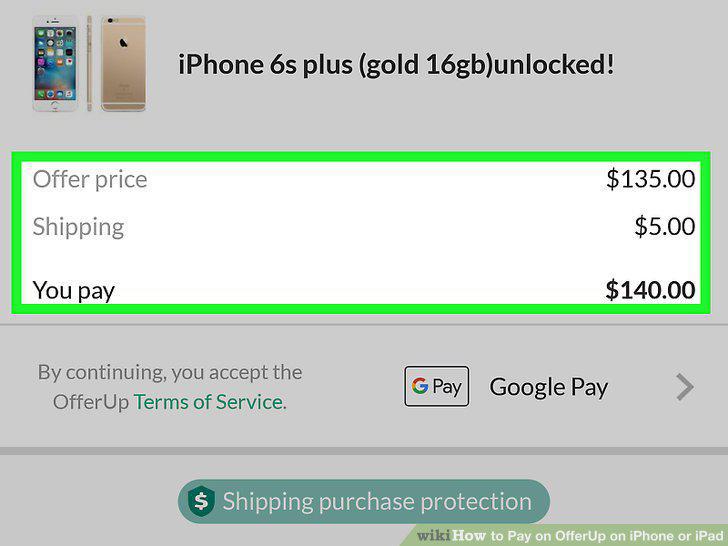
Tap Edit if you want to offer a different amount.
14
Add a credit or debit card.
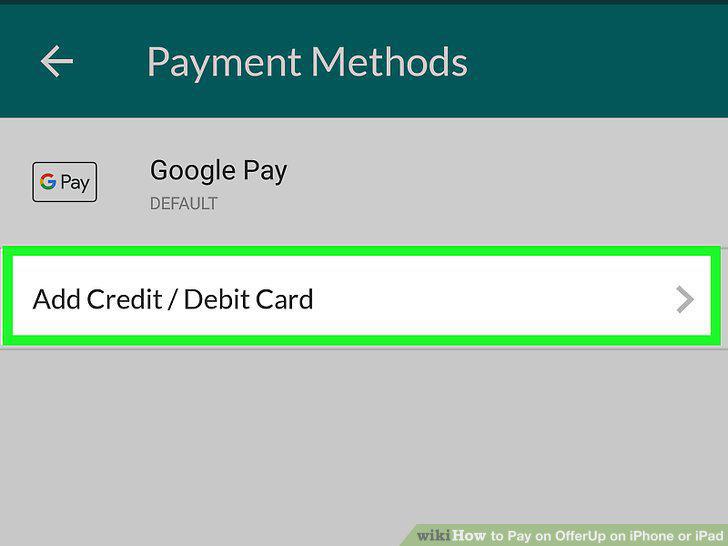
Add a credit or debit card.
15
Tap Confirm offer.
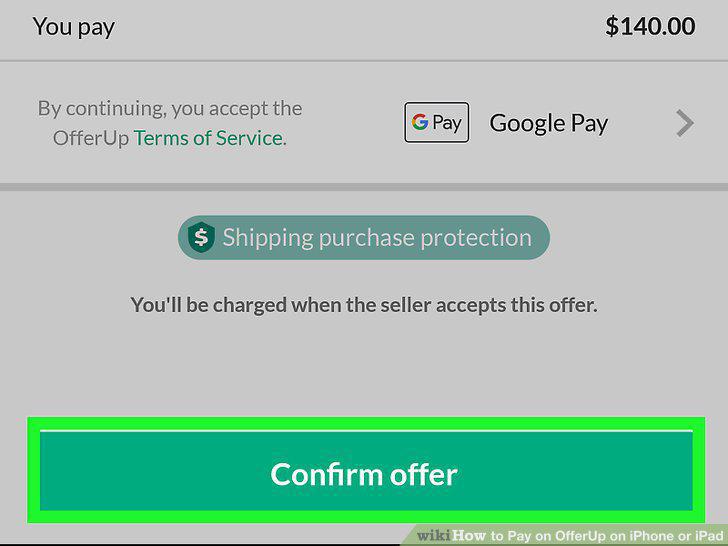
Tap Confirm offer.
Comments (0)
No comments yet. Be the first to share your thoughts!