How to Sign Out of Apple Messages
Open your device's Settings.. Scroll down and tap Messages.. Scroll down and tap Send & Receive.
Steps
1
Open your device's Settings.
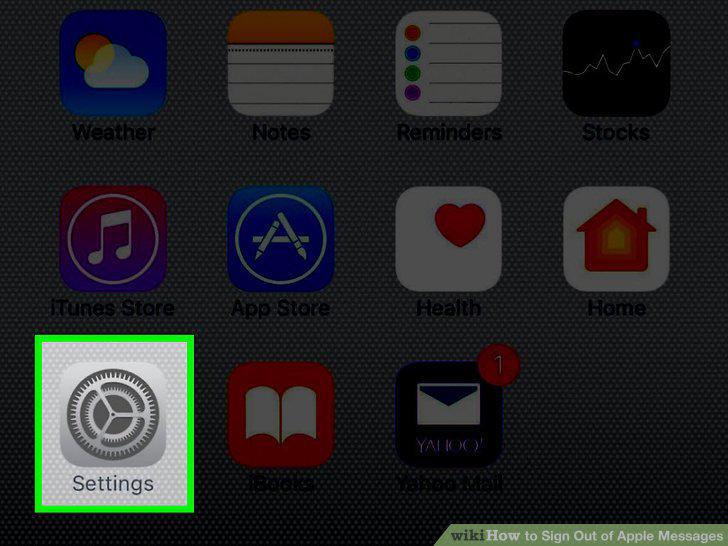
Open your device's Settings.
2
Scroll down and tap Messages.
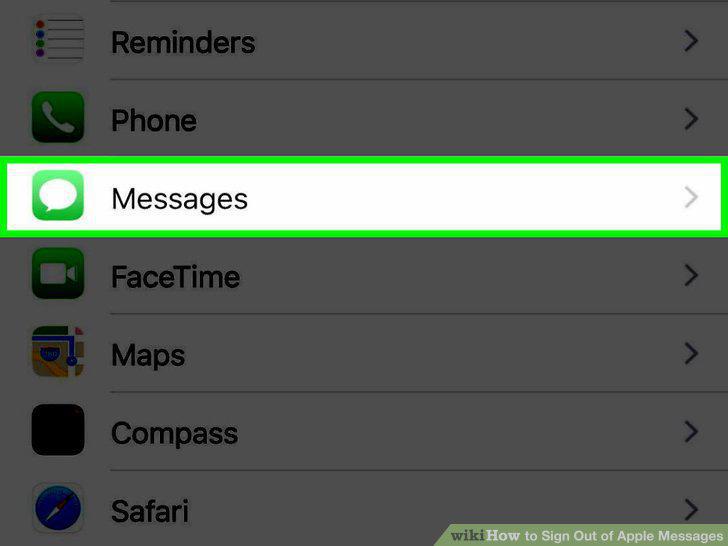
Scroll down and tap Messages.
3
Scroll down and tap Send & Receive.
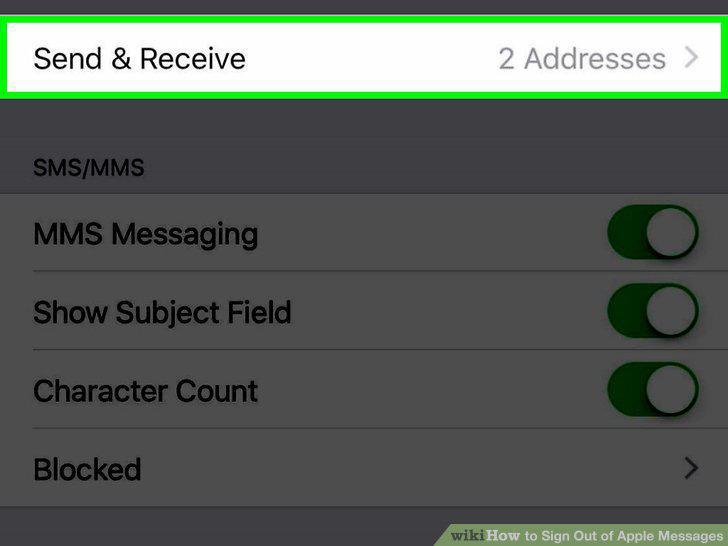
Scroll down and tap Send & Receive.
4
Tap Apple ID (your email).
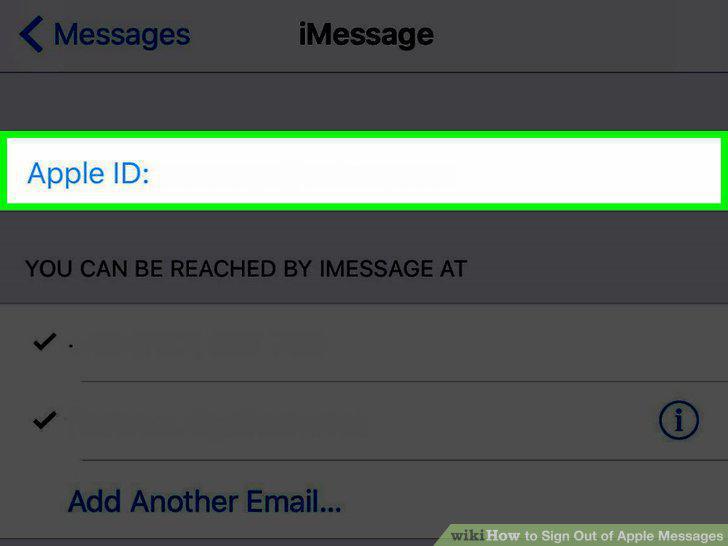
Tap Apple ID (your email).
5
Tap Sign Out.
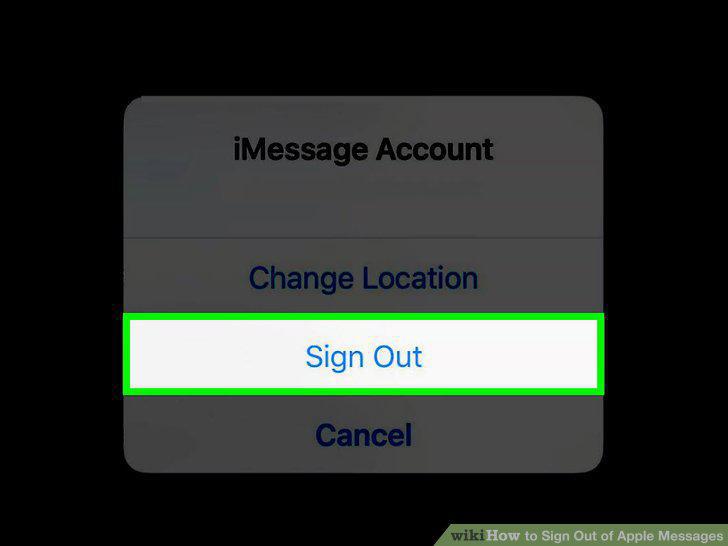
Tap Sign Out.
6
Open Messages.
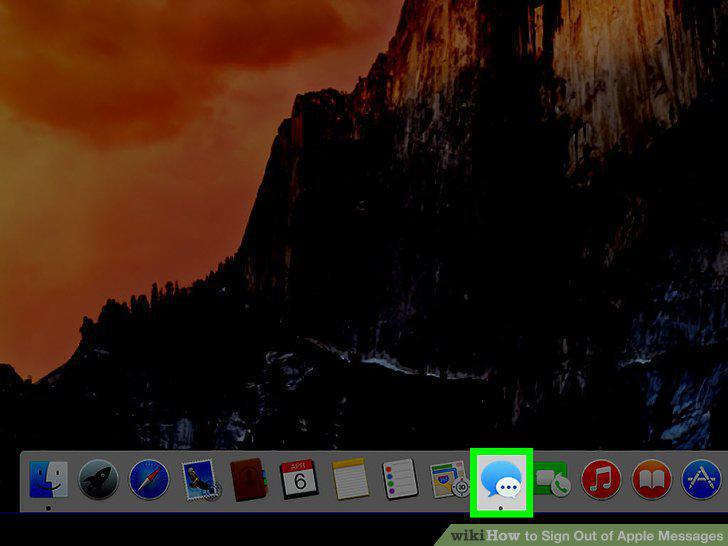
Open Messages.
7
Click Messages in the top left corner of the screen.
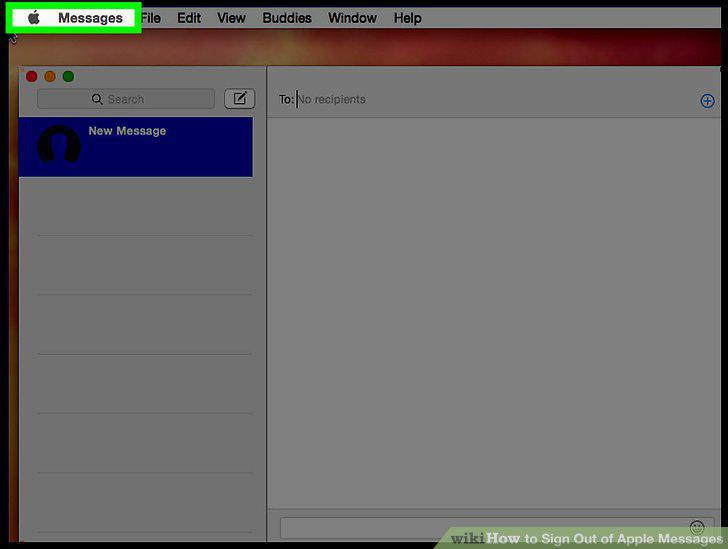
Click Messages in the top left corner of the screen.
8
Click Preferences.
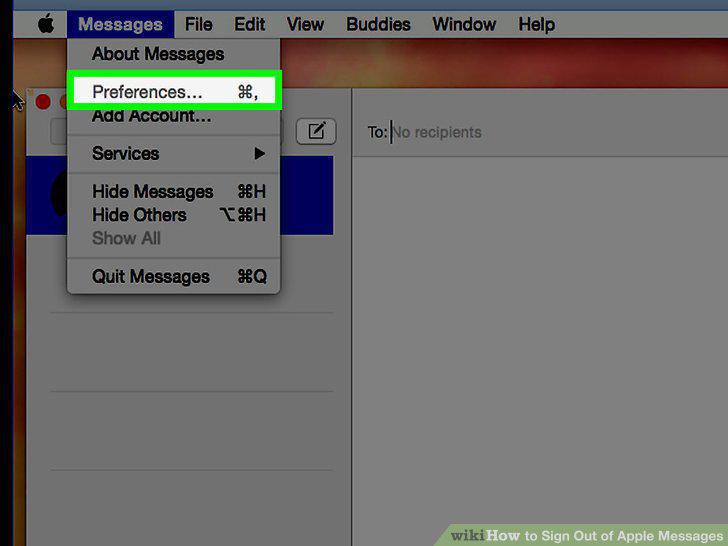
Click Preferences.
9
Click the Accounts tab.
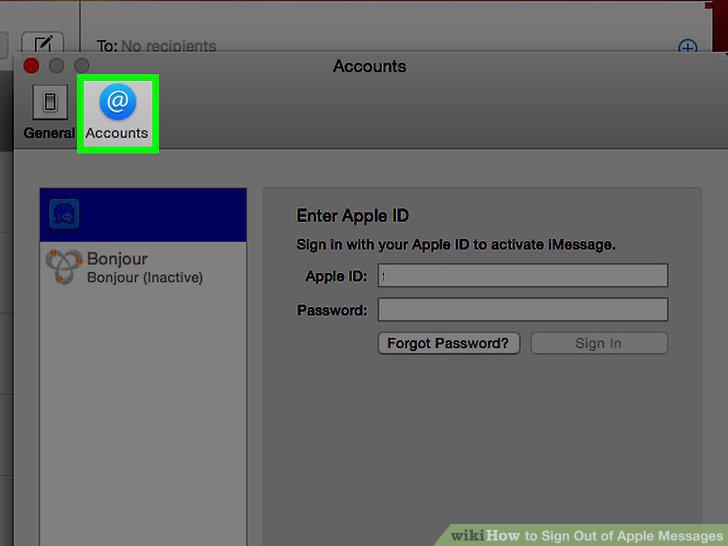
Click the Accounts tab.
10
Select your iMessages account if it is not highlighted in blue.
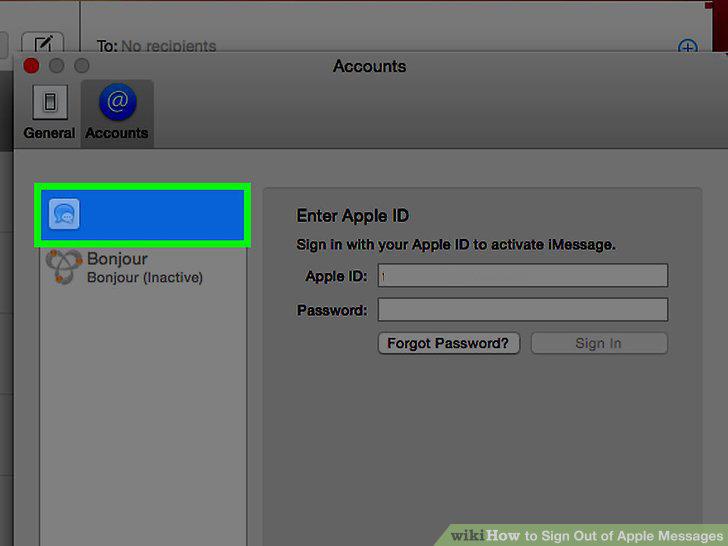
Select your iMessages account if it is not highlighted in blue.
11
Click Sign Out.
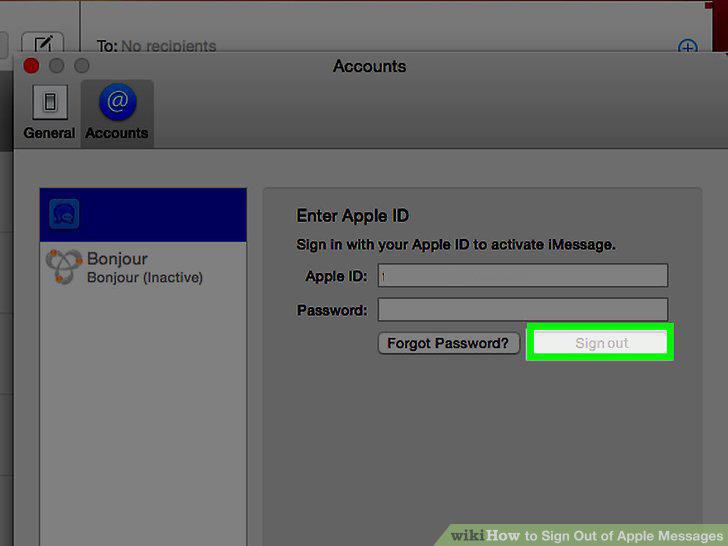
Click Sign Out.
Comments (0)
No comments yet. Be the first to share your thoughts!