How to Unblock Someone on Twitter
Open Twitter on your Android, iPhone, or iPad.. Tap your profile photo.. Tap Settings and privacy.
Steps
1
Open Twitter on your Android, iPhone, or iPad.
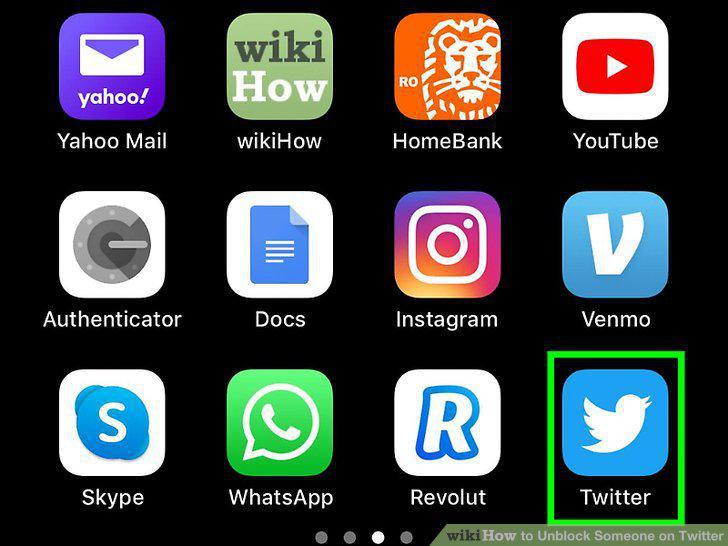
Open Twitter on your Android, iPhone, or iPad.
2
Tap your profile photo.
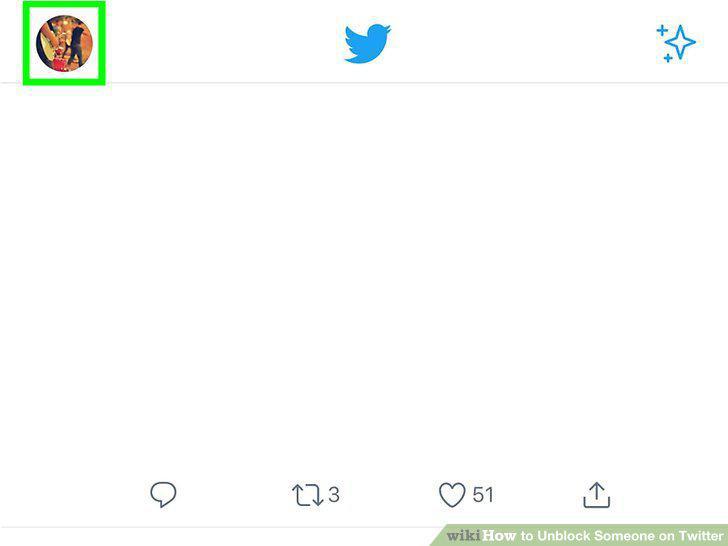
Tap your profile photo.
3
Tap Settings and privacy.
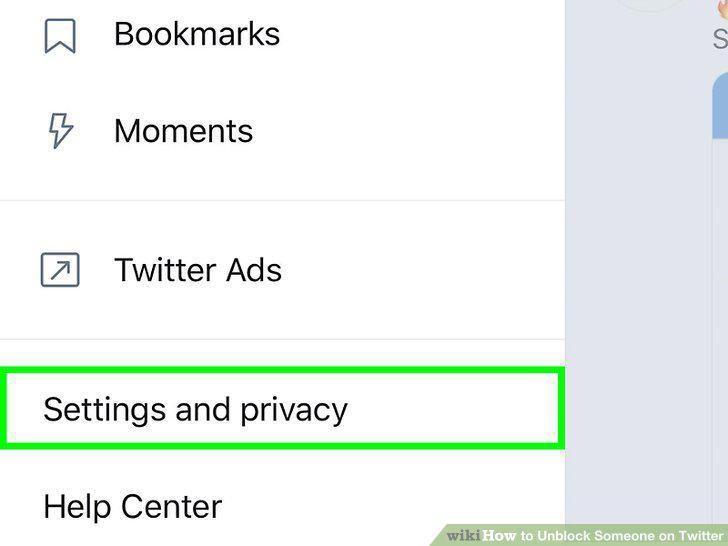
Tap Settings and privacy.
4
Tap Privacy and safety.
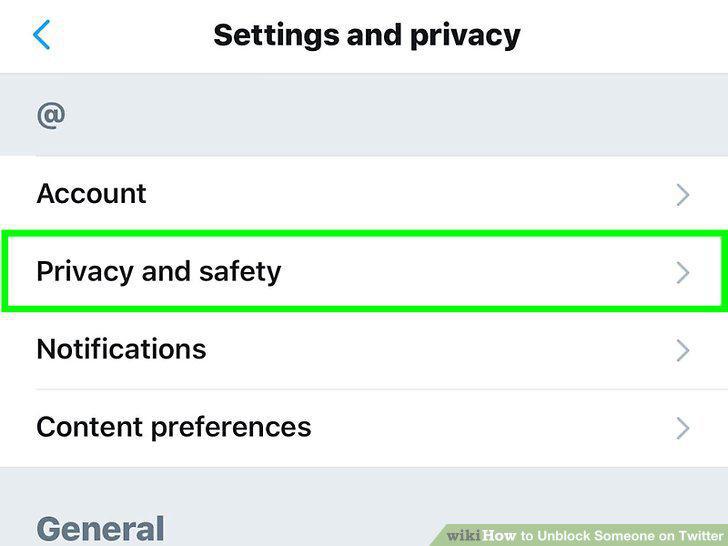
Tap Privacy and safety.
5
Tap Blocked accounts.
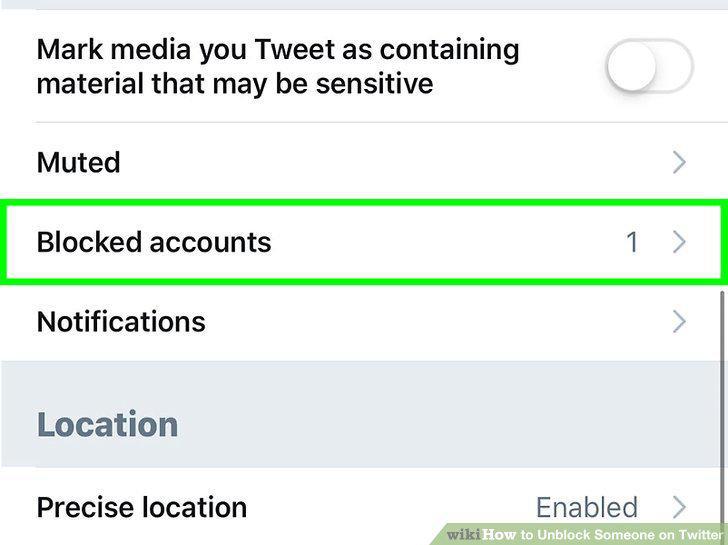
Tap Blocked accounts.
6
Tap the Blocked button on the account you want to unblock.
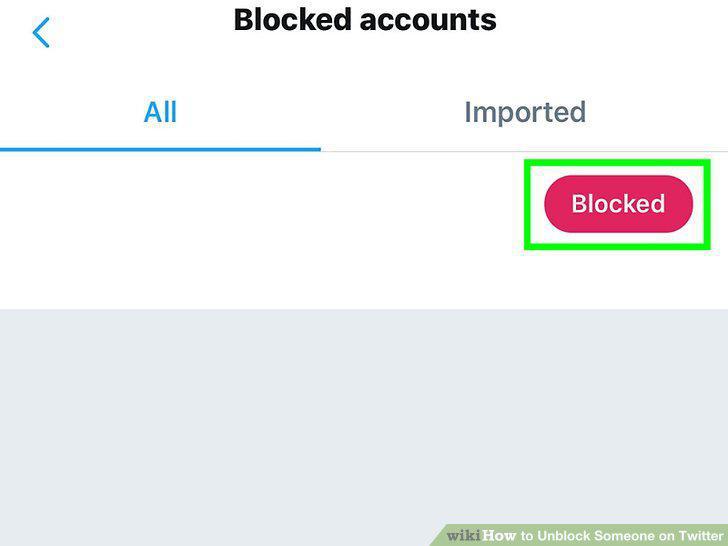
Tap the Blocked button on the account you want to unblock.
7
Go to https://www.twitter.com in a web browser.
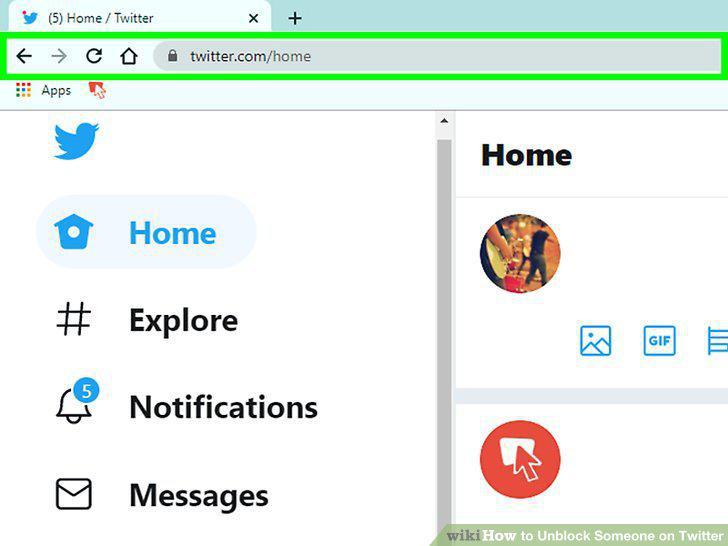
Go to https://www.twitter.com in a web browser.
8
Click the More menu.
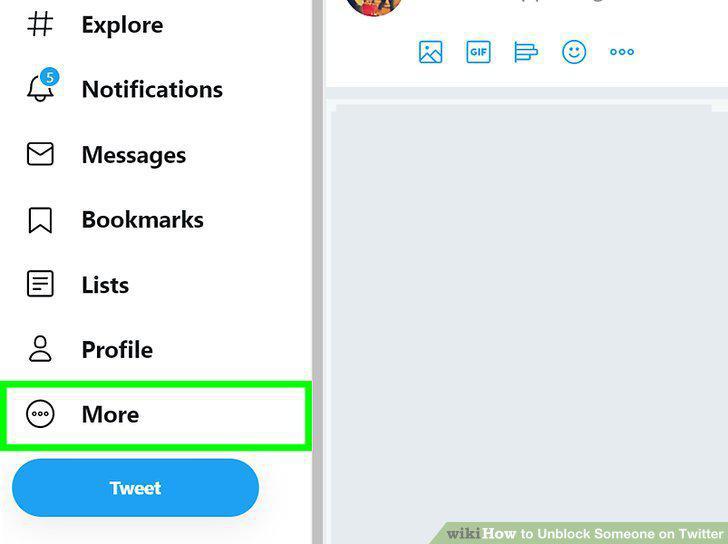
Click the More menu.
9
Click Settings and privacy.
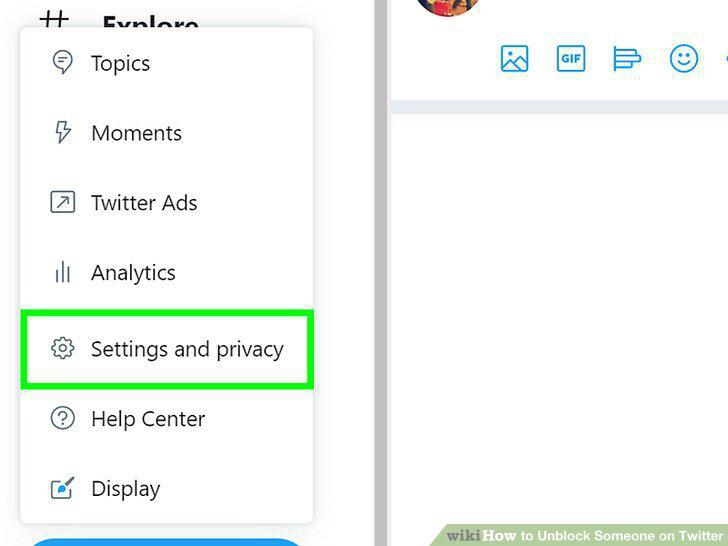
Click Settings and privacy.
10
Click Privacy and safety.
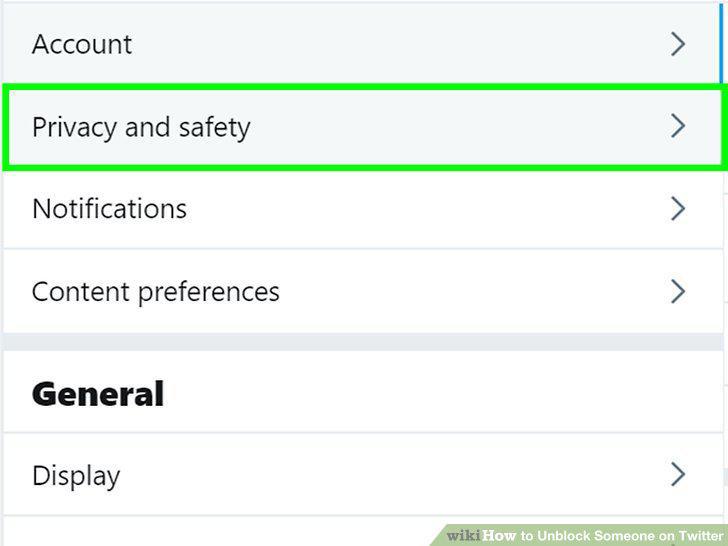
Click Privacy and safety.
11
Scroll down and click Blocked accounts.
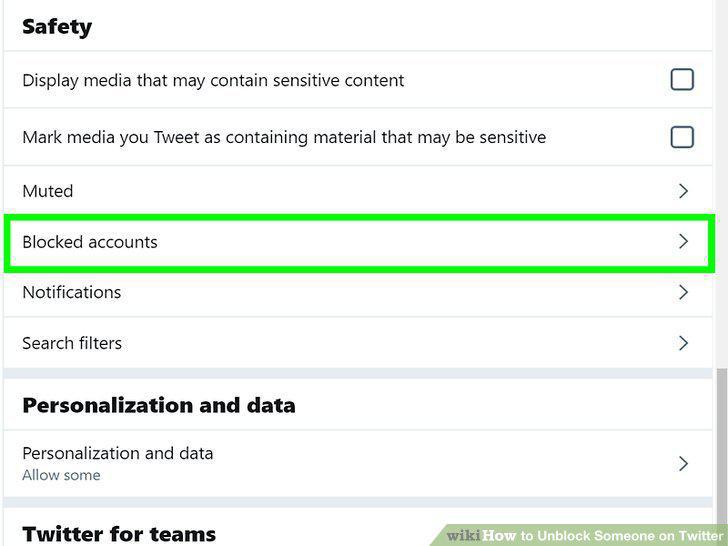
Scroll down and click Blocked accounts.
12
Clicked the Blocked button on the account you want to unblock.
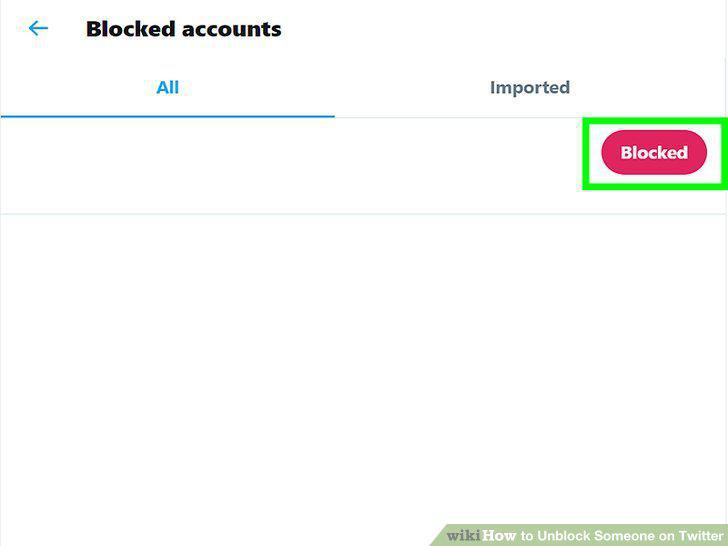
Clicked the Blocked button on the account you want to unblock.
Comments (0)
No comments yet. Be the first to share your thoughts!