How to Install Apps On an iPad
Tap the App Store icon to open it.. Tap the magnifying glass icon to search for your preferred app.. Type the name of your desired app into the search bar, then tap "Search".
Steps
Tap the App Store icon to open it.
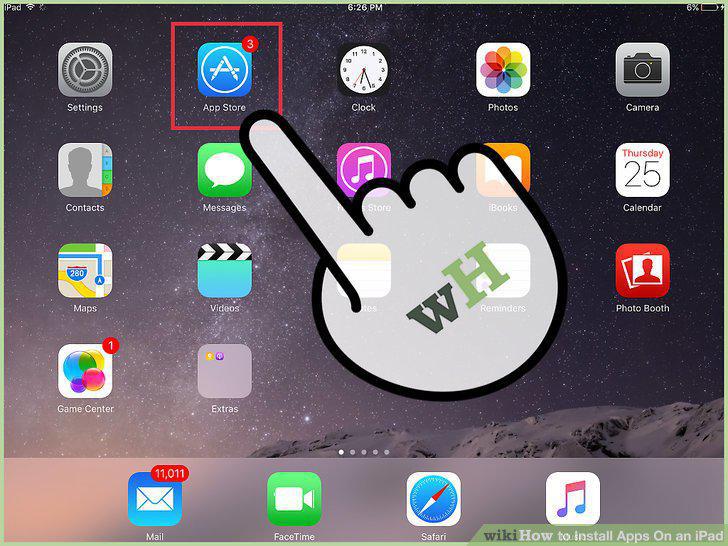
Tap the App Store icon to open it.
Tap the magnifying glass icon to search for your preferred app.
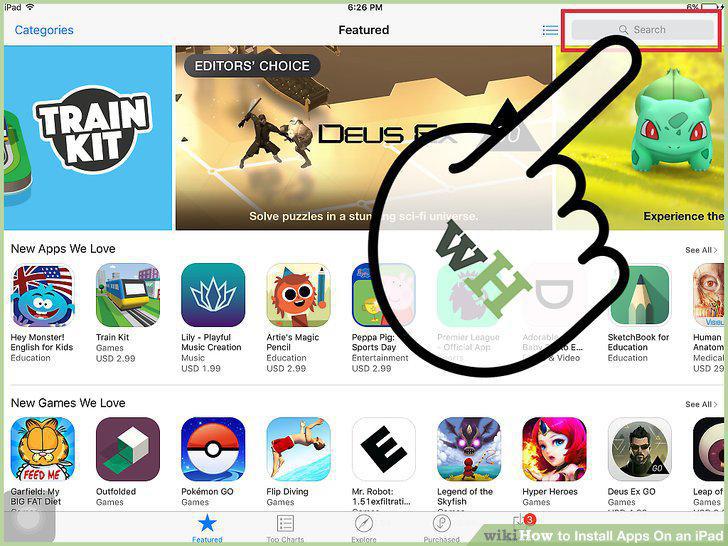
Tap the magnifying glass icon to search for your preferred app.
Type the name of your desired app into the search bar, then tap "Search".
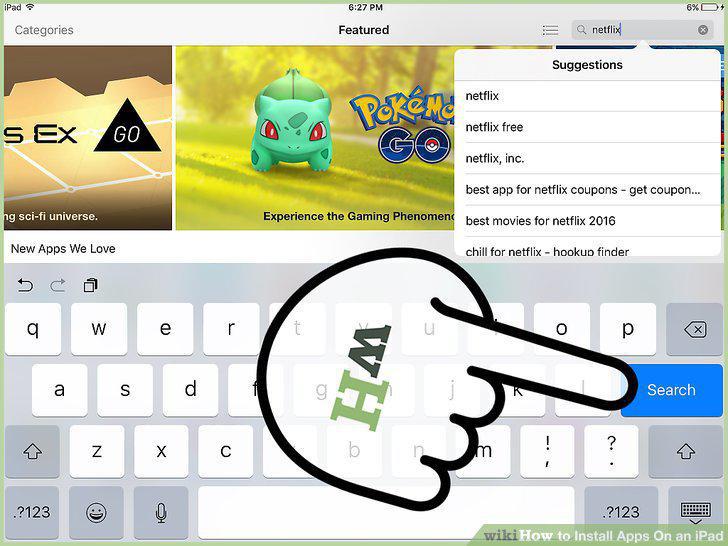
Type the name of your desired app into the search bar, then tap "Search".
Review your results.

Review your results.
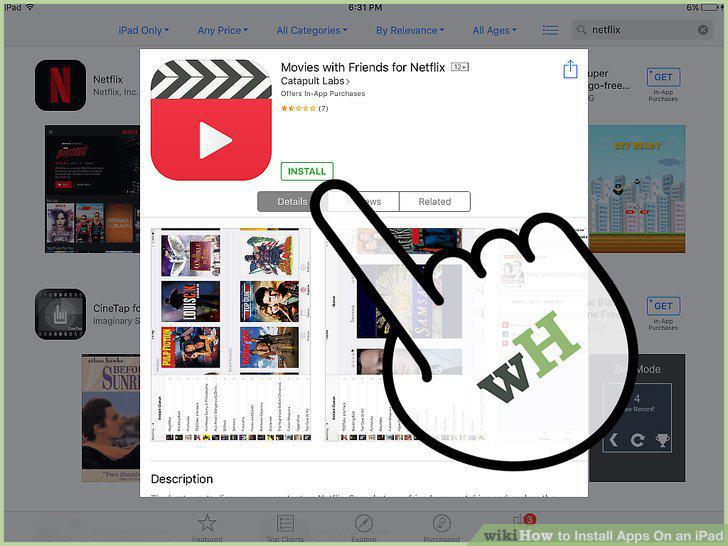
Tap the "GET" button next to the app's name, then tap "INSTALL".
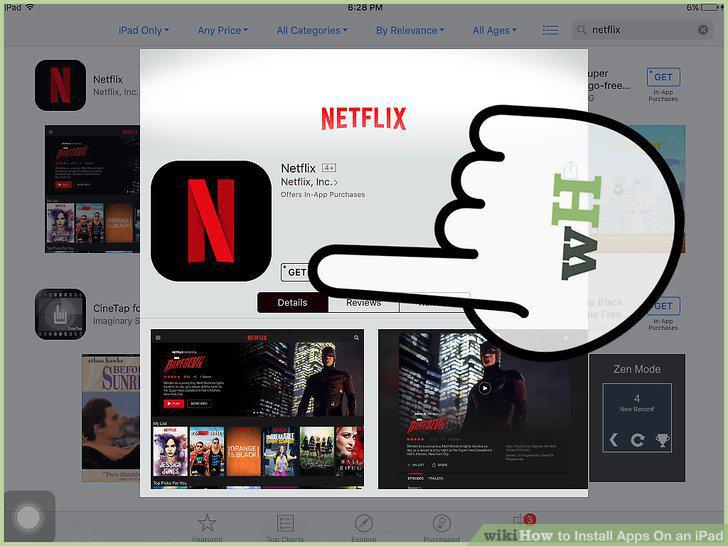
Tap the "GET" button next to the app's name, then tap "INSTALL".
Enter your Apple ID password if prompted to do so.
Enter your Apple ID password if prompted to do so.
Tap "Open" to open your app directly.

Tap "Open" to open your app directly.
Enjoy your new app.

Enjoy your new app.
Tap the App Store icon to open it.
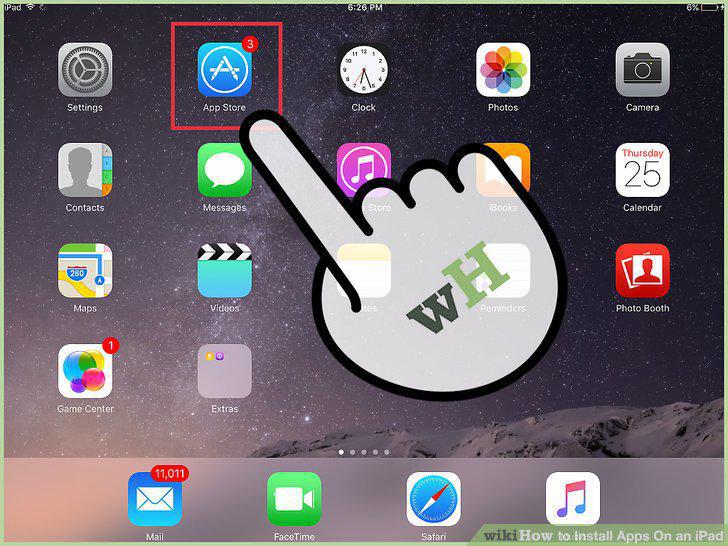
Tap the App Store icon to open it.
Tap the "Updates" tab in the bottom right corner.

Tap the "Updates" tab in the bottom right corner.
Tap "Purchases" at the top of the screen.
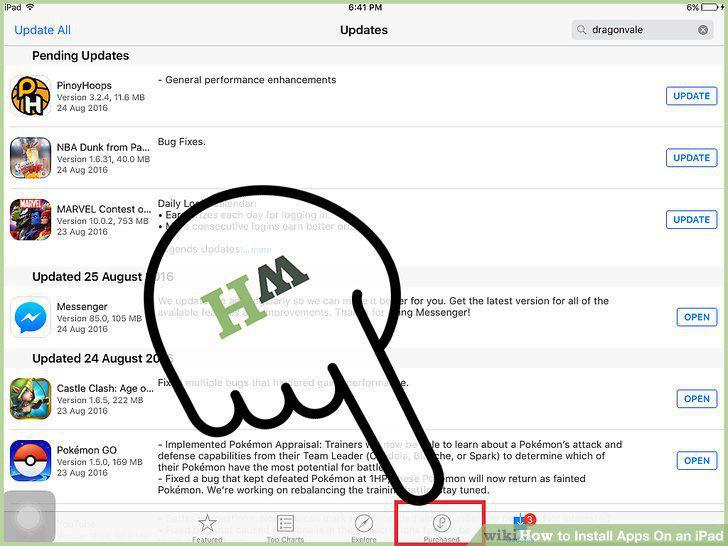
Tap "Purchases" at the top of the screen.
Scroll through your apps until you find the one you want.
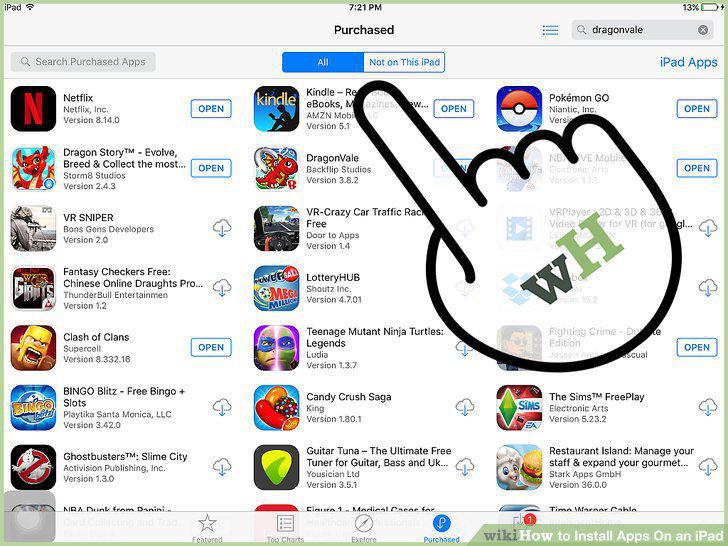
Scroll through your apps until you find the one you want.
Tap the cloud icon with a downward-facing arrow to the right of your app.
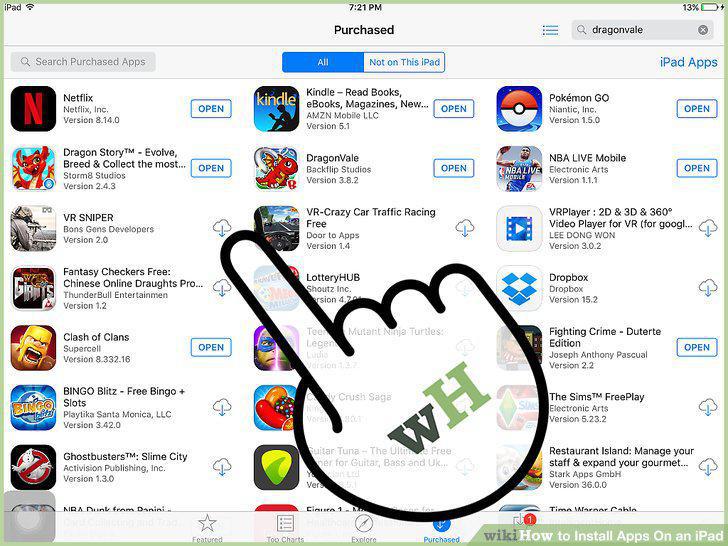
Tap the cloud icon with a downward-facing arrow to the right of your app.
Tap "Open" to open your app directly.

Tap "Open" to open your app directly.
Enjoy your app.

Enjoy your app.
Tap the App Store icon to open it.
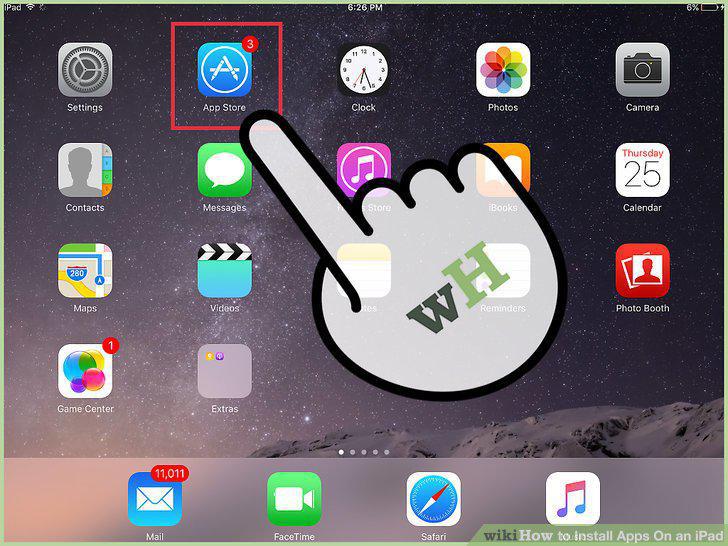
Tap the App Store icon to open it.
Tap the "Updates" tab in the bottom right corner.

Tap the "Updates" tab in the bottom right corner.
Review your apps that need updating.
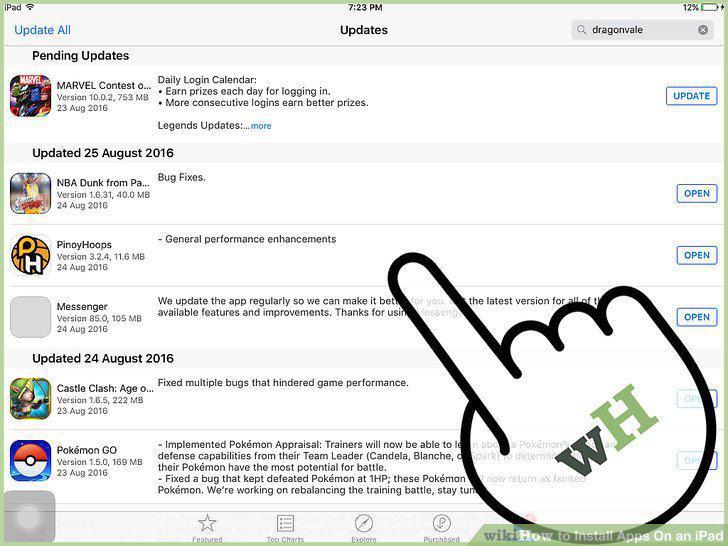
Review your apps that need updating.
Tap "Update All" in the top right corner.
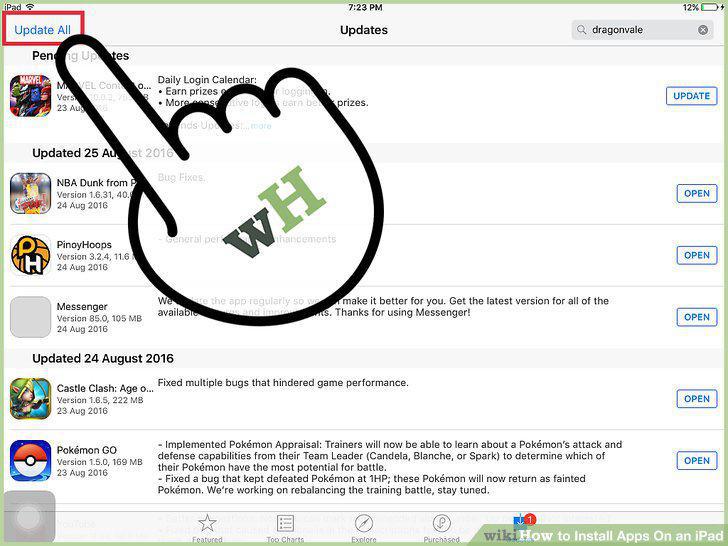
Tap "Update All" in the top right corner.
Wait for your apps to finish updating.

Wait for your apps to finish updating.
Comments (0)
No comments yet. Be the first to share your thoughts!