How to Change Wechat Notifications on an iPhone or iPad
Open WeChat on your iPhone or iPad.. Tap Me.. Tap Settings.
Steps
1
Open WeChat on your iPhone or iPad.
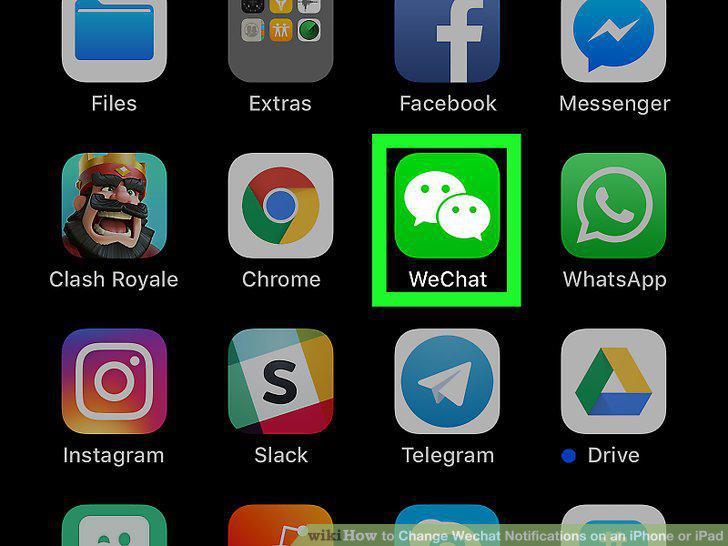
Open WeChat on your iPhone or iPad.
2
Tap Me.
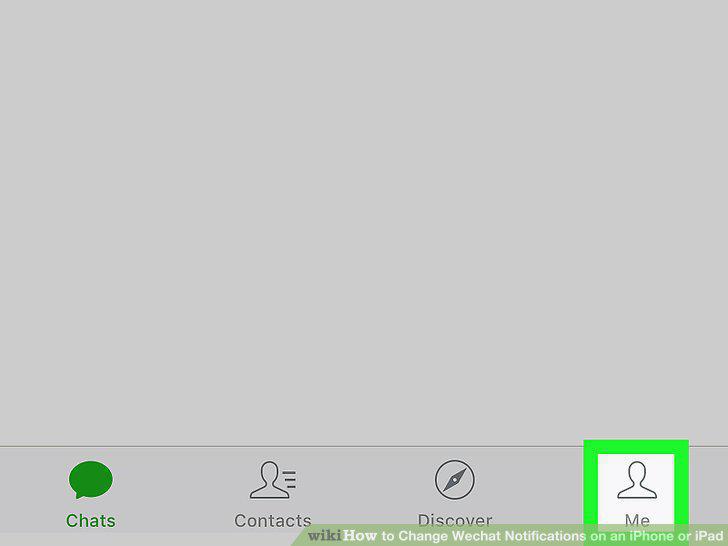
Tap Me.
3
Tap Settings.
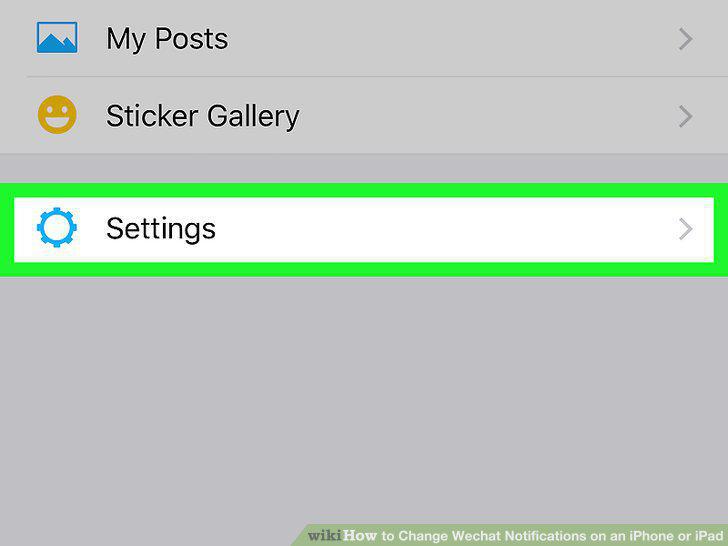
Tap Settings.
4
Tap Message Notifications.
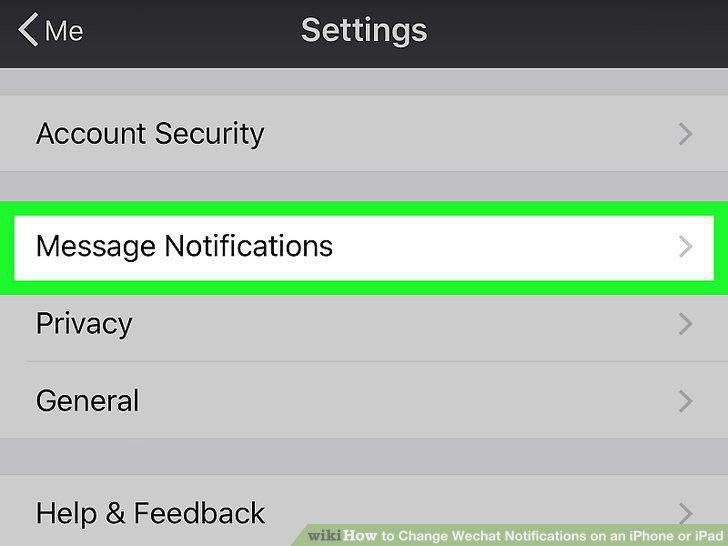
Tap Message Notifications.
5
Use the switches to enable or disable notifications.
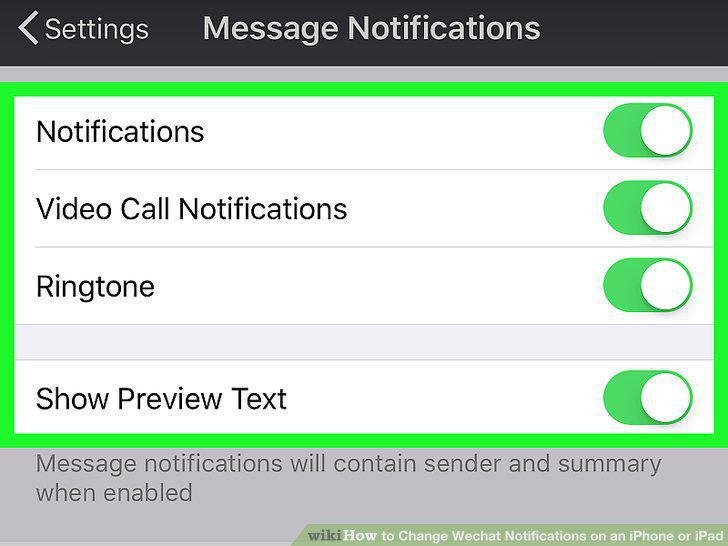
Use the switches to enable or disable notifications.
Comments (0)
No comments yet. Be the first to share your thoughts!