How to Uninstall Chrome on PC or Mac
Open a new Finder window on your Mac.. Click Applications on the left sidebar.. Right-click Google Chrome in your Applications folder.
Steps
1
Open a new Finder window on your Mac.
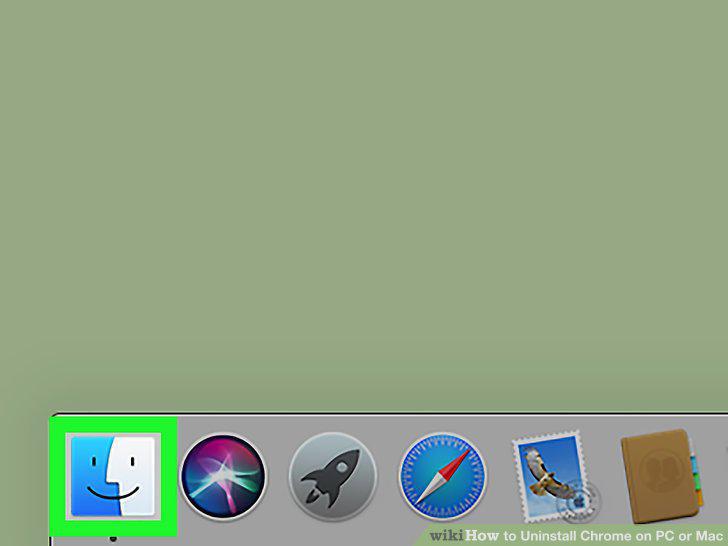
Open a new Finder window on your Mac.
2
Click Applications on the left sidebar.
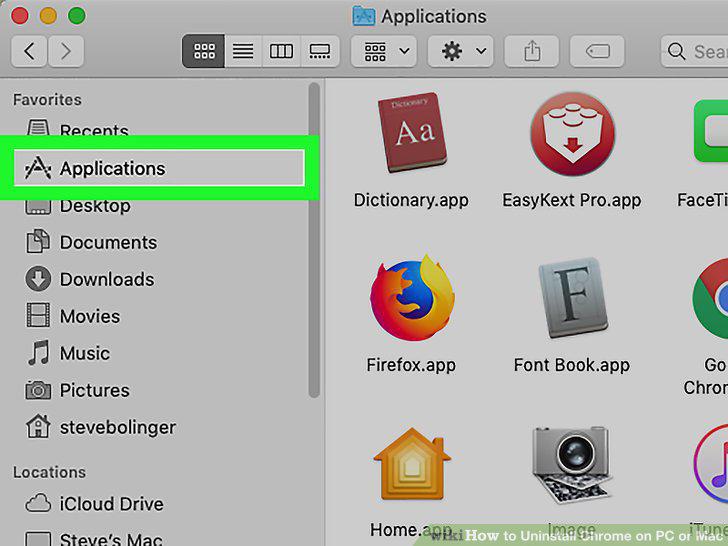
Click Applications on the left sidebar.
3
Right-click Google Chrome in your Applications folder.
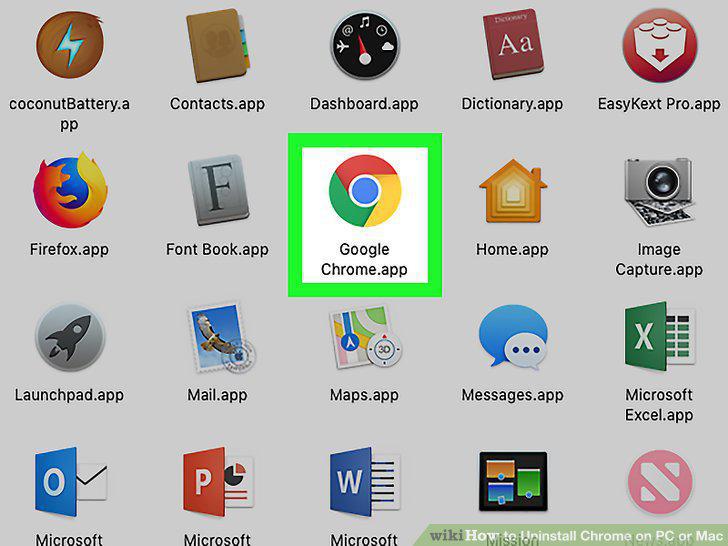
Right-click Google Chrome in your Applications folder.
4
Click Move to Trash on the right-click menu.
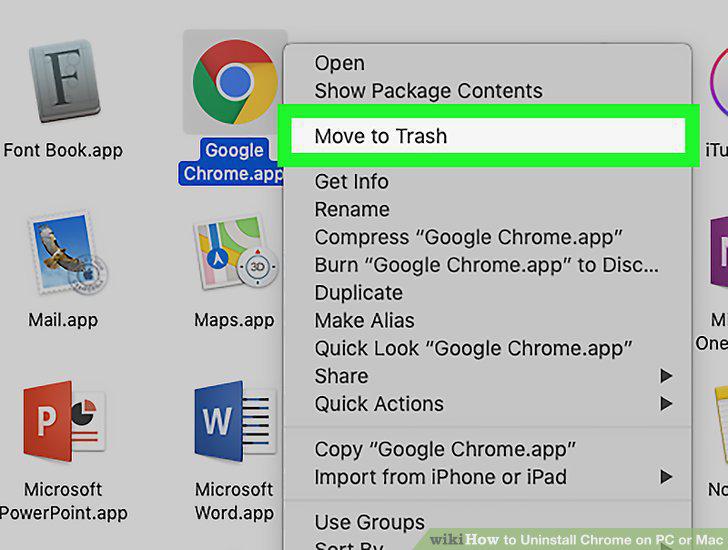
Click Move to Trash on the right-click menu.
5
Open your Mac's Trash.
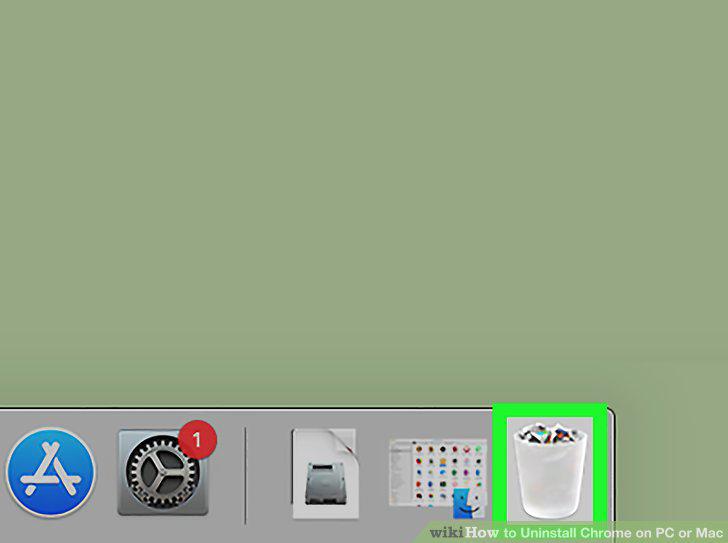
Open your Mac's Trash.
6
Right-click Google Chrome in Trash.
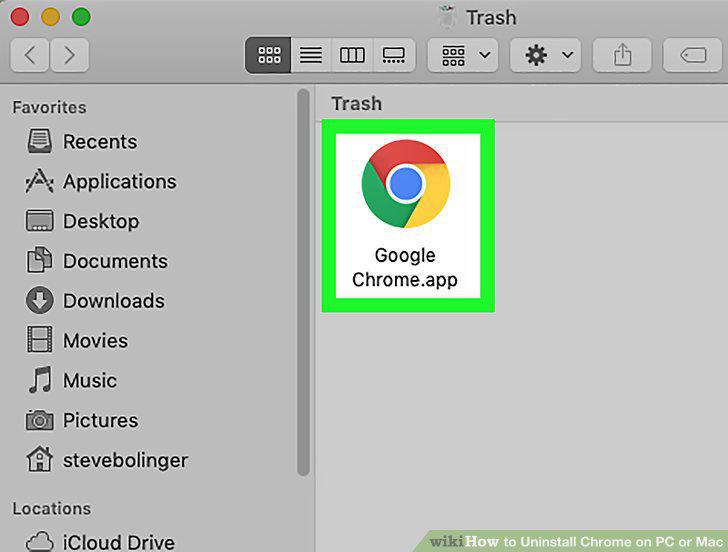
Right-click Google Chrome in Trash.
7
Click Delete Immediately on the right-click menu.
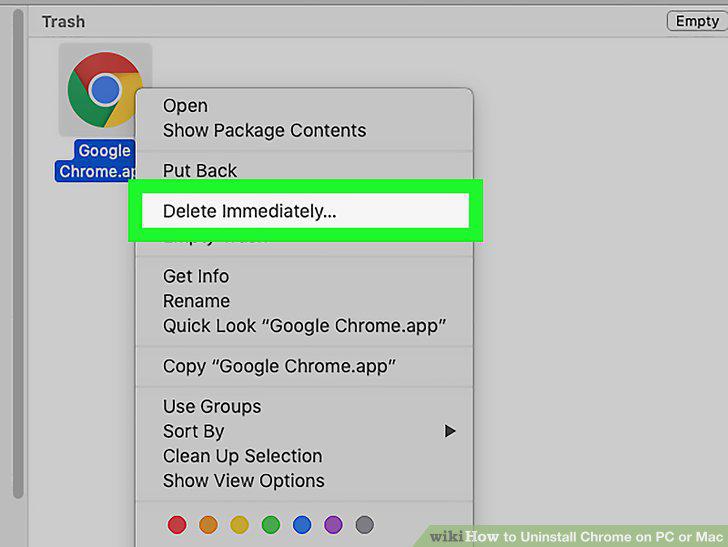
Click Delete Immediately on the right-click menu.
8
Click Delete in the confirmation pop-up.
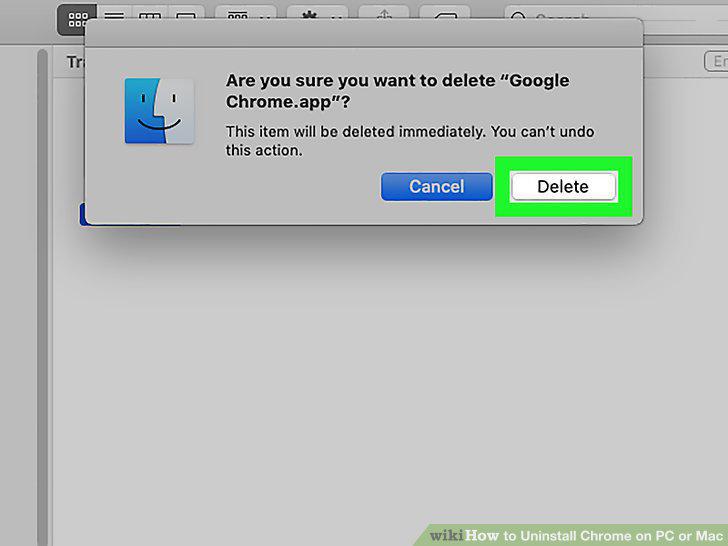
Click Delete in the confirmation pop-up.
9
Open your computer's Start menu.

Open your computer's Start menu.
10
Type Programs and Features on your keyboard.
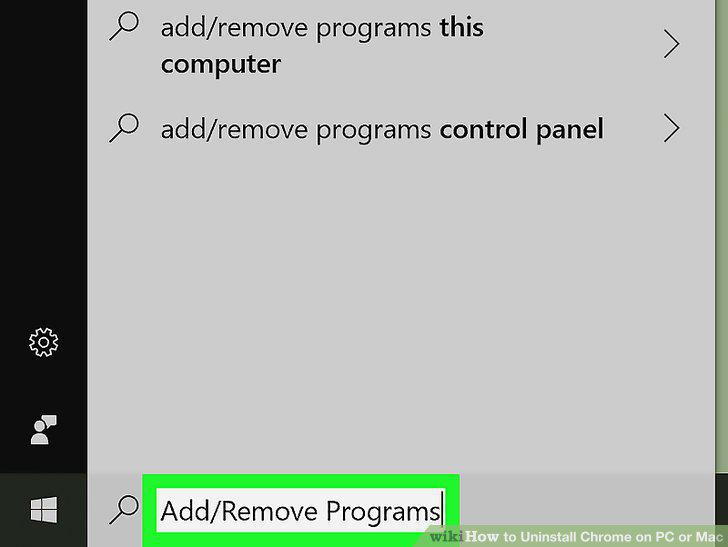
Type Programs and Features on your keyboard.
11
Click Programs and Features in the search results.
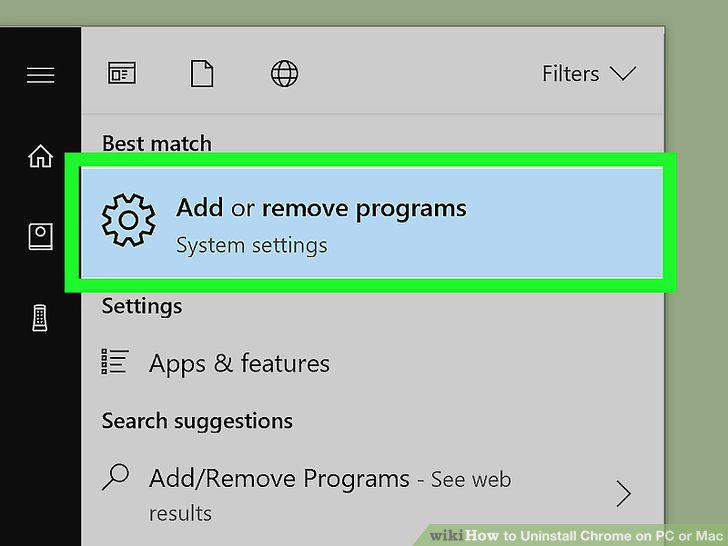
Click Programs and Features in the search results.
12
Find and click Google Chrome on the program list.
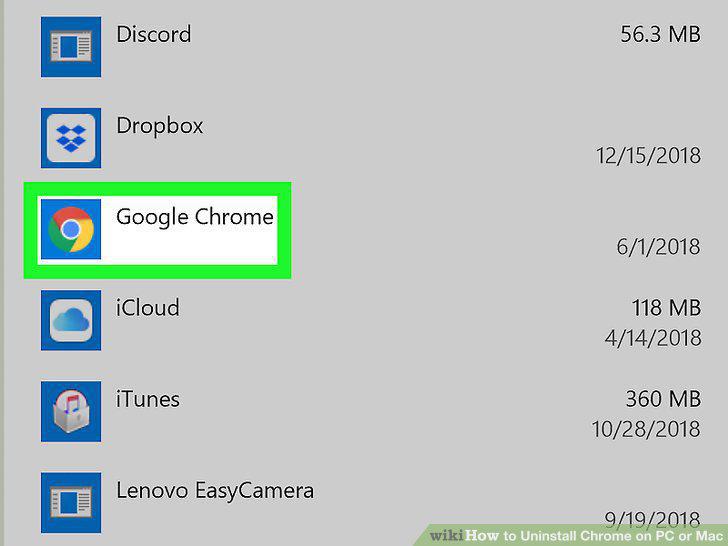
Find and click Google Chrome on the program list.
13
Click the Uninstall button.
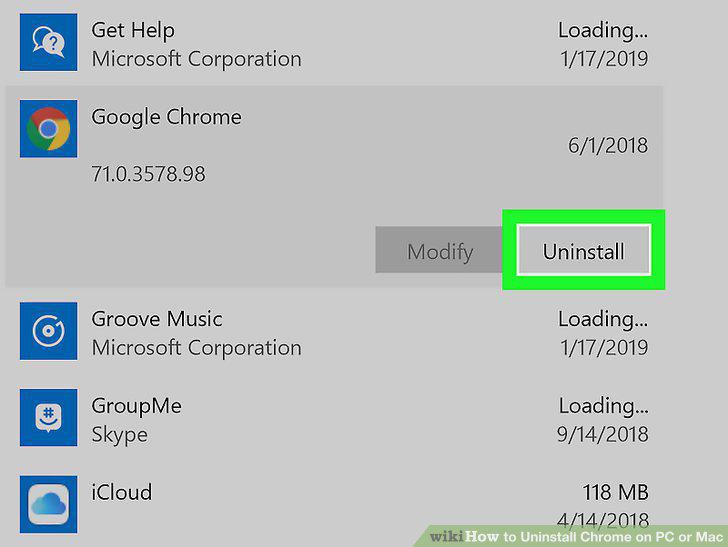
Click the Uninstall button.
14
Click the Uninstall button in the pop-up.
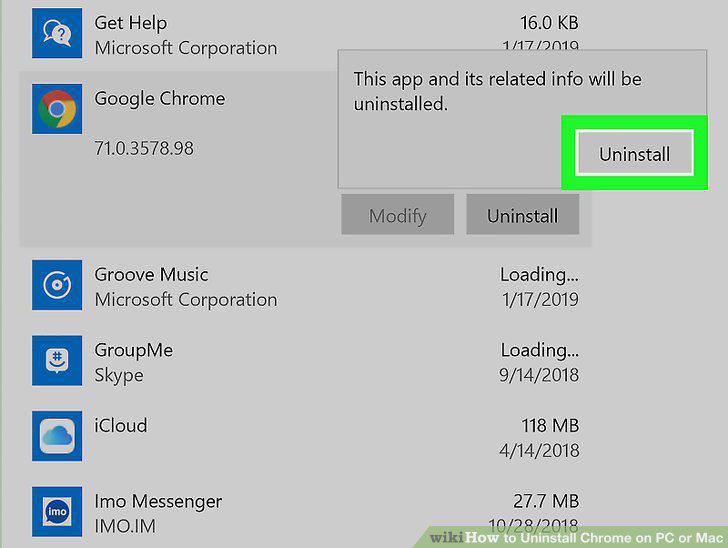
Click the Uninstall button in the pop-up.
Comments (0)
No comments yet. Be the first to share your thoughts!