How to Add Templates in Microsoft Word
Open Microsoft Word.. Search for a template type.. Click a template to see a preview.
Steps
Open Microsoft Word.
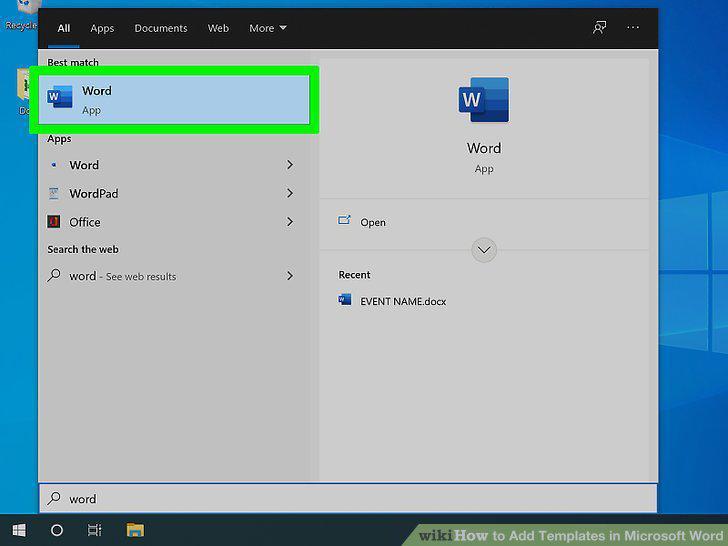
Open Microsoft Word.
Search for a template type.
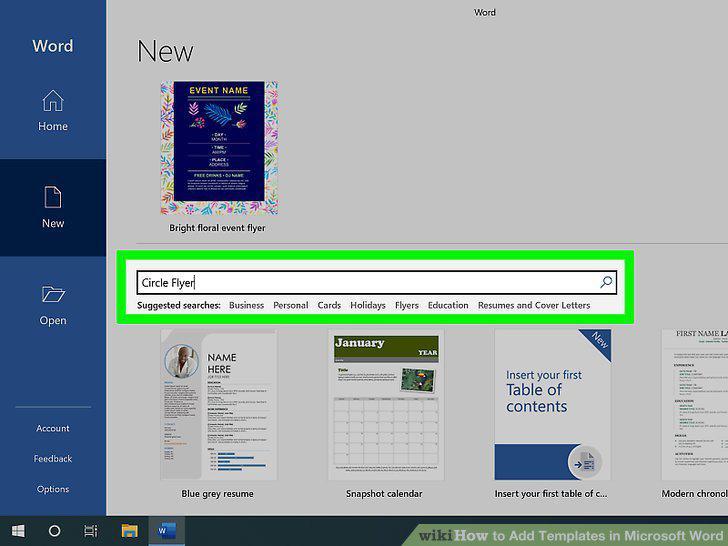
Search for a template type.
Click a template to see a preview.
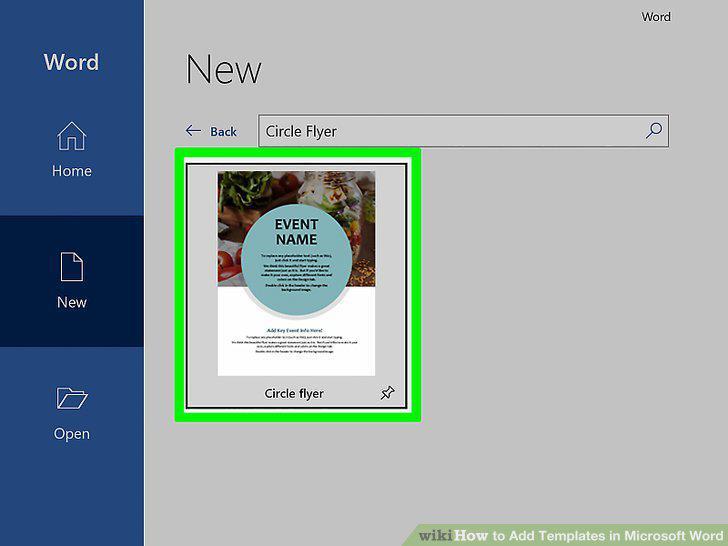
Click a template to see a preview.
Click Create to use the template.
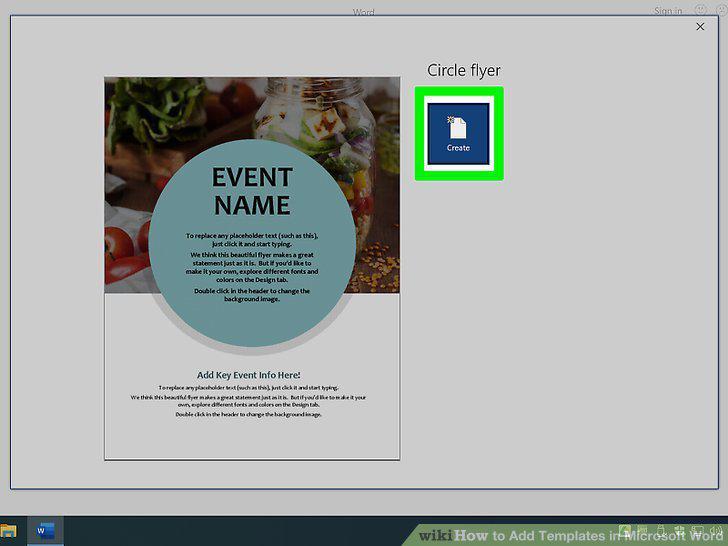
Click Create to use the template.
Create your document from the template.
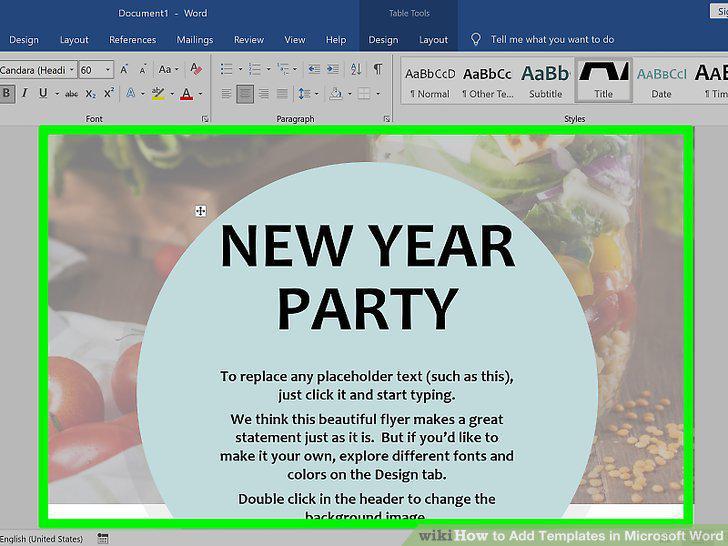
Create your document from the template.
Save your edited file as a Word document.
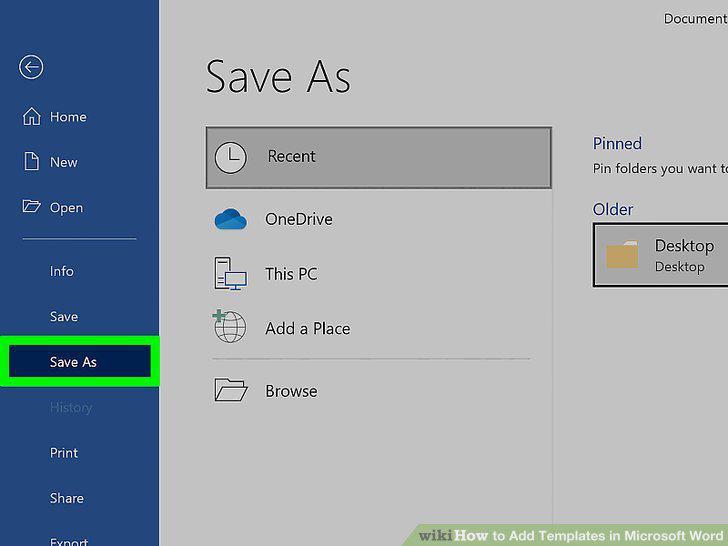
Save your edited file as a Word document.
Go to https://templates.office.com in a web browser.
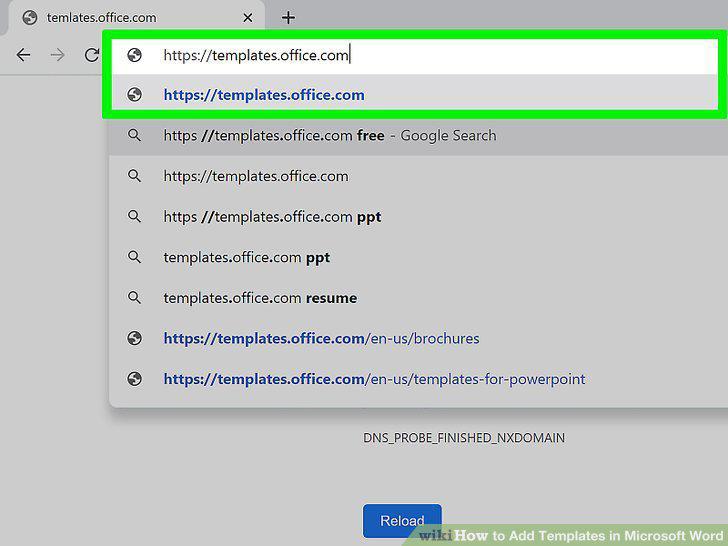
Go to https://templates.office.com in a web browser.
Search or browse for a template.
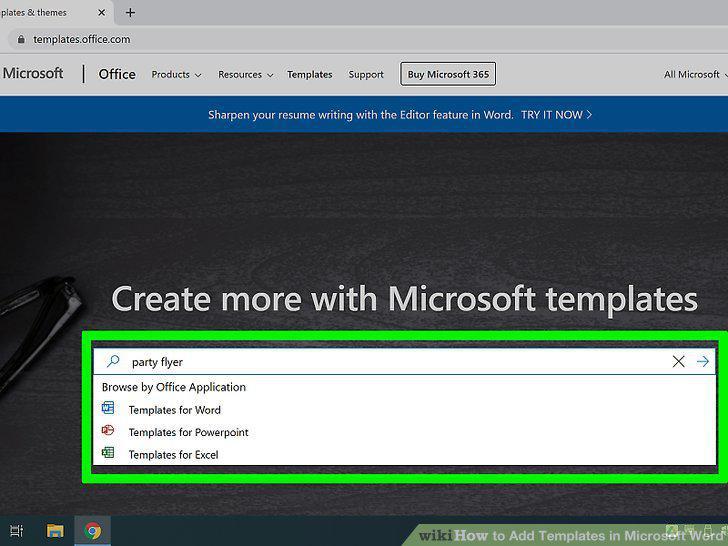
Search or browse for a template.
Click a template to see a preview.

Click a template to see a preview.
Click Download to download a template.
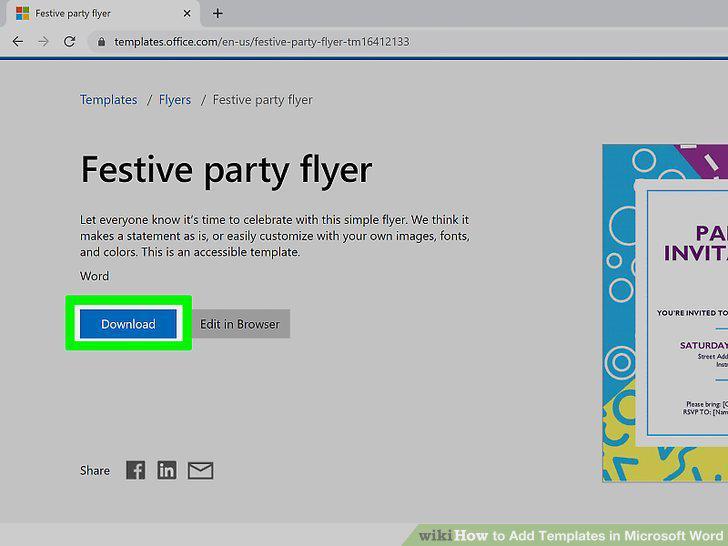
Click Download to download a template.
Click the downloaded template.
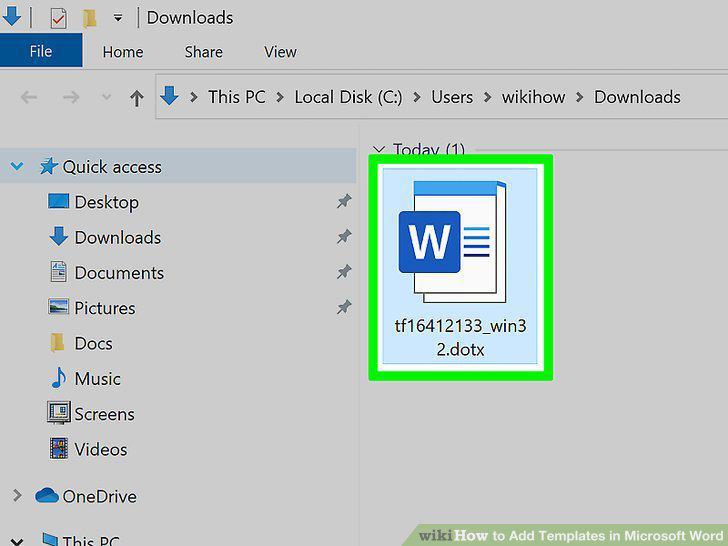
Click the downloaded template.
Click Enable Editing to edit the template.
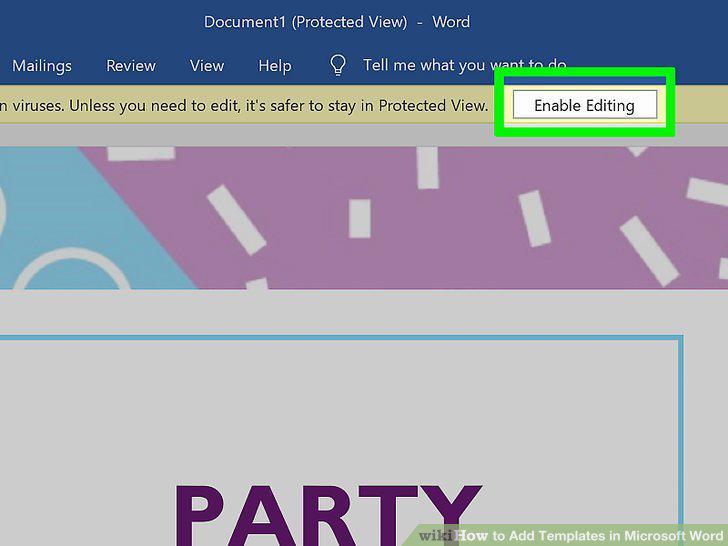
Click Enable Editing to edit the template.
Create your document from the template.
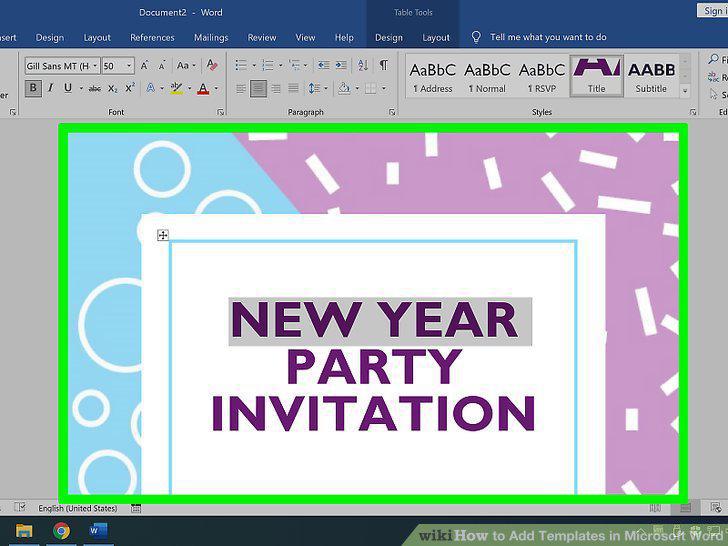
Create your document from the template.
Save your edited file as a Word document.
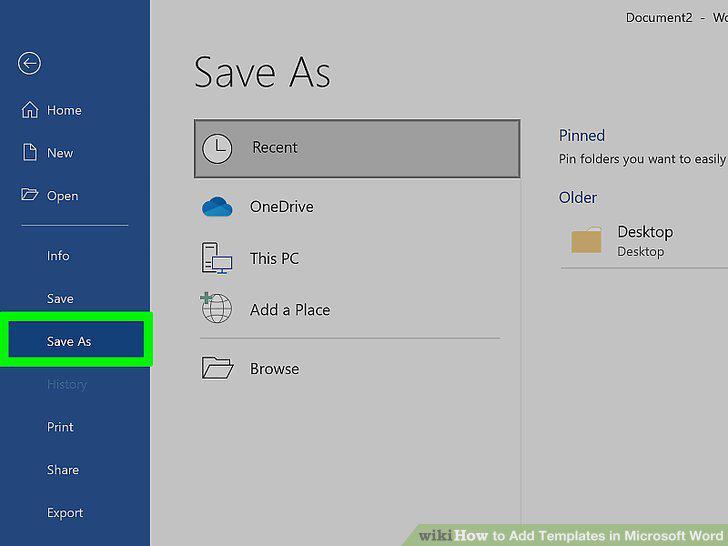
Save your edited file as a Word document.
Create a new Microsoft Word document.
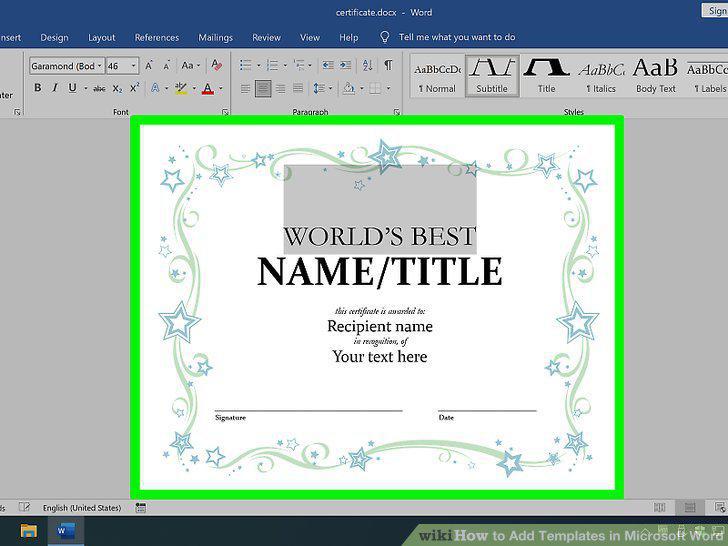
Create a new Microsoft Word document.
Save the file as a template.
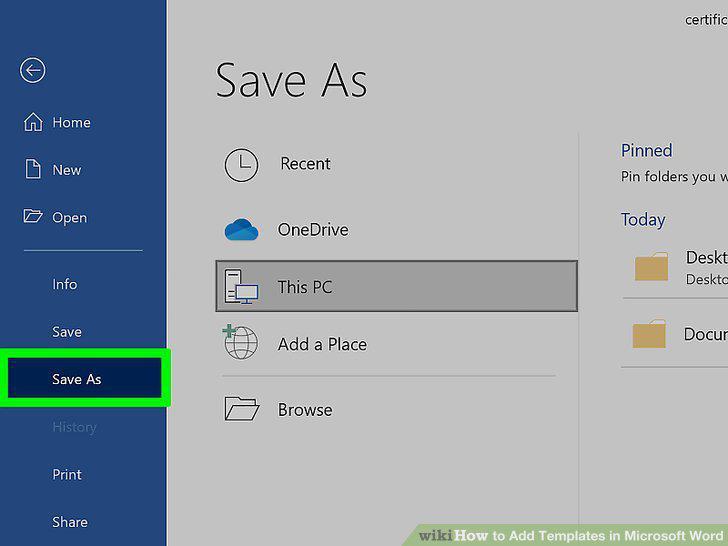
Save the file as a template.
Set up the file with everything you want in the template.
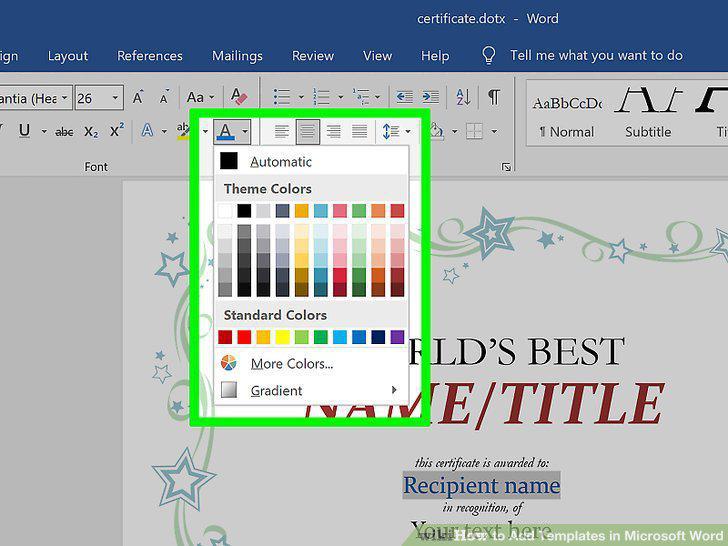
Set up the file with everything you want in the template.
Save your template after you're finished editing it.
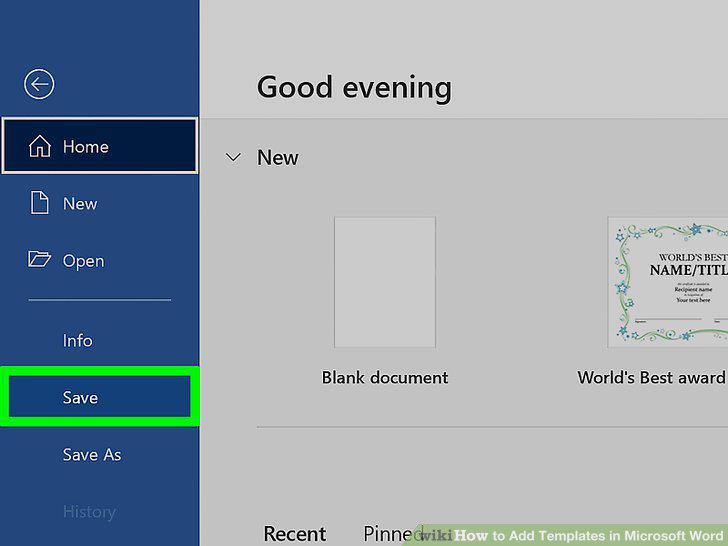
Save your template after you're finished editing it.
Create a new file using your custom template.
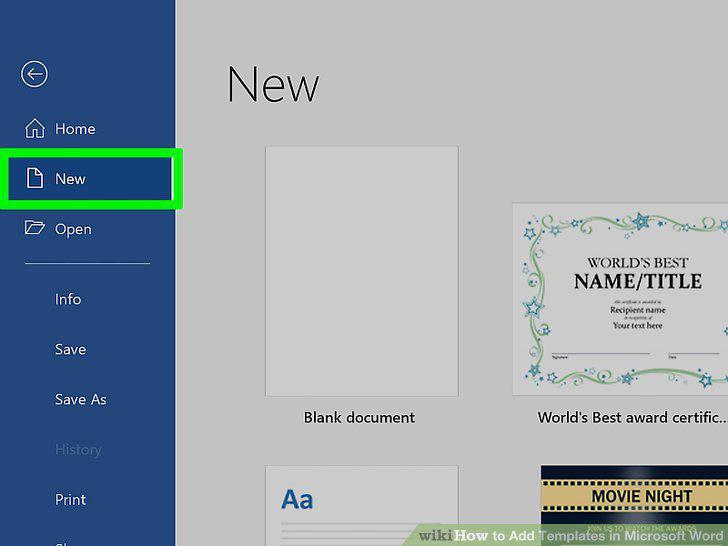
Create a new file using your custom template.
Comments (0)
No comments yet. Be the first to share your thoughts!