How to Restore Firefox Settings
Open the Troubleshooting Information page.. Refresh Firefox's settings.. Restart the Firefox Browser.
Steps
1
Open the Troubleshooting Information page.
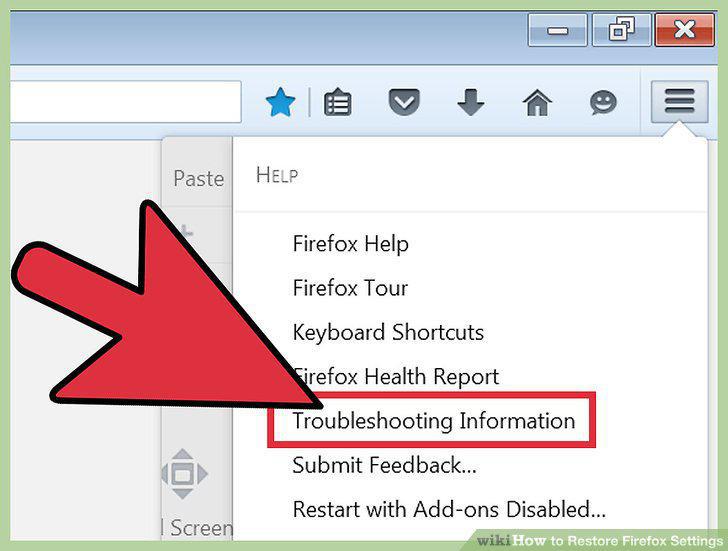
Open the Troubleshooting Information page.
2
Refresh Firefox's settings.
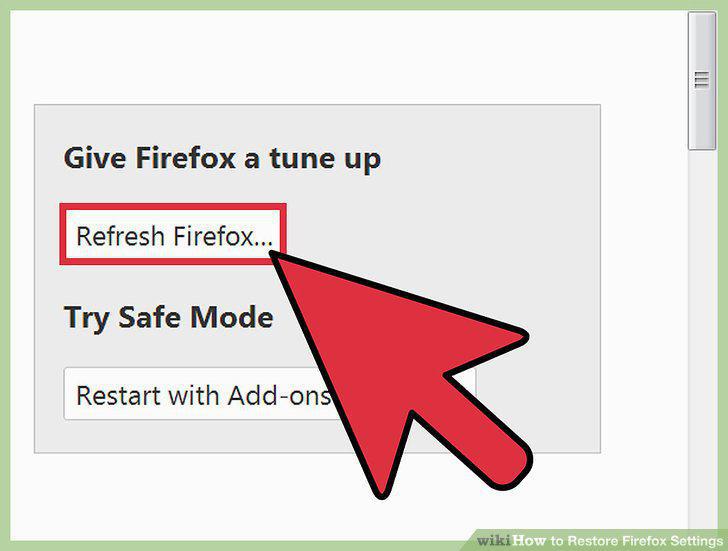
Refresh Firefox's settings.
3
Restart the Firefox Browser.
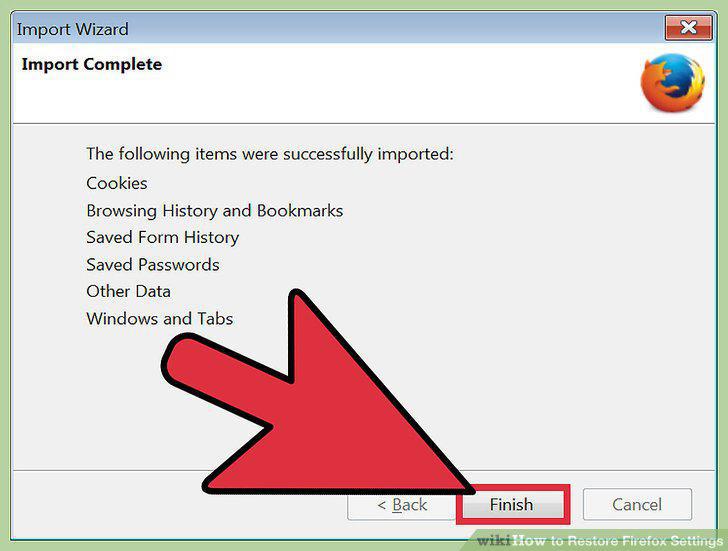
Restart the Firefox Browser.
4
Open the Troubleshooting Information page.
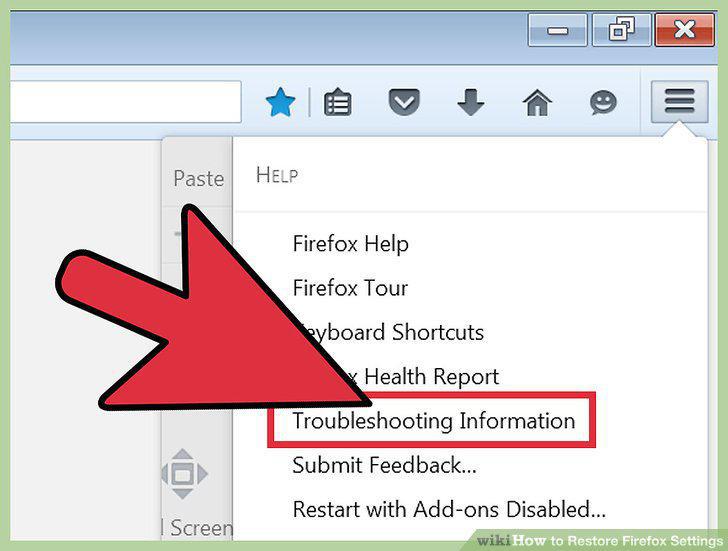
Open the Troubleshooting Information page.
5
Locate your profile's folder.
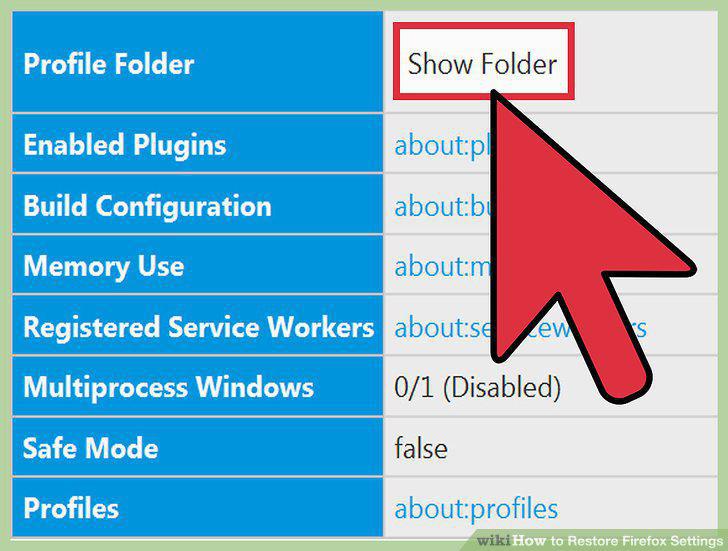
Locate your profile's folder.
6
Delete the preferences files.
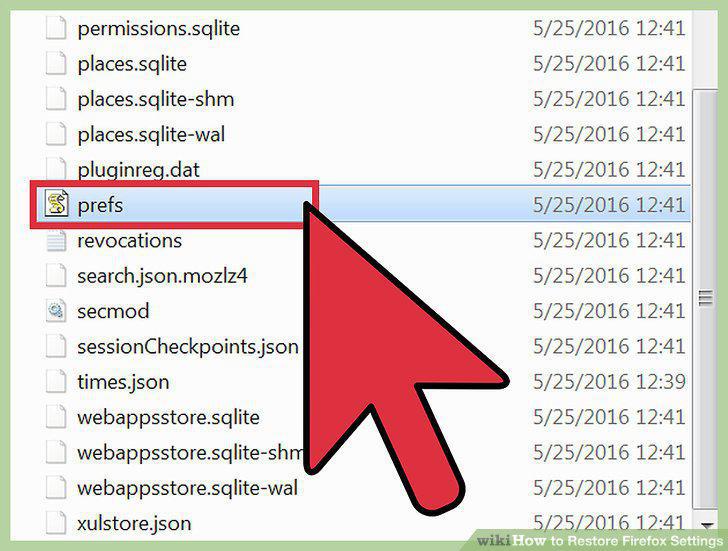
Delete the preferences files.
7
Re-open Firefox and close the file explorer window.
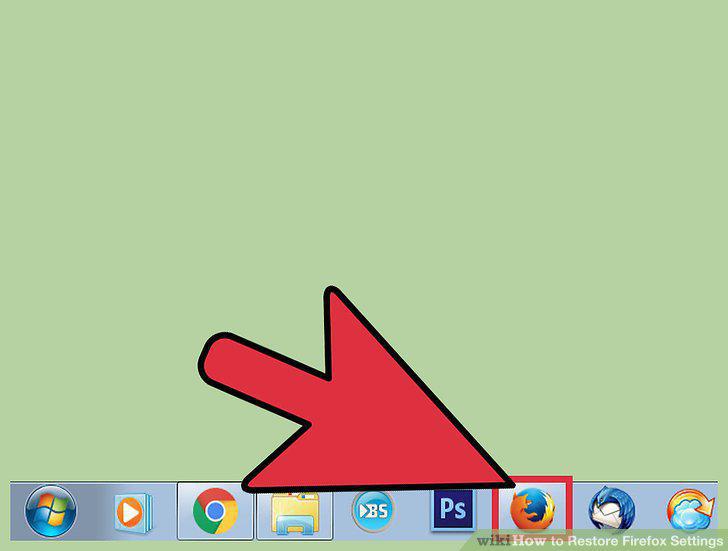
Re-open Firefox and close the file explorer window.
8
Open the Troubleshooting Information page.
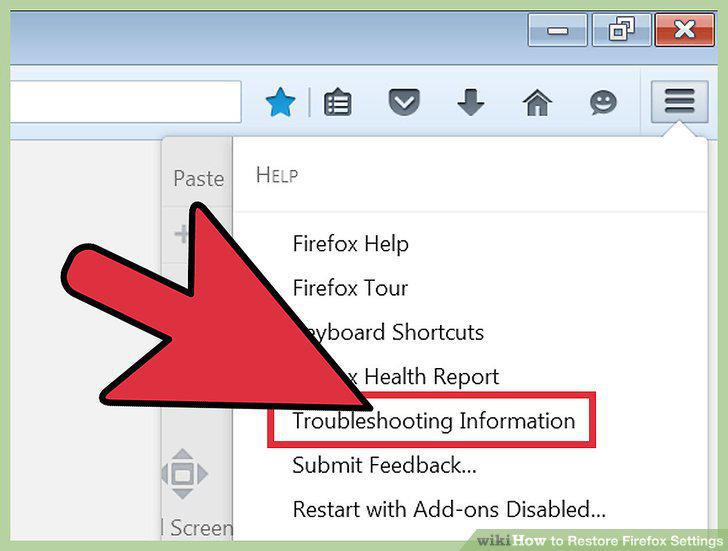
Open the Troubleshooting Information page.
9
Locate and open your profile folder.
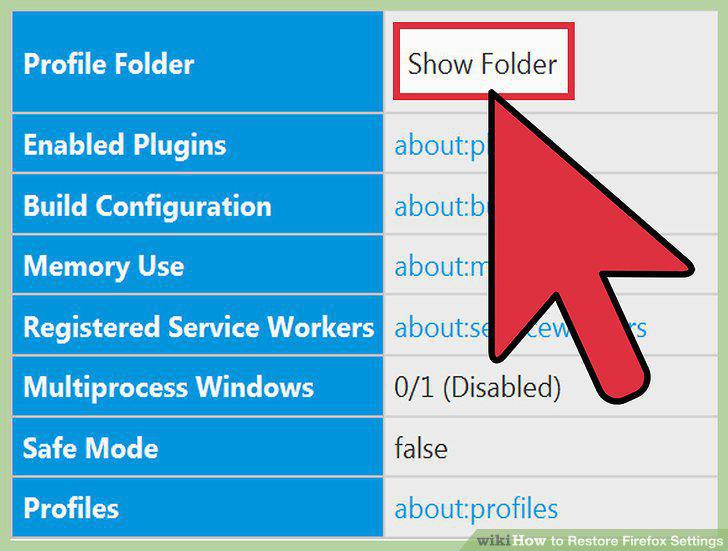
Locate and open your profile folder.
10
Back up your profile.
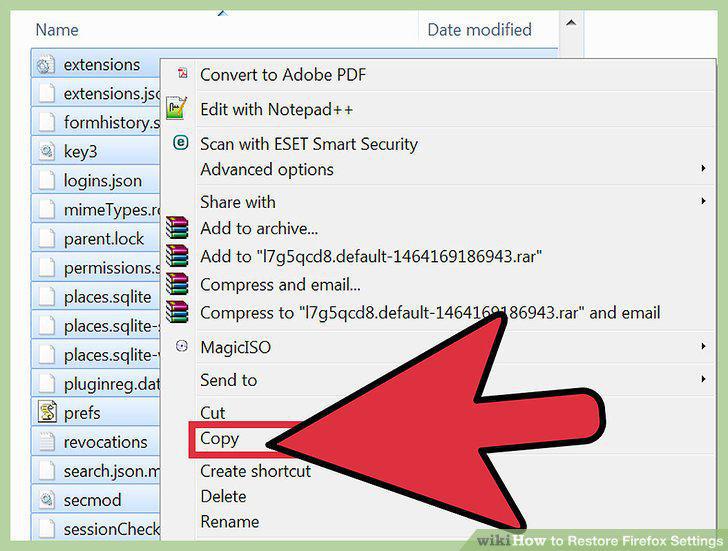
Back up your profile.
11
Restore your profile content from your backup folder.
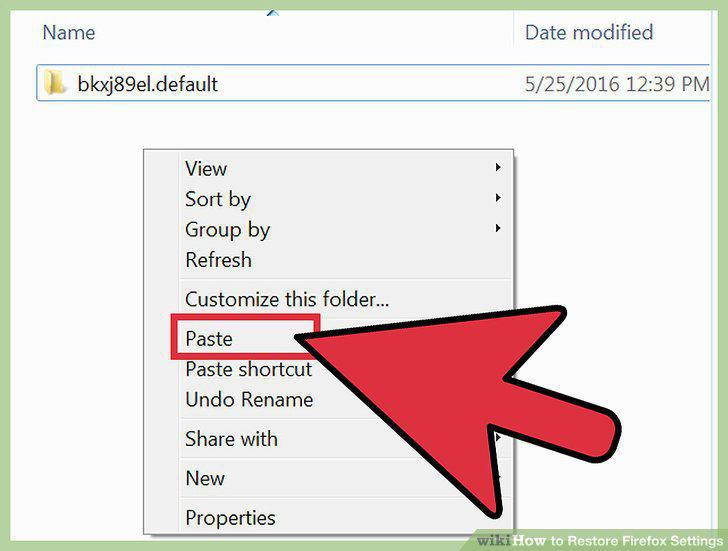
Restore your profile content from your backup folder.
12
Restore your profile content to a new installation of Firefox.
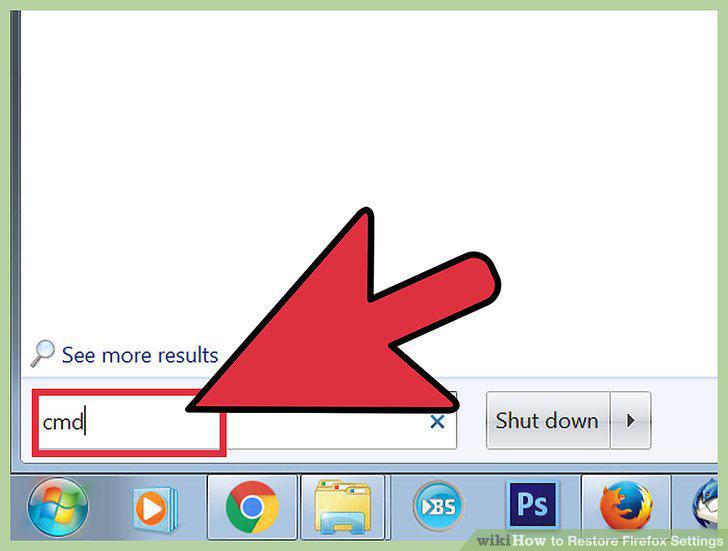
Restore your profile content to a new installation of Firefox.
Comments (0)
No comments yet. Be the first to share your thoughts!