How to View XML Files
Find the XML file.. Right-click the XML file.. Select Open with.
Steps
1
Find the XML file.
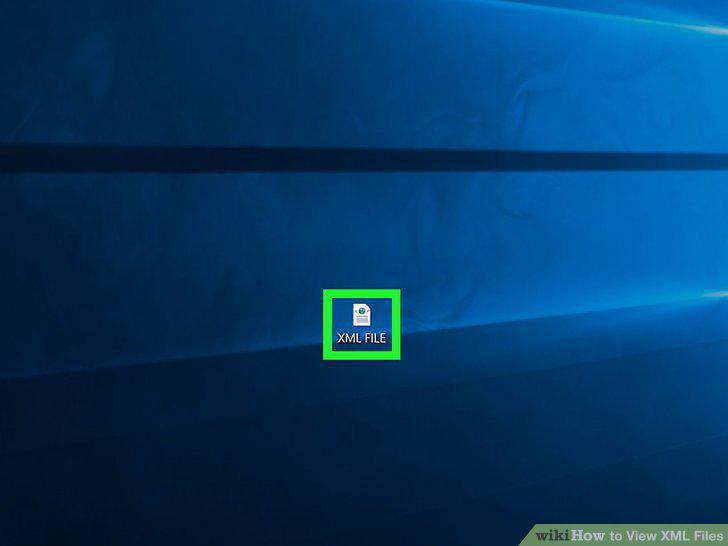
Find the XML file.
2
Right-click the XML file.
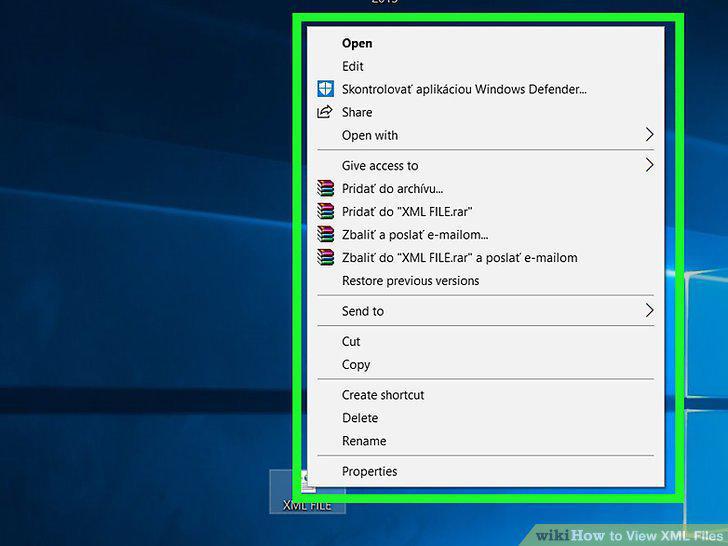
Right-click the XML file.
3
Select Open with.
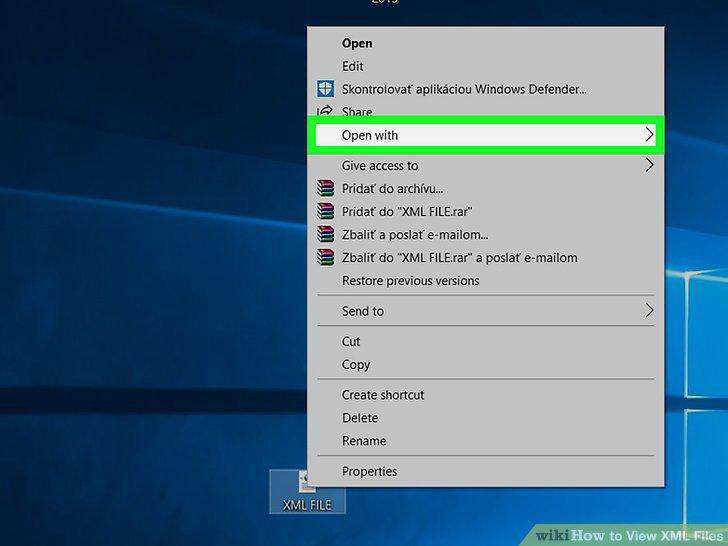
Select Open with.
4
Select your computer's text editor.
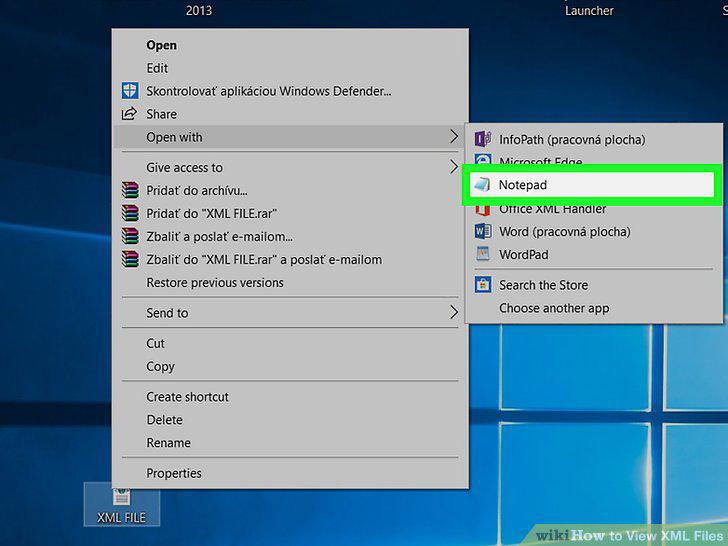
Select your computer's text editor.
5
Review the XML file's code.
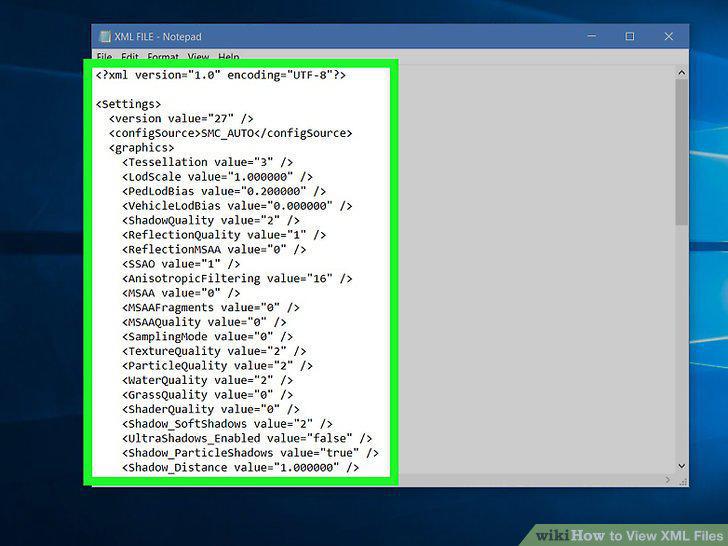
Review the XML file's code.
6
Open your preferred browser.
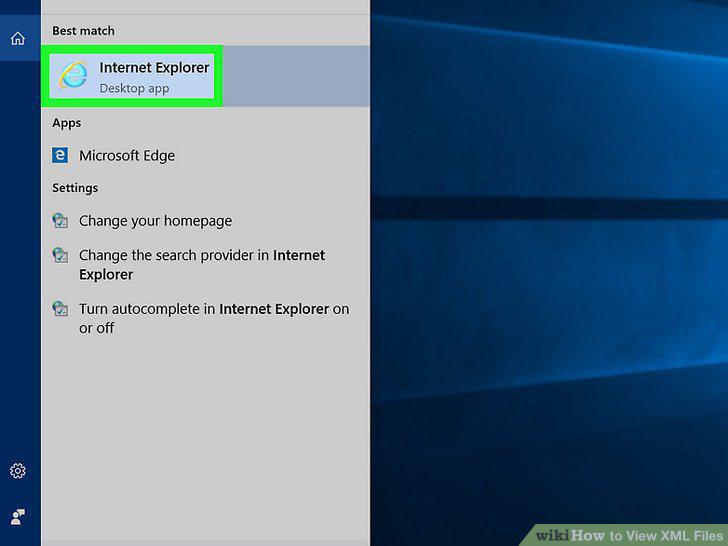
Open your preferred browser.
7
Open a new tab.
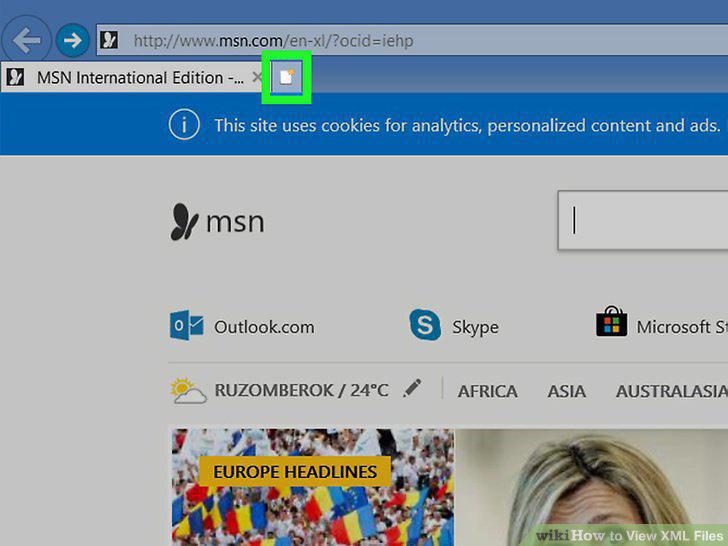
Open a new tab.
8
Drag the XML file into your browser.
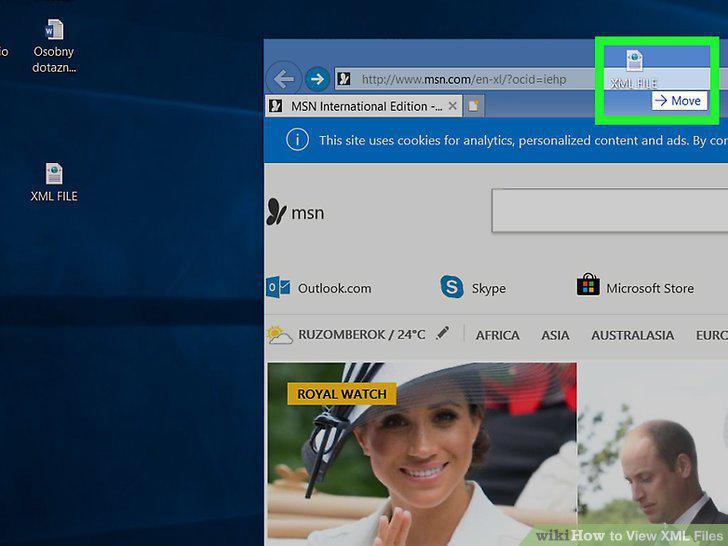
Drag the XML file into your browser.
9
Review the results.
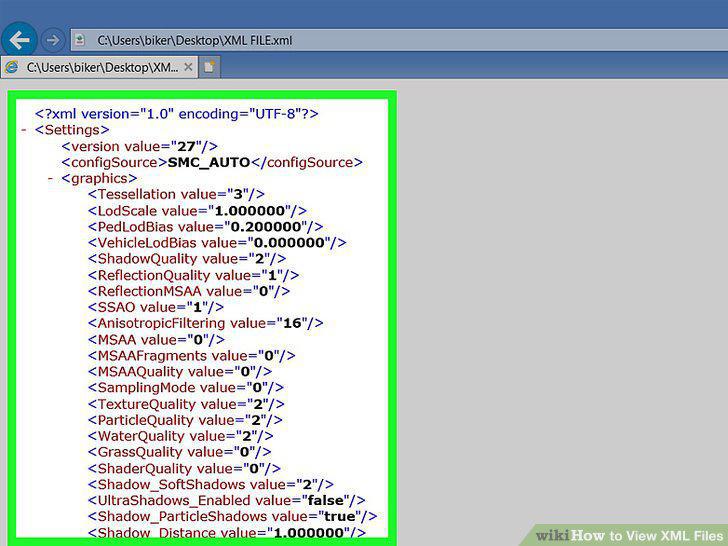
Review the results.
10
Open the XML Viewer website.
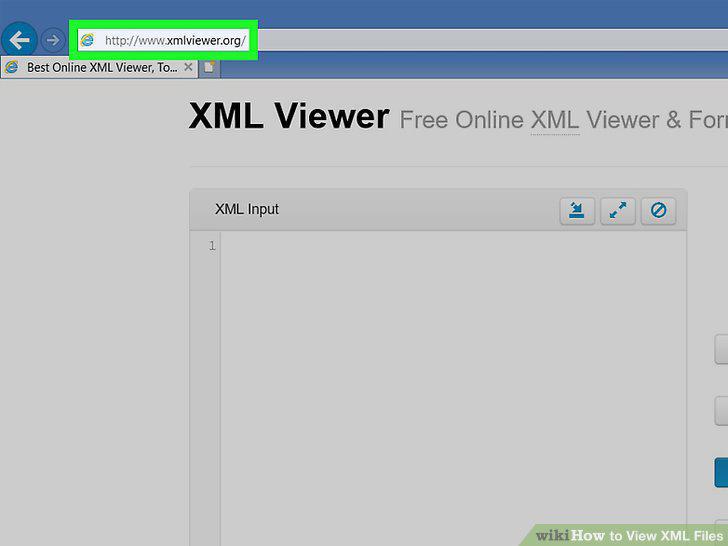
Open the XML Viewer website.
11
Click Browse.
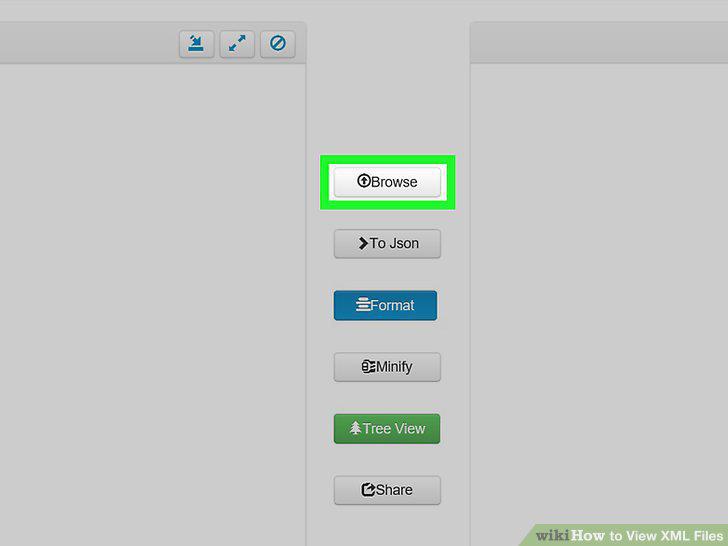
Click Browse.
12
Select your XML file.
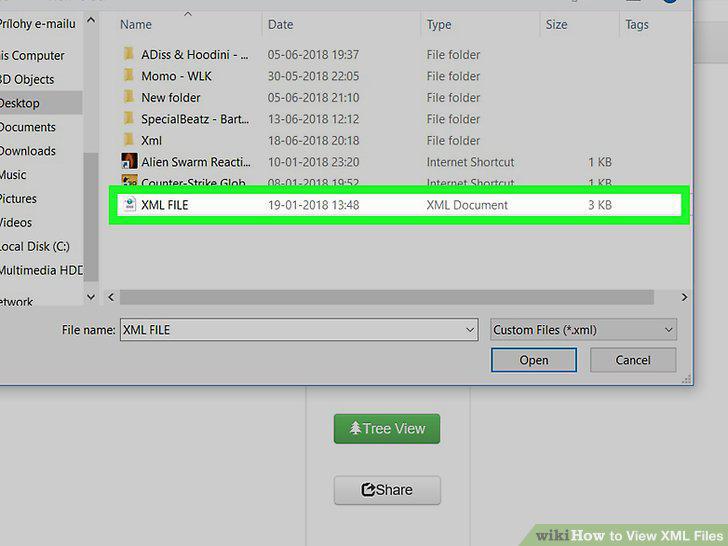
Select your XML file.
13
Click Open.
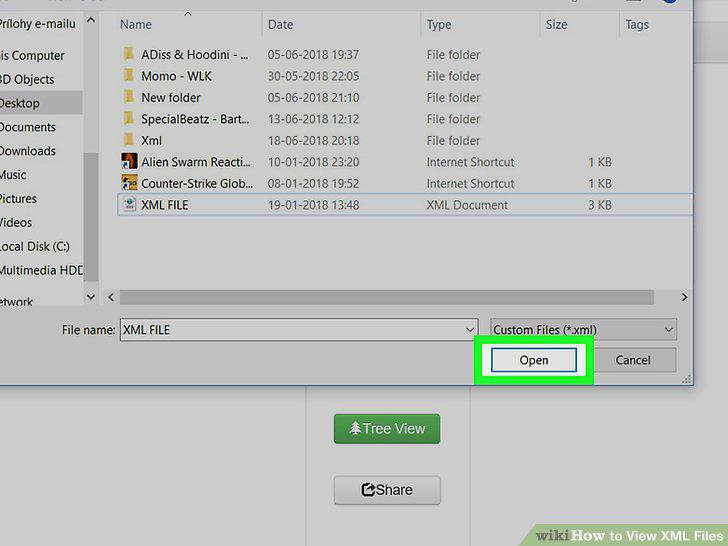
Click Open.
14
Click Format.
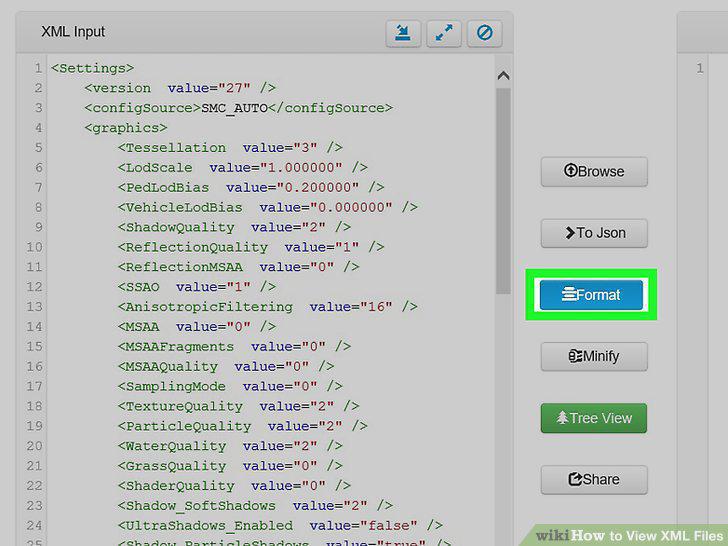
Click Format.
15
Use the file's "Tree" view.
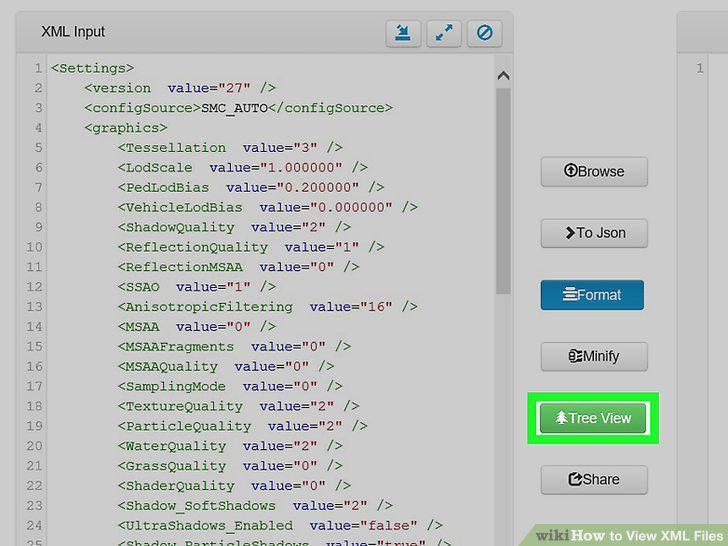
Use the file's "Tree" view.
Comments (0)
No comments yet. Be the first to share your thoughts!