How to Record Instagram Live on Android
Download a screen recorder from the Play Store.. Open the app once its installed.. Read the tutorial.
Steps
1
Download a screen recorder from the Play Store.
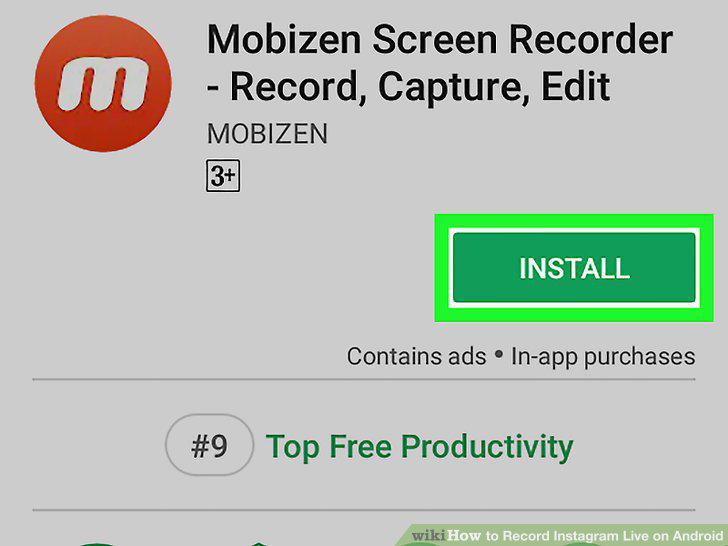
Download a screen recorder from the Play Store.
2
Open the app once its installed.
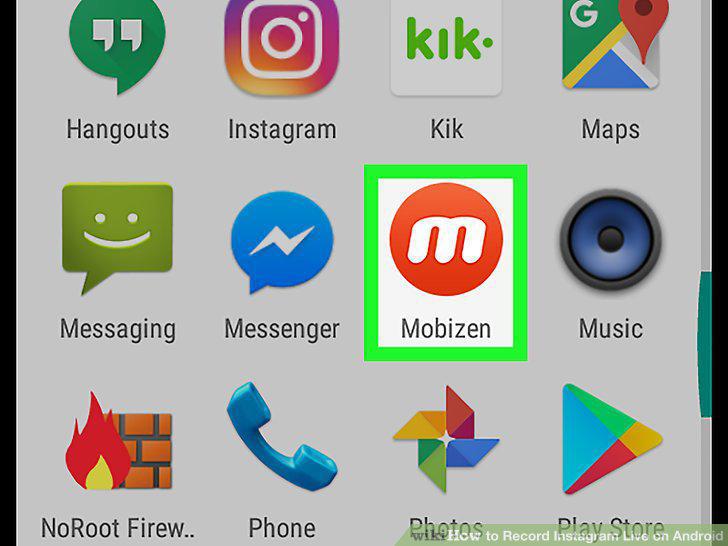
Open the app once its installed.
3
Read the tutorial.
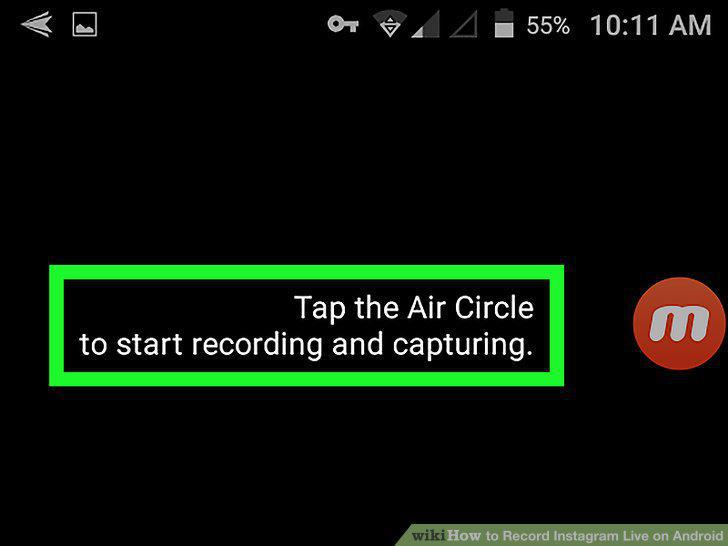
Read the tutorial.
4
Open Instagram.
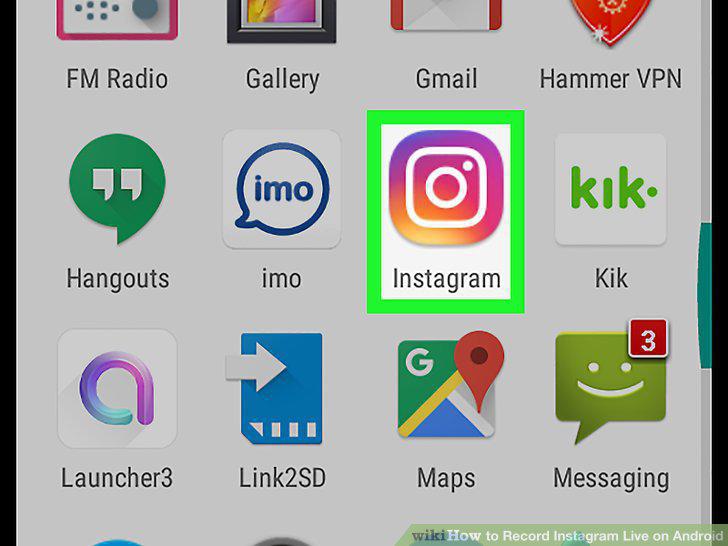
Open Instagram.
5
Go to the Live stream you want to record.
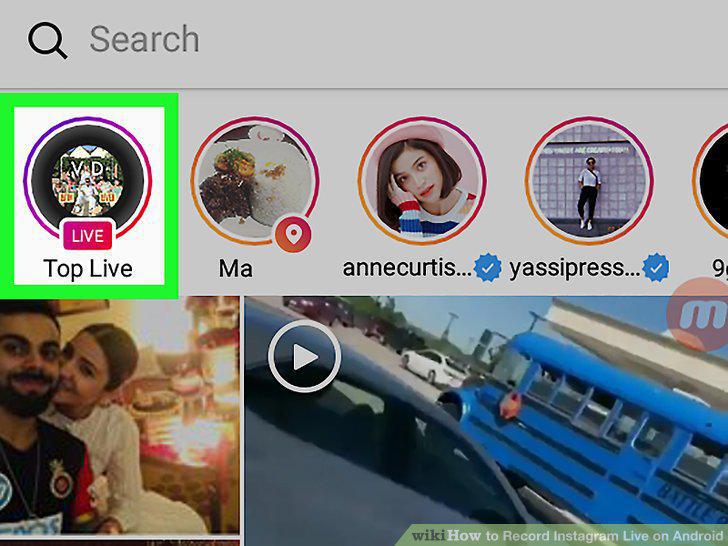
Go to the Live stream you want to record.
6
Tap the screen recorder icon.
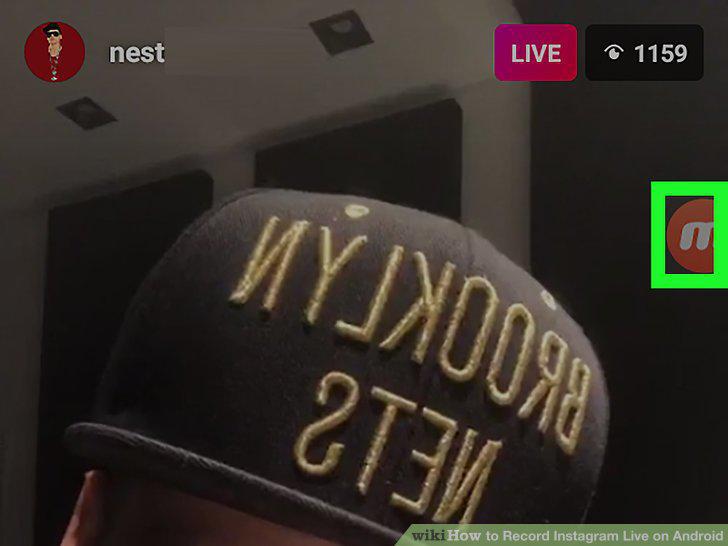
Tap the screen recorder icon.
7
Tap the record button.
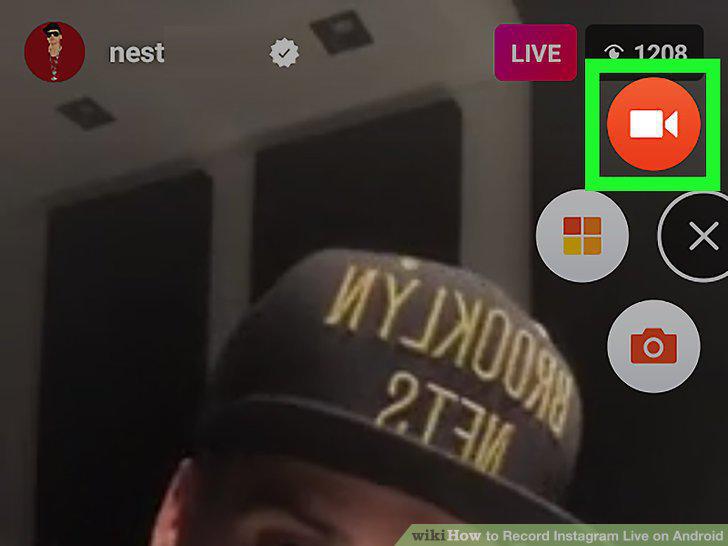
Tap the record button.
8
Tap the Stop button.
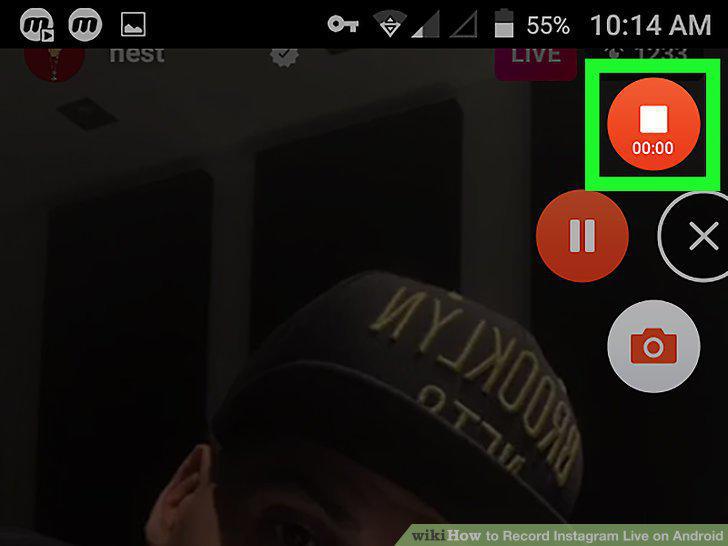
Tap the Stop button.
Comments (0)
No comments yet. Be the first to share your thoughts!