How to Activate a Double Tap Screen
Open Settings .. Tap Lock screen.. Tap Always On Display.
Steps
1
Open Settings .
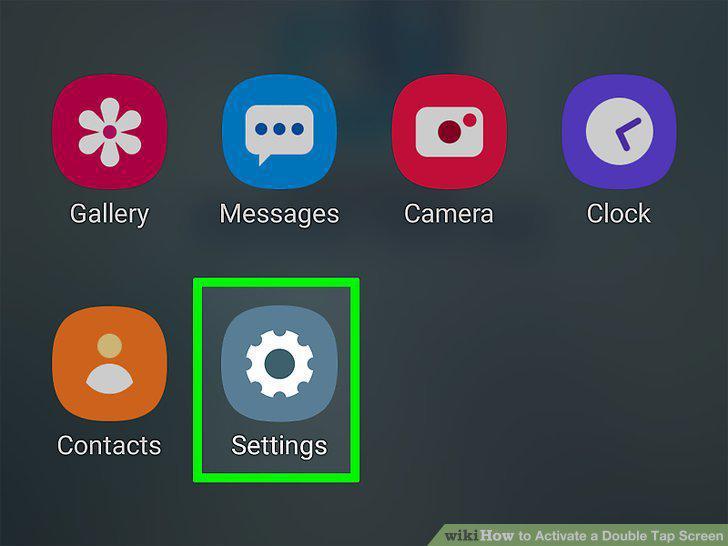
Open Settings .
2
Tap Lock screen.
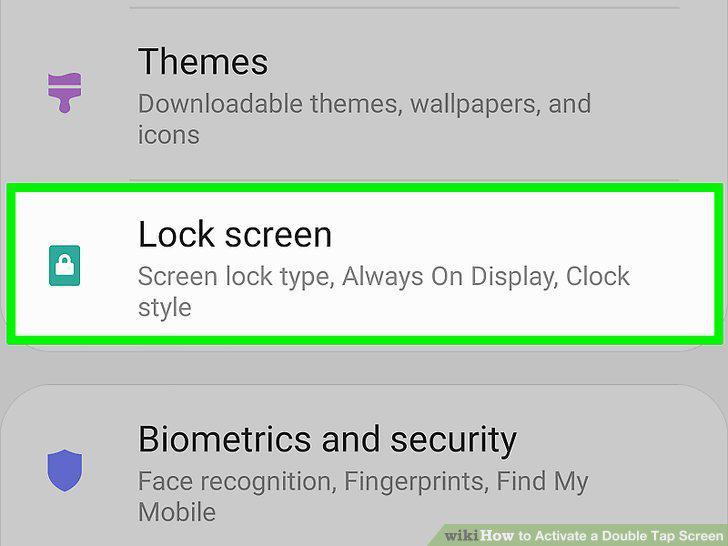
Tap Lock screen.
3
Tap Always On Display.
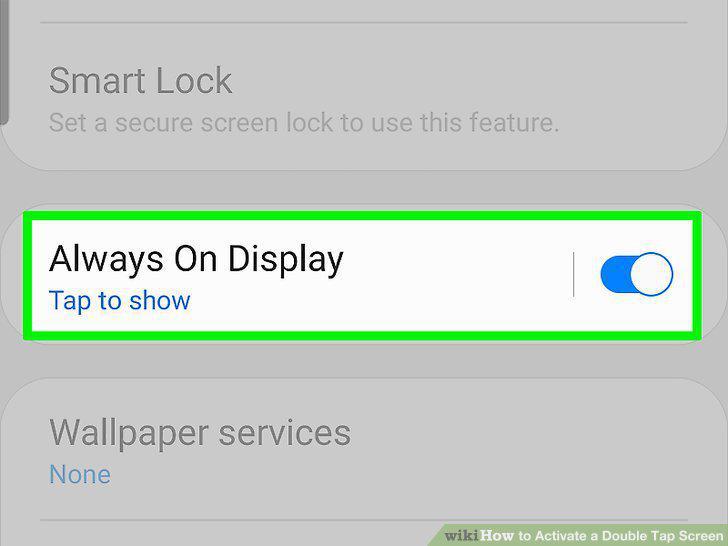
Tap Always On Display.
4
Select Tap to show.
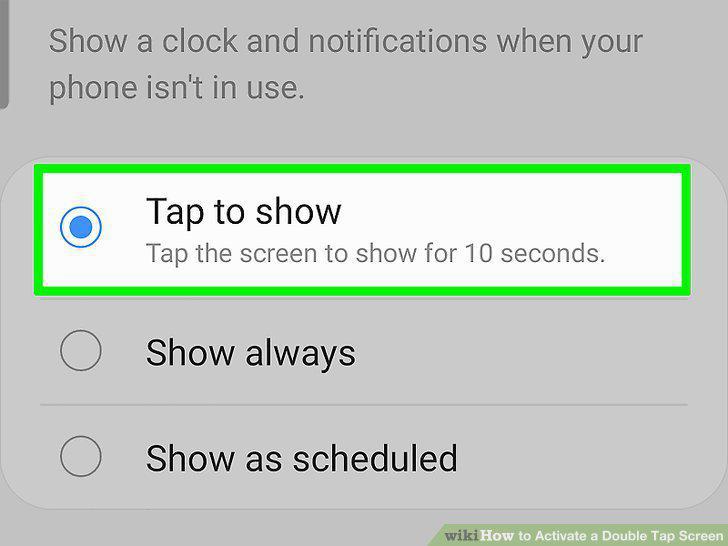
Select Tap to show.
5
Go to Settings .
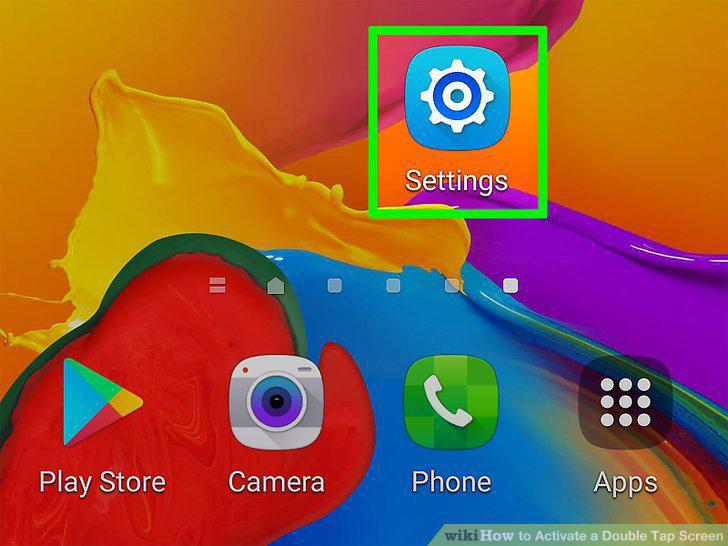
Go to Settings .
6
Tap Gestures.
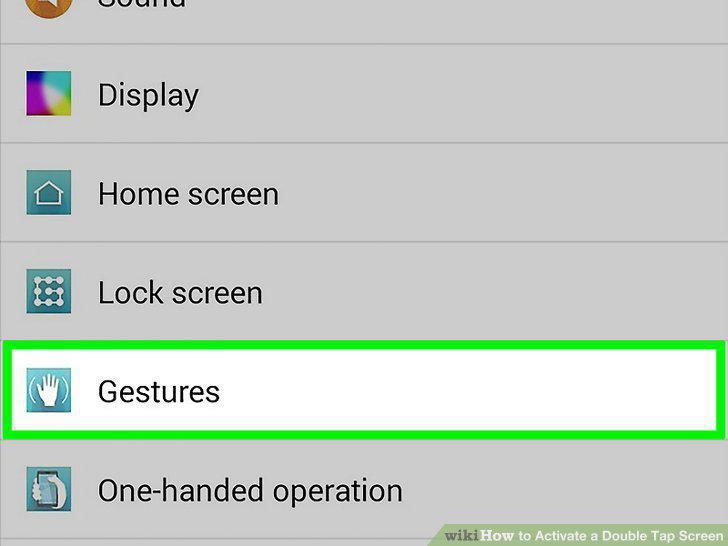
Tap Gestures.
7
Select the KnockON checkbox .
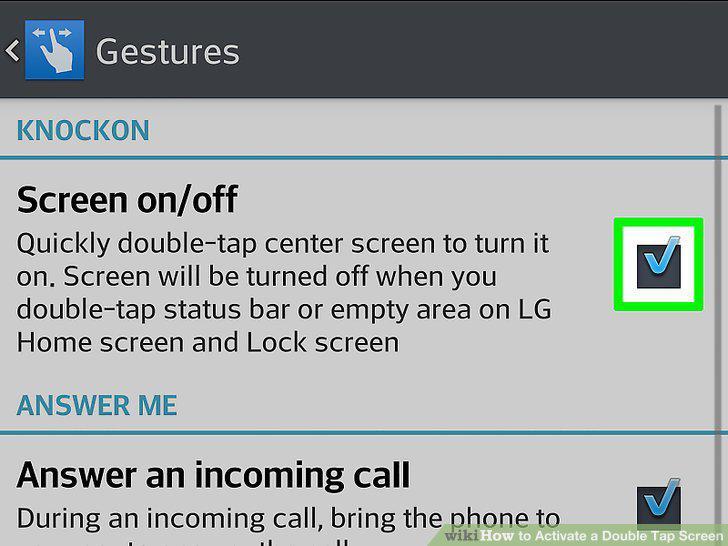
Select the KnockON checkbox .
8
Open Settings .
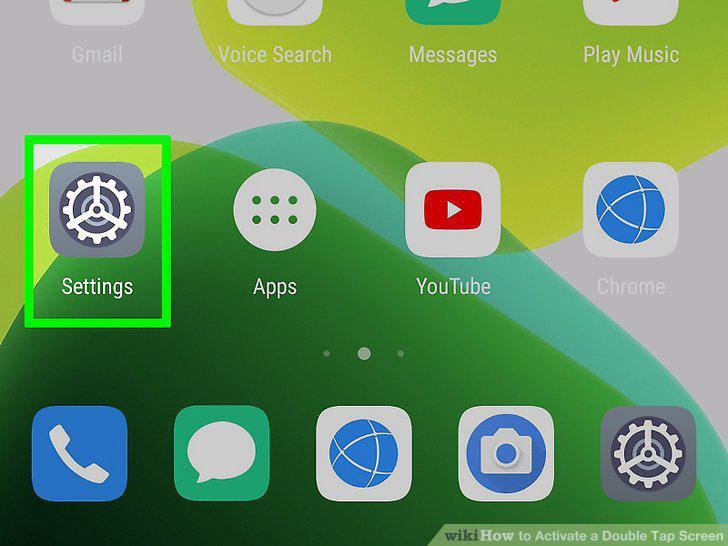
Open Settings .
9
Tap Smart Assistance.
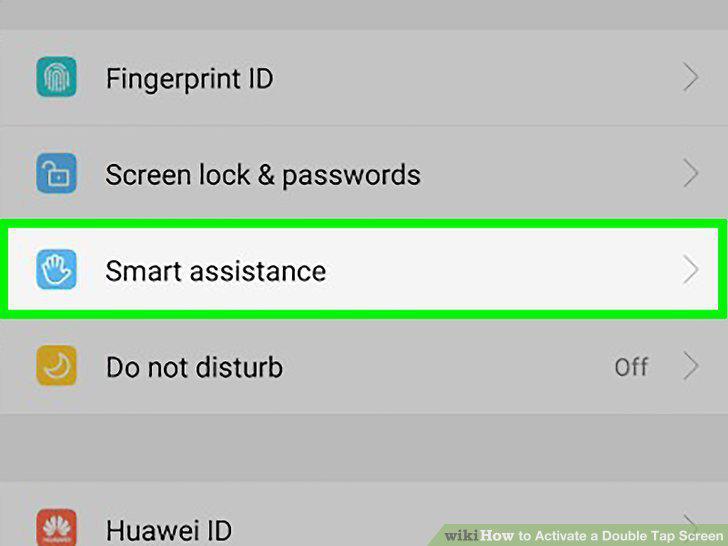
Tap Smart Assistance.
10
Tap Shortcuts & gestures.
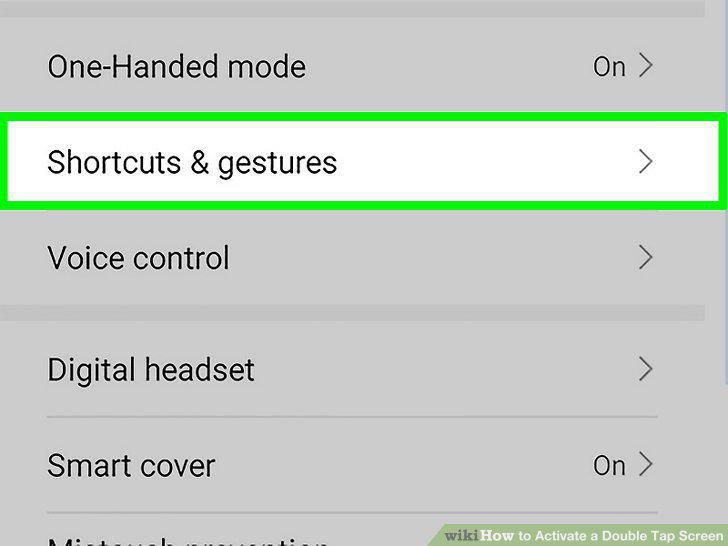
Tap Shortcuts & gestures.
11
Tap Wake screen.
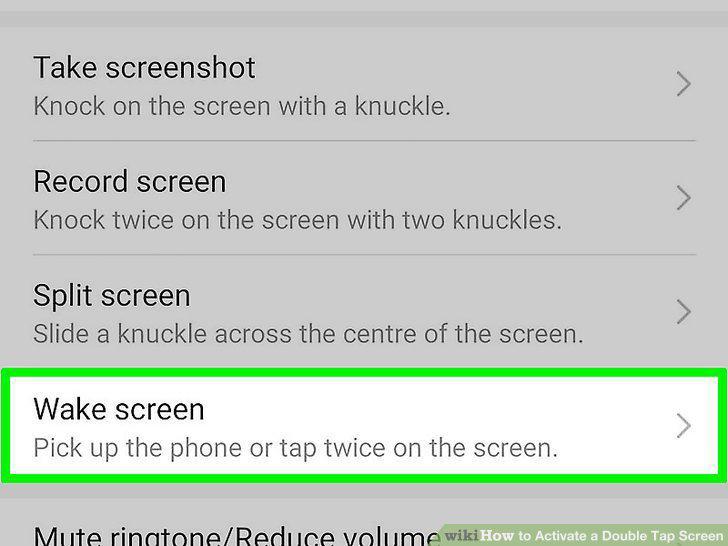
Tap Wake screen.
12
Tap the switch to turn it on next to "Double-tap to wake.
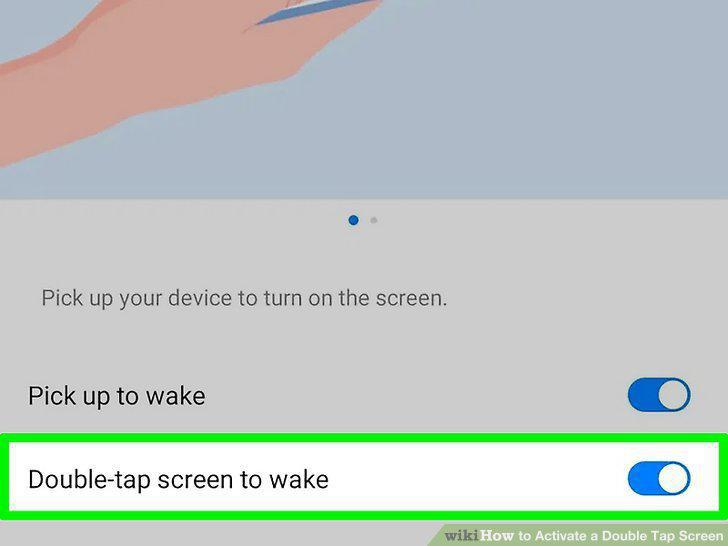
Tap the switch to turn it on next to "Double-tap to wake.
Comments (0)
No comments yet. Be the first to share your thoughts!