How to Change Plan on Hulu on Android
Open your Android's browser and go to https://www.hulu.com.. Scroll down and tap MANAGE ACCOUNT.. Tap Manage under the "Add-ons" header.
Steps
1
Open your Android's browser and go to https://www.hulu.com.
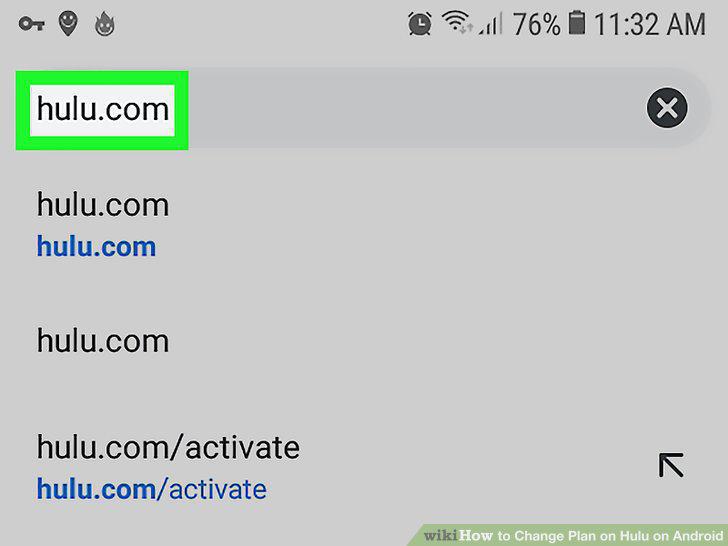
Open your Android's browser and go to https://www.hulu.com.
2
Scroll down and tap MANAGE ACCOUNT.
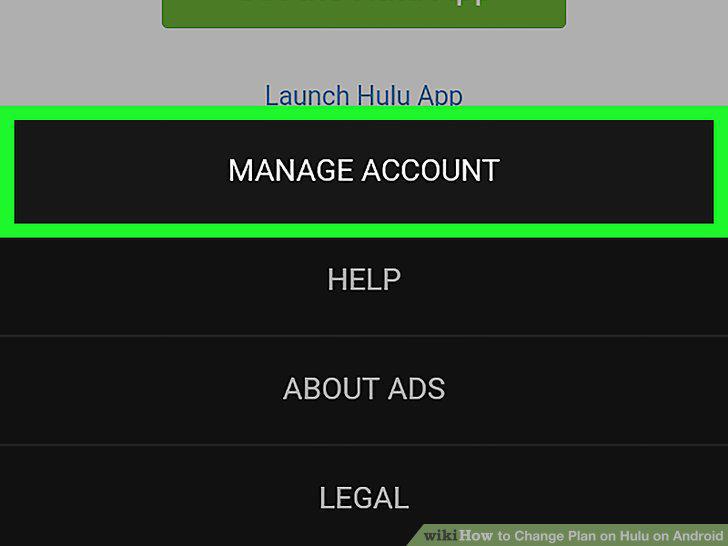
Scroll down and tap MANAGE ACCOUNT.
3
Tap Manage under the "Add-ons" header.
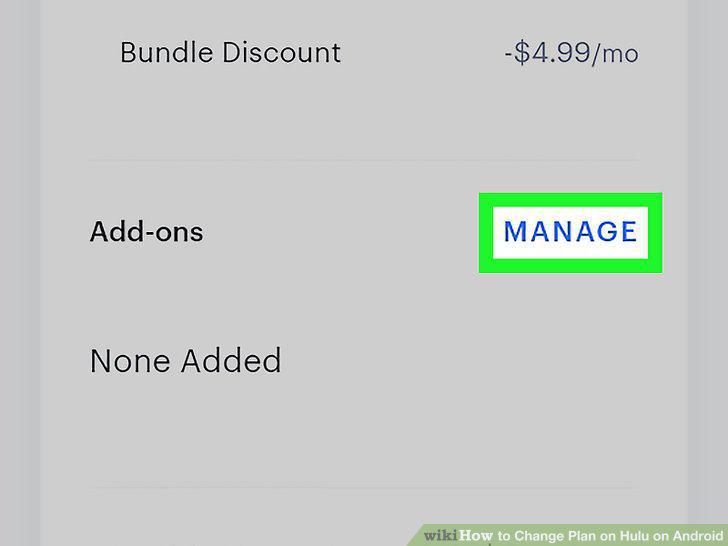
Tap Manage under the "Add-ons" header.
4
Toggle the switch below the desired plan to the On position.

Toggle the switch below the desired plan to the On position.
5
Tap Add This or Remove This to add/remove add-ons.
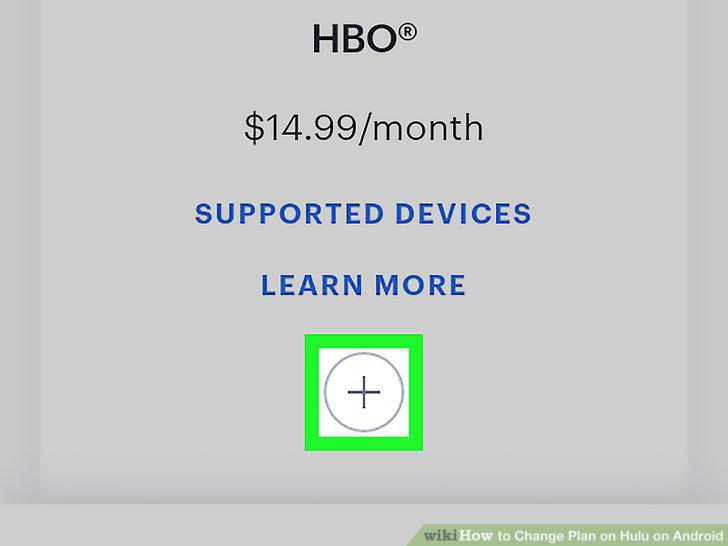
Tap Add This or Remove This to add/remove add-ons.
6
Tap Continue.
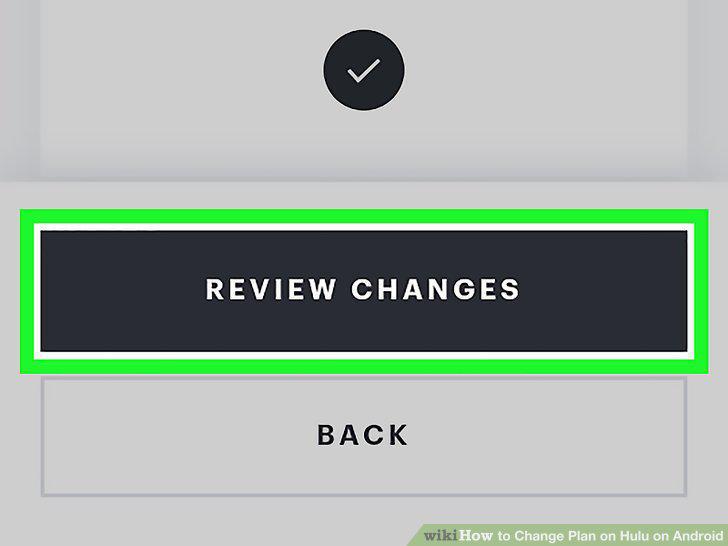
Tap Continue.
Comments (0)
No comments yet. Be the first to share your thoughts!