How to Hide the Menu Bar on a Mac
Click the Apple menu.. Select "System Preferences.". Click the "General" option.
Steps
1
Click the Apple menu.
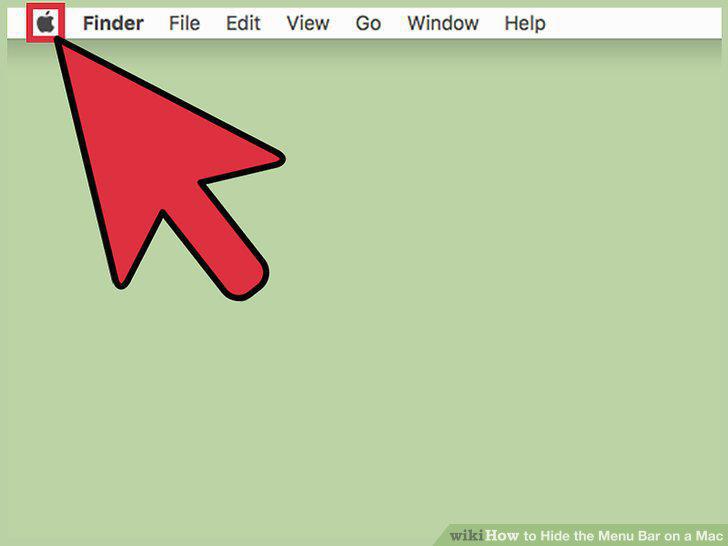
Click the Apple menu.
2
Select "System Preferences."
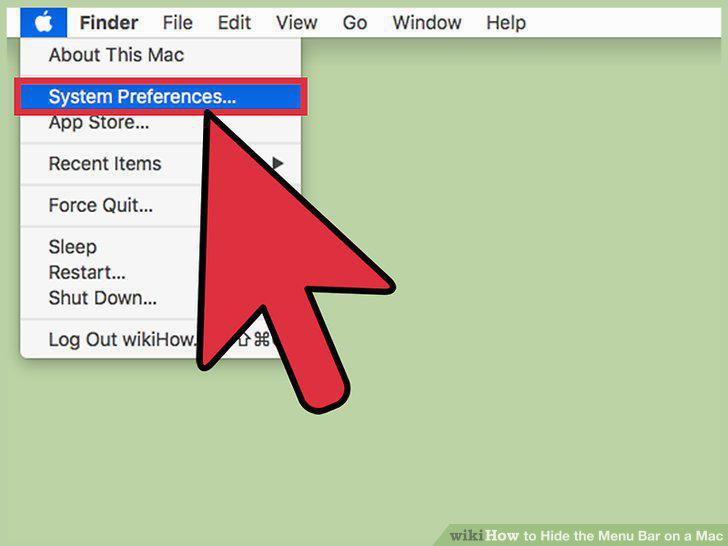
Select "System Preferences."
3
Click the "General" option.
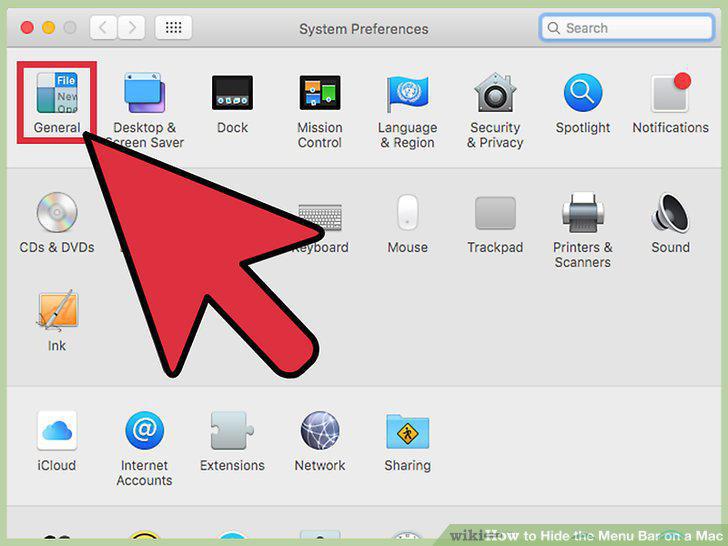
Click the "General" option.
4
Check the "Automatically hide and show the menu bar" box.
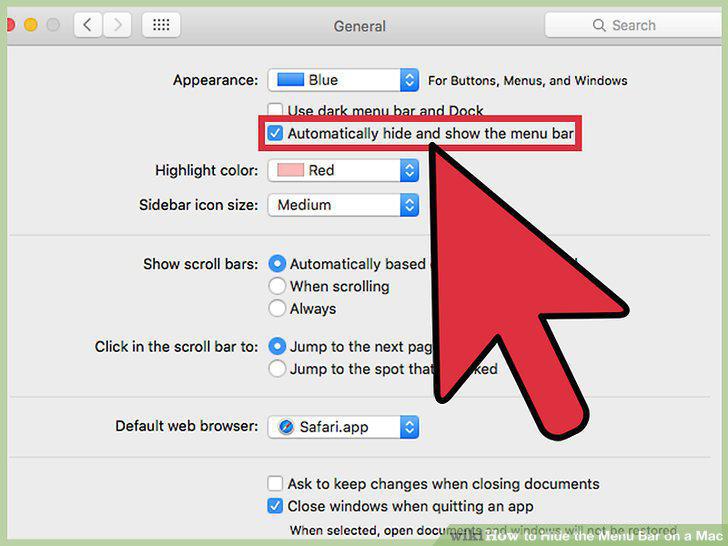
Check the "Automatically hide and show the menu bar" box.
5
Move your mouse to the top of the screen.
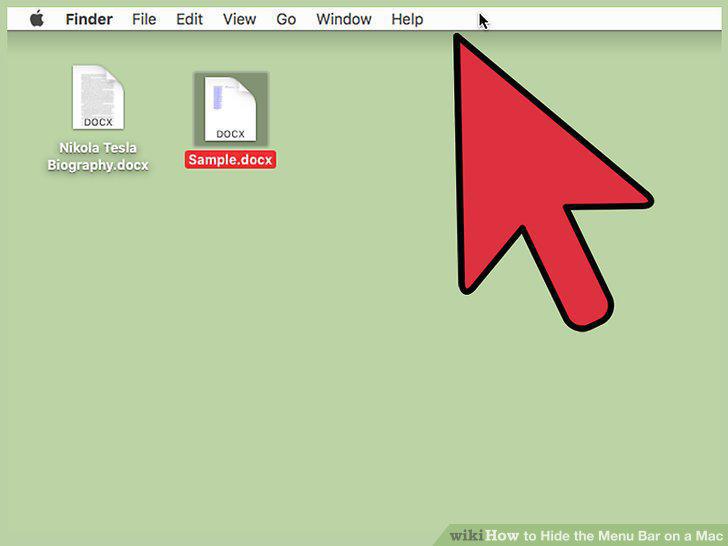
Move your mouse to the top of the screen.
6
Click the Apple menu.
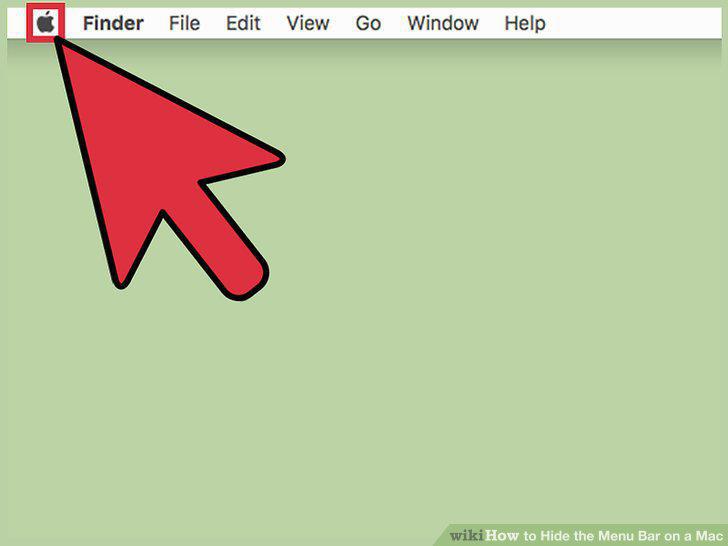
Click the Apple menu.
7
Select "System Preferences."
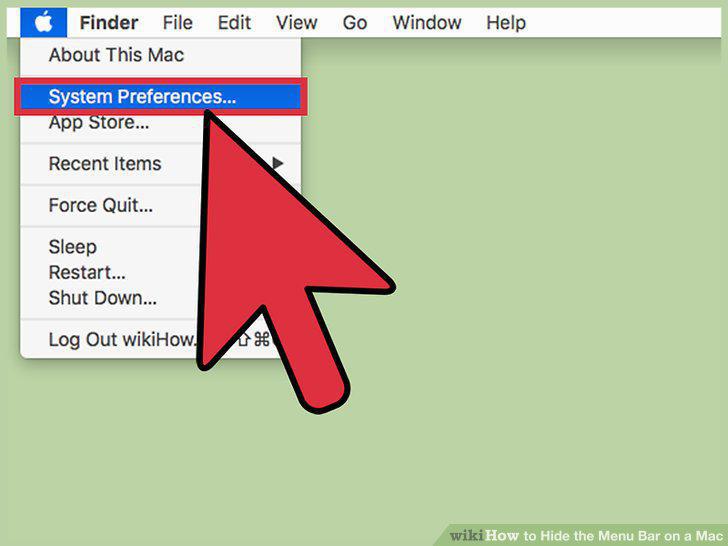
Select "System Preferences."
8
Click the "Dock" option.
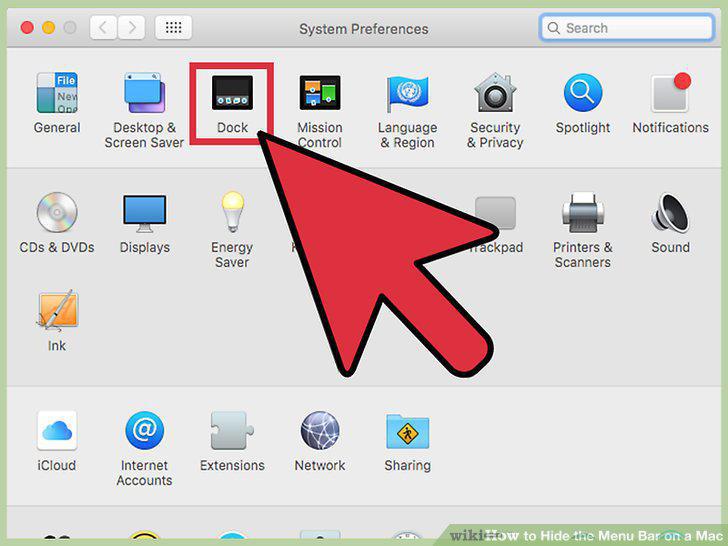
Click the "Dock" option.
9
Check the "Automatically hide and show the Dock" box.
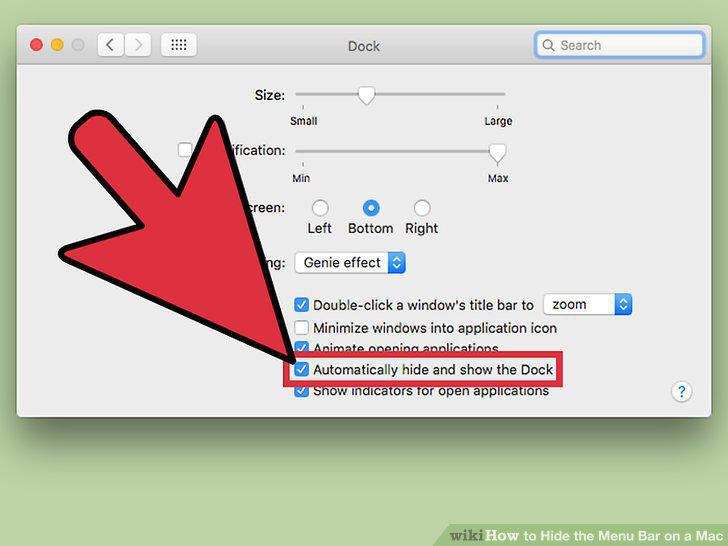
Check the "Automatically hide and show the Dock" box.
10
Move your mouse to the bottom of the screen.
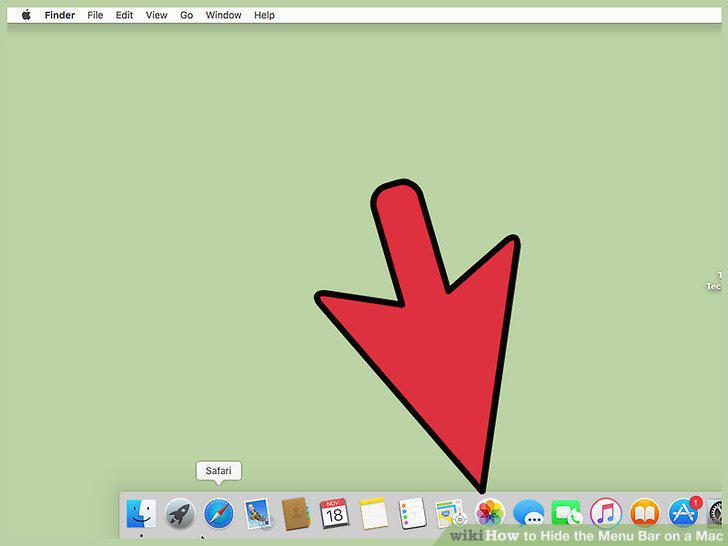
Move your mouse to the bottom of the screen.
Comments (0)
No comments yet. Be the first to share your thoughts!