How to Count Columns or Rows in Excel on PC or Mac
Open Microsoft Excel on your PC or Mac.. Click the spreadsheet you want to edit.. Click the letter above a column.
Steps
1
Open Microsoft Excel on your PC or Mac.
Open Microsoft Excel on your PC or Mac.
2
Click the spreadsheet you want to edit.
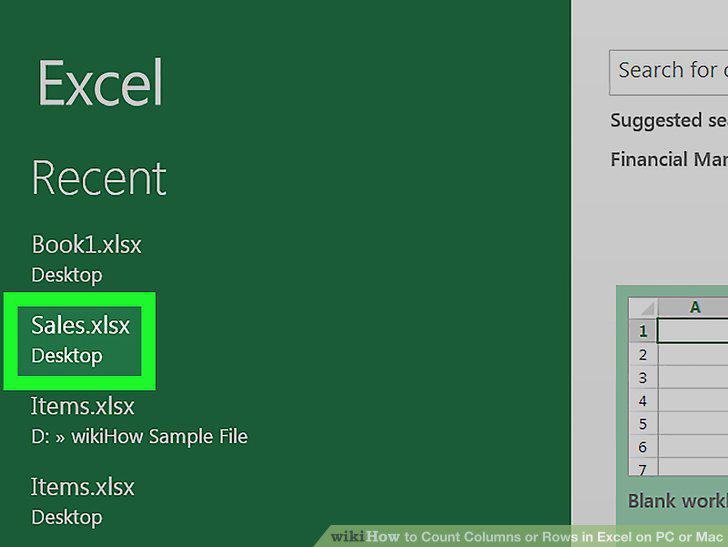
Click the spreadsheet you want to edit.
3
Click the letter above a column.
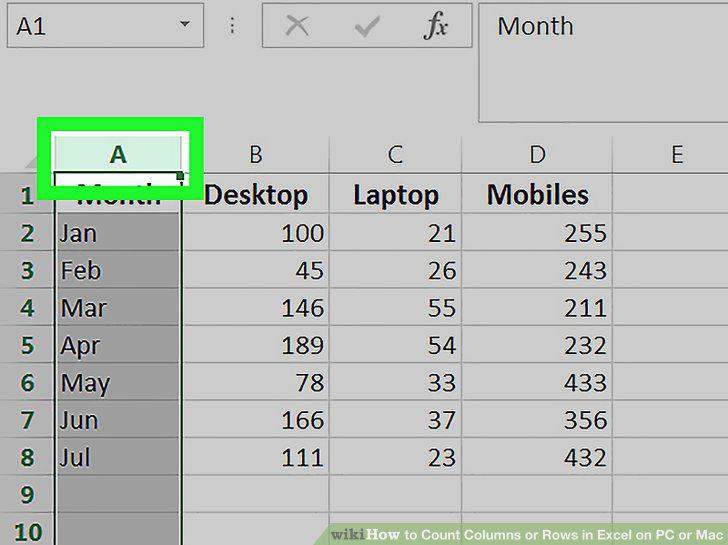
Click the letter above a column.
4
Click the number next to a row.
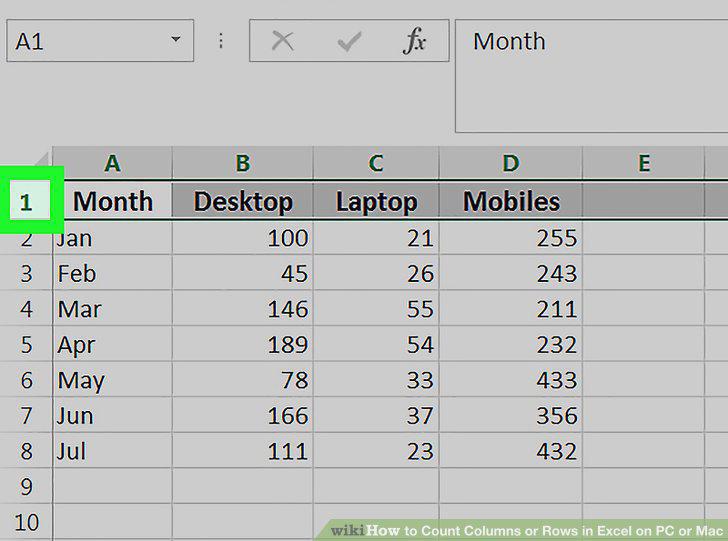
Click the number next to a row.
Comments (0)
No comments yet. Be the first to share your thoughts!